

Overview
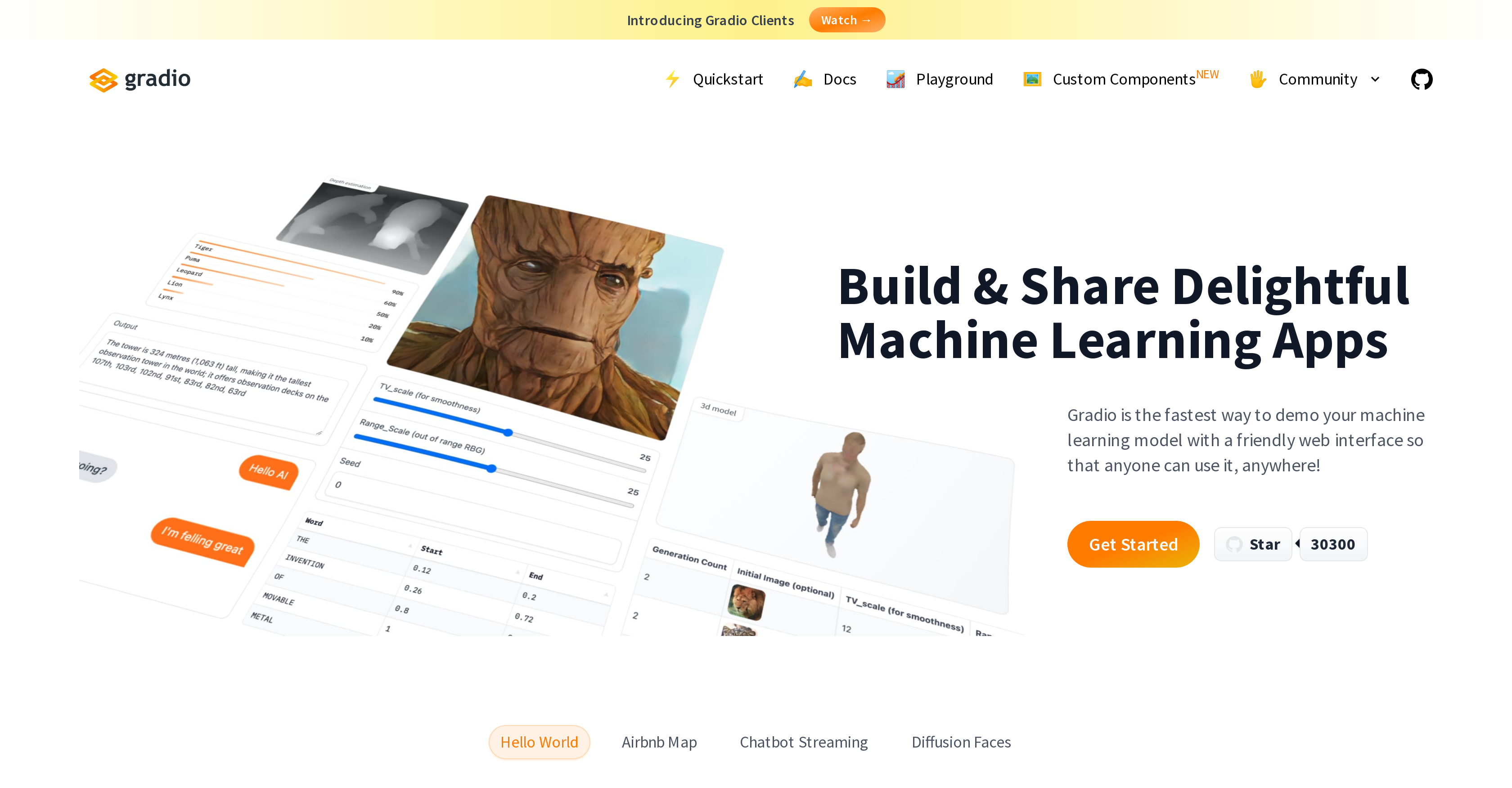
- Transform any Python function into a shareable web app in minutes with just a few lines of code
- Get instant feedback on your machine learning models through interactive demos that anyone can use from any device
- Share your AI prototypes with colleagues using automatically generated public links for remote testing and collaboration
- Deploy your models permanently with free hosting on Hugging Face Spaces for continuous access
- Embed interactive demos directly into Python notebooks for immediate testing and presentation
- Build interfaces for diverse ML tasks including image segmentation, sketch recognition, and time series forecasting
Pros & Cons
Pros
- Interactive ML apps
- Fast and easy installation
- Supports permanent hosting
- Variety of tasks
- Webpage presentation
- Python notebook embedding
- Create ML apps
- Sketch recognition
- Question answering
- Image segmentation
- Time series forecasting
- Video-related deep learning
- Dinosaur classifier
- Text-to-speech demo
- Fast to demo models
- Intuitive web interface
- Interface requires a couple lines of code
- Interface can be shared
- Gradio used by developers
- Supports Hugging Face Spaces
Cons
- Specific tasks only
- Limited interface customization
- Depends on Hugging Face
- Cannot run offline
- Limited permanent hosting
- No dedicated mobile support
- Dependent on Python
- Installation required
- No native cross-platform support
- Project specific demos only
Reviews
Rate this tool
Loading reviews...
❓ Frequently Asked Questions
Gradio is a powerful tool designed for developers who wish to rapidly create and share machine learning apps. It features a user-friendly web interface that permits any device to interact with machine learning models. Gradio supports permanent hosting on Hugging Face Spaces, allowing users to share their apps conveniently.
Installing Gradio is a fast and straightforward process. It requires only a few lines of code to establish an interface for a function. Gradio can be installed using pip, which is a package installer for Python.
Gradio can be utilized for a wide range of tasks. These include, but are not limited to, sketch recognition, question answering, image segmentation, and time series forecasting.
Yes, Gradio can be seamlessly integrated into Python notebooks. This allows for a more interactive and collaborative workspace where users can test, share, and get feedback on their machine learning models.
Gradio can be used for a diverse array of projects. Its previous uses encompass creating a video-related deep learning project, a text-to-speech demonstration, a real-time AI trial, and a dinosaur classifier.
Gradio apps can be easily shared with others. After creating an interface, you can display it on Hugging Face Spaces. A Gradio interface can automatically generate a public link, which can be shared, allowing colleagues to interact with the model from their devices.
Yes, Gradio can be employed for sketch recognition tasks. A Gradio interface has been demonstrated effectively on their website, using 'sketchpad' as the input type and 'label' as the output.
Gradio can be effectively used for question answering tasks in machine learning. It can be set up to take two text inputs (context and question) and output the results in a textbox.
Yes, Gradio can be used for image segmentation tasks. Implementing an image segmentation model with Gradio requires an 'image' as the input type and another 'image' as the output.
Yes, Gradio can assist in time series forecasting. It has been marked as one of the specific tasks it supports.
Indeed, Gradio can be introduced as a webpage. This presents an excellent opportunity to demo your models to the public, as anyone can interact with the model remotely from their device through the webpage.
Hosting Gradio on Hugging Face Spaces means that once you've built an interface, it can be permanently hosted on Hugging Face’s server. Hugging Face will provide a link which can be shared, allowing others to interact with the hosted Gradio interface, making your machine learning model accessible for multiple users.
To start with Gradio, you can access the 'Get Started' option on their website. It provides the necessary resources to install and get familiarized with Gradio.
Gradio offers a variety of interface types to match your functions. These can range from text boxes, labels, sketchpads, images, and more, depending on what is necessary for showcasing your machine learning model.
To implement your machine learning model with Gradio, you would need to customize an interface using Gradio code to correspond with the requirements of your specific model. You can pass in the function implementation of your machine learning model into the Gradio Interface.
Real-time AI trials can be performed using Gradio. An example is the development and testing of new algorithms through clinical trials, as mentioned by a user on their website.
To permanently host your Gradio app, you can utilize Hugging Face Spaces. This will host the interface on its servers and provide you with a link that can be shared.
Yes, you can generate a public link to share your Gradio interface. This allows colleagues or clients to interact with the model on your computer remotely from their own devices.
Gradio benefits your machine learning project by providing a quick, effective way to demonstrate your model to anyone, anywhere. Its user-friendly web interface enables people to interact with your model on any device. Plus, it aids in real-time testing and receiving feedback, thus improving the overall efficiency and impact of your project.
To add a Gradio interface to your existing project, you only need to write a few lines of code. You define your interface with the required function, inputs and outputs, and Gradio will handle the rest. Gradio can be embedded directly into your Python project.
Pricing
Pricing model
No Pricing
Related Videos
Build and deploy a Gradio application
Koyeb•65 views•Oct 22, 2025


