
Harmony AI Planner
Overview
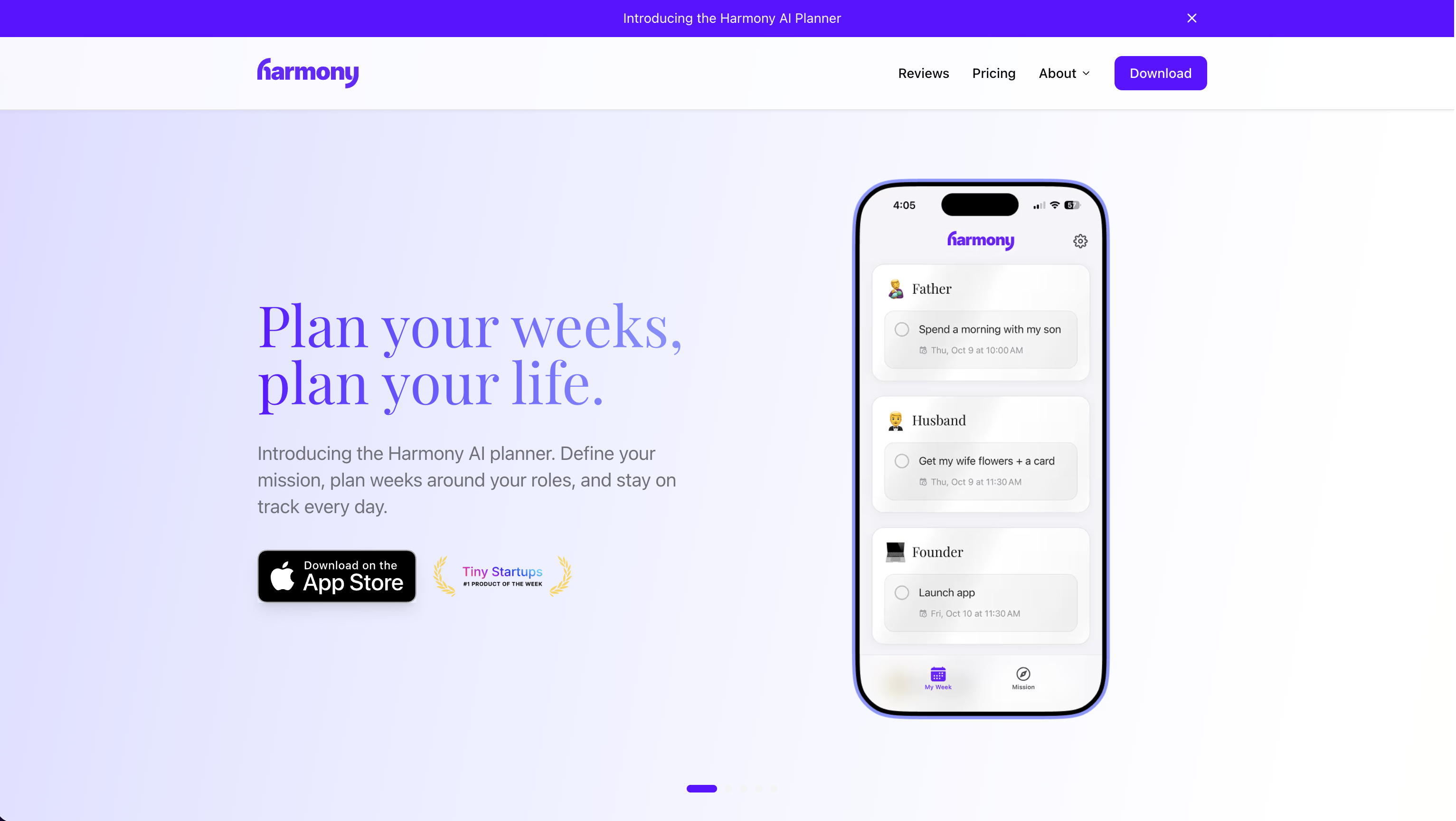
- Clear your inbox while driving or exercising with hands-free email management powered by natural voice commands
- Compose new emails and save drafts entirely by voice, turning commute or chore time into productive sessions
- Instantly unsubscribe from newsletters and delete unwanted messages to reduce clutter with simple voice controls
- Effortlessly organize your inbox by moving emails to folders and managing labels without touching your phone
- Maintain complete privacy with end-to-end encrypted communications and a strict no-email-storage policy
Pros & Cons
Pros
- Privacy first; your data is encrypted
- AI goal suggestions
- Create mission statement
- 14-day free trial
- AI time blocking
- Sync with Google Calendar
Cons
- iOS only, for now
- Google Calendar only, for now
- No free plan
- Network connection required
- iOS 15+ required
Reviews
Rate this tool
Loading reviews...
❓ Frequently Asked Questions
Harmony AI is a voice-controlled email assistant that uses artificial intelligence to help users manage their emails hands-free. It is particularly useful during activities like driving, exercising, or doing chores and is designed to value user privacy, not storing any emails and encrypting network communications.
Harmony AI works by reading emails aloud, enabling hands-free email management. It supports various voice commands that allow you to listen to emails, compose new ones, save drafts, delete unwanted emails, manage labels, and unsubscribe from newsletters.
Harmony AI supports a myriad of voice commands for nearly all email-related tasks. This includes commands for listening to emails, composing new ones, saving drafts, deleting unwanted emails, managing labels, and even unsubscribing from newsletters.
No, Harmony AI does not store any of your emails. It is built with privacy at its core and only reads or processes what it needs in real time.
Your privacy is safeguarded on Harmony AI through multiple measures. Harmony does not store your emails and it encrypts all network communications using industry-standard protocols. It also has a strict policy against selling user data to third parties. Harmony has passed an intensive third-party security audit to further ensure user privacy.
Yes, Harmony AI is completely compatible with Gmail, allowing you to manage your Gmail account hands-free through voice commands.
Harmony AI currently supports Gmail, but there are plans to extend its services to Outlook and other email providers in the future.
Absolutely, you can use Harmony AI while driving, doing chores, or during any activity that allows for passive listening. It is specifically designed to enable hands-free and eyes-free email management.
Harmony AI uses AI technology to read emails aloud, understand voice commands, and perform various email management tasks. These include composing new emails, saving drafts, deleting emails, managing labels, and unsubscribing from newsletters in response to voice commands.
'Passive Email' in the context of Harmony AI refers to the ability to attend to emails passively, without needing to use your eyes or hands. This makes it possible to manage your inbox during activities like driving, exercising, or doing chores.
Yes, you can delete emails using Harmony AI. The platform supports voice commands that can move emails to trash, either individually or in batches.
Yes, you can create and save email drafts with Harmony AI. This can be done simply through voice input, allowing for later review and sending.
Harmony AI allows the effortless organization of your inbox through the management of email labels. You can move emails to folders, mark them as unread, add labels, and more.
Absolutely, Harmony AI lets you unsubscribe from unwanted newsletters through straightforward voice commands, reducing email clutter and streamlining your inbox.
Yes, Harmony AI encrypts its network communications using industry-standard protocols, ensuring user data is secure during transmission.
Yes, Harmony AI has passed an independent security audit conducted by an organization known as CASA. This verifies that Harmony adheres to stringent security practices and commits to user privacy.
Yes, Harmony AI can read your emails aloud. This is part of its innovation in allowing 'Passive Email', where one can listen to and manage emails while engaged in other activities.
Yes, you can compose new emails using Harmony AI. The tool supports voice commands that can be used to compose and send new emails, as well as have them read back to you before sending.
Harmony AI enhances productivity by allowing users to manage their email while engaging in other tasks, like exercising or commuting. It transforms potentially wasted time into productive sessions through its voice-controlled and eyes-free email management.
'Eyes-free' management of emails by Harmony refers to its ability to allow you to manage your emails without needing to look at a screen. This is achieved through voice commands and auditory feedback, enabling you to maintain productivity while you are doing something else, such as driving or exercising.
Pricing
Pricing model
Free Trial
Paid options from
$39.99/year
Billing frequency
Yearly