
HyperEnhancer: AI Image Enhancer
Overview
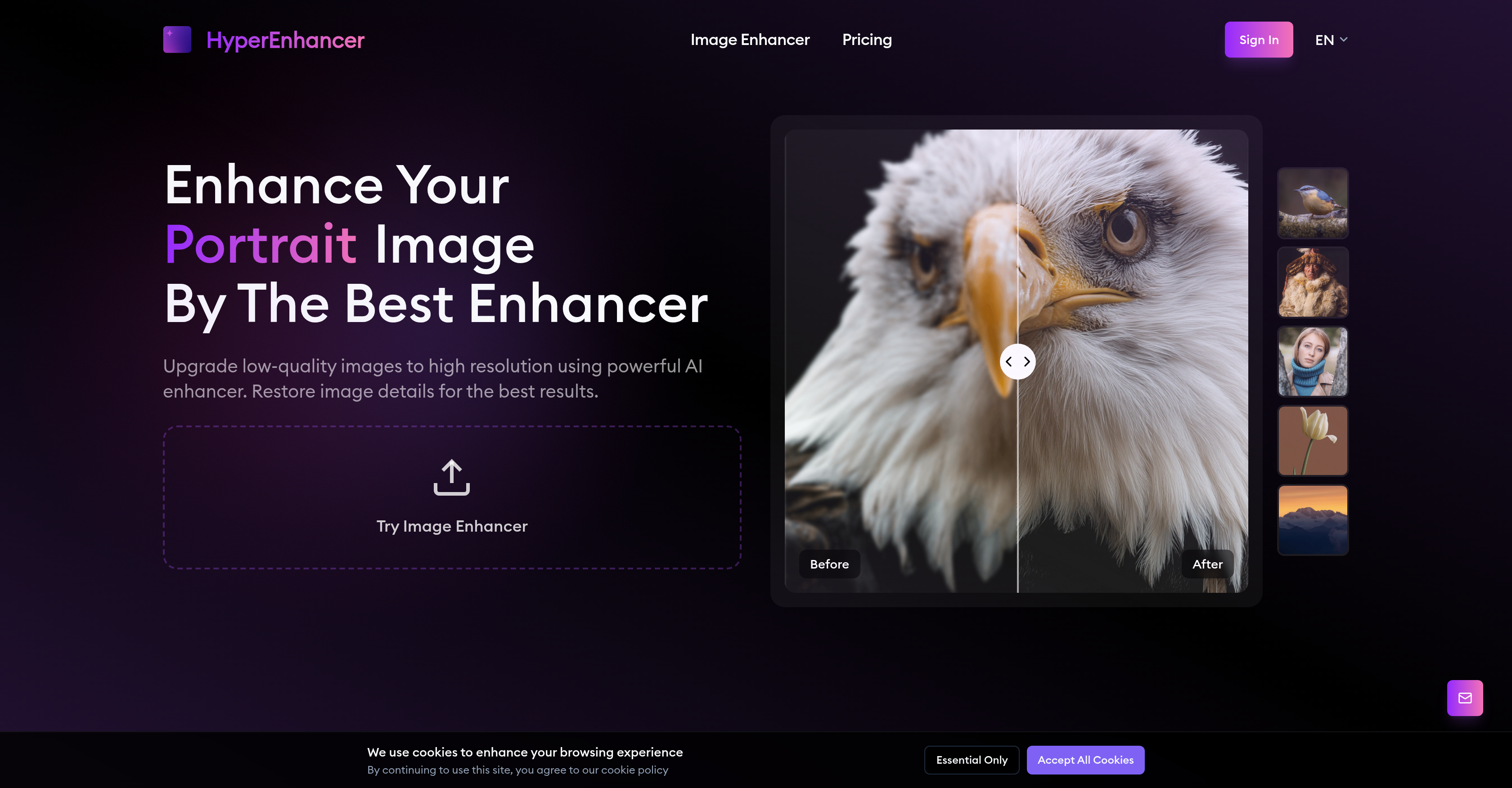
- Restore old or blurry photos to crystal-clear high-definition with automatic AI enhancement that analyzes and enriches every detail
- Create stunning large-format prints with enhanced sharpness and natural-looking results through adaptive region-specific processing
- Elevate product photography for eCommerce with professional-grade image quality that makes items appear sharper and more appealing
- Revitalize archival images and historical photographs while preserving their original character through intelligent restoration algorithms
- Achieve perfect image clarity for web development projects with automated enhancement that works across multiple file formats
Pros & Cons
Pros
- Multi-format image upload
- Automatic image analysis
- Targeted image enhancement
- Adaptive image enhancement
- Region-based image treatment
- Custom enhancement per region
- High-definition image output
- Real-time image preview
- One-click image download
- Supports JPG and PNG
- Content-aware image enhancement
- Preserves natural skin textures
- Enhances facial details
- Suitable for portraits
- Suitable for landscapes
- Suitable for animal photos
- Enhances key details
- Sharpens eyes and edges
- Restores image clarity
- Gives professional finish
- Automatically removes blur
- Enhances image details
- Enriches image clarity
- Supports eCommerce images
- Optimizes product photos
- Restores vintage photos
- Upgrades historical images
- Enhances digital artwork
- Preserves sharp details
- Improves texture quality
- Enhances video thumbnails
- Optimizes social media posts
- Enhances promotional material
- Ensures vibrant visuals
- Suitable for web developers
- Optimizes website images
- Ensures crisp visuals
- Ad-free experience
- No watermarks
- Unlimited storage
- Priority enhancement
- Early feature access
- Rolls over unused credits
- Email assistance
- Multiple subscription plans
- Pay-as-you-go option
- Monthly and yearly subscriptions
Cons
- Limited to 12-month storage
- Credits roll over monthly
- Priority enhancement for paid plans
- No free plan for business
- Watermarks on free users
- Limited to specific image formats
- No on-premise deployment option
- Data stored online
- Customer support not 24/7
- Commercial use limitations
Reviews
Rate this tool
Loading reviews...
Pricing
Pricing model
Free Trial
Paid options from
$9/month
Billing frequency
Monthly