

iCreaVoice
Overview
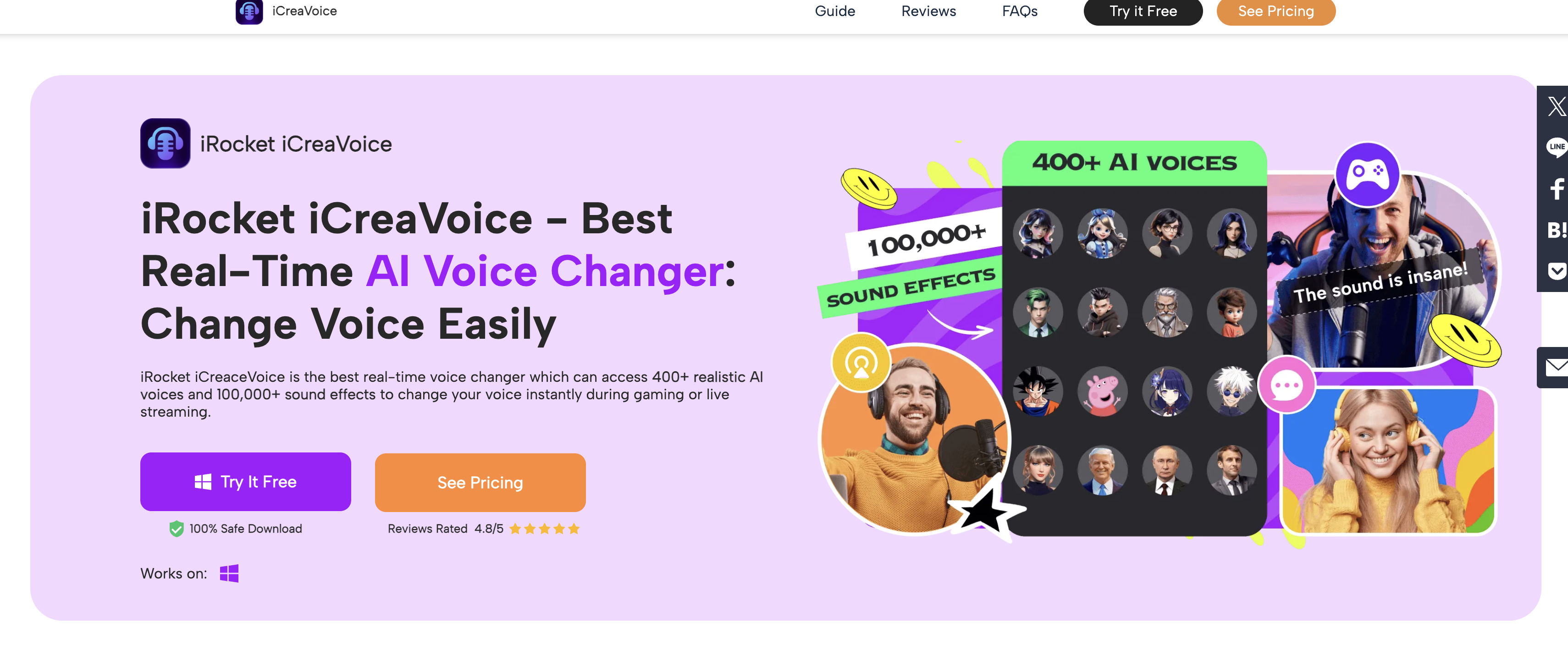
- Eliminate awkward voice delay during live conversations with zero-delay voice transformation that keeps your audio perfectly synchronized
- Access hundreds of realistic character voices instantly with a comprehensive library of 400+ AI voice effects and celebrity voice simulations
- Create completely unique voice identities by uploading and customizing your own voice effects beyond the extensive preset collection
- Maintain crystal-clear communication quality through advanced noise reduction that minimizes background noise and echo
- Enhance your audio with instant sound effects during streams and calls using the integrated soundboard with 100,000+ available sounds
- Save your custom voice creations as reusable presets for quick access to your favorite voice modifications during live sessions
Pros & Cons
Pros
- Real-time voice changing
- Zero-delay voice transformation
- Sound effects library
- Customizable voices
- Noise reduction technology
- Allows custom audio uploads
- Compatible with Discord, Zoom
- Custom voice effects creation
- Soundboard feature
- Designed for gamers, streamers
- Character, celebrity voice options
- Minimizes background noise, echo
- Supports multiple types of voices
- Voice filters available
- Works with popular online games
- Integration with live streams
- Voice recording capability
- Soundboard keyboard control
- Daily free voices
- Variety of voice effects
- Works with professional applications
- Top choice among content creators
- Extensive library of premium voice effects
- Highly versatile voice changer
- 1.4M+ subscribers
- Provides 300+ voice filters
- 100K+ trending meme soundboards
- Offers 100,000+ sound effects
- Soundboard with 100K+ effects
- Upload own sound effects
- Adjust and save own voices
- Unlimited soundboard effects import
- Supports audio file voice change
- Voice customization function
- 7M+ satisfied users
- Wide variety in user-generated voices
- Top-rated by multiple reviewers
- Professional-grade voice-changing effects
- Preserves original voice naturalness
- Low CPU usage for voice transformation
- Supports male to female voice change
- Allows control multiple devices simultaneously
Cons
- Limited free voices daily
- May require paid subscription for soundboard
- Paid features in multi-device control
- Custom voice customization limited
- Difficulty dealing with echo
- Poor handling of noise
- Requires high CPU usage
- Limited voice effect options
- Limited import effects
Reviews
Rate this tool
Loading reviews...
❓ Frequently Asked Questions
iCreaVoice is an AI-based software that transforms the user's voice in real-time. It is designed for various applications such as gaming, live streaming, and online meetings. It features a comprehensive library of realistic AI voice and sound effects allowing users to modify their voices to sound like different characters or celebrities, or create unique voice filters. Moreover, it supports custom voices and audio uploads, providing endless creativity and customization. The software also includes a feature for noise reduction, enhancing audio clarity by reducing background noise and echo.
Yes, iCreaVoice offers real-time voice changes. One of its remarkable features is its zero-delay voice transformation which ensures optimal synchronization during use.
iCreaVoice boasts a comprehensive library of hundreds of realistic AI voice effects and sound effects. Specifically, it provides access to over 400 realistic AI voices and more than 100,000 sound effects.
Yes, iCreaVoice is designed for various applications including live streaming and online meetings. Users can change their voices in real-time during these activities, adding unique character and creativity to their interactions.
iCreaVoice is compatible with many popular platforms. Notably, it is suitable for use with Discord and Zoom, among others.
Yes, users can customize their own voices using iCreaVoice. The platform not only allows users to modify voices using existing presets but also enables them to upload and create custom voice effects for a more personalized experience.
Yes, iCreaVoice offers a feature to reduce background noise. It provides clarity in audio communication by minimizing background noise and echo.
Yes, users can upload their custom sounds to iCreaVoice. This feature enables endless creativity and customization, allowing users to use their very own sounds in addition to the rich library the software provides.
The soundboard feature of iCreaVoice offers a wide range of sound effects to enhance communication. It allows users to add a variety of sound effects to their voice modifications, making their interactions more entertaining and engaging.
The iCreaVoice software is highly versatile, catering to various users. It is particularly beneficial for gamers, streamers, and content creators where voice modification can add an element of excitement and novelty to their activities.
Yes, iCreaVoice enables users to create personalized voice effects. Alongside using existing presets, users can upload and create custom voice effects, allowing them to have a unique and customized voice transformation experience.
The zero-delay voice transformation in iCreaVoice ensures that voice changes occur in real-time. This means there is no delay between when the user speaks and when the voice effect is applied, providing a seamless voice modification experience.
Yes, iCreaVoice ensures audio clarity during communication. It has provisions for noise reduction that minimizes background noise and echo, providing clear and defined audio output.
Yes, iCreaVoice can simulate the voices of known celebrities or characters. This offers users the fun and engaging experience of modifying their voice to sound like different characters, celebrities, or even create their own unique voice filters.
Yes, iCreaVoice integrates well with popular platforms like Discord and Zoom. Users can customize their voices on these platforms using iCreaVoice, easily adding personality and uniqueness to their audio output on these platforms.
Yes, with iCreaVoice, users can upload and create custom voice effects. This allows users to personalize their voice transformations to a further extent, creating unique voice effects that suit their personal style and preference.
Yes, iCreaVoice is suitable for content creators. The rich array of voice and sound effects it offers can significantly enhance content, adding an element of creativity and novelty that can make content more appealing and entertaining.
Yes, iCreaVoice offers noise reduction features. It is designed to provide clarity in audio communication by minimizing background noise and echo. Consequently, users can expect clear and defined audio during their voice transformations.
Yes, iCreaVoice offers the possibility to save custom voice profiles. Users can adjust their own voices and save them as preset sounds, allowing for fast and easy access to their favorite voice changes.
No special hardware is required to use iCreaVoice. As a software, it can be installed and used on standard computer systems or devices capable of running the required operating system.
Pricing
Pricing model
Paid
Paid options from
$9.99/month
Billing frequency
Monthly
Refund policy
No Refunds


