

ImageLayered
Get professional image layer separation without Photoshop skills: automatic selection pulls subjects, text, objects, and backgrounds into their own transparent RGBA layers.
Listing not yet reviewed by our editors · How we check
Overview
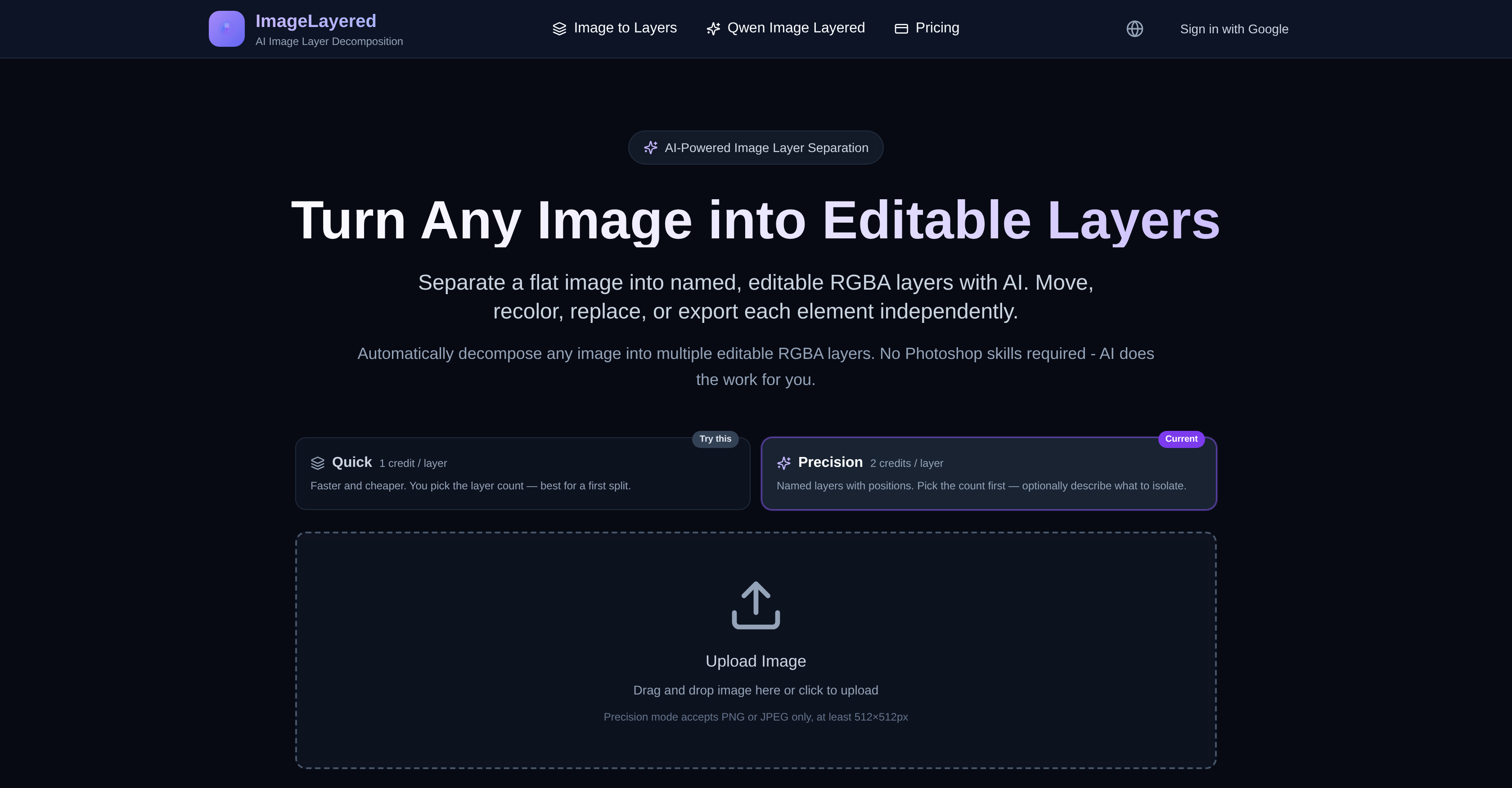
- Get professional image layer separation without Photoshop skills: automatic selection pulls subjects, text, objects, and backgrounds into their own transparent RGBA layers.
- Change one element without disturbing the rest of the picture: resize, recolor, move, or replace objects on any layer while every other layer stays intact.
- Remove or swap objects without leaving holes behind: smart background reconstruction fills in the hidden areas behind objects, so each layer is complete and ready to edit.
- Turn a flat image into layers in seconds at lower cost: Quick mode generates a preset number of layers automatically.
- Isolate exactly the elements your project needs: Precision mode lets you set the layer count and describe the objects to extract.
- Move or recolor text and graphics on their own: embedded text is detected and separated onto its own layer, independent of the subject and background.
- Know exactly what technology handles your images: decomposition runs on Qwen Image Layered, an open-source model built for efficient image-to-layer separation.
Pros & Cons
From the listing; not yet checked by our editors.
Pros
- No Photoshop skills required
- Quick and Precision modes
- Smart background reconstruction
- Editable layers
- Resizing, Recoloring, Object Movement
- Object Replacement option
- Edits don't impact other layers
- Qwen Image Layered Model
- Open source
- Automatic layer separation
- Flexible layer control
- Automatic image to layers
- Inpainting feature
- Supports multiple layer outputs
- Provides transparent layer output
- Hidden area reconstruction
- Differs from traditional Photoshop
- Handles JPEG and PNG
- Selective layer extraction
- Individual object replacement possible
- High fidelity editing
- Layer count choice
- Supports 3-8+ layers
- Transparent, editable layers
- Per output layer cost
- Layer location feature
- Custom extraction description
- Multiple RGBA layer decomposition
- Quick image decomposition
- Recoloring independent of layers
- User-friendly interface
- Optional description for isolation
- In-built layered model
- Downloadable layers
- Automatic background reconstruction
Cons
- Precision mode limited formats
- Min size 512x512px
- Charges per output layer
- Limited to 2-13 outputs
- Output choice complex
- Precision instructions required
- Count first model limitation
- Count method not precise
- Extraction instruction specificity needed
- Not designed for detailed editing
Alternatives to ImageLayered
Tools that share the most tags with ImageLayered.
- Image2Layer
Edit any single element of a photo without affecting the rest by dissecting images into up to 10 individually editable layers.
Freemium · from $9/month
$9/month
Not yet checked
- Image to Layers AI
Turn any photo, product shot, portrait, or illustration into a complete layer stack in about sixty seconds instead of the hour-per-layer a manual mask demands, powered by AI image segmentation that processes the whole scene at once.
Free trial · from $9.90/unit
$9.90/unit
Not yet checked
- Unmerge
Rearrange a finished flyer, magazine cover, or product ad without rebuilding it: image layer separation splits a flat PNG, JPG, or WebP into up to 17 named raster layers, each with its own description, canvas position, and stacking order.
Free trial · from $2.90
$2.90
Not yet checked
- EzLayers
Skip hours of manual pen-tool clipping in Photoshop: automatic AI layer separation splits illustrations, photos, and UI mockups into isolated, editable layers in seconds.
Free trial · from $9.90/month
$9.90/month
Not yet checked
- LayerGrab
Edit a finished poster, banner or product photo without rebuilding it from scratch: the AI image layer splitter turns one flat image into up to 16 named transparent PNG layers (text, products, graphics, characters) in about a minute.
Free trial · from $12/month
$12/month
Not yet checked
Reviews
Rate this tool
Loading reviews...
Frequently asked questions
What is the purpose of ImageLayered?
ImageLayered's purpose is to decompose any image into its constituent RGBA layers, offering automated selection of subjects, objects, text, and backgrounds. It creates distinct, editable layers which users can modify individually, eliminating the need for advanced Photoshop skills.
How does ImageLayered work?
ImageLayered works by utilizing an artificial intelligence model to separate an image into its constituent RGBA layers automatically. Users can choose the quantity of layers and describe the objects to isolate in precision mode or allow the tool to generate a predefined number of layers in quick mode. It also supports smart background reconstruction, filling in areas hidden behind objects to make ready-to-edit layers.
What is the difference between quick and precision mode in ImageLayered?
In ImageLayered, the quick mode creates a predefined number of layers while precision mode permits users to pick the layer count and describe the objects they'd like to isolate. The quick mode is faster and more cost-effective while the precision mode gives users more control and specificity over the image decomposition.
What skills do I need to use ImageLayered?
Users do not need any specific skills to use ImageLayered. The tool is automated and performs the majority of the work including subject, object, text, and background detection, as well as the creation of distinct layers for each identified element.
How does ImageLayered support smart background reconstruction?
ImageLayered implements smart background reconstruction by filling in hidden areas behind objects. The AI performs this task, creating complete layers that are ready for editing. This feature is particularly helpful for object removal and replacement scenarios.
What editing operations can I perform with ImageLayered?
With ImageLayered, users can engage in a slew of editing operations. This includes resizing, recoloring, moving, or replacing objects in any layer without influencing the other layers.
What is the Qwen Image Layered model in ImageLayered?
The Qwen Image Layered model is a key technological backbone that powers ImageLayered. It is an open-source project designed to allow for the efficient decomposition of images into transparent and editable layers.
What does the AI in ImageLayered exactly do?
The AI in ImageLayered automatically separates any given image into its constituent RGBA layers. It does this by identifying and isolating different parts of the image like the subjects, text, objects and backgrounds. The AI also supports smart background reconstruction, filling in the hidden areas behind objects to create complete and ready-to-edit layers.