

Image to 3D
Skip modeling from scratch and get a usable 3D base mesh in minutes: upload a single product photo, sketch, character reference, or AI-generated image and the image to 3D model generator builds shape and surface detail from that one visual.
Listing not yet reviewed by our editors · How we check
Overview
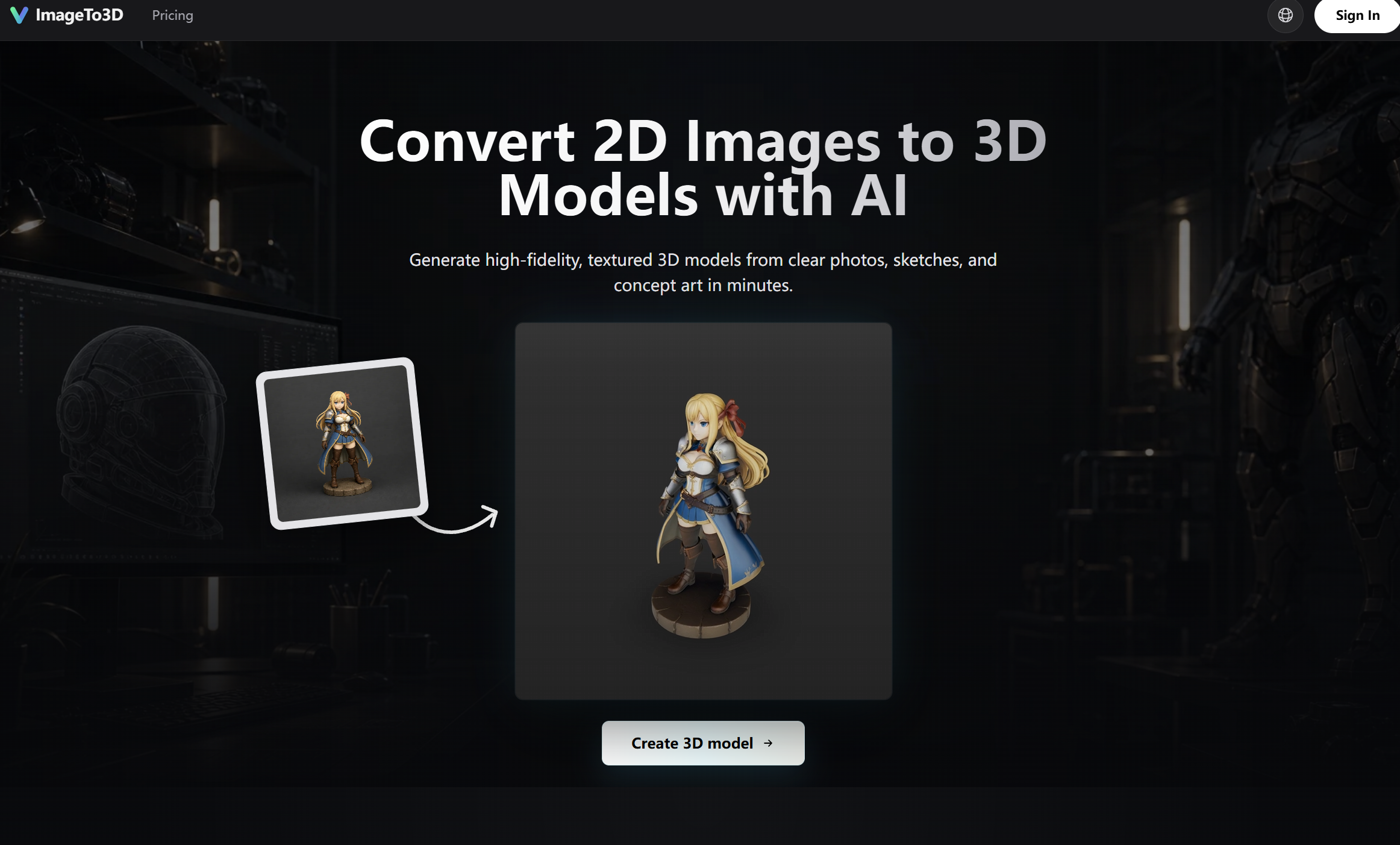
- Skip modeling from scratch and get a usable 3D base mesh in minutes: upload a single product photo, sketch, character reference, or AI-generated image and the image to 3D model generator builds shape and surface detail from that one visual.
- Drop assets straight into Blender, Unity, or Unreal Engine with no conversion hassle: export your 3D model as GLB, PLY, or USDZ to match your game, rendering, or AR pipeline.
- Go from a sketch to a printable object faster: download STL files ready for slicing and 3D printing preparation, ideal for makers and product designers planning physical prints.
- Get models that look right from every angle without hand-painting textures: PBR materials and automatic texture mapping keep surfaces visually coherent across the full 3D form.
- Prototype game props and virtual environments at concept-art speed: convert character concepts, prop designs, and reference art into textured 3D assets for game prototypes and AR/VR scenes.
- Turn logos and icons into embossed or engraved designs: flat artwork converts into a relief-style 3D output on a flat surface, perfect for signage, badges, and printed plaques.
- Present product ideas as 3D concepts before committing to CAD: industrial designers upload a product sketch and receive a detailed, textured 3D concept for early design reviews.
Pros & Cons
From the listing; not yet checked by our editors.
Pros
- Commercial use available on paid tiers
- Supports 3D printing preparation
- Useful for game props and product concepts
- Exported models can be refined in Blender
- Fast asset prototyping
- Beginner-friendly workflow
- Exports GLB, STL, PLY, and USDZ
- Generates textured 3D models
- Supports photos, sketches, and concept art
- Single-image 3D generation
Cons
- Models may need cleanup before printing
- Flat artwork may produce relief-style models
- Extremely thin structures can be difficult
- Reflective or transparent surfaces are challenging
- Cluttered scenes may reduce quality
- Works best with clearly isolated subjects
- Results depend on input image quality
- Paid credits or subscription required
Alternatives to Image to 3D
Tools that share the most tags with Image to 3D.
- Mimetic Labs
Create printable 3D models from simple text descriptions without CAD expertise or technical knowledge
Free trial · from $9.99
$9.99
Not yet checked
- TRELLIS 2
Create production-ready 3D assets from images instantly with fully rendering-free and optimization-free conversion, using simple pre- and post-processing methods.
Not listed
Not listed
Not yet checked
- Fast3D
Create production-ready 3D assets in minutes instead of hours using simple text descriptions or reference images
Freemium · from $7/month
$7/month
Not yet checked
- Hunyuan 3D
Create production-ready 3D models from a simple text prompt in seconds, eliminating days of manual modeling work with its specialized text-to-3D conversion.
Not listed
Not listed
Not yet checked
- Image3D.io
Generate production-ready 3D assets in seconds from any single image or text description, powered by AI that creates detailed meshes with Standard, Pro, or Ultra quality tiers.
Free trial · from $5.99/month
$5.99/month
Not yet checked
- Image3D AI
Get production-ready 3D models from logos, sketches, or product photos in about 60 seconds—powered by AI that constructs geometry from contours and shadows
Free trial · from $6.90/month
$6.90/month
Not yet checked
Reviews
Rate this tool
Loading reviews...
Frequently asked questions
What is ImageTo3D?
ImageTo3D is an AI tool that converts 2D images into textured 3D models. This advanced technology maintains high fidelity in generating 3D models from clear photographs, sketches or concept art. It's of particular use to game developers, industrial designers, and anyone interested in 3D printing.
How does ImageTo3D convert 2D images into 3D models?
ImageTo3D uses an advanced AI algorithm to analyze a flat, 2D image and infer the depth and volume of the subject in the image. It builds a 3D shape from the source image, extracting surface details to generate a 3D model. The process utilizes visual cues such as shading, edges, perspective, and occlusion in the original image to construct a textured 3D model.
What output formats does ImageTo3D support?
ImageTo3D supports multiple output formats, including GLB, STL, PLY, and USDZ. This allows users to export their 3D models in the format most appropriate for their workflows.
Can ImageTo3D be used with software like Blender, Unity, or Unreal Engine?
Yes, ImageTo3D-generated models can be seamlessly integrated with various software like Blender, Unity, and Unreal Engine. The output formats the system offers, including GLB, STL, PLY, and USDZ, enable these integrations.
Is ImageTo3D suitable for 3D printing workflows?
Yes, ImageTo3D is suitable for 3D printing workflows. Industrial designers and makers can use the tool to convert 2D images or sketches into detailed 3D concepts. For 3D printing specifically, users can export their 3D model in STL format for downstream printing workflows.
How does ImageTo3D deal with surface details in the conversion process?
ImageTo3D uses an AI algorithm to extract surface details from the input image. It reads depth cues such as shading, edges and perspective, and incorporates these elements to create a detailed and textured 3D model that stays true to the original image.
Can ImageTo3D work from a photograph, sketch, or concept art?
Yes, ImageTo3D can convert clear photographs, sketches, or concept art into 3D models. To obtain the best results, the AI tool advises users to upload images where the subject is clearly visible and distinguishable from the background.
How does ImageTo3D ensure high fidelity in 3D model generation?
ImageTo3D ensures high fidelity in generating 3D models by carefully analyzing 2D images. It extracts and interprets detailed information, like lighting, shading, edges and perspective, to create an accurate 3D representation. It preserves intricate details, creating high-quality models from complex images in a matter of minutes.