Image3D AI
Overview
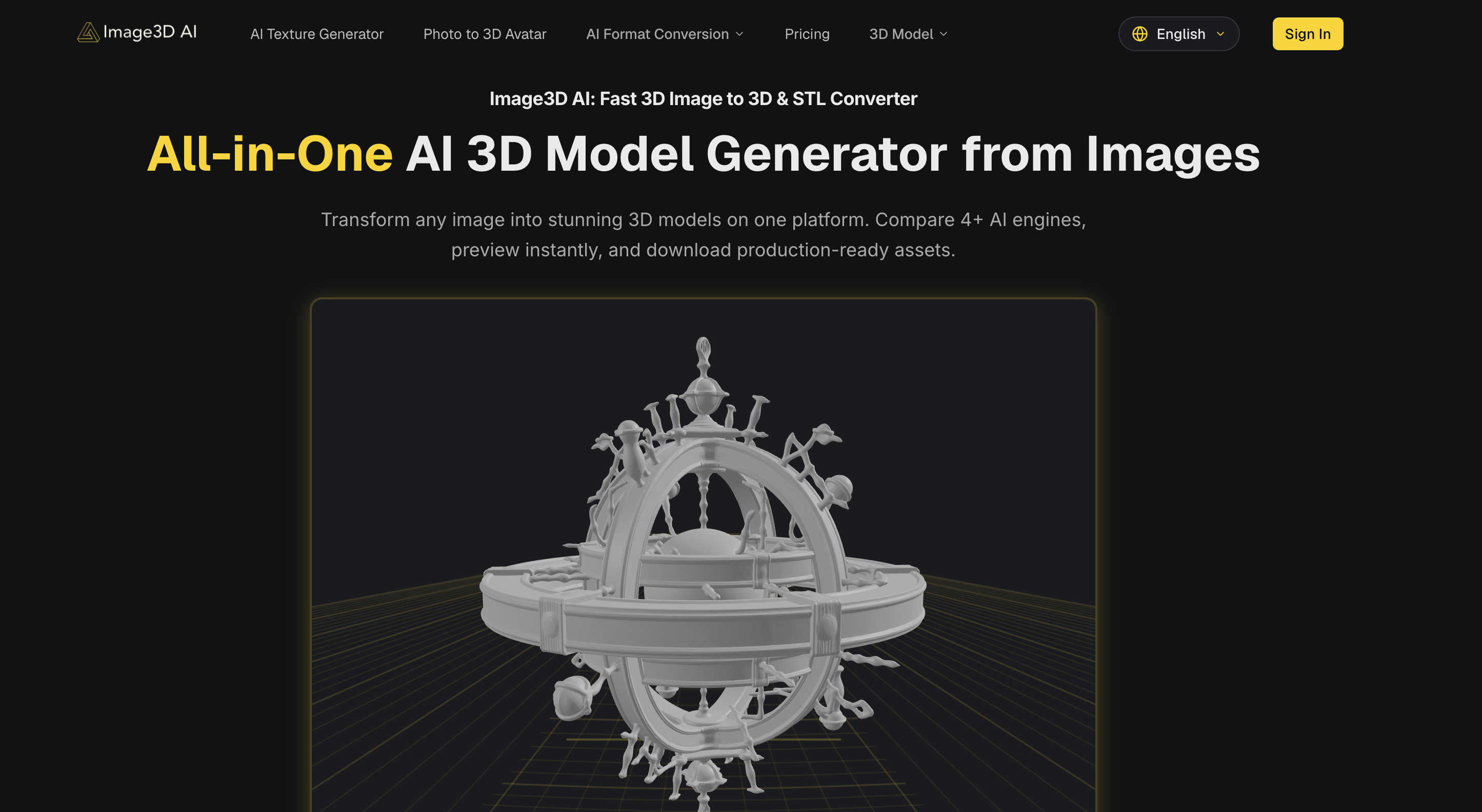
- Get production-ready 3D models from logos, sketches, or product photos in about 60 seconds—powered by AI that constructs geometry from contours and shadows
- Export directly to STL for 3D printing, OBJ for traditional editing, or GLB for web and AR—no manual conversion steps needed
- Achieve physically accurate reconstructions of real-world objects by uploading multiple perspectives with Multi-view mode
- Generate game-ready 3D assets straight from character concept art using dedicated Low Poly or Geometry modes
- Create interactive 3D product showcases for e-commerce that load instantly in browsers—no 3D modeling skills required
- Produce volumetric 3D logos or architectural models from a single flat image, with automatic PBR material generation for realistic surfaces
- Preview every 3D model immediately after conversion to verify quality before downloading any production-ready asset
Pros & Cons
Pros
- Transforms STL formats
- Instant preview feature
- Supports PNG, JPEG, WEBP
- Transforms flat logos to 3D
- Converts sketches to 3D
- Creates game-ready 3D assets
- Turns product photos to 3D
- Serves diverse needs
- Guides in choosing optimal images
- Helps in understanding generation modes
- Identifies appropriate file format
- Multi-view mode for accurate reconstruction
- Export as STL, OBJ, GLB
- Renders various materials
- Develops 3D geometry
- Offers multiple generation modes
- Flexible platform
- Constructs 3D models from images
- Suitable for game developers
- Applicable for e-commerce platforms
- Useful for 3D printing enthusiasts
- Ideal for architects
- Trusted by creators worldwide
- Produces high-fidelity outputs
- Advises on best practice
- Offers Normal, Low Poly, Geometry modes
- Advises on file format selection
- Provides real-world object reconstruction
- High-Quality Output
- Prepares interactive 3D preview
- Texture Quality Standard Extreme
- Supports PBR material
- Image to STL converter
- High-contrast image generation
- Generates only mesh without texture
- Packs all info into files
- Exports into modern standard for Web, AR
- Offers Rapid mode (Single-view), Pro mode (Multi-view)
- Allows precise form models
- Pro Mode delivers higher accuracy
- Short processing time
- Multi-view mode delivers higher accuracy
- Material options - includes PBR materials
- Allows dynamic precision control
- Supports normal, low-poly, geometry mode
- Handles single/multi-view inputs
- Fast generation of 3D assets
- Produces 3D assets for game development
Cons
- No API integration
- Restricted to specific file formats
- No desktop version
- Requires clear outlines and simple backgrounds
- Limited to certain generation models
- No advanced texture controls
- Limited material rendering
- No real-time modeling
- No support for complex 3D structures
- Limited 3D printing functionality
Reviews
Rate this tool
Loading reviews...
❓ Frequently Asked Questions
Image3D AI is an AI-powered image to 3D model conversion tool. It also provides transformation to STL formats and is designed to transform any image into high-quality 3D models using several AI engines. With an instant preview feature, it provides capacity to download production-ready assets.
Image3D AI supports PNG, JPEG, and WEBP formats.
'Fast GLB generation', 'Tripo 3D', 'Meshy', and 'Hunyuan 3D' are the generation models in Image3D AI. Users can choose the model that is suitable for their image to 3D task.
Yes, Image3D AI has capabilities to transform flat logos into volumetric 3D models.
Image3D AI can be very useful for game development as it allows the creation of game-ready 3D assets from character concept art.
Yes, Image3D AI is beneficial for 3D printing. It aids in turning product photos into interactive 3D models, ready for STL export and 3D printing.
Image3D AI guides users in choosing optimal images by suggesting that they use images with clear outlines and simple backgrounds. It also provides several generation models which users can choose based on their specific tasks.
Yes, Image3D AI can turn product photos into interactive 3D models, ready for STL export and 3D printing.
The Multi-view mode in Image3D AI is a feature intended for converting real-world objects. Users are encouraged to use this mode to get a physically accurate reconstruction of the object.
Image3D AI optimizes image results by using images with clear outlines and simple backgrounds. This tool works best with images with high contrast and clean silhouettes.
Yes, Image3D AI can convert sketches into 3D models.
Image3D AI can assist both in e-commerce and architecture design by transforming product photos into interactive 3D models, suitable for e-commerce usage, and generating architectural models respectively.
The instant preview feature in Image3D AI allows users to view a 3D preview of their image immediately after the conversion process.
Production-ready assets in Image3D AI are the output 3D models that are ready for use in various applications like 3D printing, game development, e-commerce, or architectural design.
In Image3D AI, users can upload image files with a maximum size of 10MB.
In Image3D AI, users can choose the generation model for their image to 3D task from options such as Fast GLB generation, Tripo 3D, Meshy, and Hunyuan 3D.
Yes, Image3D AI can provide a physically accurate reconstruction of real-world objects when the Multi-view mode is leveraged.
In Image3D AI, images with clear outlines and simple backgrounds produce the best results.
Image3D AI identifies the appropriate file format for specific requirements by guiding and allowing users to choose from various output formats including STL, the standard for 3D printing; OBJ, a traditional 3D editing format; and GLB, a modern standard for web and AR.
Compared to traditional methods, Image3D AI offers several benefits including fast processing speed of approximately 60 seconds, automatic generation of PBR materials, optimized mesh quality, and suitability for various use cases including STL, games, e-commerce, and prototypes.
Image3D AI's main functionality lies in its advanced AI-powered image to 3D model conversion, able to transform any image into high-quality 3D models. It further supports transformations to STL, OBJ, and GLB formats, making it a versatile tool suitable for applications in 3D printing, game development, e-commerce, and architecture and design.
Image3D AI leverages AI algorithms to transform images into 3D models by examining the source image's contours, shadows, and unique elements to construct a three-dimensional geometry. This allows it to convert a flat 2D image into a volumetric 3D model.
Image3D AI can process PNG, JPEG, and WEBP formats. For the best results, it is recommended to use images with clear outlines and simple backgrounds.
Image3D AI supports STL, OBJ, and GLB formats for conversion. These formats make it suitable for a variety of applications such as 3D printing, game development, e-commerce, and architectural design.
Yes, Image3D AI can absolutely convert images into STL formats. The STL format is particularly beneficial for 3D printing and Image3D AI supports this for seamless transformation of images into printable 3D models.
For best results with Image3D AI, images should ideally be high-contrast with clear outlines and simple backgrounds. Images with these characteristics help the tool perform better in object recognition and subsequent 3D modeling.
Yes, Image3D AI is fully equipped to turn flat logos into stunning volumetric 3D models. This functionality makes it an ideal tool to transform brand assets into 3D representations.
Yes, Image3D AI can generate game-ready 3D assets straight from character concept art. This makes it an efficient option for game developers seeking to transform their designs into usable game assets.
Yes, Image3D AI is indeed suitable for architecture and design tasks. The tool is capable of generating architectural models from images, aiding architects in saving modeling time and improving their operational efficiency.
Image3D AI offers options such as Fast GLB generation, Tripo 3D, Meshy, and Hunyuan 3D as generation models. Users can choose the most suitable model for their image to 3D task.
The Multi-view mode in Image3D AI aids in more accurately reconstructing real-world objects. If the user wants to convert a real-world object, they can provide images from multiple angles - such as the front, side, and back views. This enables the AI to create a physically accurate 3D model.
Yes, Image3D AI can indeed convert product photos into interactive 3D models. These models are suitable for STL export and ready for 3D printing, making it convenient and resourceful for many commercial and personal applications.
Yes, Image3D AI is highly beneficial for e-commerce platforms. It aids in converting product images into interactive 3D models which can be used for AR previews or online 3D showcases, offering a more engaging shopping experience for potential customers.
Image3D AI offers accurate reconstruction for real-world objects. Using Multi-view mode, it can construct a physically accurate 3D reconstruction from multiple angles of an image, thus making it ideal for conversion of real-world objects into 3D models.
Image3D AI guides users for optimal results by suggesting usage of high-contrast images with clear outlines and simple backgrounds. Additionally, it provides information on the different generation modes and recommends file formats based on the specific requirements of the users.
Image3D AI generates STL, OBJ, and GLB 3D model file formats. These formats make it suitable for a diverse range of applications, including 3D printing, game development, e-commerce, and architecture and design.
Yes, Image3D AI is a highly flexible platform offering multiple generation modes including Normal, Low Poly, and Geometry to suit a variety of requirements. This allows users from different fields such as game developers, e-commerce platforms, 3D printing enthusiasts, and architects to utilize the tool as per their workflows.
Image3D AI incorporates advanced algorithms in the creation of 3D models by carefully constructing the three-dimensional geometry based on the source image. These algorithms take special considerations for contours, shadows, and other shaping elements of the 3D model.
Yes, Image3D AI allows for both single and multiple perspective reconstructions. For logos or sketches, Single Image mode works best, while for accurate reconstructions of real-world objects, Multi-view mode is recommended.
Pricing
Pricing model
Free Trial
Paid options from
$6.90/month
Billing frequency
Monthly