

ImageTranslator
Overview
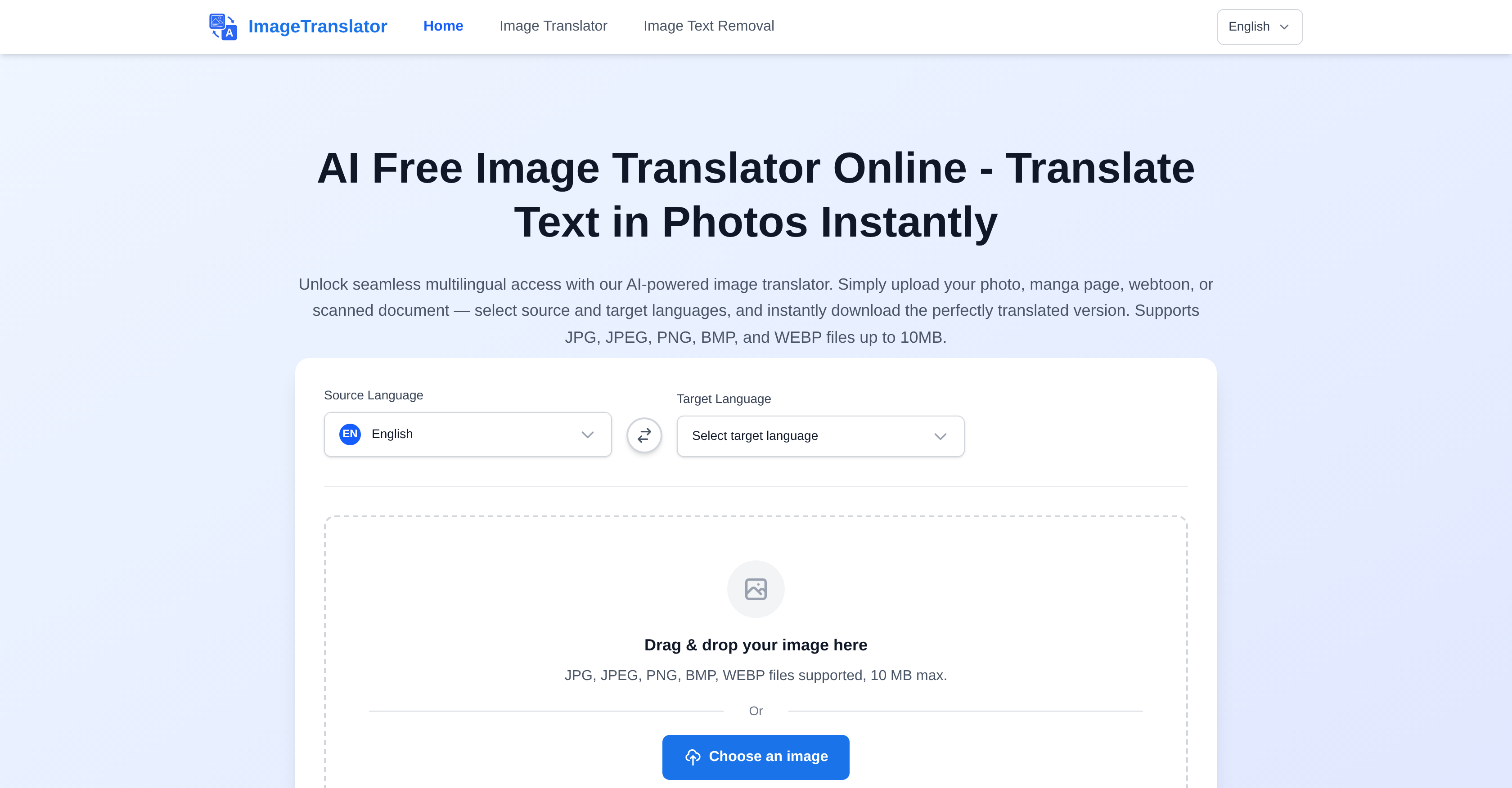
- Read foreign signs and documents instantly by translating text directly within your images using advanced OCR detection
- Localize business visuals and marketing materials without redesigning layouts thanks to seamless text overlay technology
- Enjoy manga and webtoons in your preferred language with accurate translation of speech bubbles and text panels
- Translate academic materials and study notes across 100+ languages without losing original formatting
- Process images securely with no file storage and complete privacy protection on all uploads
- Access professional translation instantly through any web browser with no installation or subscription costs required
Pros & Cons
Pros
- Supports JPG, JPEG, PNG, BMP, and WEBP
- Original layout preserved
- Downloadable translations
- Wide language support
- Upload photos for translation
- Translates text in manga
- Translates text in webtoons
- Translates text in scanned documents
- Applicable for business localisation
- Useful for multilingual education
- Helpful for travelers
- Large file support - 10MB
- Instant download of translated images
- Format-preserving translation
- Capable of manga translation
- Free usage - no subscription
- Secure and privacy aware processing
- Handles 100+ languages
- Detects and extracts text from bubbles, signs, and panels
- Multi-language pair support
- Seamless OCR text extraction
- No watermarks
- No registration needed
Cons
- 10MB max file size
- No in-app editing
- Overlays text on images
- Limited file format support
- No batch processing
- Not for large documents
- No offline functionality
- No iOS/Android app
- Translations not always accurate
- No real-time translation
Reviews
Rate this tool
Loading reviews...
❓ Frequently Asked Questions
The maximum file size that ImageTranslator can process is 10MB.
ImageTranslator provides instant translation of your images once they are uploaded and the source and target languages are selected.
ImageTranslator supports the following file formats: JPG, JPEG, PNG, BMP, WEBP.
Yes, ImageTranslator can translate text within any image provided it falls within the supported file formats and is within the maximum file size limit.
Simply click the download button to download your translated image with ImageTranslator.
ImageTranslator uses advanced AI to overlay translated text seamlessly onto the original image, thus preserving the original layout and design.
ImageTranslator supports over 100 languages, including but not limited to English, Chinese, Spanish, French, Japanese, Korean, German, Arabic, and Hindi.
No, there is no cost to use ImageTranslator. It is free for casual users without any upfront costs or subscriptions required.
No, ImageTranslator does not store your uploaded images. They are processed securely on their servers and are not saved or stored.
Yes, ImageTranslator is highly efficient in translating text in manga or webtoons, thanks to its smart AI that can detect and extract text from bubbles, signs, and panels.
Yes, ImageTranslator is ideal for businesses to localize their visuals as it is capable of translating text within images, preserving the original format.
Yes, ImageTranslator can be used for academic purposes to translate study notes, books, and other educational materials.
ImageTranslator is designed to handle a wide range of languages, including those with non-Latin characters such as Chinese, Japanese, Arabic, etc.
No, there is no need to install anything to use ImageTranslator. It is an online tool that you can access through any web browser.
Choosing source and target languages in ImageTranslator is straightforward. After uploading your image, simply select your source language for accurate OCR text detection, and your target language for the translation.
ImageTranslator's translation accuracy depends on various factors including the clarity of the text in the image, the languages being translated, and the complexity of the content. It uses state-of-the-art AI which strives for the highest accuracy possible.
Pricing
Pricing model
Free
Paid options from
Free
Related Videos
Edit Documents and Images in One Minute | ImageTranslate
ImageTranslate•21 views•Dec 5, 2024