

IvyCraft
Stop re-uploading the same research for every project: upload documents, webpages, videos, or audio once into a single source library that feeds every output you create.
Listing not yet reviewed by our editors · How we check
Overview
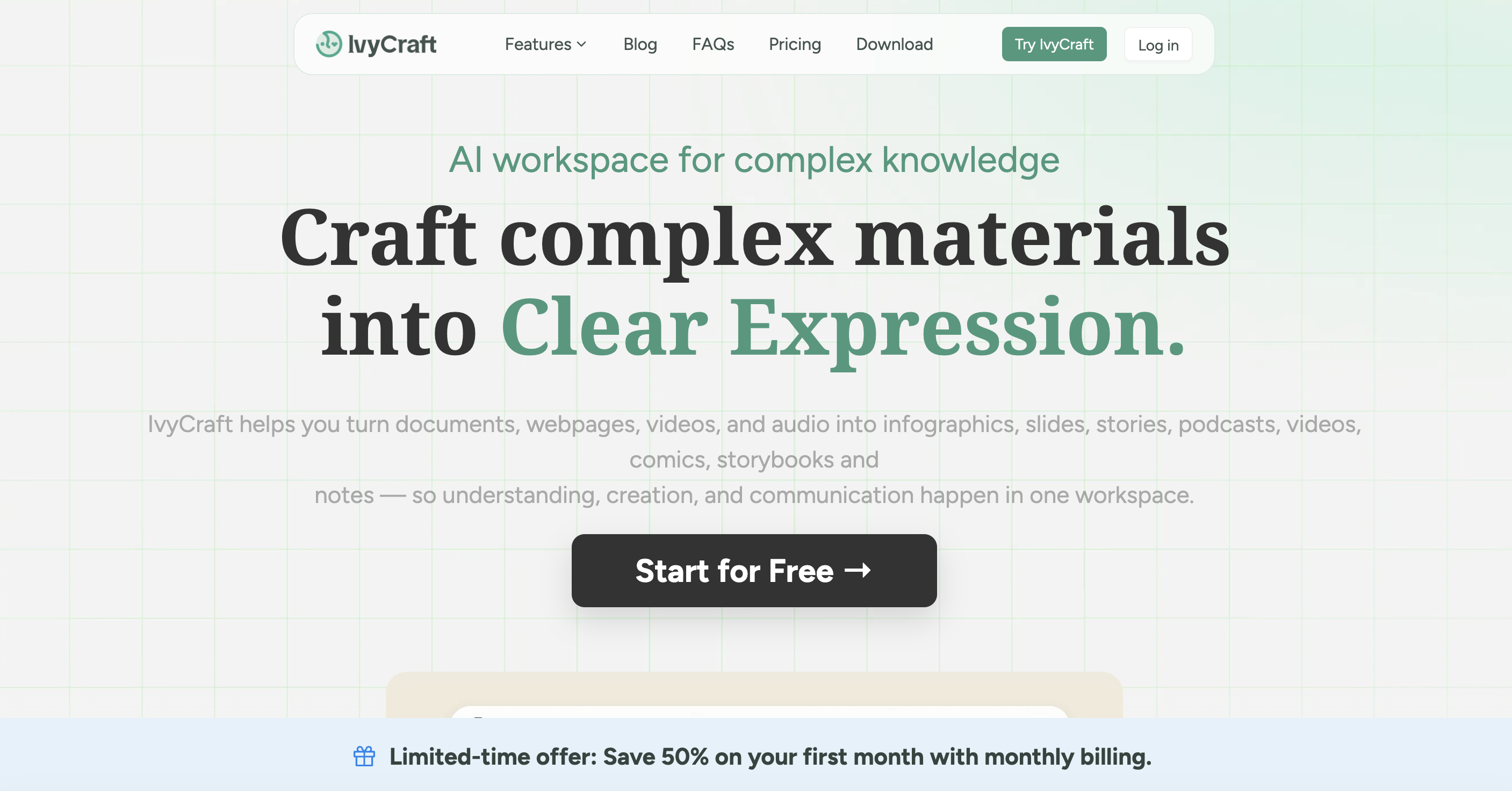
- Stop re-uploading the same research for every project: upload documents, webpages, videos, or audio once into a single source library that feeds every output you create.
- Master dense source material before you build anything: a dedicated understand stage breaks down complex documents, lectures, and recordings so you work from real comprehension, not skimmed notes.
- Turn one lecture, paper, or report into study and teaching formats people actually engage with: generate podcasts, videos, comics, and storybooks from the same material for learners who absorb ideas differently.
- Ship polished deliverables that look like one coordinated set: presentations, infographics, and visuals stay consistent in tone, color palette, and typography across every format.
- Get your findings in front of an audience fast: convert research into social posts, presentation slides, and concise notes built for communicating, not just archiving.
- Cut out the tool-juggling between separate AI generators: one connected upload, understand, create workflow handles content repurposing end to end for students, researchers, educators, and knowledge workers.
- Test the full content transformation workflow at zero cost: start free, then upgrade to paid plans currently offered at a limited-time discount.
Pros & Cons
From the listing; not yet checked by our editors.
Pros
- One source, many output formats
- Handles docs, webpages, video, audio
- Presentations, infographics, podcasts, comics
- Unified upload-understand-create workflow
- Consistent tone/palette across exports
- Source-grounded outputs
- Good for learning and research
- Reusable source library
- Free to start
- Broad format range in one tool
Cons
- Breadth may trade off per-format depth
- Crowded source-to-content space
- Output quality varies by format
- IP risk if comic/image styles mimic others
- Pricing specifics thin on page
- Uploads source material to cloud
- Generated media provenance unclear
- Best-fit audience not sharply defined
Alternatives to IvyCraft
Tools that share the most tags with IvyCraft.
- RepurposingBot
Transform any content format into platform-optimized posts by converting URLs, PDFs, images, and documents into LinkedIn, Facebook, and Twitter content
Free trial · from $19/month
$19/month
Not yet checked
- Vizard
Transform raw footage into polished videos in minutes without editing experience using automated layouts and backgrounds
Freemium
Not listed
Not yet checked
- Contenda
Generate unlimited content variations from a single source without manual rewriting using autonomous AI transformation
Not listed
Not listed
Not yet checked
- FlashFeed
Turn one piece of content into a full multi-platform campaign instantly by having AI rewrite and optimize it for up to 12 different channels, from LinkedIn to TikTok
Freemium · from $99/year
$99/year
Not yet checked
- Superidea
Turn any YouTube, TikTok, Instagram, or LinkedIn link into a rich source card with media, stats, and transcripts, so you skip manual research and start creating immediately with 11+ platform content extraction.
Freemium · from $25/month
$25/month
Not yet checked
- FlashFeed.ai
Fill a full week of social media posts from a single draft: drop in one blog post or article and get optimized posts for up to 12 channels, including LinkedIn, Instagram, Facebook, TikTok, YouTube, Threads, Pinterest, Telegram, Reddit, Medium, and your newsletter, all at once.
Freemium · from $99/year
$99/year
Not yet checked
Reviews
Rate this tool
Loading reviews...
Frequently asked questions
How does ivycraft.ai provide real‑time insights?
ivycraft.ai continuously ingests data from connected sources, runs AI models on the fly and refreshes visualizations and alerts in seconds, delivering up‑to‑the‑minute insights without manual intervention.
Can I ask ivycraft.ai questions in plain English?
Yes, ivycraft.ai includes a natural language query interface that lets users type questions in plain English and receive instant answers.
What data sources can I connect to ivycraft.ai?
IDK
Is there a no‑code way to build dashboards in ivycraft.ai?
Yes, ivycraft.ai provides a drag‑and‑drop, no‑code dashboard builder that lets users create and customize visual reports without writing code.
How does ivycraft.ai handle predictive analytics for sales forecasts?
ivycraft.ai applies machine‑learning algorithms to historical sales data, automatically selects relevant features, trains forecasting models and continuously updates predictions as new data arrives, delivering sales forecasts with confidence intervals.
Does ivycraft.ai support custom data visualizations?
Yes, ivycraft.ai’s visualization engine lets users choose from a library of chart types and customize colors, axes, and interactivity to create bespoke data visualizations.
Can ivycraft.ai automate monthly enterprise reporting?
Yes, using its Insight Automation capability, ivycraft.ai can generate and distribute enterprise‑wide reports on a monthly schedule, delivering them to designated recipients automatically.
What’s the difference between insight automation and AI‑augmented analytics in ivycraft.ai?
Insight Automation refers to the scheduled or rule‑based generation and delivery of predefined insights, while AI‑augmented analytics means the platform’s AI actively discovers patterns, suggests new questions, and generates insights beyond static reports.