

Vizard
102
Overview
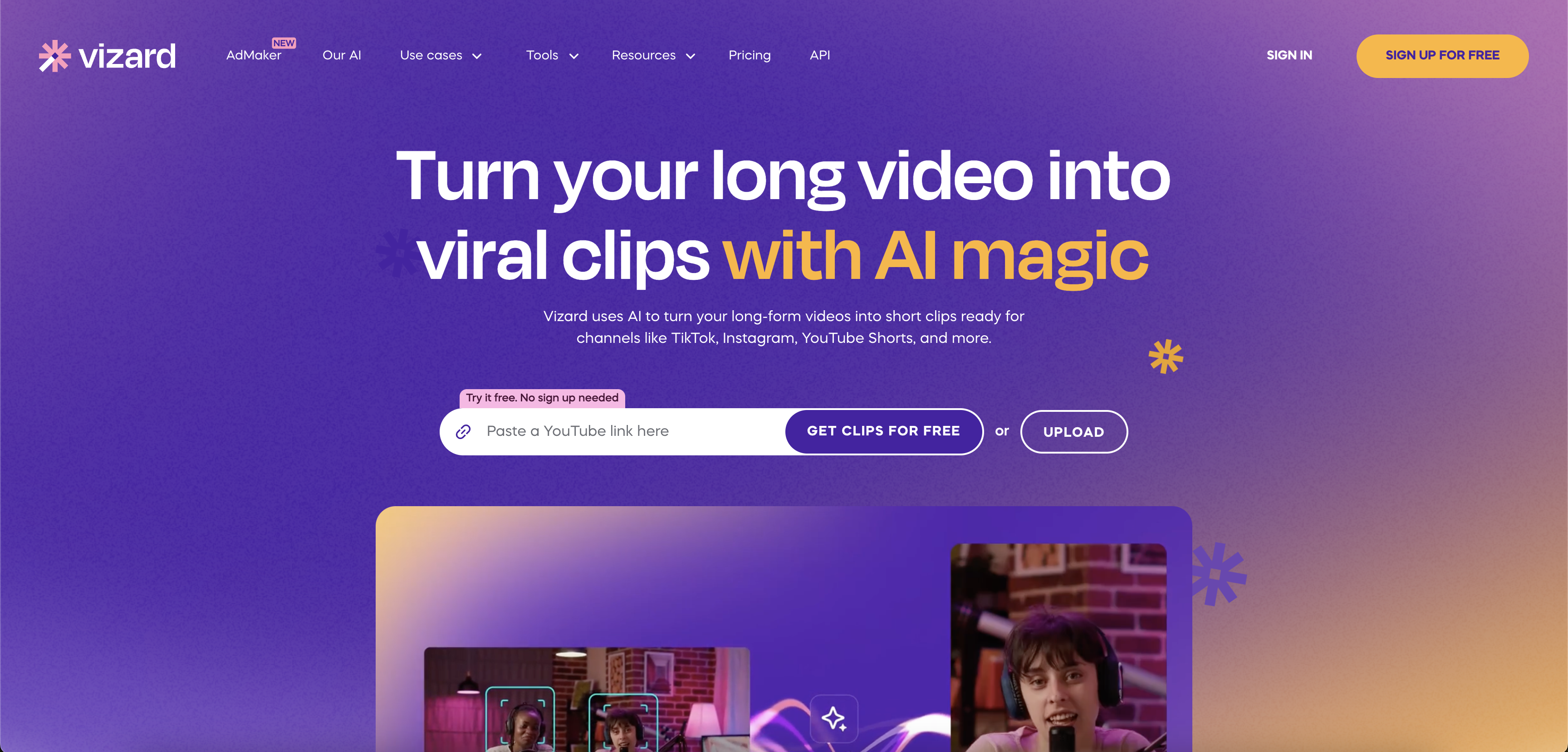
- Transform raw footage into polished videos in minutes without editing experience using automated layouts and backgrounds
- Edit videos by simply deleting text from transcripts instead of manual trimming with precise trim-by-text functionality
- Repurpose lengthy webinars and conferences into bite-sized social clips instantly with automatic video segmentation
- Generate subtitles with over 97% accuracy in one click and customize fonts and colors to match your brand
- Edit Zoom recordings directly without downloading and reuploading through seamless platform integration
- Resize videos for any social media platform with single-click formatting to maintain perfect dimensions
- Convert customer conversations into professional testimonial videos using pre-selected design templates
- Extend event marketing reach by transforming conference recordings into multi-channel content effortlessly
Pros & Cons
Pros
- Automatic video segmentation
- Text-based video trimming
- Integrated with Zoom
- 97% accuracy subtitle generation
- Saves 80% video production time
- Saves 80% video production budget
- Professional editing for novices
- Turn raw recordings to marketing content
- Variety of pre-selected layouts
- Resize videos for any social channel
- Creates bite-sized social media clips
- Transform conversations into testimonials
- Produces high conversion content
Cons
- Requires JavaScript enabled
- Primarily designed for marketers
- Only integrates with Zoom
- Limited to pre-selected layouts
- No mention of 4K support
- No API mentioned
- No mobile app mentioned
- Auto-subtitles may lack context
- Dependent on internet connection
- No offline editing feature
Reviews
Rate this tool
Loading reviews...
❓ Frequently Asked Questions
Vizard is an AI powered video editor and screen recorder that allows users to create professional-looking webinar, testimonial, and conference recordings with minimal effort. It provides features such as automatic video segmentation, trim by text functionality, ability to utilize pre-selected layouts and backgrounds, and integration with Zoom.
Vizard leverages its AI technology to transcribe videos, allowing users to trim their footage by simply deleting the corresponding transcription. Moreover, the AI separates your raw footage into various elements, letting you edit individual segments of your video with ease. This allows users to make content changes smoothly and results in a polished end product.
The 'trim by text' feature in Vizard is a tool that auto-transcribes your video and allows for easy editing. By deleting the corresponding transcription, users can trim parts of their footage with precision. This feature eliminates the need to go through your video frame-by-frame, thereby saving time during the editing process.
Yes, Vizard provides a wide range of pre-selected layouts and background designs. Users can turn raw footage into a polished end product with just a few clicks, without requiring any prior experience.
Yes, Vizard provides the option to generate and add subtitles for your video with a single click. The AI transcribes the entire video, and as a result, creates subtitles with an accuracy rate of over 97%. Users can also tailor their subtitles with an array of fonts, colors, and styles to ensure they align with their brand's aesthetic.
With Vizard, you can create a myriad of content. Be it repurposed webinar or conference recordings, or transforming chats with customers into professional-looking testimonial videos, Vizard supports diverse content creation. It allows the creation of social ready highlights, and users can also turn their existing videos into high conversion content.
Vizard allows direct integration with Zoom. Therefore, users can go straight to editing without the need to download and upload their Zoom videos. By simply connecting Vizard to your Zoom account, you can start editing your Zoom recordings directly in the Vizard platform.
Vizard is primarily designed for marketers. However, given its simplicity and comprehensive feature set, anyone looking to create professional-looking videos from their webinars, conferences, or customer testimonials can use Vizard.
Yes, Vizard is designed to save up to 80% of your time and budget in video production. This is due to features like the automatic video segmentation, trim by text, and direct Zoom integration which streamline and expedite the editing process.
Yes, Vizard does allow users to repurpose webinar recordings to meet their specific needs. Converting these webinars into bite-sized clips for social media channels or other content formats can be done effortlessly.
Indeed, using Vizard allows you to convert your casual customer conversations into high-quality testimonial videos for your marketing and sales activities.
Yes, Vizard offers a feature that segments video footage automatically. This separate elements from your footage, allowing you to make changes to individual segments smoothly and accurately.
Yes, with Vizard you can create editable and on-brand recordings from your business conferences. This allows you to repurpose and extend the reach of these events to a wider audience.
The accuracy rate of Vizard's auto-transcription feature, which is used to generate subtitles, is over 97%. This guarantees precise and high-quality subtitles for your videos.
Yes, Vizard enables users to resize their videos with simple clicks to fit any social channel. This handy feature ensures that your video content meets the specifications of the platform you aim to post it on.
No, Vizard does not function properly without JavaScript enabled. It is recommended to enable JavaScript to continue using Vizard and its features.
'Edit by scenes' in Vizard is similar to working with slides in a presentation. Users can split their video into multiple scenes, add visuals, and polish each scene individually for a more organized and flexible editing process.
Vizard aids in event marketing efforts by allowing you to easily repurpose and distribute your event content. For example, you can create on-demand webinars or turn event highlights into bite-sized clips for social media to extend your event's reach and boost brand recognition.
No, users do not need prior video editing experience to use Vizard. Its intuitive, user-friendly platform and the automated features powered by AI technology make it easy for anyone to create professional-looking videos.
Yes, Vizard does offer the option to try their platform for free before you make a purchase. This is intended to give users a feel and understanding of the software's functionality and ease-of-use.
Vizard allows direct integration with Zoom. Therefore, users can go straight to editing without the need to download and upload their Zoom videos. By simply connecting Vizard to your Zoom account, you can start editing your Zoom recordings directly in the Vizard platform.
Vizard is primarily designed for marketers. However, given its simplicity and comprehensive feature set, anyone looking to create professional-looking videos from their webinars, conferences, or customer testimonials can use Vizard.
Yes, Vizard is designed to save up to 80% of your time and budget in video production. This is due to features like the automatic video segmentation, trim by text, and direct Zoom integration which streamline and expedite the editing process.
Yes, Vizard does allow users to repurpose webinar recordings to meet their specific needs. Converting these webinars into bite-sized clips for social media channels or other content formats can be done effortlessly.
Indeed, using Vizard allows you to convert your casual customer conversations into high-quality testimonial videos for your marketing and sales activities.
Yes, Vizard offers a feature that segments video footage automatically. This separate elements from your footage, allowing you to make changes to individual segments smoothly and accurately.
Yes, with Vizard you can create editable and on-brand recordings from your business conferences. This allows you to repurpose and extend the reach of these events to a wider audience.
The accuracy rate of Vizard's auto-transcription feature, which is used to generate subtitles, is over 97%. This guarantees precise and high-quality subtitles for your videos.
Yes, Vizard enables users to resize their videos with simple clicks to fit any social channel. This handy feature ensures that your video content meets the specifications of the platform you aim to post it on.
No, Vizard does not function properly without JavaScript enabled. It is recommended to enable JavaScript to continue using Vizard and its features.
'Edit by scenes' in Vizard is similar to working with slides in a presentation. Users can split their video into multiple scenes, add visuals, and polish each scene individually for a more organized and flexible editing process.
Vizard aids in event marketing efforts by allowing you to easily repurpose and distribute your event content. For example, you can create on-demand webinars or turn event highlights into bite-sized clips for social media to extend your event's reach and boost brand recognition.
No, users do not need prior video editing experience to use Vizard. Its intuitive, user-friendly platform and the automated features powered by AI technology make it easy for anyone to create professional-looking videos.
Yes, Vizard does offer the option to try their platform for free before you make a purchase. This is intended to give users a feel and understanding of the software's functionality and ease-of-use.
Pricing
Pricing model
Freemium
Paid options from
Free tier available
Billing frequency
Monthly
Related Videos
How to Auto Generate Video Clips with Vizard | Edit Video Automatically
Vizard•62.4K views•Oct 27, 2023
HOW TO USE VIZARD AI - FULL GUIDE
Skillcraft AI•1.7K views•Nov 13, 2024
HOW TO EASILY MAKE A YOUTUBE SHORT WITH VIZARD AI
Skillcraft AI•64 views•Nov 13, 2024
How To Make Money With Vizard AI Clipping Viral Podcast Videos (2025)
Mr. Money•5.8K views•Sep 12, 2024
Simplify your workflow with Vizard.ai
Vizard•2.5K views•Feb 14, 2025
This AI System Generates Viral Clips from any YouTube Video (n8n + Vizard)
The Recap | AI Automations•3.5K views•Jul 15, 2025
How To make Podcast Shorts with AI | Vizard AI Tutorial
Dan Kieft•14.7K views•Jan 18, 2024
HOW TO SIMPLY PROMPT WITH VIZARD AI - FULL GUIDE
Skillcraft AI•34 views•Nov 13, 2024
Vizard AI (WARNING): Free Trial, Pricing & Full Review 2025?
Avis AI•219 views•Jun 16, 2025