

Jottoo
Stay focused on the conversation instead of typing: automated meeting note-taking captures every discussion from audio recordings or written text.
Listing not yet reviewed by our editors · How we check
Overview
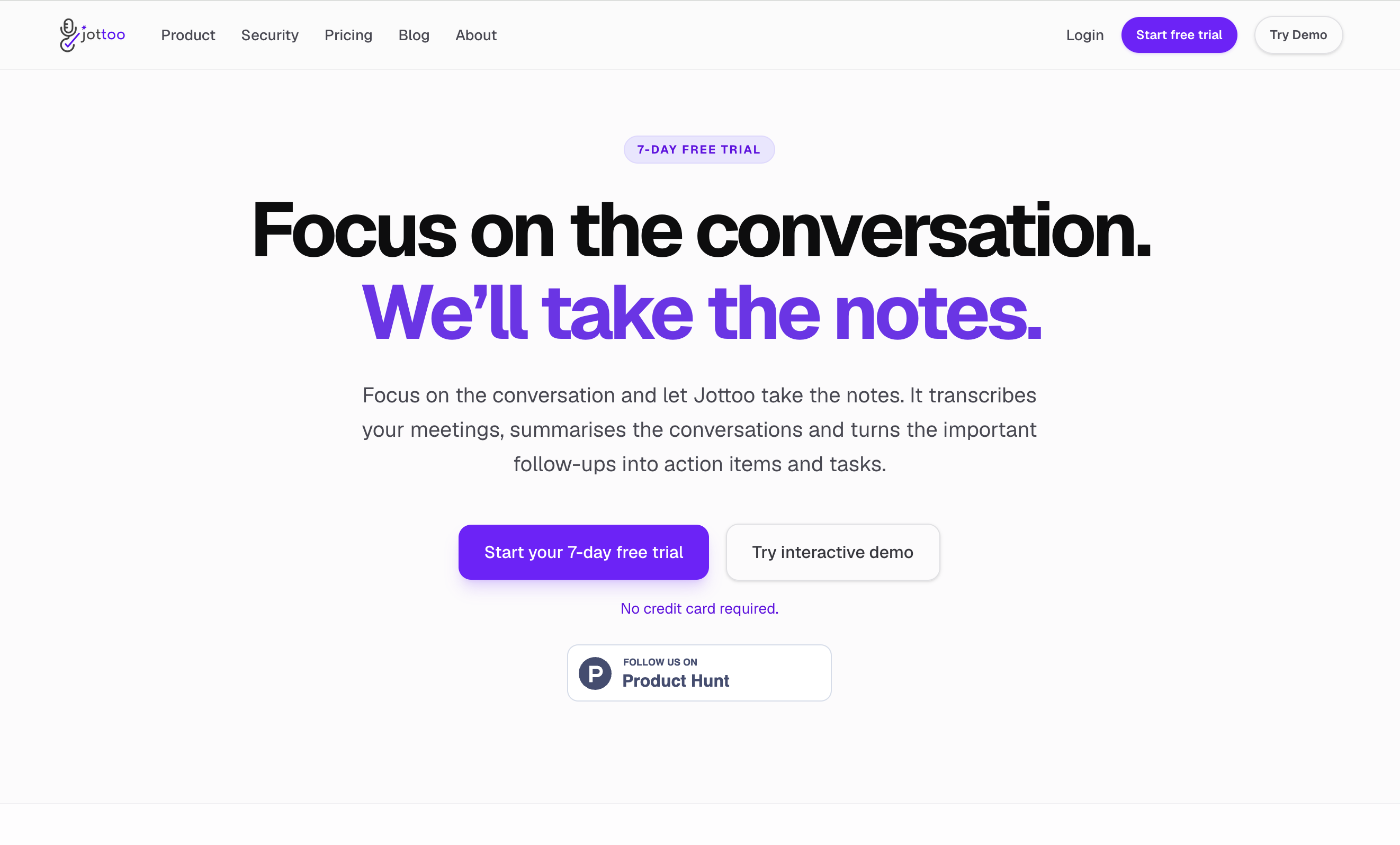
- Stay focused on the conversation instead of typing: automated meeting note-taking captures every discussion from audio recordings or written text.
- Find any point from a past meeting in seconds: transcript generation turns every recorded meeting into a searchable archive you return to anytime.
- Know what was decided without replaying the whole call: AI meeting summaries pull out key decisions and the points that matter.
- Make sure no follow-up slips through: action items are converted into tasks you manage alongside your other ongoing work.
- Skip the post-meeting admin: one workspace handles both running the meeting and everything after it, from summaries to task lists.
- Keep confidential discussions confidential: optional end-to-end encryption protects sensitive notes, and your data is never sold or used for advertising.
- Keep working when your connection doesn't: offline access lets you open and edit meeting notes without internet, with changes syncing automatically once you reconnect.
Pros & Cons
From the listing; not yet checked by our editors.
Pros
- Capture meetings: audio/text
- Automated note-taking
- Transcript generation
- Searchable meeting aspects
- Identifies key decisions
- Follow-ups into tasks
- Combines with ongoing tasks
- No selling user data
- Optional end-to-end encryption
- Offline-friendly access
- Auto-syncs when back online
- Admin work reduction
- Unified platform for meetings
- Mobile app under development
- Turns conversations into plans
- Generates decisive summaries
- Highly focused on privacy
- No advertisements
- 7-day free trial
- Affordable subscription ($13.99/month)
- Calendar workflow included
- Works on browser
- Mobile app in beta
- Easy to cancel
- One subscription, many features
- Offline-edit functionality
- Capture, understand, act steps
- Instant summary feature
- Individual data protection
- Encrypted sync
- Unique workspace design
- Quick capture of meetings
- Task lists all in one place
- Minimal data sharing
- Actionable tasks from summaries
Cons
- No free version
- No immediate mobile accessibility
- Limited beta spots
- Subscription cancellation not automatic
- No competing transcription service
- Data privacy limited to encryption
- Monthly fee post-trial
- No variety in subscription plans
- Requires online sync for updates
Alternatives to Jottoo
Tools that share the most tags with Jottoo.
- ShadowDo
Eliminate manual note-taking with automatic transcripts and timestamped summaries generated from your conversations
Freemium · from $8/month
$8/month
Not yet checked
- Otter.ai
Never take meeting notes again with OtterPilot that auto-joins Zoom, Teams and Google Meet to capture everything automatically
Freemium · from $8.33/month
$8.33/month
Not yet checked
- MeetPulp
Eliminate manual note-taking with automated meeting transcriptions that capture every word accurately
Freemium · from $10.99/month
$10.99/month
Not yet checked
- Bubbles Notetaker
Never miss a meeting detail with automatic transcription and AI-generated summaries that highlight key decisions and action items
Freemium · from $12/month
$12/month
Not yet checked
- Avoma
Focus completely on conversations while AI generates detailed notes with speaker identification and topic detection
Freemium · from $19/month
$19/month
Not yet checked
- Agenda Hero
Transform any text description into perfectly formatted calendar events without manual entry using natural language processing
Free
Not listed
Not yet checked
Reviews
Rate this tool
Loading reviews...
Frequently asked questions
What is the main functionality of Jottoo?
Jottoo is designed to enhance meeting productivity by turning conversations into actionable plans. Its primary functionality is to capture meetings either through audio recordings or written text, organising the captured information using AI capabilities to provide comprehensive summaries and actionable tasks.
How does Jottoo turn conversations into actionable plans?
Jottoo uses its built-in AI capabilities to organise recorded or written conversations, generating comprehensive summaries and actionable tasks. The AI identifies key decisions made and crucial follow-ups from the meeting and turns them into actionable tasks that align with other ongoing work activities.
How does Jottoo's AI capabilities work?
Jottoo's AI capabilities work by taking transcribed audio or written text from meetings and processing the data to identify key pieces of information. This info could be decisions made during the meeting, action items, and important points for follow-up. The AI then organises these elements into summaries and task lists, making the data more actionable.
What are the key features of Jottoo?
Jottoo's key features include automated note-taking, transcript generation, identifying and turning key decisions into tasks, data privacy including optional end-to-end encryption, and offline access where users can open and edit notes even without internet connectivity. Other features include admin work reduction, unified platform for conducting and post-meeting activities, and an upcoming mobile application.
How does Jottoo ensure data privacy?
Jottoo ensures data privacy by not selling customer data or using it for advertisements. It provides an optional feature of end-to-end encryption for enhanced privacy. Moreover, it provides an offline-friendly feature that does not necessitate constant data syncs, further reducing data exposure.
Which forms of data can Jottoo capture?
Jottoo can capture meetings in the form of audio recordings or written text. This data is then organised for review and analysis.
Does Jottoo provide transcript generation?
Yes, Jottoo generates transcripts from captured meeting recordings. This makes all aspects of a meeting searchable and allows for easy reference at any time.
Can I access Jottoo when offline?
Yes, Jottoo allows offline access. Users can open and edit their notes even without an internet connection, and any changes made will be synced automatically when the device goes back online.