

JustScribe AI
Send follow-up emails and meeting minutes faster, starting from a ready list of agreed actions: decision and next-step extraction pulls every commitment from the conversation into the post-call summary.
Listing not yet reviewed by our editors · How we check
Overview
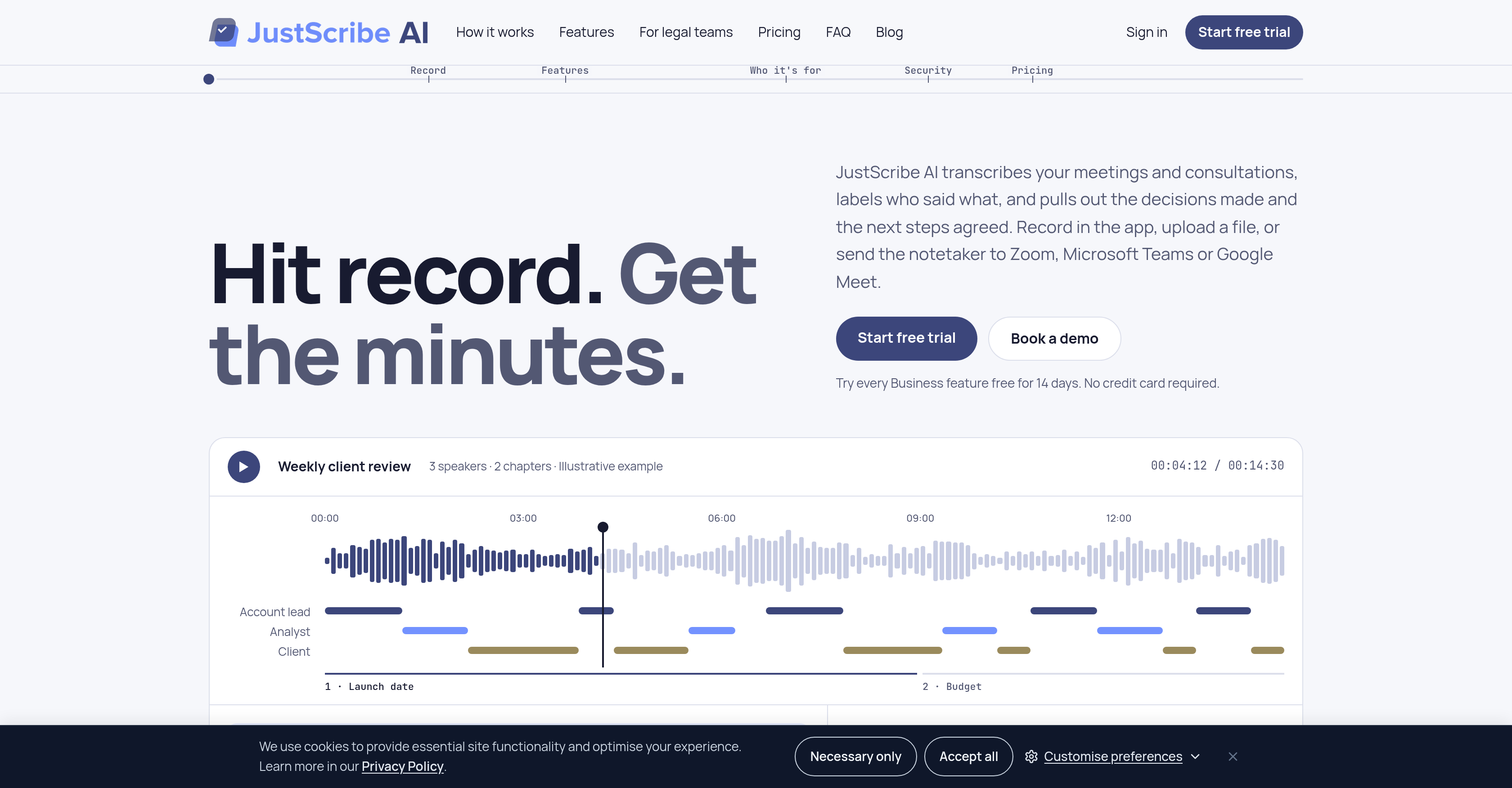
- Send follow-up emails and meeting minutes faster, starting from a ready list of agreed actions: decision and next-step extraction pulls every commitment from the conversation into the post-call summary.
- Settle who said what without replaying the audio: timestamped transcripts carry speaker labels on every segment of your meeting, call or interview.
- Stay fully present in the conversation while the record builds itself: the meeting notetaker joins Zoom, Microsoft Teams and Google Meet calls, shows live transcription as people speak, and announces itself in the Teams chat as a recording participant.
- Jump straight to the part of a long discussion you need: topic-based chapters split lengthy recordings into sections you open directly.
- Get client names, product terms and team jargon spelled right the first time: custom vocabulary teaches the transcription your organization's own language.
- Share transcripts outside the room without exposing contact details: PII redaction strips email addresses, phone numbers and other personal data from the text.
- Meet GDPR, CCPA and PDPA obligations for recorded conversations: recordings are encrypted in transit and at rest, and a zero-training-data policy keeps your audio and transcripts out of model training.
- Turn recordings you already have into searchable English text: audio and video upload accepts MP3, MP4, WAV and M4A files.
- Put finished transcripts in front of your team in the format they use: shareable links plus plain-text, Word (.docx) and PDF export.
- Pay only for the transcription you use: prepaid hour packs (10 hours for USD 29, 30 hours for USD 79) never expire, and a free tier gives 60 minutes every month after the 14-day trial.
Alternatives to JustScribe AI
Tools that share the most tags with JustScribe AI.
- Interpret AI
Host multilingual events with live translated captions broadcast instantly and shared via QR code for seamless audience participation
Free trial · from $7.99/month
$7.99/month
Not yet checked
- Recal
Eliminate manual note-taking and get instant meeting summaries with AI-powered transcription and key takeaway extraction
Freemium · from $14/month
$14/month
Not yet checked
- Hyprcore
Turn any spoken word into accurate text instantly across all macOS apps, using a GPU-accelerated dictation engine that types exactly where your cursor is.
Freemium · from $19.99/month
$19.99/month
Not yet checked
- talat
Capture every word from Zoom, Teams, and Google Meet without inviting a bot—talat records both your mic and system audio on your own machine.
Free trial · from $49
$49
Not yet checked
- Sigmise
Follow conversations in real-time without switching windows using a floating overlay that displays live captions and translations over any application.
Freemium · from $15.99/month
$15.99/month
Not yet checked
- Transkriptor
Stay fully present in every meeting while a complete record builds itself: automatic meeting transcription captures the entire discussion, replacing manual note-taking and meeting minutes.
Paid · from $9.99/month
$9.99/month
Not yet checked
Reviews
Rate this tool
Loading reviews...
Frequently asked questions
What file formats can I upload to JustScribe AI for transcription?
JustScribe AI accepts MP3, MP4, WAV, and M4A files for upload.
How does JustScribe AI label speakers in the transcript?
Transcripts are timestamped and include speaker labels that identify who said each segment.
Can JustScribe AI transcribe Zoom calls in real time?
Yes—on Business and Legal plans the Notetaker can join a Zoom call and provide live (real‑time) transcription.
What’s the difference between the Pro and Business plans on JustScribe AI?
Pro adds automatic meeting summaries; Business adds Zoom/Teams/Google Meet Notetaker integration, topic‑based chapters, decision and next‑step extraction, live transcription, custom vocabulary, and PII redaction.
Do I get meeting summaries automatically with JustScribe AI?
Meeting summaries are generated automatically for all plans that include the feature—starting with Pro and higher.
How do topic‑based chapters work in JustScribe AI’s Business plan?
In Business (and Legal) plans long recordings are automatically split into topic‑based chapters, letting users jump directly to a specific discussion segment.
Can I hide email addresses and phone numbers using JustScribe AI’s redaction feature?
Yes—redaction can be turned on to automatically remove email addresses, phone numbers, and other personal details from the transcript.
Is there a way to add my team’s custom terms to JustScribe AI’s vocabulary?
Custom vocabulary is available on Business and Legal plans, allowing you to add team‑specific names, terms, and phrases.