
Transkriptor
Stay fully present in every meeting while a complete record builds itself: automatic meeting transcription captures the entire discussion, replacing manual note-taking and meeting minutes.
Listing not yet reviewed by our editors · How we check
Overview
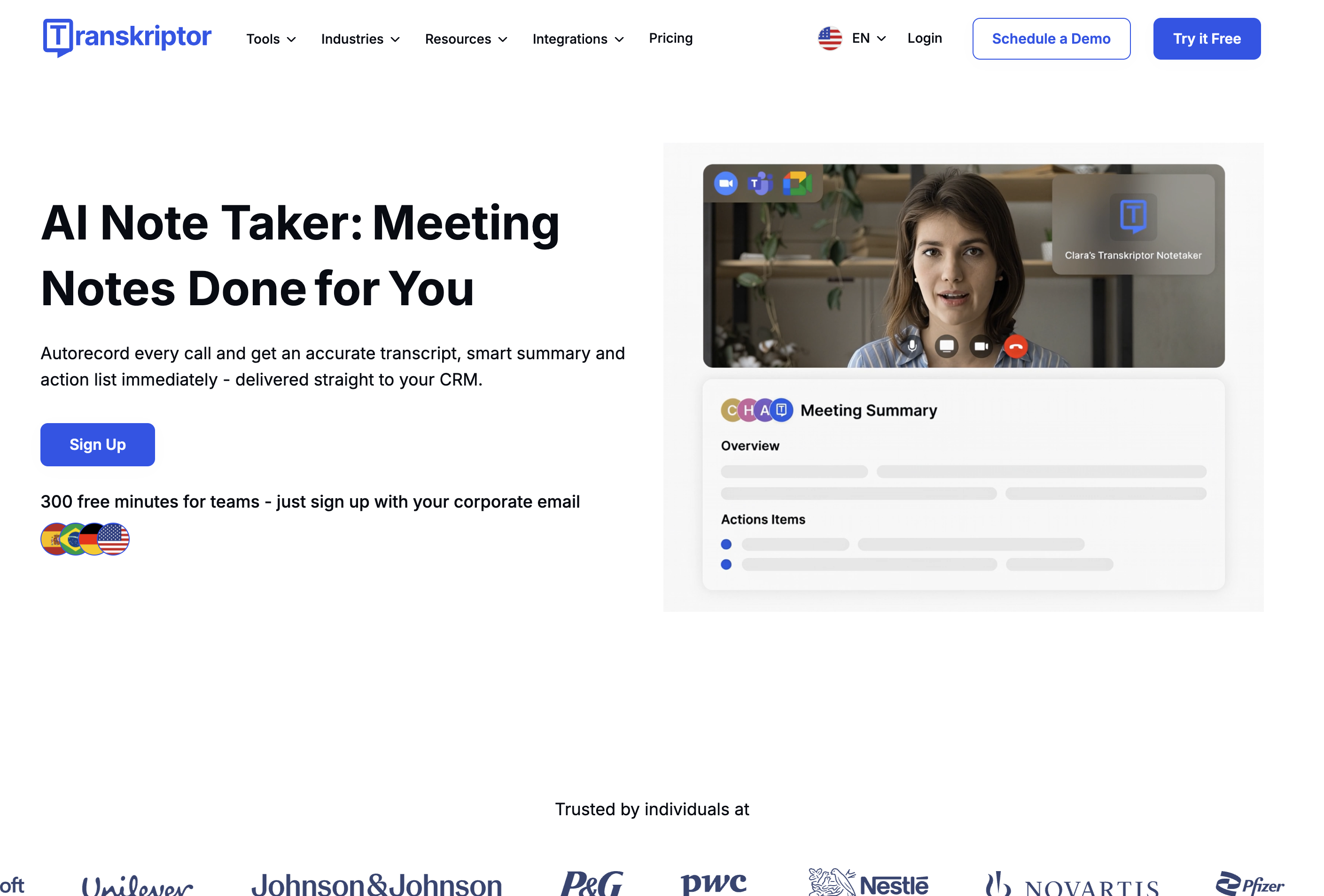
- Stay fully present in every meeting while a complete record builds itself: automatic meeting transcription captures the entire discussion, replacing manual note-taking and meeting minutes.
- Never miss a scheduled call again: calendar integration with Google Calendar and Outlook Calendar auto-joins and records meetings with zero manual setup.
- Jump straight to what matters after any meeting: transcripts are sorted into Tasks, Decisions, and Key Questions, so action items and open issues are found in seconds, not by rereading.
- Know exactly who committed to what: speaker identification attributes every statement to the right participant, keeping accountability clear in multi-person team discussions and board meetings.
- Get the meeting summary that fits the conversation: customizable AI summary templates for sales calls, interviews, and team discussions highlight what your context requires.
- Run multilingual meetings across global teams without a translator taking notes: transcription in over 100 languages keeps every region documented.
- Close deals and follow up without gaps: client conversations and negotiations become accurate records of commitments, requirements, and follow-up items for sales and account managers.
- Evaluate candidates on judgment, not memory: interviews and performance reviews become precise, searchable records HR teams revisit during assessment.
- Turn daily standups into assignments instantly: project meetings convert into organized task lists, removing manual documentation for project managers.
- Lead strategy sessions without splitting your attention: board and strategy meetings become concise summaries and action items for executives.
- Build a searchable meeting archive you can trust with sensitive data: organized transcripts and summaries are stored under SOC 2 and GDPR compliant security and privacy standards.
Pros & Cons
From the listing; not yet checked by our editors.
Pros
- Converts meetings into structured notes
- Transcribes in 100+ languages
- Calendar integration for autoscheduling
- Autocategorizes transcribed content
- Speaker identification technology
- Customized meeting summaries
- Adaptable for multiple meeting types
- GDPR and SOC 2 compliance
- Efficient record-keeping
- Improves management efficiency
- Highly secure
- Customer privacy prioritized
- Automate meeting note processes
- Searchable meeting notes
- OneClick FollowUps
- CRM Sync
- Tailored meeting summaries
- Industry-specific summary templates
- Automated meeting recordings
- Accurately captures multiple speakers
- Integrates with Google and Outlook
- Consistently over 99% transcription accuracy
- Notes available within minutes
- Option for sharing transcriptions
- Allows review, edit or share
- Compatible with Zoom, Microsoft Teams, Google Meet
- Customizable note organization
- Control over editing permissions for sensitive information
- Enterprise-Grade Security
- SSL Secure Transcription
- ISO 27001 Transcription Security
- HIPAA Compliant Transcription
- Available on Google Play Store, Chrome Web Store, App Store
Cons
- No offline mode
- No free version
- No transcription versioning
- No third-party integrations aside calendar
- Limited speaker identification
- No integration with non-calendar apps
- No first-party mobile apps
- No sentiment analysis
- Lack of cross-platform support
- Low transcription accuracy for accents
Alternatives to Transkriptor
Tools that share the most tags with Transkriptor.
- Interpret AI
Host multilingual events with live translated captions broadcast instantly and shared via QR code for seamless audience participation
Free trial · from $7.99/month
$7.99/month
Not yet checked
- Recal
Eliminate manual note-taking and get instant meeting summaries with AI-powered transcription and key takeaway extraction
Freemium · from $14/month
$14/month
Not yet checked
- Hyprcore
Turn any spoken word into accurate text instantly across all macOS apps, using a GPU-accelerated dictation engine that types exactly where your cursor is.
Freemium · from $19.99/month
$19.99/month
Not yet checked
- talat
Capture every word from Zoom, Teams, and Google Meet without inviting a bot—talat records both your mic and system audio on your own machine.
Free trial · from $49
$49
Not yet checked
- Sigmise
Follow conversations in real-time without switching windows using a floating overlay that displays live captions and translations over any application.
Freemium · from $15.99/month
$15.99/month
Not yet checked
- JustScribe AI
Send follow-up emails and meeting minutes faster, starting from a ready list of agreed actions: decision and next-step extraction pulls every commitment from the conversation into the post-call summary.
Free trial · from $19/month
$19/month
Not yet checked
Reviews
Rate this tool
Loading reviews...
Frequently asked questions
How does Transkriptor work?
Transkriptor is a tool designed for converting meeting discussions into structured notes. It does this through advanced AI technology that transcribes, condenses, and arranges meeting notes. The system automatically starts recording with integrated calendar scheduling. It is capable of transcribing the contents of meetings into relevant classifications like Tasks, Decisions, and Key Questions, which makes navigating through transcripts easier. Furthermore, it has speaker identification technology to ensure each statement is correctly attributed. It can also generate customized meeting summaries using AI.
What languages can Transkriptor transcribe meetings in?
Transkriptor is capable of transcribing meetings in over 100 different languages, making it a suitable utility for global teams.
How does Transkriptor's calendar integration feature function?
Transkriptor's calendar integration operates by scheduling automatic recording of meetings. This eliminates the need for a manual setup, ensuring seamless recording that leaves no conversation undocumented. It syncs directly with Google and Outlook Calendars.
How does the tool categorize the transcribed content?
Transkriptor organizes the transcribed content into meaningful classifications. These categories include Tasks, Decisions, and Key Questions. This segmentation allows for quick and easy navigation of meeting transcripts.
What is speaker identification technology in Transkriptor?
The speaker identification technology in Transkriptor ensures that each statement made during a meeting is correctly attributed. Regardless of the number of participants, this technology recognizes the voices and attributions, maintaining clarity and accountability in the transcriptions.
Can Transkriptor generate custom summaries for different meeting types?
Yes, Transkriptor features advanced AI technology that allows the user to create customized summaries adapted for different types of meetings. These can include sales calls, team discussions, and interviews.
You mention that Transkriptor can greatly benefit HR professionals, project managers, business executives and sales & account managers. Can you provide specific ways in which it does that?
Transkriptor provides benefits to various professionals, including but not limited to HR, project managers, and business executives by automating the transcription and summarizing processes. For HR professionals, it provides precise capturing of candidate interviews and performance reviews, ensuring searchable records while allowing the HR professionals to focus on human assessment and engagement. For project managers, it provides an easy way to convert daily meetings into organized tasks and assignments, eliminating the need for manual documentation. Business executives can transform strategic meetings and board discussions into concise summaries and action items, helping them lead and document discussions without division of attention.
What are SOC 2 and GDPR standards and how does Transkriptor comply with these standards?
SOC 2 and GDPR are standards focused on security and customer privacy. SOC 2 is an auditing procedure that ensures that service providers securely manage data to protect the interests of the organization and the privacy of its clients. GDPR, General Data Protection Regulation, protects the privacy and personal data of EU citizens. Transkriptor complies with these standards by strictly adhering to security measures for data privacy and managing customer information securely.