Overview
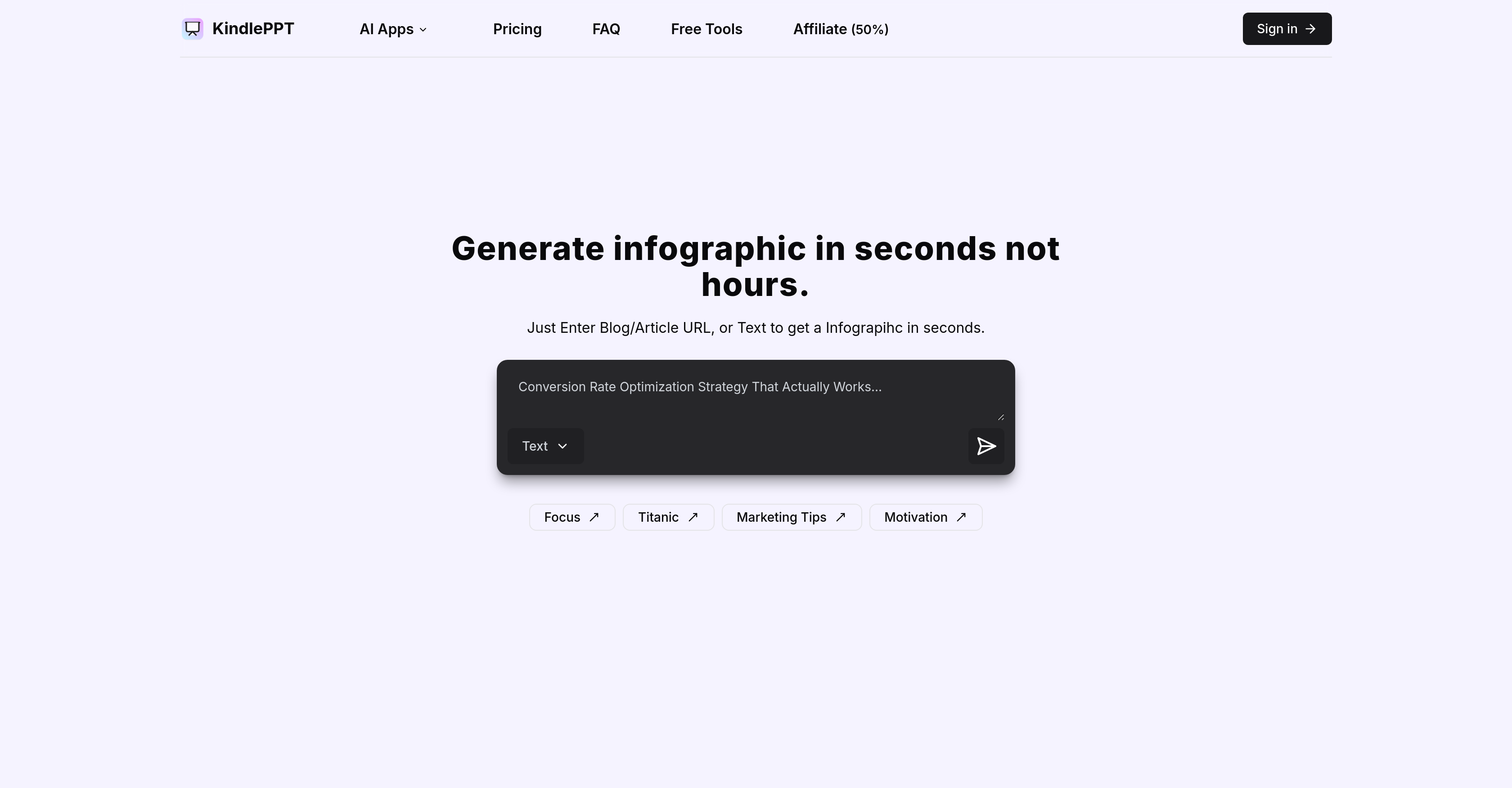
- Generate complete presentations, scripts, essays and quizzes in minutes instead of hours using AI content generation
- Transform plain text into visually appealing infographics with 5+ customizable templates for better audience understanding
- Create professional lesson plans and agendas instantly with the built-in lesson ticket creator for educators
- Condense lengthy documents into concise summaries automatically using the auto summarizer utility
- Design content with smooth information flow using the exit planner tool for better content structure
- Test the service risk-free with 5 free credits upon signup before committing to unlimited subscription plans
Pros & Cons
Pros
- Efficient content creation
- Produces presentations, scripts, essays
- Generates quizzes
- Versatile sector use
- Streamlines communication
- Customizable templates
- Text to infographic feature
- Assorted infographic templates
- Exit planner utility
- Lesson ticket creator
- Auto-summarizer tool
- Unlimited content with subscription
- 5 free credits for newbies
- Cancel subscription anytime
- Twitter customer support
- Generates content in seconds
- Global audience accessibility
- Visual communication enhancement
- Business tool
- Educational technology
- Affordable subscription services
- Optimized for speed
- Interactive audience engagement
- Time-saving
- User-friendly
Cons
- Limited customer support channels
- No real-time collaboration features
- No SSL encryption mentioned
- Limited free trial (5 credits)
- Support limited to Twitter
- Templates variety not specified
- Yearly plan pricing unclear
- Cancellation policies not explicit
- Lacks offline mode
- No mention of multi-language support
Reviews
Rate this tool
Loading reviews...
❓ Frequently Asked Questions
KindlePPT is an AI-powered software that expedites and streamlines content creation. It generates presentations, scripts, essays, and quizzes, making it a useful tool for diverse sectors including education and business.
KindlePPT expedites content creation through its AI-based technology that swiftly generates presentations, scripts, quizzes, and essays. It has customizable templates and free utilities like an exit planner, lesson ticket creator, and a summarizer, designed to facilitate the content creation process.
KindlePPT assists in the creation of several types of content including presentations, scripts, essays, and quizzes. It also converts plain text into visually appealing infographics.
In the education and business sectors, KindlePPT is useful as it generates engaging materials quickly and efficiently. It serves as a core solution for educators and business professionals who need to craft compelling content such as quizzes, scripts, presentations, and essays.
KindlePPT makes content more engaging for audiences by converting plain text into visually appealing infographics and offering customizable templates. This facilitates better understanding and enhances user interaction.
KindlePPT's text to infographic feature converts plain text into visually appealing infographics. Users can generate infographics in over 5+ templates, making the content more accessible to a global audience.
KindlePPT offers free utilities designed to facilitate the content creation process. These utilities include an exit planner, a lesson ticket creator, and an auto summarizer.
Subscriptions for KindlePPT are available on a monthly and yearly basis. The monthly subscription costs $10 a month, while the yearly subscription is priced at $80. These subscriptions allow for unlimited generation of content.
New users of KindlePPT can avail 5 free credits upon signing up. These free credits allow them to experience the services before opting for a subscription.
Yes, KindlePPT subscription can be cancelled at any time as per the user's preference.
KindlePPT's customer support can be reached through Twitter for any additional queries or concerns.
KindlePPT enhances visual communication by converting plain text into attractive infographics and offering a variety of templates. This feature makes the content more understandable and appealing to a global audience.
KindlePPT constitutes a good tool for educational technology because it generates engaging content, including presentations, scripts, essays, and quizzes. It also offers free features like a lesson ticket creator and a summarizer, making content creation efficient for educators.
KindlePPT's auto summarizer condenses extensive information into shorter, more manageable forms. It quickly provides a succinct summary of large text resources.
The lesson ticket creator in KindlePPT is a tool designed to construct lesson plans or agendas. It enables quick and efficient creation of lesson tickets, aiding educators in planning and organizing their instruction.
Yes, the content generated by KindlePPT is customizable. It offers a range of templates that can be tailored according to the user's preference, making the content layout versatile and user-friendly.
KindlePPT assists in generating quizzes swiftly thereby saving time and effort. It can be a great tool for educators who frequently need to create quizzes for students.
Yes, KindlePPT can generate scripts. This feature can be beneficial for businesses and individuals who require written scripts for various purposes.
KindlePPT assists in presentation design by generating a professional and engaging layout through its AI technology. It offers a range of customizable templates, making it easy to design presentations that are visually attractive and easy to understand.
The exit planner tool in KindlePPT is designed to facilitate content layout planning and organization. It aids in planning the sequence of content and ensures a smooth flow of information and ideas.
Pricing
Pricing model
Paid
Paid options from
$10/month
Billing frequency
Monthly
Refund policy
No Refunds
Related Videos
KindlePPT Lifetime Deal & Review: AI Powered Tool for Stunning Content Creation
Lifetime Software Deals•37 views•Nov 7, 2024