
Knowcast
Overview
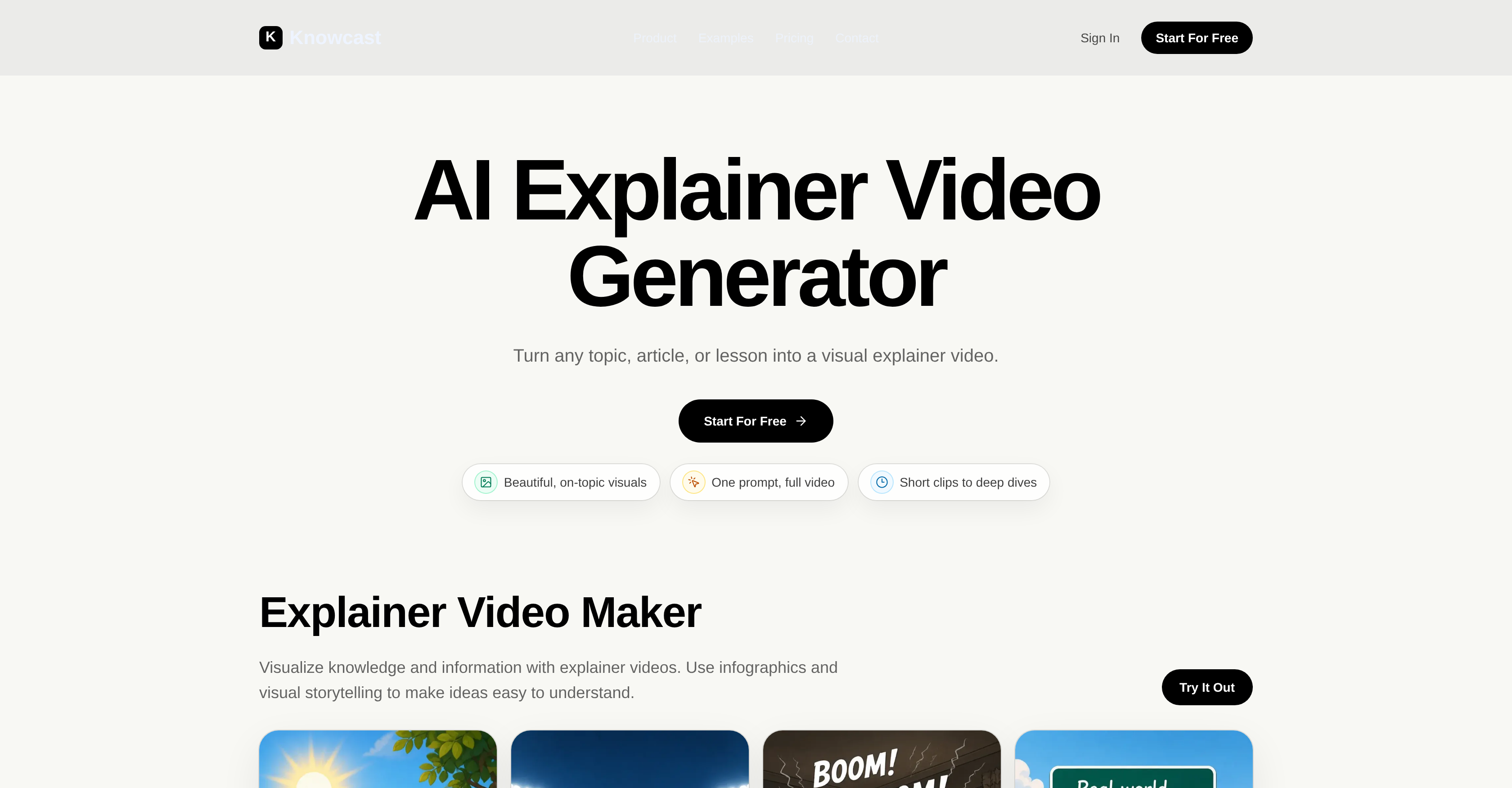
- Turn any prompt, article, or dense topic into a polished explainer video instantly with AI that generates scenes, captions, and infographics from your input
- Maintain a consistent personal brand across all your videos by cloning your voice once—capturing your tone, pacing, and pauses for reuse in every narration
- Create YouTube explainers and TikTok clips in minutes without video editing experience, using AI that structures your content into platform-ready visual narratives
- Simplify complex concepts for online lessons or product walkthroughs as the tool breaks down abstract ideas into digestible scenes, captions, and infographics
- Export shareable explainer videos for social media, internal training, or marketing after reviewing and adjusting scenes, captions, and pacing to match your vision
Pros & Cons
Pros
- Turns prompts into videos
- Infographics and visual storytelling
- Adaptable for different requirements
- Designs YouTube explainers
- Creates educational TikTok clips
- Does product walkthroughs
- Prepares concise visual summaries
- Voice Cloning function
- Clone voice across videos
- User-friendly video generation
- Transforms dense information
- Evaluates scenes, captions, and pacing
- Exports shareable explainer videos
- Aids quick concept understanding
- Visualizes knowledge and information
- Generates video from ideas
- Simplify complex concepts
- Personalized narration
- No editing experience required
- Dense information to visual story
- Creates explainer videos
- Generates scenes and captions
- Export ready videos
- Ideal for social media platforms
- Tone, pacing, and pauses capture
- Ideal for online lessons
- Speedy content transformation
- Clone voice for uniform content
- Ideal for creator channels
- Turns complex topics into visuals
- Ideal for product tutorials
- Makes abstract ideas comprehensible
- Generates explainer video-ready structures
- Creates visual summaries of topics
- Start with topic or prompt
- Speedy content creation
- Generates visual storytelling
- Ideal for YouTube and TikTok
- Clear narrative generation
- Adaptable for social media feeds
- Infographic-led learning moments
- Ideal for internal training
- Ideal for marketing explainers
- Transforms script into video
Cons
- Limited video editing options
- No multi-language support
- No closed captions feature
- No background sound options
- Lacks advanced customization options
- Unable to import own graphics
- Lack of collaboration features
- No offline version available
- No compatibility with other software
- Pricing could escalate quickly
Reviews
Rate this tool
Loading reviews...
❓ Frequently Asked Questions
Knowcast is an innovative AI-powered tool that helps creators and educators convert prompts, topics or articles into engaging visual explainer videos. Knowcast leverages infographics and visual storytelling to simplify complex ideas, making them easily understandable. Users can adapt this tool to various needs, including creating YouTube explainers, educational clips for TikTok, product walkthroughs, online lesson videos, and brief visual summaries of complex subjects. Knowcast features a Voice Cloning functionality, allowing for more personalized and engaging content creation. It provides continuity and uniformity to the content by enabling users to clone their voice, sample their natural speech, and reuse it across several videos and narrations. This platform is designed to simplify the transformation of raw knowledge to clear video narratives with a user-friendly video generation process.
The principal use of Knowcast is to aid creators and educators in swiftly turning prompts, topics, articles, and dense information into instructive, clear video narratives. It translates this raw knowledge into video-ready configurations with a distinct narrative, transforming abstract ideas into scenes, captions, infographics, and visual storytelling.
No, Knowcast does not only cater to educators and creators. Although education is one strong use case, AI explainer videos created with Knowcast are also suitable for product tutorials, internal training, creator channels, marketing explainers, and social media content.
Yes, Knowcast can be adapted to create content for various platforms including TikTok and YouTube. The tool is capable of designing explainers and educational clips for these platforms, embodying the specific requirements and style of each.
The Voice Cloning feature of Knowcast allows users to clone their voice, sample their natural speech, and reuse it across several videos and narrations for a more personalized and engaging content creation. Users can have a natural, conversational experience with AI, offering continuity and uniformity to the content.
Knowcast is a pivotal tool for content creators due to its ability to transform complex ideas into visual narratives quickly and efficiently. It allows creators to convert dense information into scenes, captions, infographics, and visual storytelling that make abstract ideas easier to understand. The tool provides a voice cloning function and ease-of-use, enabling creators to translate raw knowledge to clear video narratives without needing any video-editing experience.
The video generation process of Knowcast starts with users defining their subject or prompt. Following this, Knowcast swiftly converts this information into a video-ready structure with a distinct narrative. The process continues as Knowcast transforms the dense subject matter into scenes, captions, infographics, and visual storytelling. Users then get to review the generated scenes, captions, and pacing, before finally exporting a shareable explainer video.
Knowcast simplifies the process of turning dense information into video-ready content by using AI to transform abstract concepts into visual narratives. This is achieved through scenes, captions, infographics, and visual storytelling, making abstract ideas more comprehensible. These converted narratives are then ready to be reviewed and shared as explainer videos.
Yes, Knowcast allows users to evaluate and edit the scenes and captions that it generates. The platform generates scenes, captions, and provides pacing tools, all of which users can review before exporting a final video.
Yes, Knowcast can be used to create product walkthroughs. It has the capability of explaining how a product, feature, or workflow performs through visual steps that are simpler to follow as compared to text-only guides.
Knowcast is not strictly limited to educational content. Its utilities extend beyond education and can be utilized for creating product tutorials, internal training, creator channels, marketing explainers, and social media content. The platform supports a variety of content types, including entertainment.
The process of narrative creation within Knowcast involves a user describing the concept that they want to teach, summarize, or explain. Knowcast then takes this input and transforms it into a video-ready structure with a clear narrative.
Yes, Knowcast aids in comprehension of complex topics by converting dense information into visual narratives through scenes, captions, infographics, and visual storytelling. As a result, these potentially difficult subjects become more understandable, especially when the content is shared as visually engaging explainer videos.
Yes, Knowcast offers a feature for video pacing. This permits users to review the generated scenes, captions, and pacing, and make adjustments based on necessity before exporting a final video.
Yes, the voice cloning function on Knowcast is reliable. This feature allows users to clone their voice by sampling their own natural speech. The collected tone, pacing, and pauses can then be consistently employed across various videos and narrations, giving a personalized touch to the content.
Yes, exporting videos from Knowcast is a simple process. After Knowcast has generated the video scenes, captions, narrative, and pacing, users can review and thereafter, export a shareable explainer video. The tool empowers users to share the final product as lessons, social clips, product explainers or on creator channels.
Yes, Knowcast offers personalized features for content creation. The notable Voice Cloning function allows users to offer a more personal touch to their content by cloning their voice, sampling their natural speech and reusing it across different videos and narrations.
Knowcast should be used for content creation as it offers assistance in quickly and efficiently turning any topic into an explainer video. It uses AI to transform dense information into scenes, captions, and infographics, making abstract ideas easier to grasp. Plus, it offers features like Voice Cloning for personalized narration, and does not require any prior experience in video editing.
With Knowcast, you can create YouTube explainers, TikTok educational clips, product walkthroughs, online lesson videos, and concise visual summaries of intricate subjects. The platform also allows for the creation of social content suitable for fast-moving social feeds.
The Voice Cloning function in Knowcast works by sampling the user's natural speech in a conversational exchange with the AI. Once the user's tone, pacing, and pauses are captured, this voice sample can then be reused across different videos and narrations, providing continuity and uniformity to the content.
Yes, once Knowcast has generated scenes, captions, and pacing based on the input, users can review these elements and export a final explainer video. This means there's room for customization ensuring the output aligns with the users' requirements.
Absolutely. Knowcast is ideal for creating educational content. It can help in breaking down complex topics into straightforward, visually engaging explainer videos for online lessons. Infographics and visual storytelling mechanisms are utilized to make the learning process easier and more enjoyable.
Knowcast does provide video editing features in terms of customizing the generated scenes, captions, and pacing. However, the major advantage of Knowcast is that it transforms user-provided topics into structured, video-ready narrations, eliminating the need for extensive video editing.
Knowcast is suitable for various platforms like YouTube, TikTok, and other social media platforms. The explainer videos created with Knowcast can also be used for online lessons and product walkthroughs on any suitable platform.
Knowcast uses AI to transform complex concepts into visuals. It breaks down dense information into video-ready configurations, using scenes, captions, and infographics to articulate abstract ideas clearly. This methodology ensures that even the most intricate topics are made easily understandable through visual representation.
The video generation process on Knowcast begins with the user defining their subject or prompt. The AI then transforms this raw input into a video-ready structure featuring scenes, captions, and infographics for visual storytelling. The user can review the gathered elements and pacing before ultimately exporting a polished explainer video.
Exactly. With Knowcast, users can start the video generation process from an idea or prompt, without needing any prior video editing experience. The platform is built around simplicity and efficiency, allowing users to focus on the ideas they want to express, rather than wrestling with complex editing tools.
Indeed, with the Voice Cloning feature of Knowcast, you can clone your voice by having a natural, conversational experience with the AI. Once your voice sample is captured, you can reuse it across multiple videos, ensuring a unique and consistent voice in your content.
Yes, Knowcast is designed to simplify communication of intricate or complex subjects. It does this by utilizing visual storytelling and infographics, breaking down dense information into easily digestible content. The platform can convert any topic into a clear, concise, and visually engaging explainer video.
Absolutely. Knowcast is a powerful tool for social media content creation. You can turn complex topics into simple, concise visual explanations suitable for social media platforms like TikTok, Instagram Reels, YouTube Shorts, and more. These simplified videos are perfect for sharing on fast-paced social feeds.
Scenes and captions in Knowcast are generated using AI that takes the user's input prompt or topic, and converts dense information into a structured, video-ready visual story. The AI breaks down abstract ideas into scenes with corresponding captions making the content more digestible and engaging.
In the process of video creation, Knowcast uses infographics to interpret and visualize complicated concepts or dense information. It effectively incorporates these graphics into the video narrative, making abstract ideas easier to comprehend. This elevates the overall visual appeal and educational value of the output video.
Yes, Knowcast can be used to create product walkthroughs. It transforms step-by-step explanations of how a product or service works into visually compelling and easy-to-understand videos, ultimately making for a clearer, more engaging user experience.
To start creating videos with Knowcast, you first pick a topic or prompt that you want to explain or summarize. Knowcast then turns your input into a video-ready structure with a clear narrative. In the next step, the platform transforms dense information into digestible elements including scenes, captions, and infographics. Once you've reviewed and are happy with these components, you can then export the final explainer video.
Pricing
Pricing model
Freemium
Paid options from
$16/month
Billing frequency
Monthly
Related Videos
Knowcast POC 1 Feb 2021
Knowcast•24 views•Jun 16, 2023