Overview
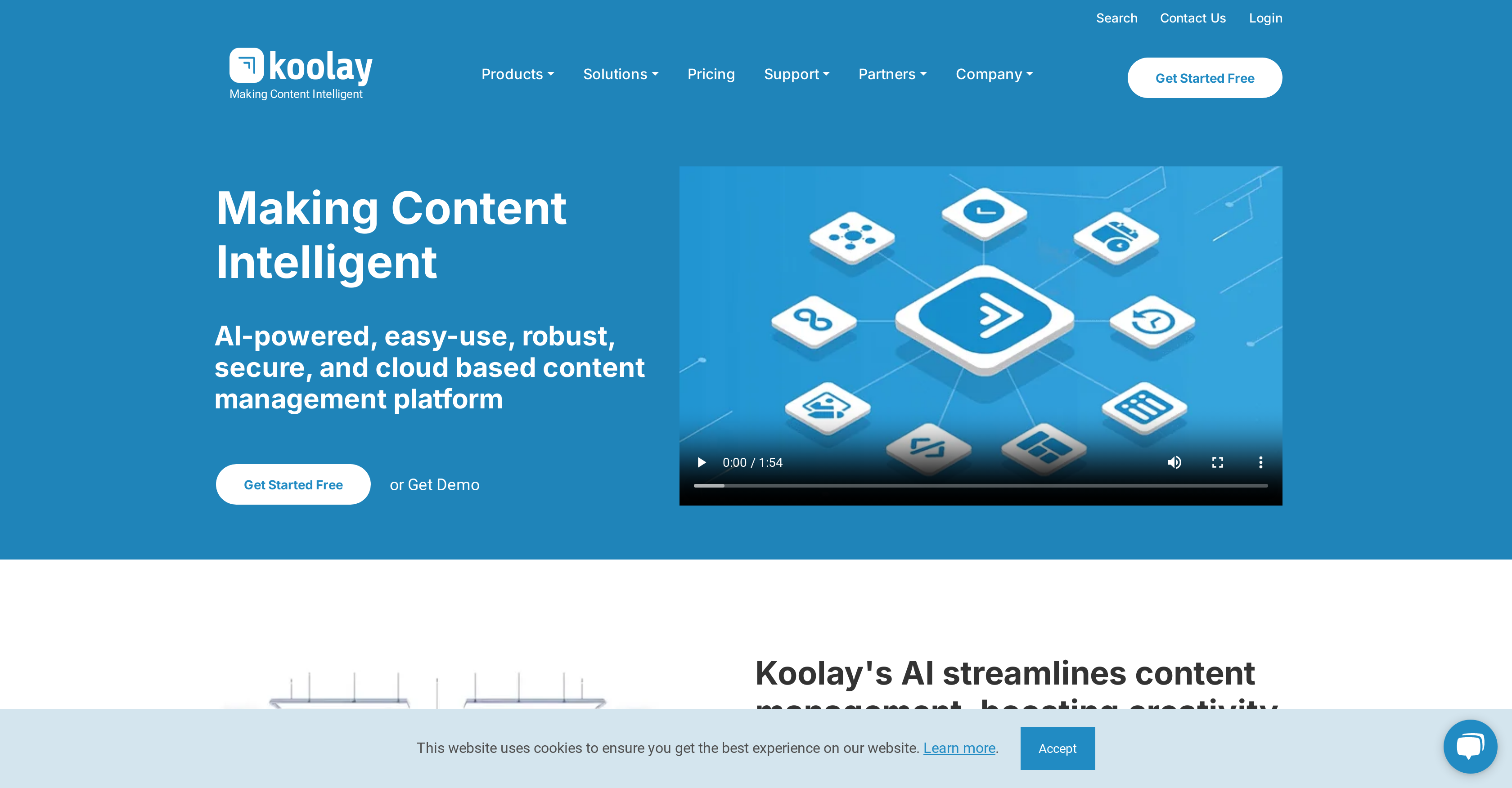
- Create high-quality content effortlessly with AI content assistant that writes and optimizes for you
- Manage multiple websites simultaneously from one dashboard with centralized multi-site management
- Customize your site's appearance in real-time using intuitive design tools and Liquid template engine
- Automatically tag and categorize content for better discoverability with AI-powered auto-tagging
- Enhance and edit images without technical skills using the AI image assistant
- Maintain enterprise-grade security with customizable permissions and Azure infrastructure
- Distribute content seamlessly across different sites with cross-site publishing capabilities
- Filter unwanted content automatically using AI spam classification for cleaner user experience
- Find perfect vector images quickly with AI-powered vector search functionality
- Integrate AI chatbots for customer support without coding through built-in chatbot features
Pros & Cons
Pros
- Cloud-based CMS
- User-friendly platform
- Robust and secure
- Auto-tagging feature
- Spam classification
- Content recommendation capability
- HTML assistant
- Vector search capability
- Chatbot Integration
- Instant Design tool
- Multisite management
- Centralized governance
- Location-based control
- Customizable permissions and security
- Content tagging
- HTML support
- Single account for multiple sites
- Seamless content distribution
- Customizable for different sectors
- Image editing and web design
- Automation of content management
- Increased efficiency and productivity
- Liquid template engine
- Instantly change colors, CSS, & JS
- Advanced Security
- Scalability provision
- Built for all user levels
- Preliability and performance
- Hosted on Azure infrastructure
- Faster content production
- Global content delivery optimization
- Web security powered by Cloudflare
- Unified platform for enterprise operations
- Centralized multi-site management
- Advanced Access control
- Customizable front-end
- Backed by accelerator programs
- Adaptive administration
- Real-time website updates
- Flexible design management
Cons
- Complex interface
- Overwhelming for beginners
- Could be overly versatile
- Too many features
- Requires strong internet connectivity
- Incomplete advanced security details
- No explicit backup feature
- Multi-site management may be complicated
- Customization requires technical knowledge
Reviews
Rate this tool
Loading reviews...
❓ Frequently Asked Questions
Koolay encapsulates numerous features such as an AI content assistant, image assistant, auto-tagging, spam classification, content recommendation, HTML assistant, vector search, chatbot, instant design, and new generation AI modules. It also boasts a user-friendly interface, a robust and secure platform, support for managing multiple sites, and customizable permissions and security levels.
Koolay's AI assists in content creation and optimization by leveraging its AI content assistant to create high-quality content. It also has tools for auto-tagging, which automatically generates relevant tags for content, and a content recommendation system that offers personalized content suggestions based on AI analysis. HTML tasks are simplified with the HTML assistant which aids in HTML coding and optimization.
Koolay is designed with a user-friendly interface that does not require technical knowledge, catering to both techies and non-techies alike. It provides all the tools necessary to manage and update a website without needing to struggle with learning new technologies.
Yes, Koolay is built to support multiple-site management, offering centralized governance as well as location-based control. It can manage various sites simultaneously through a single user account and distribute content across different sites seamlessly.
Koolay's 'Instant Design' tool uses artificial intelligence to quickly generate design concepts. The specific working mechanism isn't detailed on their website, but it's designed to enhance and expedite the web design process.
The 'AI Content Assistant' in Koolay is a tool that leverages artificial intelligence to aid users in creating high-quality content. Though the specifics of its operation aren't stated, it's designed to streamline and enhance the content creation process.
Koolay's 'AI Image Assistant' enhances and edits images using AI technology. The exact workings of this feature aren't disclosed on their website, but it's intended to simplify and improve image editing tasks.
Koolay is designed to revolutionize website management across various sectors including schools, nonprofits, businesses, and governments. Each of these sectors can benefit from its robust, secure, and user-friendly platform for managing content.
Koolay offers customizable permissions and security levels to ensure secure content management according to user roles. This security feature is adaptable for different users and roles, providing flexible and secure access control over content management tasks.
Koolay assists with content tagging and HTML support through its AI tools. The auto-tagging feature automatically generates tags for content, enhancing discoverability and categorization. The HTML assistant aids in HTML coding and optimization, making it easier to create and manage web pages.
The auto-tagging feature in Koolay automatically generates tags for your content. This function utilizes AI to identify the most relevant tags, thereby enhancing the categorization and visibility of your content.
Yes, with Koolay's multi-site management feature, you can distribute content across different sites seamlessly. It allows you to manage several sites simultaneously using a single user account.
Yes, Koolay's features are further customizable for different sectors such as schools, small businesses, and enterprises, allowing these organizations to streamline content management across all their platforms.
Koolay places a high priority on data security. It is equipped with industry-leading security measures and is hosted on an Azure infrastructure focussed on reliability and performance. Additionally, web security is powered by CloudFlare which prioritizes the protection of data and user interactions.
Koolay's 'vector search' is a feature that allows you to search for vectors and illustrations using artificial intelligence-powered tools. While the specifics of its operation are not detailed on their website, this feature is designed to simplify the process of finding suitable vector images for your content.
Koolay's spam classification tool uses artificial intelligence to identify and filter spam. The specifics of its operation aren't detailed on their website, but it's designed to ensure a cleaner, more relevant content experience and protect against unwanted spam.
Yes, Koolay provides intuitive design tools and leverages the Liquid template engine, empowering users to easily customize the look and feel of their site's front-end. Users can update their site's colors, CSS, and JavaScript in real-time to see immediate changes.
Yes, Koolay has a feature known as 'AI HTML Assistant' which aids in HTML coding and optimization. This tool provides assistance in managing the HTML aspects of your site, further simplifying content management and site creation tasks.
The 'AI Chatbot' feature in Koolay allows you to integrate AI-powered chatbots for customer support and interaction. The specifics of its integration process aren't detailed on their website, but it's intended to enhance customer experience, engage users, and provide timely responses.
Koolay's AI-powered content recommendation system provides personalized content recommendations based on AI analysis. The specifics of its operation aren't detailed on their website, but this feature presumably analyses user behavior and content patterns to suggest relevant and personalized content to users.
Pricing
Pricing model
Freemium
Paid options from
$150/month
Billing frequency
Monthly