

Laxis
Never miss critical customer details with real-time transcription that captures requirements, pain points, and action items automatically
Listing not yet reviewed by our editors · How we check
Overview
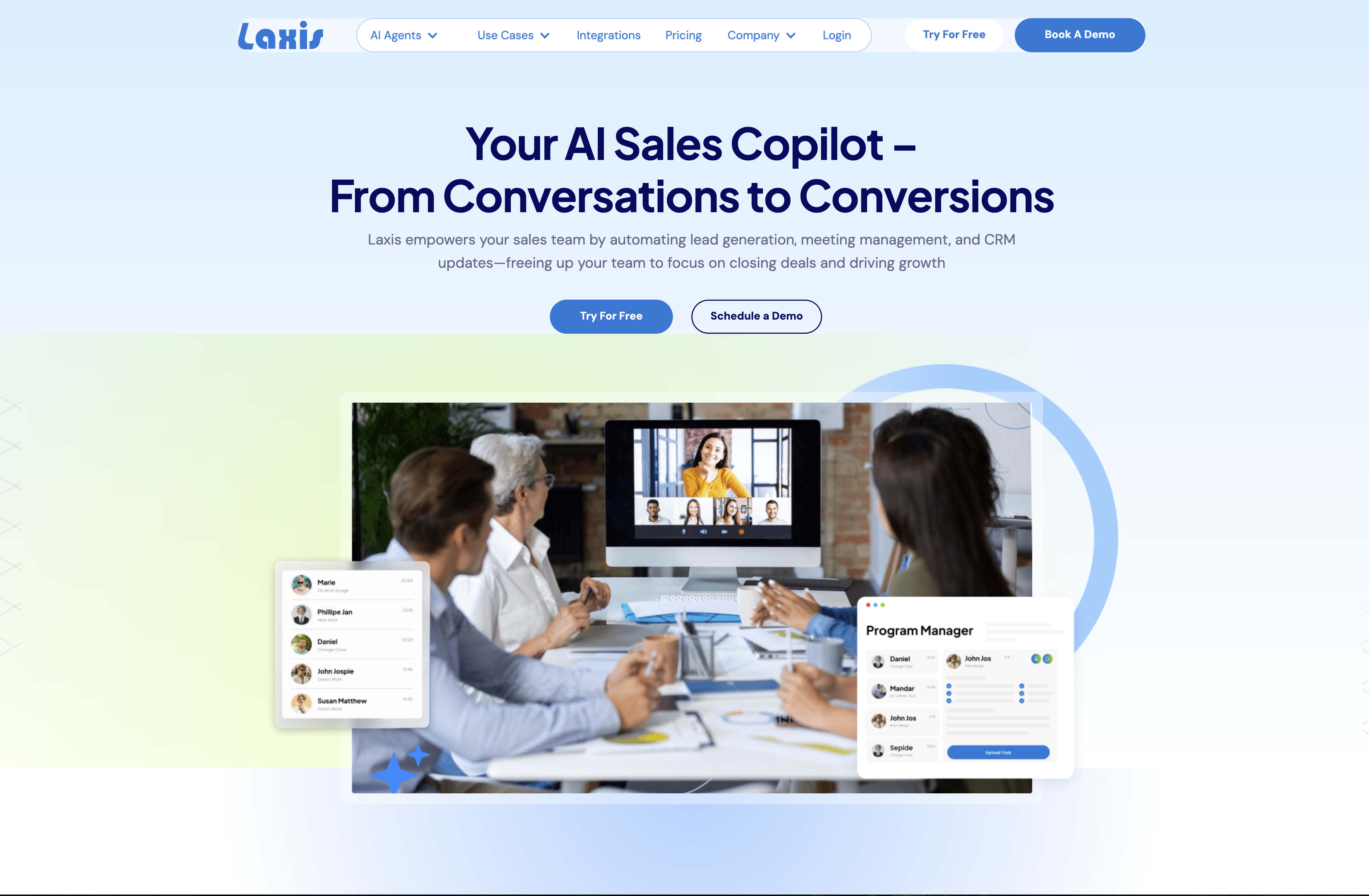
- Never miss critical customer details with real-time transcription that captures requirements, pain points, and action items automatically
- Save hours on manual note-taking with AI-generated meeting summaries and follow-up emails ready in seconds
- Keep your CRM perfectly updated by automatically saving customer requirements, action items, and meeting summaries with one-click integration
- Extract strategic insights across multiple meetings to identify patterns and opportunities from your entire conversation history
- Repurpose audio content instantly by converting podcasts, webinars, and meetings into transcribed, summarized content with a single click
- Conduct global business confidently with accurate multilingual transcription that maintains detailed records of international interactions
Pros & Cons
From the listing; not yet checked by our editors.
Pros
- Real-time transcription
- Conversation tagging
- Pre-meeting personalized templates
- Post-meeting insight management
- Extracts insights from meetings
- Integration: Zoom, Google Meet, Cisco Webex, Microsoft Teams
- One-click CRM updates
- Auto-creates meeting summaries
- Auto-generates follow-up emails
- Captures customer requirements
- Supports multilingual interactions
- Repurposes audio content
- Real-time transcription of multilingual meetings
- Detailed record-keeping
- Supports various professional roles
- Optimizes customer conversations
- Tracks portfolio notes
- Automatically inputs customer actions
- Automatically inputs customer activities
- Analysis across individual or sets of meetings
- Language preference feature
- Award-winning transcription
- Useful for sales, marketing, business development
- Useful for project managers, product & UX designers
Cons
- No offline functionality
- Not open-source
- Limited language support
- No integration with non-popular platforms
- Relies significantly on CRM systems
- Requires high-speed internet for real-time transcription
- Doesn't support transcription of video content
- Accuracy of transcription not specified
- No clear data security measures
- Limited personalization options
Alternatives to Laxis
Tools that share the most tags with Laxis.
- ShadowDo
Eliminate manual note-taking with automatic transcripts and timestamped summaries generated from your conversations
Freemium · from $8/month
$8/month
Not yet checked
- Otter.ai
Never take meeting notes again with OtterPilot that auto-joins Zoom, Teams and Google Meet to capture everything automatically
Freemium · from $8.33/month
$8.33/month
Not yet checked
- MeetPulp
Eliminate manual note-taking with automated meeting transcriptions that capture every word accurately
Freemium · from $10.99/month
$10.99/month
Not yet checked
- Bubbles Notetaker
Never miss a meeting detail with automatic transcription and AI-generated summaries that highlight key decisions and action items
Freemium · from $12/month
$12/month
Not yet checked
- Limitless - Personalized & Secure Memory AI
Never miss meeting details again with instant transcription and AI-powered summaries that highlight key decisions and action items
Freemium · from $19/month
$19/month
Not yet checked
- Sembly AI
Never take meeting notes again with automatic transcription that identifies speakers and removes filler words for clean, readable records
Freemium · from $10/month
$10/month
Not yet checked
Related Videos
Laxis: AI Meeting Assistant
Laxis · Apr 7, 2022
Laxis, your intelligent meeting assistant
Laxis · Sep 6, 2021
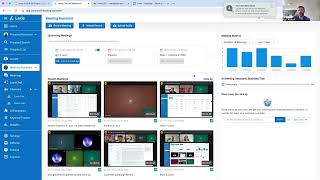
Laxis AI Sales Agent Platform | Product Demo
Laxis · Aug 3, 2025
Reviews
Rate this tool
Loading reviews...
Frequently asked questions
What is Laxis 2.0?
Laxis 2.0 is an artificial intelligence (AI) tool which functions as a meeting assistant for businesses and professionals. It features real-time transcription and tagging of conversations along with pre-meeting personalized templates and post-meeting insight management. The advanced AI of Laxis 2.0 allows the extraction of insights, action items and key quotes from individual meetings or across a series of interviews. It seamlessly integrates with popular platforms such as Zoom, Google Meet, Cisco Webex and Microsoft Teams.
What special features does Laxis offer for managing meetings?
Laxis provides real-time transcription and tagging during the meeting, enabling users to stay focused on the conversation without missing any important pieces. It auto-generates meeting summaries and follow-up emails in seconds. Laxis can also identify customer requirements, pain points and action items and can save these details directly in your CRM. Furthermore, Laxis can extract relevant insights from individual or a set of interviews. Users can repurpose audio content from podcasts, webinars, and meetings with a single click.
How does Laxis integrate with platforms like Zoom, Google Meet, etc.?
Laxis integrates seamlessly with popular platforms like Zoom, Google Meet, Cisco Webex and Microsoft Teams. This enables it to accurately transcribe and tag conversations in real-time across these platforms, auto-generate meeting summaries, capture attendees' comments verbatim, flag action items for follow-up, and automate the input of customer actions and activities.
Who can benefit from using the Laxis AI tool?
A wide range of professional users can benefit from Laxis. This includes sales and marketing teams, business development and project managers as well as product and UX designers. By optimizing customer conversations and capturing key insights, Laxis supports users in various commercial capacities. It also aids individuals who carry out market research, tracking portfolio notes, capturing customer requirements and activity among others.
How does Laxis streamline the process of revenue teams?
Laxis streamlines the processes of revenue teams by capturing key insights from interactions, ensuring that no critical details are missed. It generates precise transcriptions of conversations and offers distilled summaries of salient points. The tool enables users to quickly identify customer requirements, pain points and action items, and it even saves these details in the CRM with just one click.
Can Laxis help me to keep a record of my meetings?
Yes, Laxis helps in maintaining a detailed record of your meetings. It transcribes conversations in real time, tags them, and then saves the transcripts along with action items, key quotes, and insights. The inclusion of multilingual preferences ensures accuracy in transcribing and record-keeping of multilingual interactions.
How does Laxis assist in market research?
Laxis assists in market research by providing a platform for effective and focused discussions. It helps capture key insights from interviews or meetings and organizes them in a systematic manner. It is especially helpful during focus groups as it allows for clear analysis of discussions without missing any significant points.
Can Laxis transcribe multilingual interactions?
Yes, Laxis supports multilingual interactions. Users can choose their preferred language and Laxis will provide accurate real-time transcription of the meetings as well as maintain a detailed record of all multilingual interactions.