
Overview
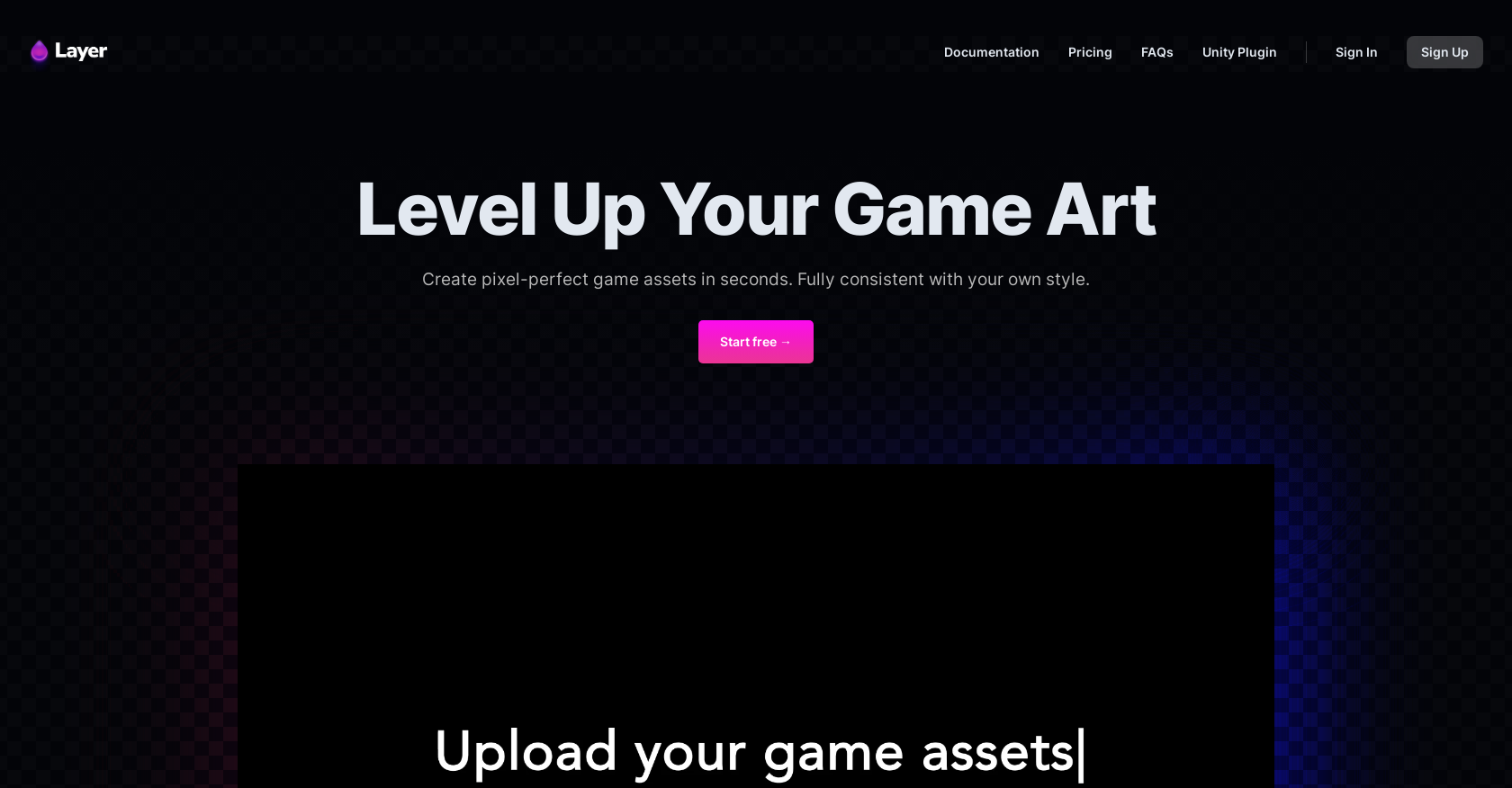
- Eliminate repetitive design work by generating complete game assets in seconds instead of hours
- Upload reference images to create pixel-perfect variations that maintain your unique artistic style
- Transform rough sketches into polished assets with full creative control over edits and specifications
- Maintain visual consistency across all game assets and marketing materials with cohesive editing tools
- Scale your art pipeline efficiently across development, product, and marketing departments
- Generate infinite variations of marketing assets for A/B testing and campaign optimization
Pros & Cons
Pros
- Generates pixel-perfect assets
- Quick asset production
- Style-consistent asset generation
- Creative control enabled
- Assets editing consistency
- Seamless assets expansion
- Useful across departments
- Accelerates game asset pipeline
- Infinite marketing assets variation
- Game development enhancement
- Idea to launch facilitation
- Saves time and effort
- Fully customizable results
- User-friendly interface
- Helpful for product marketing
- Images can be uploaded
- Flexible and powerful tool
- Sketches to life service
- Unity plugin availability
Cons
- No offline version
- Limited to game assets
- No multi-language support
- No version control features
- No collaborative tools
- Not open-source
- Lacks third-party integrations
- No customer support details
- No mobile app mentioned
- No clear refund policy
Reviews
Rate this tool
Loading reviews...
Pricing
Pricing model
Freemium
Paid options from
Free tier available
Billing frequency
Monthly
Related Videos
How to create a custom trained AI style for your game | Layer
Layer•1.0K views•Jul 17, 2025