

LiveSwap.ai
Go live as someone else in seconds: open LiveSwap.ai in a recent browser, sign in, pick a character, and enable your camera to see the real-time face swap with no software to install.
Listing not yet reviewed by our editors · How we check
Overview
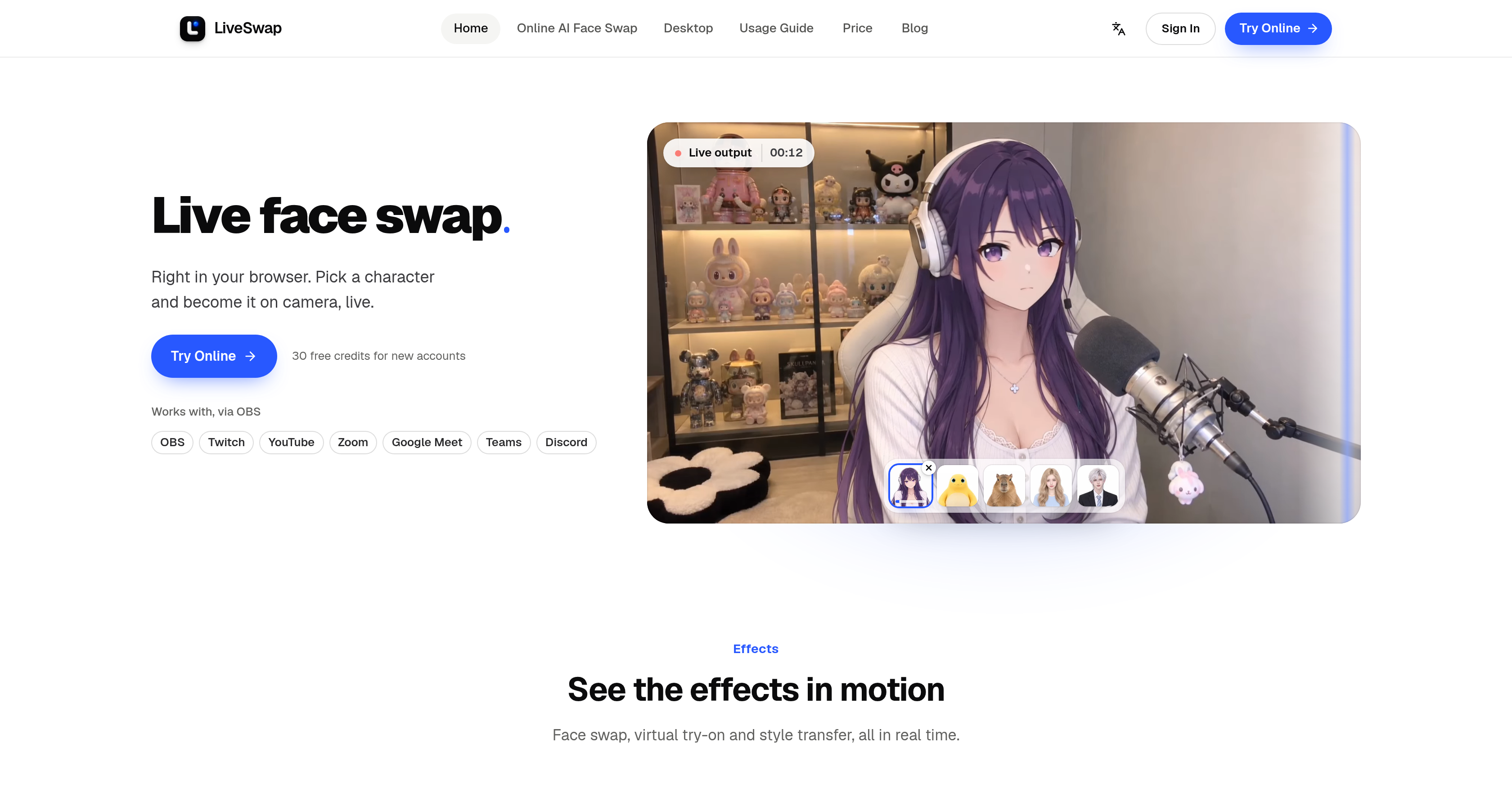
- Go live as someone else in seconds: open LiveSwap.ai in a recent browser, sign in, pick a character, and enable your camera to see the real-time face swap with no software to install.
- Build a VTuber or streaming persona: capture the output window in OBS and broadcast your AI face swap straight to Twitch, YouTube, or any streaming platform.
- Show up transformed in video calls: route the output through OBS Virtual Camera and select it as your webcam in Zoom, Google Meet, Microsoft Teams, or Discord.
- Skip the OBS setup on Windows: the desktop app installs a LiveSwap Camera device you select directly in supported calling apps, with camera input, model selection, output, and the reference library in one window.
- Match any creative concept without hunting for assets: a library of 159 characters spanning real people, anime, pets, and creative styles lets you switch looks mid-session.
- Demo outfits for live selling and fashion content: real-time virtual try-on and style transformation put the product on you while viewers watch.
- Produce skits and short videos without costumes or makeup: swap characters live on camera and record stylized content in a single take.
- Control what leaves your device: camera preview stays local until you start generation, and private references saved to the service are stored as encrypted images.
- Pay only for the seconds you use: new accounts get 30 free credits, models range from 0.5 to 3 credits per second, and reserved credits you don't use are returned after settlement.
- Get a cleaner, more convincing swap: keeping one person in frame, facing the camera, and using even lighting gives the model the input it needs for better likeness.
Pros & Cons
From the listing; not yet checked by our editors.
Pros
- Live camera face swapping
- Real-time virtual try-ons
- Live style transformations
- Switch characters during sessions
- 159 selectable characters
- Real people, anime, pets
- Creative-style character references
- Browser use without installation
- OBS window-capture workflow
- OBS Virtual Camera output
- Windows LiveSwap Camera device
- Direct camera selection in calls
- Camera-enabled app compatibility
- Window-capture app compatibility
- Twitch and YouTube workflows
- Zoom, Meet, Teams, Discord workflows
- Desktop controls in one window
- Desktop reference library included
- On-device camera preview
- Encrypted private reference storage
- Unused credits returned after settlement
- Model-specific credit rates
- 30 signup credits
- Streaming and VTubing use
- Fashion and live-selling demonstrations
- Skits and short-video creation
Cons
- Requires account, camera, internet
- Browser needs window capture/OBS
- No macOS desktop app yet
- Phone support varies by device
- Resolution and likeness unguaranteed
- Generation streams data to provider
- Provider retention follows own policy
- Lucy requires 30 credits minimum
- Model credit rates vary
- One person recommended per frame
Alternatives to LiveSwap.ai
Tools that share the most tags with LiveSwap.ai.
- Swap Me In
Create hilarious meme videos and movie parodies in under a minute with AI that handles all the complex video generation for you.
Freemium · from $3/unit
$3/unit
Not yet checked
- VideoSwap.app
Produce natural face transitions with smooth expressions and consistent lighting across every frame using the Face Swap feature.
Free trial · from $21.90/month
$21.90/month
Not yet checked
- Animove AI
Produce natural-looking video face swaps that preserve original expressions, head movement, and scene lighting — achieved through AI that matches skin tone, facial angle, and details frame by frame.
Paid · from $19.90/month
$19.90/month
Not yet checked
- EasyFaceSwap
Create photorealistic face swaps in seconds without any signup or registration — drag and drop images directly into your browser.
Free
Not listed
Not yet checked
- FaceShapeDetector
Get a precise, personalized face shape analysis that goes beyond generic labels with our unique Face Shape Blend™, revealing your exact proportions like 80% Oval + 20% Heart.
Freemium · from $6.99
$6.99
Not yet checked
- Transition
Follow a training plan that automatically adjusts to your daily schedule and recovery metrics, ensuring you stay on track even when life gets busy
Paid · from $19/month
$19/month
Not yet checked
Reviews
Rate this tool
Loading reviews...
Frequently asked questions
How do I start a live face swap with LiveSwap.ai in my browser?
Open LiveSwap.ai in a recent browser, sign in, choose a character or visual reference, and enable your camera. The generated effect appears live.
What camera, browser, and account requirements does LiveSwap.ai have?
LiveSwap.ai requires a recent browser, a camera, an account, and a stable internet connection.
Can I use LiveSwap.ai on my phone, and which mobile browsers work best?
You can try LiveSwap.ai in a recent mobile browser and grant camera permission. Whether it works, and how well, depends on your device, browser, and connection; the site does not recommend specific mobile browsers.
How do I send LiveSwap.ai’s browser output to OBS?
Capture the LiveSwap.ai output window in OBS. You can then stream that output to Twitch, YouTube, or another platform.
Can I use LiveSwap.ai in Zoom, Google Meet, Teams, or Discord?
Yes. In the browser, use OBS Virtual Camera and select it as the camera in Zoom, Google Meet, Microsoft Teams, or Discord. The Windows app also provides a LiveSwap Camera device for supported calling apps.
How does the LiveSwap.ai Windows app’s virtual camera differ from the browser version?
The Windows app installs a LiveSwap Camera device that supported calling apps can select directly. The browser version sends its output to other apps through window capture or OBS.
When will LiveSwap.ai release its macOS desktop app?
IDK
What kinds of characters and references can I choose in LiveSwap.ai?
LiveSwap.ai describes a library of 159 characters, including real people, anime, pets, and creative styles. You can switch among them and choose a character or visual reference.