VideoSwap.app
Overview
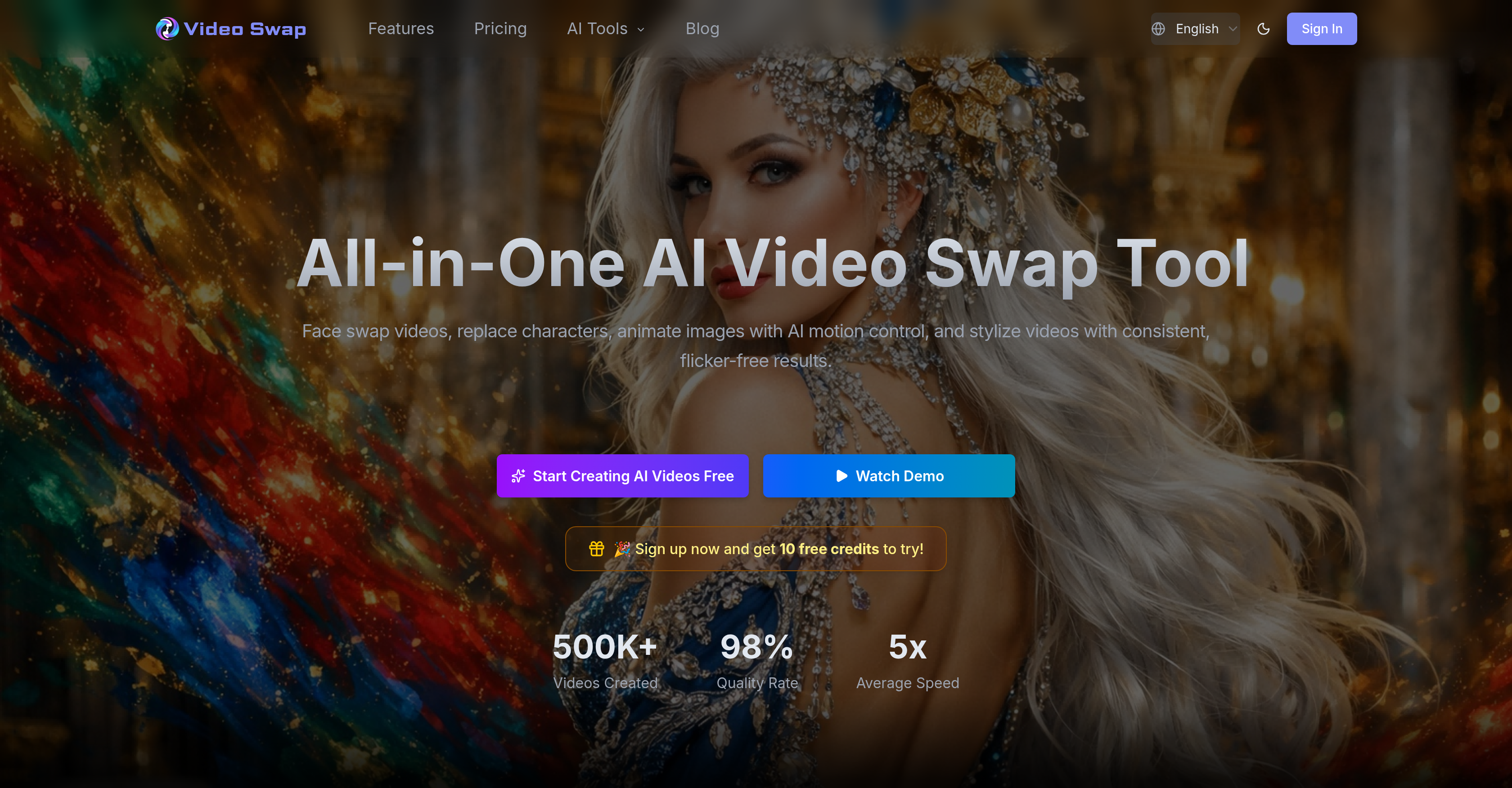
- Produce natural face transitions with smooth expressions and consistent lighting across every frame using the Face Swap feature.
- Generate multiple ad variants instantly by replacing characters while preserving scene consistency for ad localization and mascot insertion with the Character Swap feature.
- Bring static photos to life as dynamic, eye-catching content by importing a performance reference video to animate images using AI Motion Control.
- Maintain brand or channel consistency across an entire video series with flicker-free, unified visual styling through Video Style Transfer.
- Create polished TikTok, Reels, or Shorts content without professional video editing skills, as complex AI processing runs automatically in the background.
- Access all video creation and editing capabilities directly in the browser with no software downloads or installations required.
- Start creating immediately with 10 free trial credits to test face swap, character replacement, video animation, and style transfer without upfront payment.
Pros & Cons
Pros
- Flicker-free editing
- Consistent video stylization
- Face swap with refined expressions
- Scene consistency with character replacement
- Flexible pricing
- Video style transfer feature
- Ideal for multiple ad variants
- User-friendly processes
- Faster content creation
- Produce TikTok, Reels, Shorts videos
- Ad localization
- Photo Animation
- Branding
- Content creation for illustrators
- Works for short-film creators
- Great for studios
- Converts a reference performance into animation
- Enables multiple on-screen personas
- Saves re-shoot costs
- Adapts to business demands
- One-click video stylization
- Allows text descriptions for input
- Requires no software download
- Transform static images to dynamic content
- Supports commercial use of generated content
- Ensures privacy and material security
- In-Browser functionality
- Multi-language support
- Pro-quality video content
- Upload materials, select effects, click generate
- Automated background calculations and processing
- Billing based on processed duration
- Provision for HD video generation
- Commercial use license available
- Priority support for paid plans
Cons
- Limited style transfer presets
- Requires high-quality images
- Limited motion control capabilities
- Complex credit-based pricing
- Only browser-based
- Processing time depends on credits
- Not suitable for large file sizes
- No automatic character swap
- Commercial license only with subscription
- No offline version available
Reviews
Rate this tool
Loading reviews...
❓ Frequently Asked Questions
Video Swap is an all-in-one Artificial Intelligence-based video creation platform. Its purpose is to assist creators and teams in enhancing their video editing process, enabling them to achieve faster and more consistent video edits. The platform includes distinct functionalities, such as Face Swap, Character Swap, AI Motion Control, and Video Style Transfer.
Video Swap's Face Swap feature aids users in replacing faces within videos, delivering refined expressions and movements. It seamlessly integrates a chosen face into the video maintaining the natural lighting and continuity of expressions. This feature is particularly useful for social content, meme edits, or ad variations.
The Character Swap feature of Video Swap allows users to maintain scene consistency while replacing characters. This is particularly useful for ad localization or mascot insertion scenarios, where you need to produce multiple ad variants swiftly by alternating characters in the same scene.
AI Motion Control within Video Swap is a feature that gives users the ability to animate static images using AI-driven motion transfer. This means you can convert a static image into a dynamic content by importing a performance reference video. This feature is particularly useful for content creators, social media marketers, illustrators, and short-film creators.
Yes, Video Swap is suitable for professional editing. It's designed to help creators generate consistent video edits faster online. Its AI-driven features like Face Swap, Character Swap, AI Motion Control, and Video Style Transfer are specifically designed for professional use in fields like brand teams, ad agencies, content creators, social media marketers, and illustrators.
Video Style Transfer is a feature in Video Swap that uses AI to apply a particular visual style across a video. The result is a consistent, flicker-free visual output, which can be applied to achieve brand/channel consistency, or for creative purposes like anime, cinematic look, cartoon rendering or achieving branded visual consistency.
Video Swap caters to a broad spectrum of users. These include short-form creators, ad agencies, content creators, social media marketers, brand teams, and illustrators. As it's an online platform it's accessible anywhere, from any device, making it a flexible tool for many types of users.
Video Swap assists in video editing by enhancing the process with AI-based features. These include Face Swap, which aids users in replacing faces in videos, Character Swap for maintaining scene consistency while replacing characters, AI Motion Control for animating static images, and Video Style Transfer for applying consistent visual styling across videos. It enables creators to generate more polished and professional-quality content faster and more consistently.
Video Swap operates on a credit-based flexible pricing model. The platform offers three primary pricing plans: Basic (500 credits), Pro (1000 credits), and Ultimate (4300 credits). The cost per credit reduces as you move to higher plans. The credits are used depending on the feature used, resolution, and the duration of the clip. Each plan includes features such as HD video generation, face swap, character replacement, video animation, and style transfer.
Yes, Video Swap does offer a trial version. New users can sign up and get 10 free credits to try core features and generation effects without payment.
Video Swap ensures quality outputs by utilizing advanced AI algorithms. It boasts a quality rate of 98%, fostering the creation of high-quality AI video content. The AI supports more natural face swaps with smooth expressions and movements, and consistent, flicker-free results in video stylization.
Yes, Video Swap is indeed useful for social media marketers. It allows for dynamic content creation like animating still images, swapping faces in videos while keeping the expressions and lighting stable, and stylizing videos for brand consistency. Such features can lead to engaging and eye-catching content, aiding in better social media promotions.
Video Swap caters to the needs of ad agencies by allowing for quick character replacements in videos, creating multiple ad variants swiftly. This leads to fastened ad localization process. It can also be used for mascot insertion in the videos, contributing to the customization and diversification of content, crucial for any ad agency.
Yes, Video Swap can be used for animation. Its AI Motion Control feature is designed to animate static images using AI-powered motion transfer and control. By uploading a static photo and a motion reference video, users can easily create dynamic content.
Illustrators can greatly benefit from Video Swap. Its AI Motion Control feature allows illustrators to animate a reference performance into an animated character. This feature provides illustrators with a new way to bring their characters to action, enhancing their illustrations and narrative.
Video Swap caters to various industries which involve content creation and editing. These include ad agencies, social media marketers, brand teams, illustrators, and short-form creators. It's used extensively anywhere there is a need for professional video content transformation—from making a character act, swapping faces, to stylizing videos with a consistent, unified style.
Video Swap provides video enhancement through features like Face Swap, which refines expressions and movements on replaced faces, Character Swap for maintaining consistency while swapping characters, and Video Style Transfer for consistent visual output across a video. It also offers AI Motion Control that uses AI-driven motion transfer to animate static images, thereby enhancing the overall content.
Video Swap aids in content creation by providing an array of AI-driven video editing tools that speed up the creation process while achieving high-quality results. Its features like Face Swap, Character Swap, AI Motion Control, and Video Style Transfer help in creating varied content with consistent quality—from animating a still image to creating a unified style across a series of videos.
Brands can use Video Swap for various purposes like creating promotional videos with face swaps, animating static brand images for engaging content, or maintaining brand consistency by uniform stylizing of videos using the Style Transfer feature. The Character Swap feature can be useful for brands in creating multiple versions of a single ad by swapping characters, thereby creating localized versions of their advertisements.
Yes, there are tutorials available for Video Swap. Users encountering problems or those with queries can visit the website's help center for detailed tutorials. If further assistance is needed, users can contact Video Swap via email at [email protected].
Yes, Video Swap can be utilized for commercial purposes. Users can freely use the videos generated by the tool for applications such as brand promotion, ad production, brand content presentation, and social media marketing. However, users must ensure that they have appropriate legal usage rights for the materials input.
The Face Swap feature in Video Swap allows users to replace faces in videos while maintaining smooth and natural facial transitions. The feature ensures that facial expressions and lighting remain consistent throughout the process, allowing for more refined and natural face swaps.
The Character Swap capability in Video Swap allows users to replace characters in a video, while ensuring that the scene's overall consistency is maintained. The feature provides a quick and efficient solution for creating different ad variants, making it particularly beneficial for ad agencies and marketing teams.
AI Motion Control in Video Swap is a feature that uses artificial intelligence to animate static images. By using AI-powered motion transfer, users can bring static images to life to create dynamic and attention-grabbing content.
The Video Style Transfer function in Video Swap allows users to adjust the visual style of videos, consistently applying a chosen style across the entire video. Using this tool, users can easily ensure visual uniformity and consistency across a series of videos.
Yes, Video Swap can be reliably used to create content for social media platforms such as TikTok or Reels. Specifically, the Face Swap feature allows users to smoothly transition faces in videos, making it ideal for creating appealing short-form content.
Video Swap is indeed useful for non-professional subscribers. It has been specifically designed with a user-friendly interface, enabling creators to generate refined videos without requiring professional video editing skills. It performs complex AI calculations and video processing steps automatically in the background, making the platform highly accessible to non-professionals.
Yes, static images can be animated with Video Swap. The AI Motion Control feature in the tool allows users to animate static photos, using AI-powered motion transfer, creating dynamic and visually appealing content.
Video Swap is widely utilized across a broad range of industries. The tool caters to the needs of short-form creators, ad agencies, content creators, social media marketers, brand teams, and illustrators among others.
No, professional video editing skills are not a prerequisite for using Video Swap. The tool has been designed to handle the inherently intricate AI calculations and video processing steps in the background, thereby making it user-friendly and accessible for individuals who may not possess professional video editing skills.
Video Swap provides a flexible pricing model that caters to different business needs. The packages offer respective preset numbers of credits which are used per video generation, with the final usage depending on the feature, mode, resolution, and clip duration.
Yes, Video Swap is accessible for different types of users. The platform's user-friendly design along with flexible pricing models allow it to cater to individual business needs, thus making it an all-inclusive solution.
Various types of video content can be created using Video Swap, whether it be social media content, marketing videos, film clips, or creative illustrations. From replacing characters or faces in a video to animating static images or adjusting the style of videos, Video Swap's numerous functionalities cater to a broad range of content production needs.
No, Video Swap is accessed entirely within the browser, and thus requires no client downloads or installations. The software is compatible with any modern browser and does not require any local software to function.
Video Swap assists creators in expediting their content creation processes through its diverse set of automated functionalities. These include facial and character replacements, static image animation, and video style transfer. The tool's all-in-one design enables creators to perform a variety of edits quickly and effectively, yielding high quality and consistent results.
Yes, Video Swap can be effectively used for branding purposes. By using the Video Style Transfer feature, brand teams can convert videos into a unified style that defines their brand's identity. This gives all video content a coherent brand-centric aesthetic appeal.
Yes, Video Swap is remarkably effective for ad creation. Particularly, the Character Swap feature allows for the quick production of multiple ad variants through efficient character replacements.
To use the Face Swap feature in Video Swap, you only need to have images of the original and the replacement face. The software will handle the rest, using AI algorithms to maintain smooth expressions and movements throughout the transition.
Users can replace characters with Video Swap maintaining scene consistency through the Character Swap feature. By providing the tool with the original video and the images of the characters they wish to replace, users can swiftly produce multiple versions of the video with different characters, while keeping the original scenes intact.
Pricing
Pricing model
Free Trial
Paid options from
$21.90/month
Billing frequency
Monthly