
Logo Animation App
Overview
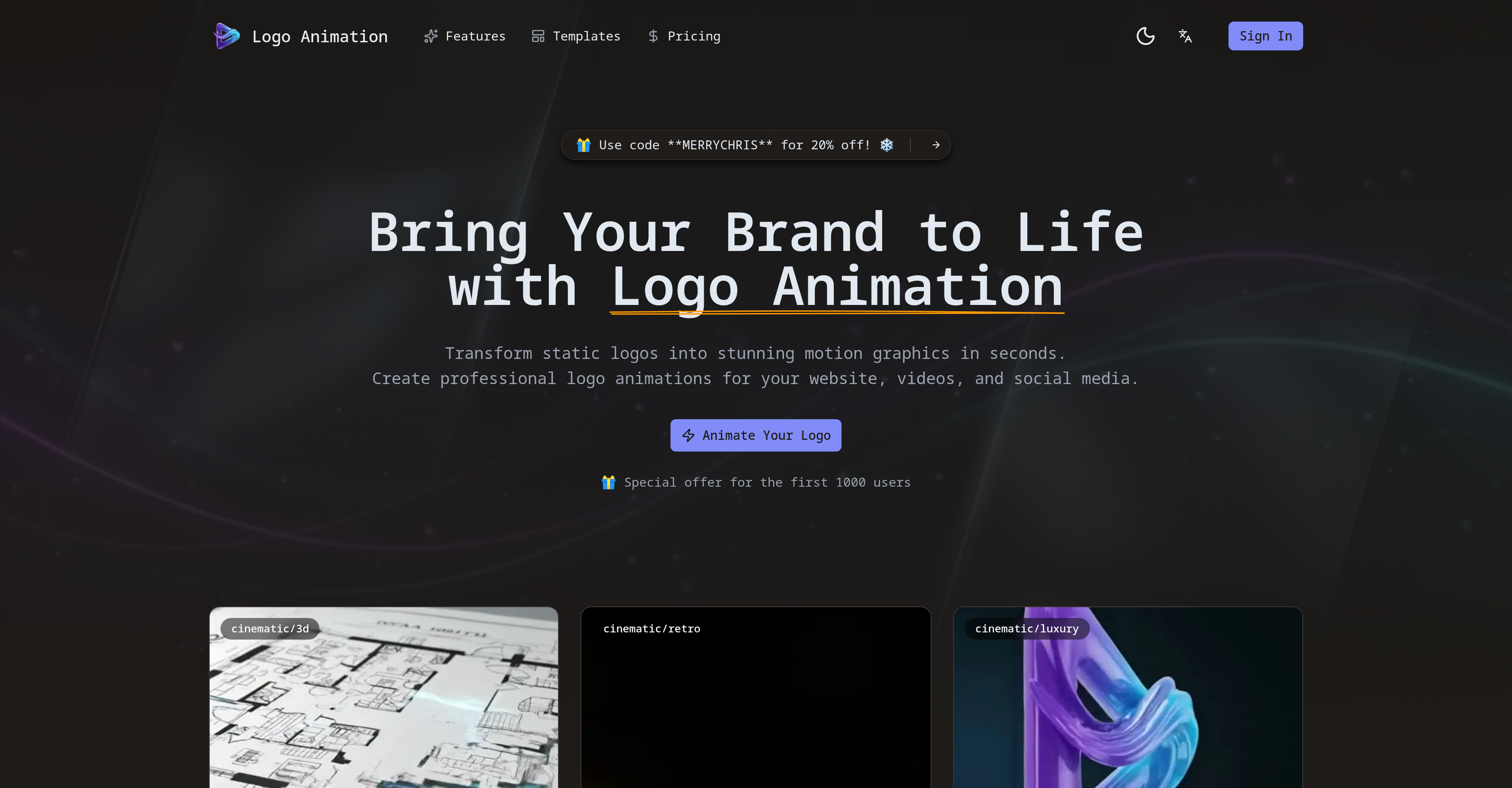
- Launch professional logo animations for your website and videos instantly with AI-driven motion graphics that require no animation skills
- Enhance your brand's social media presence with attention-grabbing perfect loops created automatically for platforms like Instagram and TikTok
- Overlay your animated logo seamlessly on any video or website background using files exported with intelligent, automated transparency
- Match your brand's unique aesthetic by selecting from preset animation styles or guiding the AI to customize the motion graphics
- Add a cinematic layer to your logo reveal with AI-generated sound effects and ambiance that synchronize natively with the animation
- Use your animated logo anywhere with files optimized for broadcast, mobile, and web to ensure fluid playback across all platforms
Pros & Cons
Pros
- Transforms static logos
- Dynamic motion graphics
- Intuitive interface
- Variety of animation styles
- Customization options
- Exports with transparent backgrounds
- Smart understanding of logo's shape
- Generates matching sound effects
- Seamless cross-platform usage
- Optimized for web, mobile, broadcast
- Generates perfect loops
- Advanced stable and fluid algorithms
- Creative control over animation style
- Automatic transparency for clean overlays
- Native sound synchronization
- No animation skills required
- Versatility across platforms
- Creates professional motion graphics
- Generates engaging loops
- Auditory enhancement feature
- Aligns with brand's aesthetic
- Quick and fully automated
- Able to overlay on varied backgrounds
- Special discounts for early users
- Ready-to-use animations
- Various templates available
Cons
- Limited animation style customization
- No free trial mentioned
- May not support all logo formats
- Possibility of over-stylized animations
- Potential mismatch with brand's aesthetic
- Sound effects may be inappropriate
- Requires internet to use
- Risk of generic animation results
- No peer collaboration features
- No specific mobile app mentioned
Reviews
Rate this tool
Loading reviews...
❓ Frequently Asked Questions
Logo Animation is an advanced AI technology tool that transforms static logos into dynamic motion graphics. It offers an intuitive interface for users to upload their logo and generate captivating animation sequences. The created animations are suitable for websites, videos, and social media, and can be customized to match brand identity. The tool exports animations with transparent backgrounds which are suitable to overlay on any video or website. In addition to visual effects, Logo Animation also generates matching sound effects.
The AI in Logo Animation uses sophisticated algorithms to understand the shape and style of your logo, creating natural, fluid movements. This technology instantly transforms your logo into a captivating animation sequence.
Yes, Logo Animation allows users to customize the animation style to match their brand identity. Users can choose from a variety of preset animation styles or manually adjust the look to their preference.
Users can upload their static logos to Logo Animation by using the tool's intuitive interface. The supported common image formats include those with transparency.
Logo Animation exports the animations as files which are optimized and suitable for overlaying on any video or website. The animations have transparent backgrounds.
Logo Animation's animations are seamlessly cross-platform thanks to the files being optimized for web, mobile, and broadcast usage. By catering to all these platforms, the animations maintain their fluidity and stability across different mediums.
Yes, Logo Animation supports the creation of perfect loops. These loops can be used to capture attention on social media, enhancing engagement.
Logo Animation generates matching sound effects by using advanced AI technology. The tool automatically creates sound effects and ambience that complement the visual motion of your logo animation.
Logo Animation supports common image formats for logo upload, including those with transparency. While specific technical specifications are not mentioned, ensuring that the logo is in a commonly used image format with transparency should suffice.
Logo Animation uses advanced algorithms to create stable and fluid animations. These algorithms work to understand your logo’s shape and style, allowing for natural movements and effects that are in sync with the uniqueness of your brand.
Yes, Logo Animation supports automated transparency for overlays. The AI intelligent background removal ensures clean overlays on any color.
Yes, Logo Animation is designed for seamless cross-platform usage. The files are optimized not only for the web but also for mobile and broadcast usage.
Yes, Logo Animation does offer creative control over the animation style. Aside from choosing from a variety of animation styles, users can also guide the style to align it perfectly with their brand's aesthetic.
Yes, Logo Animation supports native sound synchronization. This means that it generates sound effects that are timed to match the movements of your animated logo, enhancing the overall experience.
Yes, Logo Animation allows users to create professional logo animations for websites, videos, and social media. The tool uses advanced AI technology to transform static logos into dynamic motion graphics.
Yes, Logo Animation automatically generates matching sound effects and ambience to enhance the impact of your logo reveal.
Yes, the animations created by Logo Animation come with transparent backgrounds, making them suitable for overlaying on any video or website.
Logo Animation uses AI technology in multiple ways. It understands the logo's shape and style to create natural and fluid movements. It also employs advanced algorithms for stable and fluid animation generation. AI assists in providing creative control over the animation style and automatically generates appropriate sound effects and ambiance for the animation.
To use the Logo Animation tool, you need to upload your static logo, then select the animation style you prefer. After these steps, the AI will generate a captivating and smooth animation sequence. You can then download your animation file, which will come with a transparent background for easy overlay on different platforms.
Logo Animation offers a variety of preset animation styles. Some of these include 3D Architect Ident, Analog Echo Reveal, 3D Brilliance, Retro Chrome Synthwave, and Burning TV VHS Reveal.
Logo Animation caters to your brand's aesthetic by allowing you to select from different animation styles or customize the look to match your brand. It understands the logo's shape and style for natural and fluid movements, so the end animation aligns with your brand's aesthetic.
Yes, the Logo Animation tool exports animations with transparent backgrounds, making them ready to overlay on any video or website.
In terms of audio enhancements, Logo Animation can automatically generate matching sound effects and ambiance to heighten the overall impact of your logo reveal.
The animations produced by Logo Animation are suitable for various platforms, including the web, mobile, and broadcasts. This ensures versatility across multiple platforms.
No, you do not require any animation skills to use Logo Animation. The tool has been designed such that anyone can use it, regardless of their animation or technical skills.
Yes, the animations created by Logo Animation are not only ready to overlay on any video or website but are also optimized for use on the web and mobile platforms.
Yes, Logo Animation supports the creation of perfect loops. This can be especially useful for capturing attention on social media platforms.
Logo Animation ensures clean overlays by automatically offering transparency for all animations. This intelligent background removal feature ensures that your animations fit seamlessly onto varied backgrounds.
Yes, Logo Animation allows users to guide the animation style. This provides a significant amount of creative control to users, enabling them to create animations that perfectly align with their brand's aesthetic.
Yes, Logo Animation provides transparent backgrounds in the animations created. This feature aids users in overlaying their animations sleekly onto varied backgrounds.
Logo Animation's artificial intelligence is designed to understand your logo's shape and style. This understanding results in the generation of natural, fluid movements in the animations, honoring the original design of the logo.
Yes, Logo Animation can add sound effects to logo animations. The AI technology incorporated within the tool can automatically generate matching sound effects to enhance the overall impact of the animation.
You get a file with a transparent background from Logo Animation by following a few simple steps. First, you upload your logo and select your desired style. Then, the AI creates your animation. Once done, the tool provides you with an animation file with a transparent background that you can download and use anywhere.
Yes, there is an offer code available for Logo Animation. The code, 'MERRYCHRIS', provides a 20% discount.
AI-driven logo motion in Logo Animation refers to the use of artificial intelligence to understand the shape and style of a logo and transform it into a smooth, fluid motion graphic.
Yes, you can use Logo Animation to create professional motion graphics for your brand. The AI technology incorporated within the tool ensures the creation of high-quality, smooth animations that can enhance your brand perception on various platforms.
Pricing
Pricing model
Paid
Paid options from
$7.90/year
Billing frequency
Yearly

