

Overview
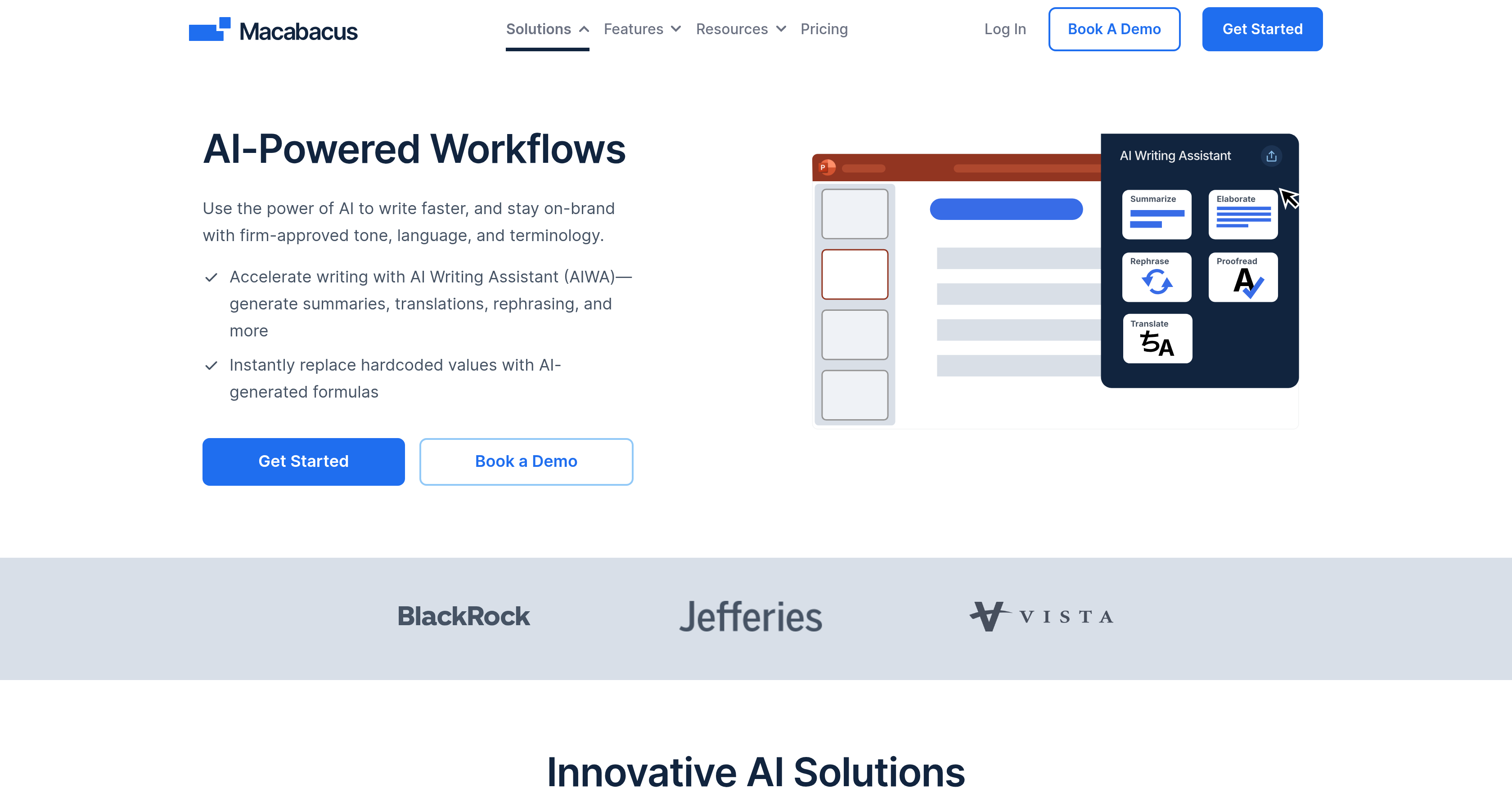
- Write faster in Word and PowerPoint without compromising brand voice, using an AI assistant that automatically follows your Corporate Dictionary rules
- Replace hardcoded values in Excel with AI-generated formulas instantly, reducing manual effort and human error in financial modeling
- Maintain strict data security and compliance, with AI that runs inside your firm's Azure environment and no prompts or outputs stored by the vendor
- Ensure consistent, on-brand assets across all deliverables with shared libraries for tombstones, logos, layouts, and formatting templates
- Automate presentation proofing and financial model auditing with integrated deck check and model check features that catch errors before delivery
Pros & Cons
Pros
- Seamless integration with Microsoft Office
- Brand-aligned writing with AIWA
- Time-saving Excel formula automation
- Reduces manual errors in financial modeling
- Supports summaries, translations, and rephrasing
- Improves consistency across teams
- No steep learning curve
- Designed for finance and enterprise use
- Backed by industry-trusted Macabacus platform
Cons
- AI features limited to Office suite
- Best suited for enterprise users, less for casual use
- Requires corporate dictionary setup for full benefit
- Formulate currently in Macabacus Lite only
Reviews
Rate this tool
Loading reviews...
❓ Frequently Asked Questions
AIWA (AI Writing Assistant) is an AI tool built into PowerPoint and Word that can summarize, rephrase, proofread, elaborate, or translate text while aligning with your company’s brand voice and terminology.
Formulate uses AI to instantly replace hardcoded values with formulas, helping reduce errors and speeding up financial modeling.
Yes. AIWA follows firm-approved tone, language, and terminology by referencing a Corporate Dictionary defined by your organization.
Currently, AIWA works with Word and PowerPoint, while Formulate works within Excel via Macabacus Lite.
AI features are integrated into Macabacus solutions, but availability may depend on your chosen plan. A demo can help clarify which features fit your team.
Pricing
Pricing model
Free Trial
Paid options from
$200/year
Billing frequency
Yearly
Related Videos
Macabacus Essentials (Part 1)
Corporate Finance Institute•34.0K views•Sep 17, 2021


