

Overview
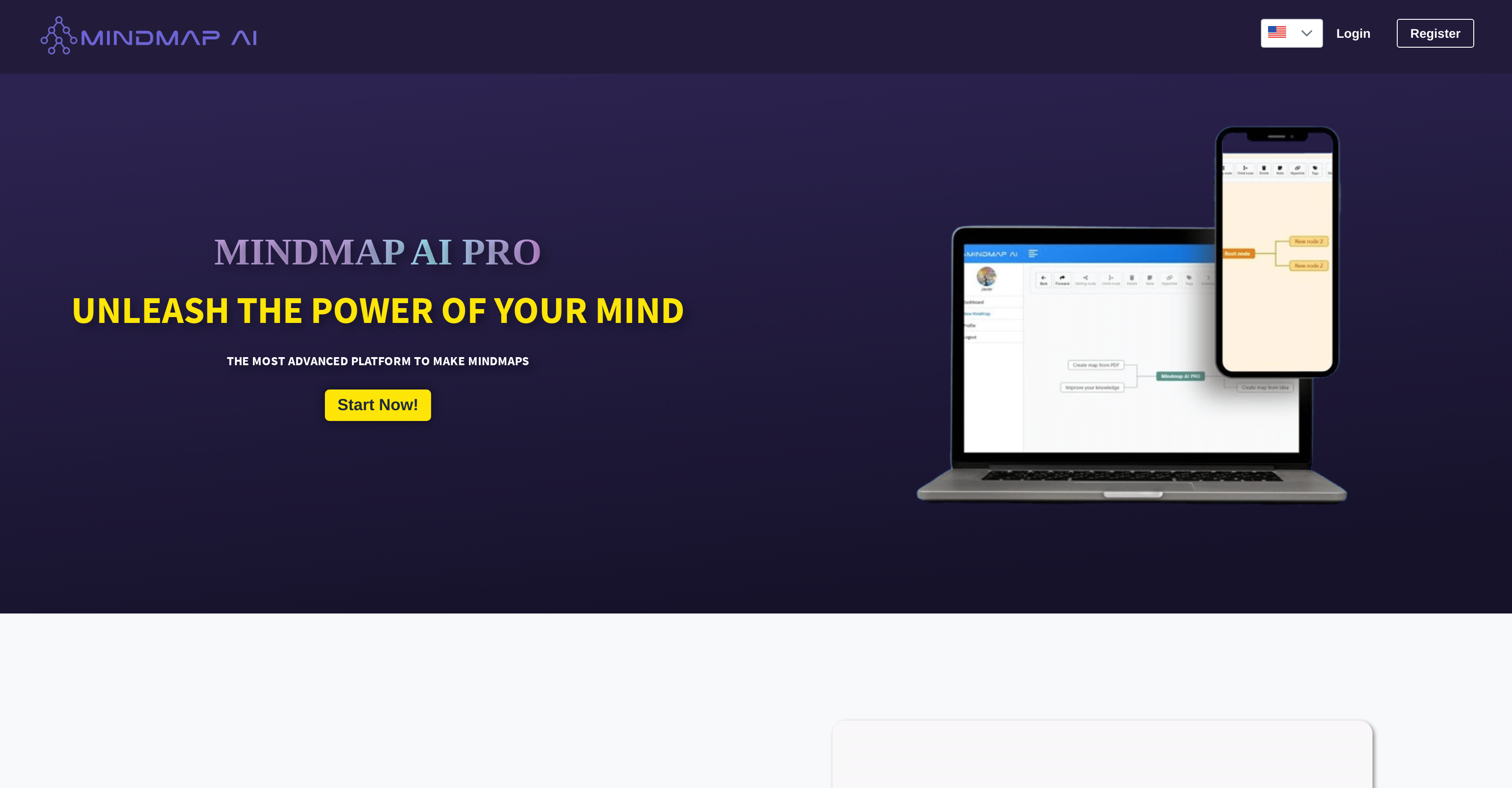
- Generate complete mind maps from a single sentence or uploaded PDF in seconds using AI automation
- Add custom notes and connect nodes across pages to create detailed knowledge networks
- Organize complex information visually with icons and custom tags for better content categorization
- Export finished mind maps as PDF, PNG, or JPEG files ready for professional presentations
- Share mind maps in real-time with public links for instant team collaboration and brainstorming
- Navigate and create nodes faster with keyboard shortcuts that accelerate mind map building
Pros & Cons
Pros
- Automates mind map creation
- Multiple construction methods
- PDF file upload
- Unique personalization features
- Adds custom notes
- Seamlessly link nodes
- Icon incorporation
- Ease of connecting pages
- Use of custom tags
- Real-time sharing option
- Export as PDF, PNG, JPEG
- Enhances knowledge absorption
- Boosts productivity
- Automated design
- Interactive visual aid
- Content organization
- Keyboard shortcuts for creation
- Customizable mind maps
- Improves presentations
Cons
- No mobile application
- Lacks collaborative features
- No built-in chat
- Limited file upload formats
- No cloud storage integration
- Lacks offline mode
- No version control
- No template library
- No voice command feature
- No keyword search
Reviews
Rate this tool
Loading reviews...
❓ Frequently Asked Questions
MindmapAI is an advanced mind mapping platform that utilizes artificial intelligence to automate and streamline the creation of mind maps.
MindmapAI uses AI to create mind maps in an automated and simplified manner. Users can input a sentence or upload a file, and the AI will create a mind map based on this input, saving time and effort.
Yes, users can start a mind map from scratch with MindmapAI.
MindmapAI offers unique personalization features including the ability to add custom notes, seamlessly link nodes, incorporate icons for improved visual representation, and connect to other pages. Users can also organize content with custom tags.
Users can upload PDF files to MindmapAI to start creating a mind map.
The custom notes feature in MindmapAI enables users to add specific details or information to nodes in their mind map, therefore personalizing and improving the clarity of the content.
The feature of linking nodes in MindmapAI allows users to create seamless connections between different nodes in the mind map, enhancing the connectivity and flow of information.
Yes, MindmapAI offers the ability to incorporate icons into the mind map, enabling better visual representation of the content.
Custom tags in MindmapAI are used to organize content within a mind map, helping users find and categorize information easily.
Users can share their mind maps created using MindmapAI by generating a public link for real-time sharing, or exporting the mind maps as PDF, PNG, or JPEG files.
Yes, MindmapAI offers the ability to link nodes to other pages, facilitating the seamless flow of interconnected information.
MindmapAI allows users to export their mind maps into PDF, PNG, or JPEG file formats.
MindmapAI claims to enhance knowledge absorption and productivity by automating and simplifying the mind map creation process using AI. This allows users to focus more on understanding and absorbing the content of the map rather than spending time on map creation.
Users can create a mind map using a PDF file in MindmapAI by uploading the file into the system. The AI then utilizes the content in the PDF to form the mind map.
Yes, MindmapAI offers keyboard shortcuts that speed up the process of creating nodes and navigating through the mind map.
MindmapAI employs AI wizards that automate the creation of mind maps. Users can input a sentence or upload a PDF file, and the AI coverage the input into a comprehensive mind map.
Yes, MindmapAI can be utilized for making presentations. Users can export their mind maps as PDF, PNG, or JPEG files for use in presentations.
Real-time sharing of a mind map in MindmapAI allows users to generate a public link to their mind map and share it with others in real time, providing a platform for instant, collaborative work.
MindmapAI assists in organizing content through the use of custom tags. Users can categorize and find their map content easily, therefore aiding content organization.
Yes, with its advanced mind mapping capabilities, the ability to incorporate visual and textual elements, and the options to share, export and present mind maps, MindmapAI is suitable for professional use in meetings and brainstorming sessions.
Pricing
Pricing model
No Pricing
Related Videos
How to Use the Free AI Books to Mind Map Generator (Step-by-Step)
MindMap AI•81 views•Jun 9, 2025


