Overview
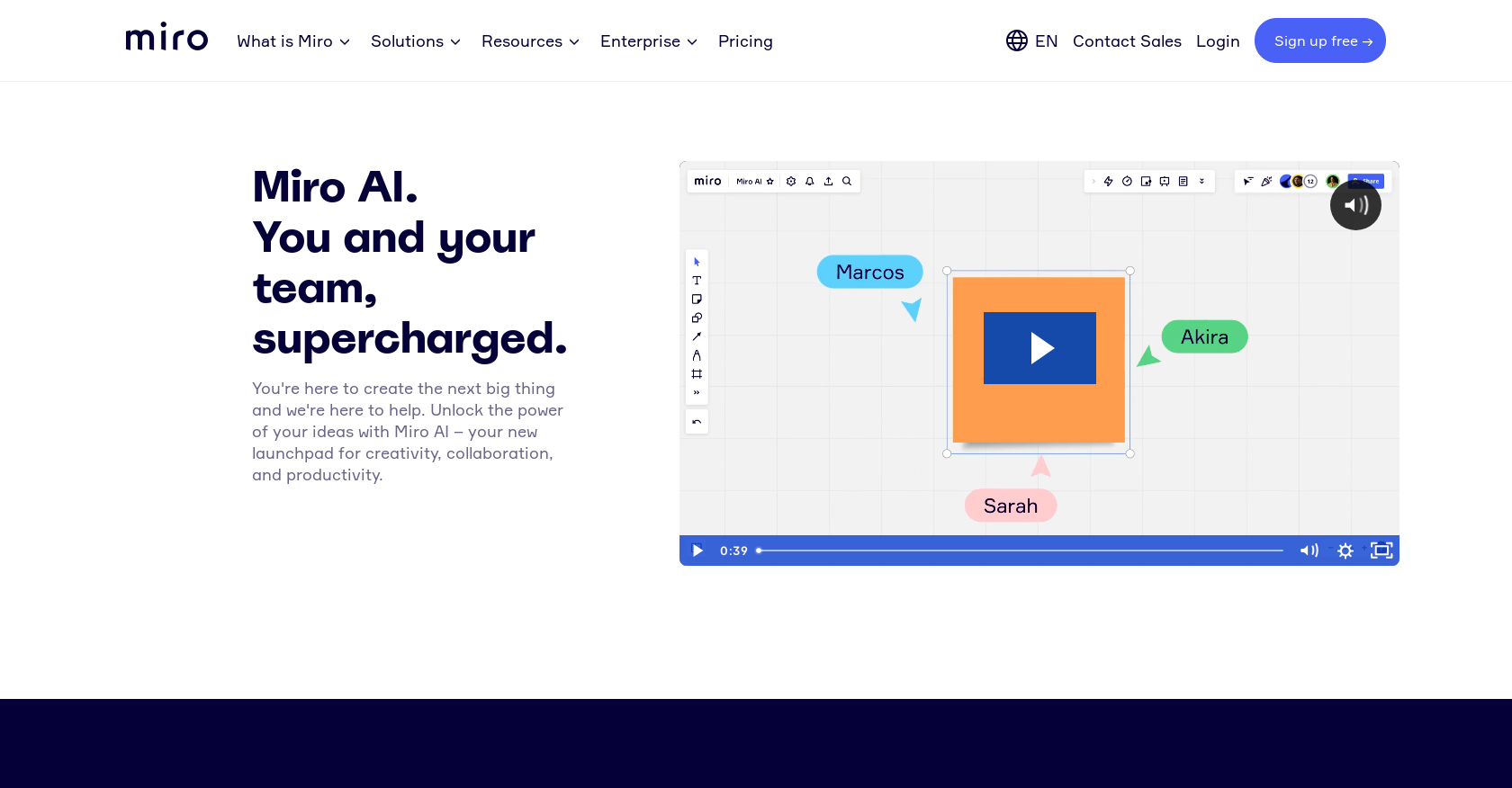
- Transform a single idea into a structured, multi-branch mind map instantly with the Mind map Idea Generation feature
- Condense dozens of sticky notes into a single, clear summary for faster decision-making and organization
- Generate actionable user stories directly from feature ideas to accelerate project planning and development
- Create visual assets from text descriptions within your board using the Image Generation from text feature
- Convert natural language instructions into functional code blocks without leaving your collaborative workspace
- Automatically cluster and categorize sticky notes based on keywords or sentiment to reveal patterns in team feedback
- Maintain data privacy with inputs used solely for your response and not for AI model training, hosted on secure infrastructure
Pros & Cons
Pros
- Generates expansive mind maps
- Automatically condenses sticky notes
- Converts natural language into code
- Creates images from text
- Generates user stories from ideas
- Clusters sticky notes by keywords
- Optimized for English and other languages
- Free beta program
- Data privacy focused
- Continuous addition of new features
- Robust feedback system
- Accessible on multiple plans
- Hosted on Miro or Microsoft Azure
- Supports various board objects
- Future changes communicated in advance
- Interactivity in multiple languages
Cons
- In beta state
- No training usage
- Currently free (possible future cost)
- Multilingual support in development
- Cluster feature limited to sticky notes
- Doesn't clarify data retention duration
- Requires specific board objects
- Interface only in English
Reviews
Rate this tool
Loading reviews...
❓ Frequently Asked Questions
Miro AI is a tool designed to enhance creativity, collaboration, and productivity. It serves as a launchpad for generating ideas and streamlining work processes.
The key features of Miro AI include automatic creation of expansive mind maps through its Mind map Idea Generation feature, condensing multiple sticky notes into a single one with Summarize Sticky Notes. Other features include conversion of natural language into code, creation of images from text through Image Generation, and generation of user stories from ideas.
The 'Mind map Idea Generation' feature in Miro AI allows users to automatically generate expansive, multi-branch mind maps. The AI handles the task of expanding and differentiating the layers of ideas, facilitating the brainstorming process.
In Miro AI, the 'Summarize Sticky Notes' feature condenses several sticky notes into one. This provides an easier and more structured way to visualize and manage a multitude of ideas.
Yes, Miro AI does have the capability to convert natural language into code, simplifying the process of writing code for programmers and developers.
The primary benefit of using Miro AI's 'Image Generation from text' feature is being able to visualize ideas. Users can input text, and the AI model generates an image to represent the concept within that text.
Yes, Miro AI can generate users stories from ideas which streamlines and simplifies the process of translating a feature idea into practical, actionable user stories.
Yes, Miro AI provides administrative controls for organizations. Specifically, Enterprise Admins can enable or disable Miro AI for their organization.
Yes, Miro AI is available for both individual and Enterprise users. The accessibility varies with the type of plan - Free, Starter, Business, Consultant, or Enterprise.
Miro AI supports several board objects, including sticky notes, images, cards, code blocks, sequence diagrams, and mind maps.
Yes, Miro AI can cluster sticky notes based on keywords or sentiment. This makes it easier to sort and categorize ideas during brainstorming sessions.
The input data submitted through Miro AI is used solely to generate a response from the AI model and provide it back to the user. Neither Miro nor Microsoft Azure AI, the two platforms hosting the AI model, uses this data for model training. All the usage of content and data adheres to Miro's Privacy Policy.
Participation in the Miro AI beta is currently free of charge. However, any future changes to pricing will be communicated in advance.
Users can share their AI feature wishes, discuss Miro AI with others, and learn how others are using Miro AI by visiting the Miro Community.
While the Miro AI features work best in English, users can also interact with other languages. The results may vary depending on the language. The interface of Miro AI is currently available in English and soon it will be available in other languages including French, German, Japanese, and Spanish.
Miro promises to continuously enrich Miro AI with more features as they go. However, specifics about these features haven't been disclosed yet.
Miro AI integrates with existing Miro tools and workflows but the exact nature of these integrations isn't explicitly stated on their website.
The user requirements for participating in the Miro AI beta program are not specified on their website.
Yes, Miro AI complies with Miro's Privacy Policy. The input data submitted through Miro AI is not used for model training, and the usage of content and usage data is in alignment with Miro's Privacy Policy.
There's no information on precise changes to pricing but Miro confirms that any future changes to pricing will be communicated to users in advance.
Pricing
Pricing model
No Pricing