

Notebooks.app - Create winning content 3X faster
Overview
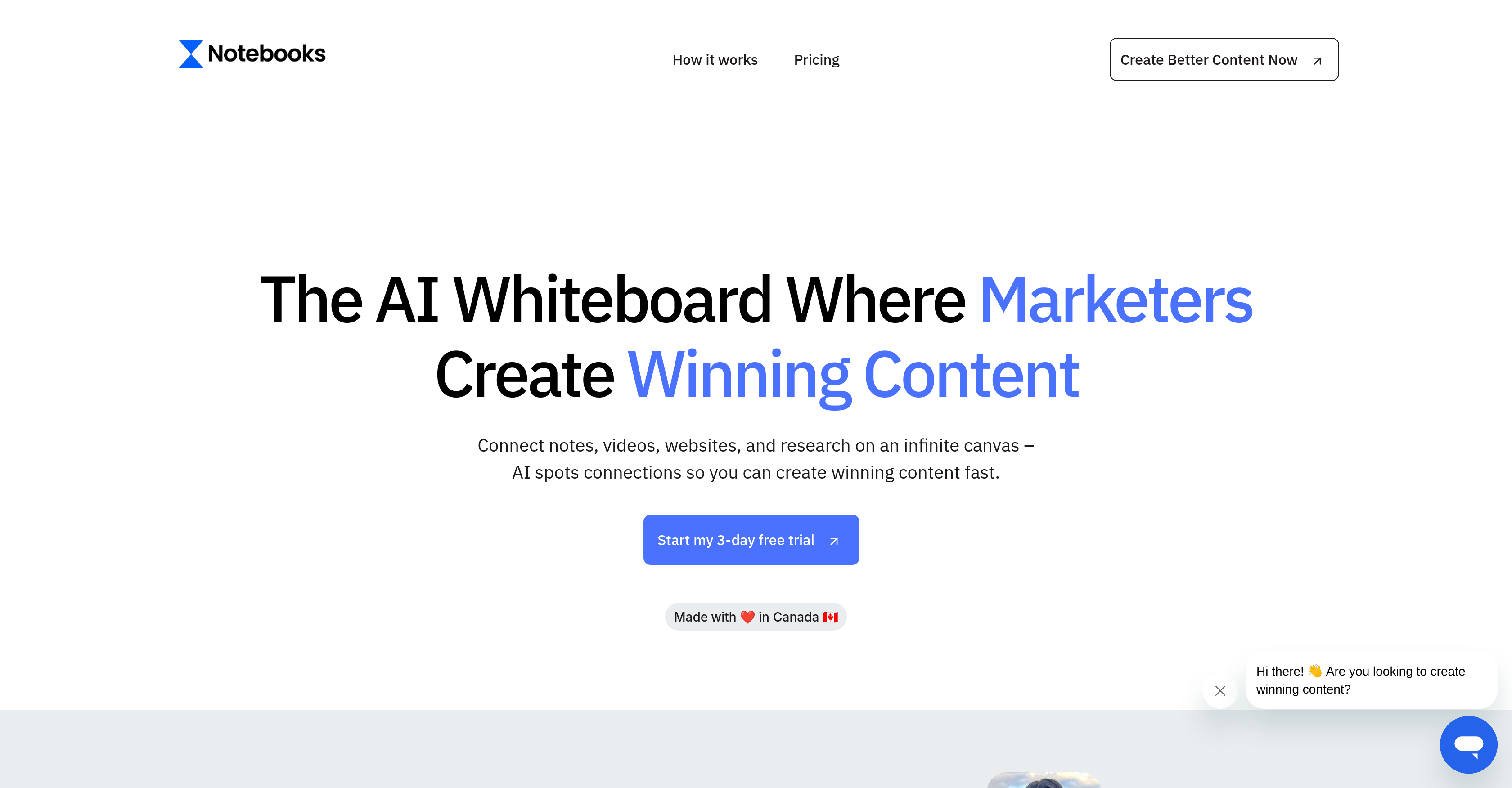
- Generate content that matches your unique brand voice by uploading your best-performing content for the AI to learn your writing style and proven strategies
- Eliminate manual copying and transcribing by dropping in videos, PDFs, websites, and documents that the AI automatically analyzes and organizes
- Maintain complete context when switching between AI models like ChatGPT, Claude, and Gemini without re-explaining your requirements
- Create diverse marketing content from blog posts to video scripts using multiple input formats including voice notes, images, and YouTube videos
- Keep your content completely private with enterprise-grade security that never uses your data to train AI models
Pros & Cons
Pros
- No manual copying
- Upload personal preference data
- Works with various formats
- Support for Google Drive
- Strict data privacy
- Visually organizes content
- Integration with YouTube content
- Upload videos for preference
- Google Drive support upcoming
- Exclusive content visibility
- Multi-format friendly
- Voice notes capability
- Proven marketing strategies
- Enhanced productivity
- Enables faster content creation
- Supports images and websites
- Upload existing content
- Analyzes and organizes content
- Maintains user context
- Automatic content analysis
- Transcribes voice notes
- Compatible with ChatGPT, Claude, DeepSeek
- Analyzes and organizes PDFs
- Keeps context across tools
- Contents primarily for marketing
- Automates organization processes
- Auto understanding of content
- Interprets image content
- Speech-to-notes feature
- Context retention in switching
- Innovative for visual thinkers
- Comprehends uploaded YouTube videos
Cons
- Google Drive support upcoming
- Only aimed at marketers
- Limited to 2000 credits
- No free tier available
- Strictly personal data handling
- Doesn't support all formats
Reviews
Rate this tool
Loading reviews...
❓ Frequently Asked Questions
Notebooks.app learns from your content preferences by having you upload videos of your favorite experts, successful campaigns, or established frameworks. The AI models in the platform, such as ChatGPT, Claude, and DeepSeek, are then trained on these inputs to tailor the content generation according to your preferences.
Switching between different AI models on Notebooks.app is a seamless process. The application ensures context retention and eliminates the need for repeated explanation of the requirements while switching between different AI models like ChatGPT, Claude, and DeepSeek.
With Notebooks.app, you can connect a variety of content types to the AI models. This includes PDFs, websites, videos, images, voice notes, and even YouTube videos. Furthermore, the platform has upcoming support for Google Drive content integration.
Yes, Notebooks.app is built to analyze and organize different data forms. It eliminates the need for manual copying or transcribing, thereby saving time and increasing overall productivity.
Notebooks.app strictly protects your data privacy. Your content is only visible to you. Importantly, your content is not used to train AI models, ensuring that it remains private and personal.
While you can certainly integrate YouTube videos and use them to guide the AI's writing style on Notebooks.app, the platform itself does not generate video content. It specializes in text-based content creation.
Notebooks.app supports a wide range of formats. In addition to text, the platform can work with YouTube videos, PDFs, websites, images, and voice notes. It also has upcoming support for Google Drive content.
Notebooks.app handles multimedia integration by allowing you to drop in your videos, websites, PDFs, and documents without any preparatory work. The AI then understands all the uploaded data, regardless of its format, eliminating the need for manual copying or transcribing.
Yes, Notebooks.app does support voice notes along with textual input. It has a feature that allows you to turn your speech into well-written notes, making the content creation process more diverse and flexible.
To upload your personal preference data into Notebooks.app, you simply need to upload videos of your favorite experts, your best campaigns, or winning frameworks. The AI then learns and creates content following your proven strategies.
Yes, Notebooks.app allows the users to influence the AI's creation style. Users can upload videos of favorite experts, successful campaigns, or established frameworks, enabling the AI to learn and produce content that corresponds to these specific styles.
Google Drive integration for Notebooks.app is in the pipeline, according to the information on their website. However, it's not specified when this feature will be available.
Notebooks.app is primarily aimed at marketers because it's designed to enhance the content creation process with deep learning and machine learning models like ChatGPT, Claude, and DeepSeek. These tools provide a seamless workflow for creating, analyzing, and organizing marketing content quickly and efficiently.
Yes, Notebooks.app is designed to learn and produce content based on your favorite campaigns, experts, and frameworks. By uploading relevant content to the platform, the AI models learn and adapt to generate content that follows your proven strategies.
Notebooks.app utilizes AI to eliminate the need for manual copying or transcribing. When you upload your existing content - be it videos, websites, PDFs – the AI automatically analyzes and organizes everything, without any prep work required.
Yes, Notebooks.app ensures a seamless switch between different AI tools. In addition, the application retains your context, so you won't have to repeatedly explain your requirements every time you switch between AI models.
No, the content created in Notebooks.app doesn't get used to train AI models. The platform strictly respects your privacy and ensures that no human, nor the AI itself, uses your content for anything beyond your specific user interaction.
The process for content creation on Notebooks.app involves three main steps. First, you drop in your videos, websites, PDFs, or documents. The AI analyzes and understands all the data without any need for manual copying or transcribing. Next, you connect to any AI model you prefer, and your context stays with you, eliminating the need to explain your requirements repeatedly. Lastly, you show the AI how you want to write by uploading videos of your favorite experts, successful campaigns, or winning frameworks. The AI then learns and generates content according to your strategies.
Yes, Notebooks.app has a feature that allows your context to stay with you while switching between AI tools. This ensures seamless continuity and eliminates the need to explain yourself each time you switch from one tool to another.
Notebooks.app upholds context and eliminates the need to explain the requirements repeatedly by creating an environment where your context stays with you while switching AI tools. This is designed to make the process more seamless and efficient, maintaining the continuity and relevance of the content being created.
Pricing
Pricing model
Free Trial
Paid options from
$39/month
Billing frequency
Monthly


