

Overview
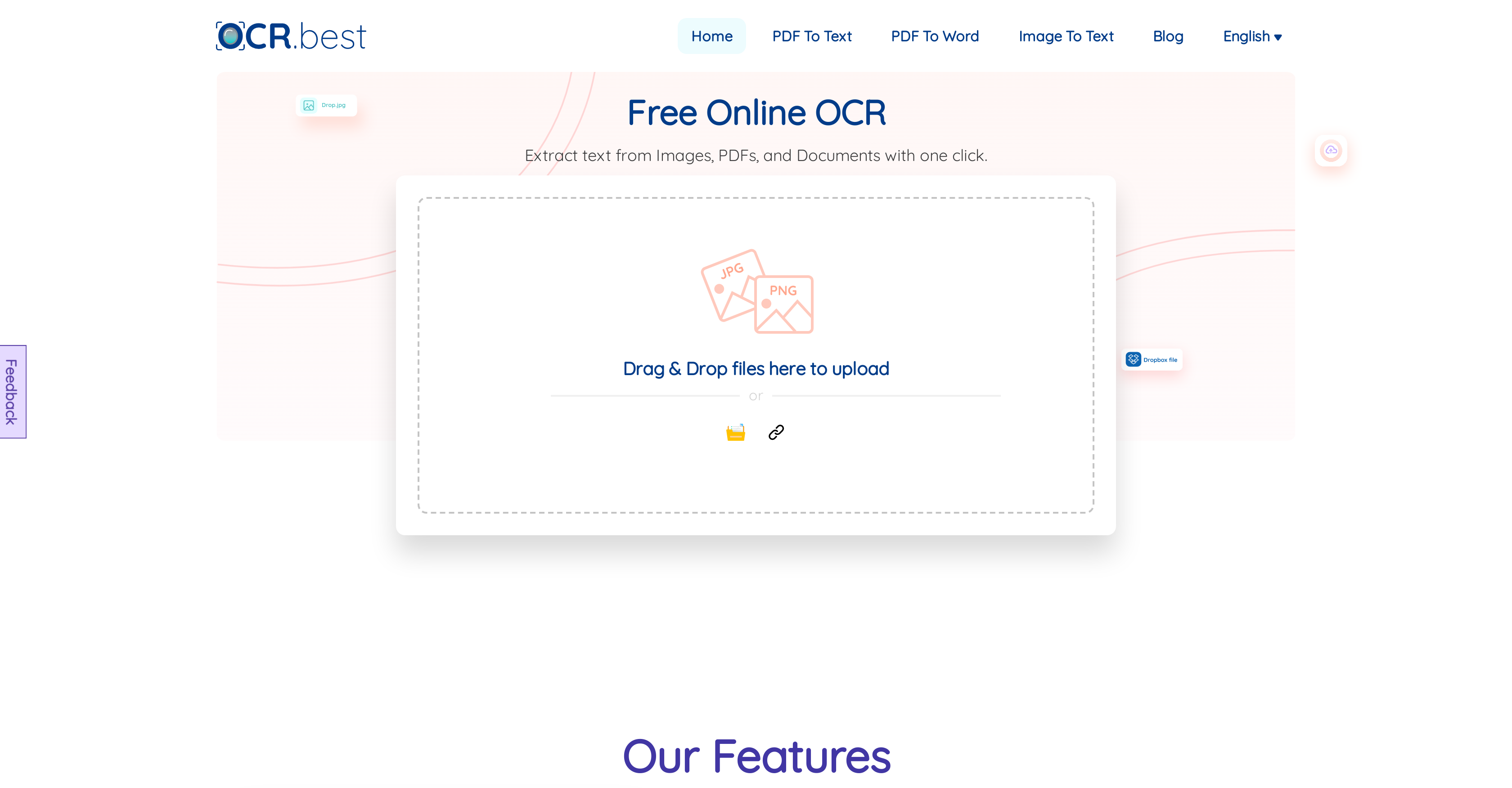
- Instantly convert scanned documents and PDFs into editable text without registration using our free online OCR tool
- Extract text from blurry or low-resolution photos that other converters miss thanks to advanced TensorFlow and Scikit-learn AI
- Digitize complex mathematical expressions and equations with precision using specialized recognition technology
- Process multiple files simultaneously for bulk conversion needs with simple drag-and-drop interface
- Download extracted text in Word (.docx) or plain text (.txt) formats for immediate use in your projects
- Convert documents in 20+ languages including Arabic, Korean, Russian, and European languages with high accuracy
Pros & Cons
Pros
- Converts images and PDFs
- Editable text output
- Handles complex mathematical expressions
- Powered by TensorFlow and Scikit-learn
- Fine-grained data extraction
- User-friendly drag and drop interface
- Output downloadable as .docx or .txt
- Free to use
- High accuracy
- Supports multiple languages
- Extracts text from low-resolution images
- Extracts text from scanned documents
- Secure data handling
- No registration or sign up required
- Can handle bulk images
- Retains format of the original document
- Supports multiple picture formats
- Can convert handwritten text
- Works with a variety of languages
- Handles poorly written text
- Automates data extraction
- One-click operation
- No daily usage limit
Cons
- No offline availability
- Limited output formats
- Potentially slow on complex inputs
- No API mentioned
- No batch processing
- Dependent on internet speed
- No mobile app mentioned
- No support for non-Latin Scripts
- Security not fully detailed
- Reliant on third-party libraries
Reviews
Rate this tool
Loading reviews...
❓ Frequently Asked Questions
OCR Best is an artificial intelligence-based tool designed to convert images and PDFs into editable text. It can take files from various sources, including scanned documents and low-resolution photos, and even interpret complex mathematical equations to extract the text.
OCR Best employs advanced OCR technology, underpinned by two leading machine-learning libraries, TensorFlow and Scikit-learn. This AI capability allows for fine-grained data extraction from images and documents at a microscopic level, ensuring the tool's objectivity and effectiveness.
OCR Best is capable of processing a variety of documents. It can work with images, PDF files, scanned documents, low-resolution photos, and even content with complex mathematical expressions.
Yes, OCR Best has the capability to convert images into editable text formats. Users can simply upload or drag and drop their image files onto the platform, and the tool will convert the image into text that can be copied or downloaded as a '.docx' or '.txt' file.
OCR Best works with low-resolution images by using its advanced optical character recognition technology and machine-learning capabilities. It utilizes the power of TensorFlow and Scikit-learn libraries to analyze and extract text from low-resolution images with high accuracy.
The core recognition program of OCR best is powered by two of the top machine-learning libraries: TensorFlow and Scikit-learn. This combination provides a robust AI core that is capable of effectively identifying and extracting information from images and documents.
OCR Best offers various features such as the ability to extract text from document images, the capacity to deal with low-resolution photos, and compatibility with complex mathematical expressions. It supports multiple languages, allows file downloading in 'docx' and '.txt' formats, and provides a user-friendly interface through easy drag-and-drop functionality.
Yes, the use of OCR Best is completely free. This encompasses all its robust features including document conversion, multilanguage support, and file downloading in different formats.
OCR Best employs the TensorFlow and Scikit-learn libraries to power its machine-learning capabilities. These libraries provide advanced functions that enhance the tool's ability to extract text from images and documents with high fidelity.
Yes, OCR Best supports text extraction in multiple languages. The list includes English, Spanish, Deutsche, русский, Português, čeština, Svenska, Polskie, Nederlands, Français, Indonesian, Română, ไทย, Italiano, Gaeilge, Dansk, 한국어, Norsk, Tiếng Việt, Arabic, and Türk.
Yes, OCR Best allows users to download the extracted text in various file formats. Specifically, users can copy the text or download it in 'docx' or '.txt' formats.
OCR Best offers a simple, user-friendly interface. The platform allows users to drag and drop or upload their files for conversion. After the extraction, the text can easily be copied or downloaded in the preferred format.
OCR Best promises maximum accuracy in converting images or documents into text. Its advanced OCR technology, powered by TensorFlow and Scikit-learn libraries, allows precise extraction of data from a variety of sources.
OCR Best supports both PDF to text and image to text conversions. Its capability ranges from extracting text from scanned documents, low-resolution photographs, PDF files, to even complex mathematical expressions.
Yes, OCR Best can extract text from complex mathematical expressions. Its integration with AI and advanced OCR technology allows it to handle, interpret, and extract text from such intricate content.
In OCR Best, users can expect a smooth user experience. The interface is simple, enabling users to quickly upload or drag and drop their documents for conversion. Once the conversion process is completed, the extracted text can be copied or downloaded in either '.docx' or '.txt' format.
Users can upload their files to OCR Best by selecting or dragging and dropping their documents into the designated area on OCR Best's website. This flexibility allows for a user-friendly and seamless file conversion process.
OCR Best guarantees maximum accuracy in text extraction. The platform's AI and advanced OCR technology ensure highly accurate translation of images or documents into editable text, making the tool strongly reliable.
OCR Best does not require user registration. It offers instant access to its functionalities, providing users with a quick, seamless experience in converting their images or documents into text.
Yes, OCR Best can be used for bulk image to text conversion. This makes it particularly useful for businesses or individual users who have large quantities of documents to convert.
Pricing
Pricing model
Paid
Paid options from
$4.99/month
Billing frequency
Monthly
Refund policy
Refunds are only available for the most recent or active plan if unused, duplicate charges, or wrong-plan purchases with matching validity.


