

Ultimate Web Scraper
Overview
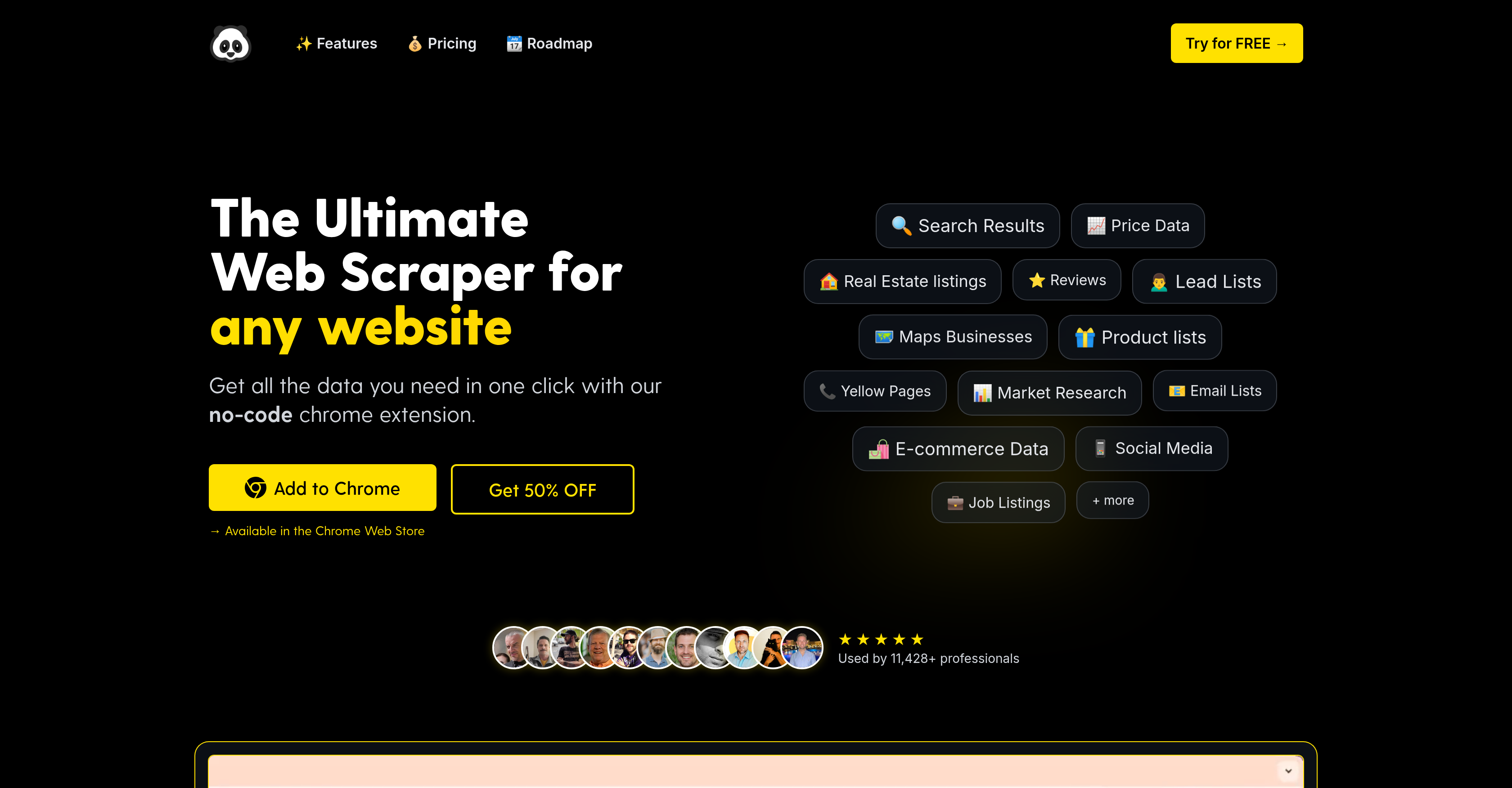
- Collect data from any website in seconds without coding using the no-code Chrome extension
- Extract text, images, emails and links from pages and subpages through bulk URL scanning
- Download all images from websites automatically with smart categorization by size and type
- Scrape structured data from lists, tables and paginated content using the smart selection tool
- Export organized data to CSV, Excel or Google Sheets after filtering in the Data Table interface
- Manage and clean extracted content with advanced search and filtering capabilities for precise results
Pros & Cons
Pros
- No-code solution
- Chrome extension compatibility
- Wide data extraction
- Smart selection tool
- Bulk data collection
- Data from subpages scraping
- Images bulk download
- Automatic categorization by size/type
- Clean text extraction
- Metadata extraction
- Data Table feature
- Manage data
- Filter data
- Organize data
- Export data
- Scheduled data extraction plan
- Integration with other systems plan
- Bulk email scanning
- Compatible with popular platforms
- Directly extract from URLs
- Paginated content extraction
Cons
- Chrome-exclusive
- Not open source
- No support for schedulings
- Lacks integration features
- Deep scanning is manual
- Limited data export formats
- No function to re-run
- No Advanced crawl settings
- No automatic data deduplication
- No click-and-point interface
Reviews
Rate this tool
Loading reviews...
❓ Frequently Asked Questions
PandaExtract can extract a variety of data types, including text, images, emails, links and more. It provides tools for extracting data from lists, tables, paginated content, as well as certain specifics such as ratings, product descriptions, and pricing.
At the moment, PandaExtract is directly compatible with the Chrome browser. However, it also supports other Chrome-based browsers such as Edge and Brave.
PandaExtract provides capabilities to manage and organize the extracted data using its Data Table feature. This includes facilities to view, filter, edit, and reorganize the data. It also includes advanced search capabilities.
Yes, PandaExtract does have the feature to identify and bulk download images from websites. It can automatically detect and categorize images by size and type.
Indeed, PandaExtract has features for bulk data collection. Users can add specific URLs for a bulk collection of data, allowing the tool to scan pages and subpages for the chosen data elements.
Yes, PandaExtract can extract data from paginated content. It uses a smart selection tool that allows easy and efficient extraction of data from lists, tables, and paginated content.
Yes, PandaExtract allows for extraction of email addresses from websites. It has a dedicated feature for scanning pages and subpages for listed email addresses in bulk.
While PandaExtract has planned to launch scheduled data extraction as one of the new features, currently there are no explicit mentions of a scheduling feature.
PandaExtract has announced future plans to include integration with other systems. However, specifics on what these systems and integrations would be are not currently mentioned.
The page text extraction feature in PandaExtract works by allowing users to provide a list of pages from which to obtain the textual data. It then scans these pages to automatically extract clean text content along with the associated metadata.
Yes, PandaExtract does provide a website metadata extraction feature. This feature is a part of the page text extraction tool, which extracts clean text content and associated metadata from a list of chosen web pages.
Yes, PandaExtract can extract data from lists and tables. It utilizes a smart selection tool that helps in quick and efficient extraction of structured data from lists, tables and also paginated content.
Yes, PandaExtract does have plans for new features and enhancements in the future. Some of these include enhancing its capability with list extraction functionalities, scheduled data extractions, and integration with other systems.
Yes, PandaExtract allows for exporting the extracted data. The extracted data can be organized and managed using the Data Table feature and then exported to formats such as CSV, Excel, Google Sheets, or even copied to the clipboard.
Details on the exact process or mechanism of how PandaExtract's data filtering works are not explicitly outlined on the website, but it does suggest advanced filtering and search capabilities within its data management feature.
PandaExtract operates as a no-code solution, offering an extension directly compatible with the Chrome browser. This extension enables data extraction functionalities without any need for coding.
Yes, PandaExtract can extract data from popular platforms. It is designed to excel in scraping data from various platforms, extracting specific data such as ratings, product descriptions, pricing, images, etc.
The Data Table feature in PandaExtract is a capability to manage, filter, organize and export the extracted data. It provides a powerful spreadsheet-like interface with functionalities for the ultimate data manipulation.
No, PandaExtract doesn't require coding knowledge to use. It runs as a no-code solution, enabling users to extract a wide variety of data from a range of websites swiftly and efficiently.
The smart selection tool in PandaExtract allows users to extract structured data from lists, tables, and paginated content efficiently. The users hover the cursor over any list or table to highlight extractable elements and, with a simple click, begin extracting the data.
Pricing
Pricing model
Freemium
Paid options from
$60
Billing frequency
One-time
Related Videos
Tf?! Using the Ultimate Web Scraper Chrome Extension! #datacollection #webscraping
PandaExtract•32.1K views•Aug 2, 2025


