
Parallel Monitor API
Overview
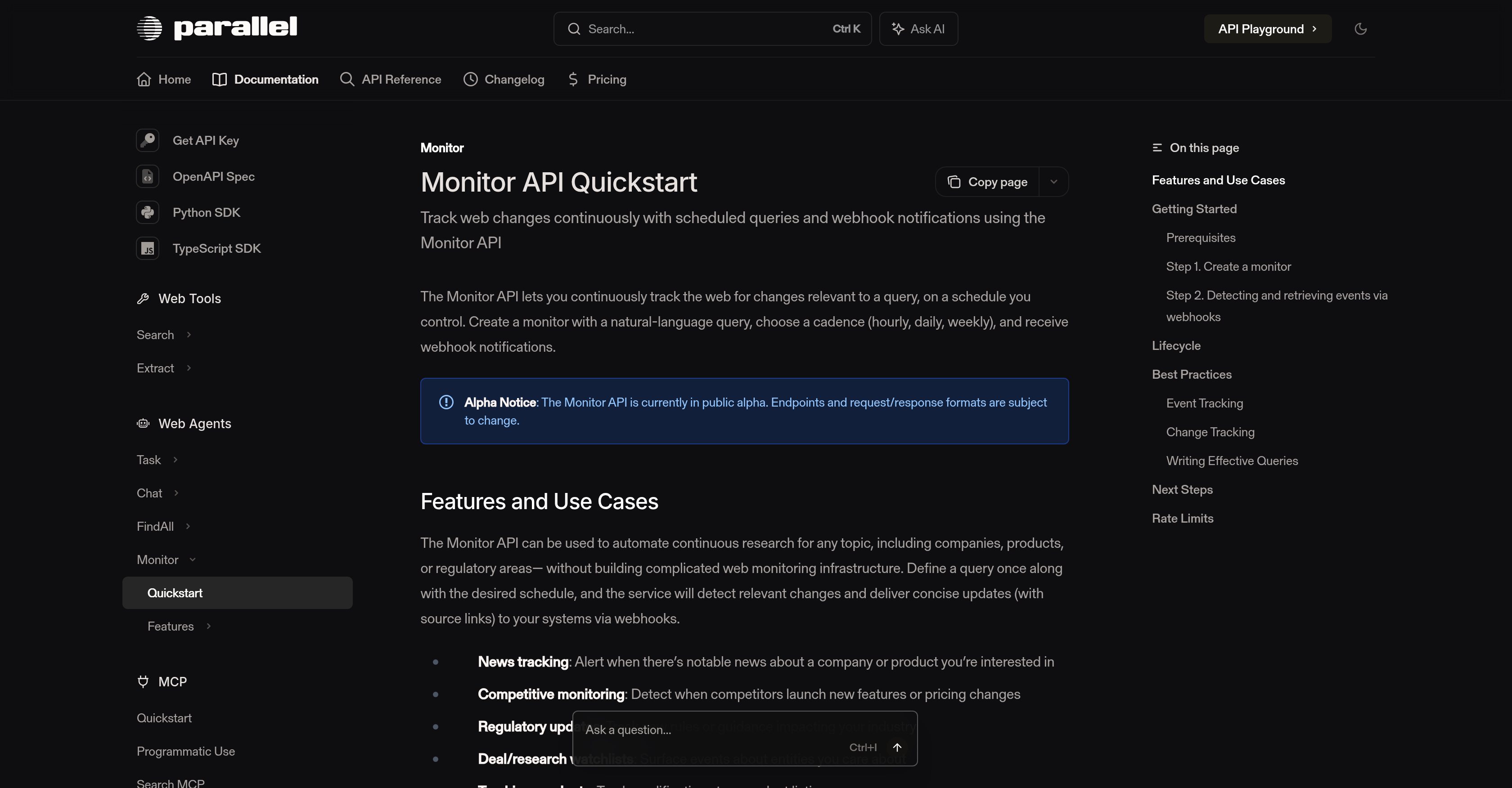
- Eliminate manual web research by receiving automated alerts for relevant changes, powered by natural-language query monitoring.
- Stay ahead of competitors by detecting new features or pricing changes, using scheduled competitive monitoring.
- Track regulatory updates impacting your industry with real-time event detection for new rules and guidance.
- Build deal or research watchlists that deliver concise updates with source links directly to your systems.
- Monitor product modifications and news with flexible cadence (hourly, daily, weekly) tailored to your urgency.
- Reduce update latency with webhook notifications instead of polling, ensuring you receive alerts faster.
- Access complete event history from recent runs or via a lookback window to track changes over time.
- Maintain full control with lifecycle management to update cadence, webhooks, metadata, or delete monitors.
Pros & Cons
Pros
- Scheduled updates
- Webhook notifications
- Natural-language queries
- News tracking
- Competitive monitoring
- Regulatory updates
- Research watchlists
- Product tracking
- Event detection
- Lifecycle management
- Reduced latency
- Event history retrieval
- Metadata management
- Alpha version
- Deal tracking
- User-defined queries
- Automated research
- Web change tracking
- Event completion notification
- Suitable for industry updates
- Adaptable cadence
- Hourly, daily, or weekly updates
- Endpoints mutation for development
- Supports Python and TypeScript SDK
- Efficient webhook setup
- Reminder for version migration
- Flexible to user needs
- Write queries in natural language
- Effective for fast-moving topics
- Slack thread routing
- Cancellation feature reduces bills
- Structured outputs
- Brand mentions tracking
- Product announcements alerts
- Regulatory updates notifications
- Price monitoring
- Stock availability alert
- Content updates tracking
- Policy changes tracking
- Crawler status page
- On-page extensive documentation
- Web Agents Task Chat
- API Playground feature
- Monitor API Quickstart
- MCP Integrations
- Supports AWS Marketplace
Cons
- Alpha version instability
- Requires natural-language query proficiency
- No support for polling
- Limited update frequency options
- Webhook dependency for notifications
- Metadata management complexity
- Potential latency in notifications
- No guaranteed event detection
- Requires manual monitor lifecycle management
- End-user webhook setup requirement
Reviews
Rate this tool
Loading reviews...
❓ Frequently Asked Questions
The purpose of the Monitor API is to allow for continuous tracking of web changes relevant to a user-defined query. It offers the ability to schedule updates and provides them via webhook notifications. It's designed to automate ongoing research without requiring users to build complicated web monitoring infrastructure.
Using Monitor API, users can continuously track web changes by generating a monitor with a natural-language query and selecting an update frequency (hourly, daily, or weekly). The API detects relevant web changes and delivers concise updates with source links to users' systems.
The Monitor API supports three types of update cadence - hourly, daily, and weekly.
Monitor API can be used in various scenarios such as news tracking, competitive monitoring, regulatory updates, deal or research watchlists, and product modifications tracking.
The Monitor API offers notable features such as scheduling of updates, receiving notifications upon event detection or when a monitor completes a scheduled run, retrieval of event history, and lifecycle management abilities. This includes updating cadence, webhook, or metadata and deleting the monitor to stop future runs.
Webhooks in the Monitor API work by providing scheduled updates via notifications. Users are advised to use webhooks instead of polling to reduce latency to updates. Users receive webhook notifications when events are detected or at the completion of a monitor's scheduled run.
The Monitor API is currently in its public alpha version. This means that some endpoints and request/response formats may change as development progresses.
Yes, metadata in the Monitor API can be customized. It can be updated, incorporated into the webhook, or deleted for stopping future runs.
Monitor API reduces latency to updates by advising users to use webhooks instead of polling. This approach ensures users receive relevant updates quicker.
'Monitor lifecycle management' in the context of Monitor API implies the ability to manage the entire lifespan of a monitor. This includes abilities such as updating the cadence, webhook, or metadata of a monitor, and deleting a monitor to halt its future runs.
Webhook notifications from the Monitor API contain the type of event, timestamp of the event, data related to the event, as well as the metadata and monitor ID. The data includes the ID of the event group and related details.
Writing effective natural-language queries for the Monitor API entails creating clear queries with explicit instructions to achieve higher-quality event detection. The queries should be intent-heavy rather than keyword-heavy and should avoid including dates or historical data requests as Monitor is designed for real-time and future updates.
Yes, the Monitor API can support tracking of regulatory updates. This feature allows users to track new rules or guidance impacting their industry.
Yes, the Monitor API can assist with competitive monitoring. It enables users to detect when competitors introduce new features or make changes to their pricing.
Event detection in the Monitor API works by alerting users when there are notable changes relevant to their pre-defined query. This could include changes such as news updates, product modifications, or regulatory changes based on the user's initial query settings.
Monitor API can retrieve updates from recent runs, or via a lookback window for past events. The event history retrieval aids users in keeping track of relevant changes detected over time.
Yes, a user can delete a monitor in the Monitor API. The deletion feature is part of the lifecycle management capabilities of the API, allowing the monitor to be stopped from making future runs.
Monitor API aids in tracking product modifications by alerting users when there are changes relevant to the product specified in their user-defined query. The changes could be updates or modifications related to the product.
The prerequisites for using the Monitor API include generating an API key on the platform and setting it in the user's shell. Users should also define their query, set their desired schedule, and set up webhook notifications.
Pricing
Pricing model
Paid
Paid options from
$0.10/unit
Billing frequency
Pay-as-you-go