PDF To Brainrot AI
Overview
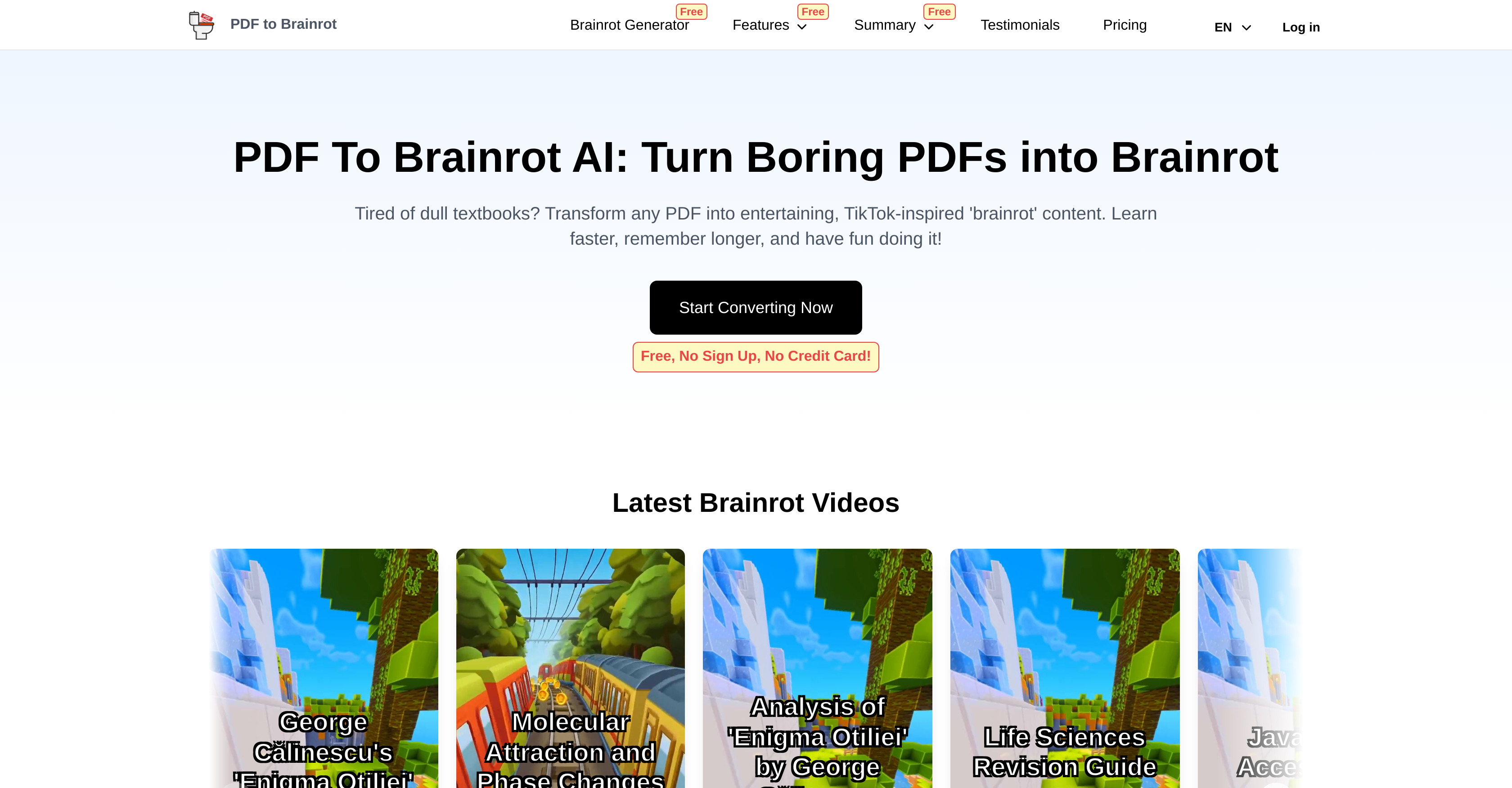
- Turn dense textbooks into memorable TikTok-style videos with AI-powered conversion that makes complex topics instantly engaging
- Create interactive quiz videos from any PDF or text input to test knowledge retention through question-and-answer format
- Customize video content with multiple voice styles and narration options to match your audience's preferences
- Add personal background music or video to make learning materials uniquely yours and increase engagement
- Convert any text source into scroll-worthy content by pasting lecture notes or articles for instant video creation
- Access your converted learning videos across all devices for studying anywhere, perfect for last-minute review sessions
- Transform corporate training materials into digestible video content that employees actually enjoy watching
Pros & Cons
Pros
- Converts any PDF topic
- Quick conversion process
- Content suitable for multiple devices
- Text to 'brainrot' feature
- Transforms complex material
- Customizable voice and narration
- Customizable background music/video
- Multiple video types offered
- Useful for corporate training
- TikTok-style educational videos
- Enhances learning retention
- Converts directly to digestible videos
- Suitable for any subject matter
- Non-PDF text conversion
- User-preference specification in videos
- Access on any device
- Ideal for students, educators, lifelong learners
- Interactive 'Quiz mode' content
- Unconventional 'Brainrot mode' content
- Plain 'Raw mode' content
- Perfect for online learning environments
- Creates sharable eLearning content
- Converts dense academic texts
- Fast content creation
- Turns study material social media-friendly
- Combines entertainment with education
- Transforms lecture notes into videos
- Makes learning enjoyable
- Professional training material creation
- Variety in video types
- User-friendly interface
- Flexible tool for various learning needs
- Creates engaging training materials
- Interactive learning experience
- Dynamic and interesting presentations
- Engaging team-building quizzes
- Upload own background music or video
- Unique and engaging content creation
- Transforms static PDFs into videos
- Bite-sized, memorable content
- Turns academic material into memorable format
Cons
- Limited customization options
- Doesn't support multilingual conversion
- Conversion accuracy varies
- May oversimplify complex topics
- No offline functionality
- Dependant on internet speed
- Limited background options
- Possible copyright issues
- Unpredictible learning outcome
- No own media input
Reviews
Rate this tool
Loading reviews...
❓ Frequently Asked Questions
PDF To Brainrot AI's main functionality is to convert PDF documents into 'brainrot' content, which are short, TikTok-style, humorous videos that make learning more engaging, memorable and effective. This AI also converts any standalone text into similar content.
Yes, PDF To Brainrot AI can convert any type of PDF document. This includes academic textbooks, research papers, and creative writing. It makes the tool suitable for students, educators, and lifelong learners, covering a wide range of PDF topics.
PDF To Brainrot AI is designed to convert documents instantly. It turns PDF content into easily digestible snippets in seconds, making it an ideal tool for swift conversions, such as last-minute study sessions or quick content creation.
The 'brainrot' format is an engaging, TikTok-style, entertaining format focused on fostering better retention and recall of the material. It takes complex information and condenses it into bite-sized, memorable snippets, combining education with entertainment.
Yes, the content converted through PDF To Brainrot AI can be accessed on various devices. Be it smartphones, tablets or desktop computers, learning can happen anytime, anywhere, providing complete flexibility for the user.
No, besides PDFs, PDF To Brainrot AI can convert any standalone text into 'brainrot' content. It allows users to copy-paste text from various sources, converting it into engaging video content.
PDF To Brainrot AI allows for extensive content customization with options for different voice and narration styles, addition of background music or video, and preference setting for video creation. This ensures that the output videos align with user preferences and are tailored as per their convenience.
PDF To Brainrot AI provides three types of video content: the unconventional 'Brainrot mode', which creates quirky and animated TikTok-style videos; the 'Quiz mode' that creates interactive question-and-answer content; and the 'Raw mode', which results in simple, straightforward video content.
Absolutely, PDF To Brainrot AI can be utilized for professional and corporate training. It provides a versatile solution for varied learning needs, turning dense informational materials into engaging, digestible videos that can enhance training effectiveness.
PDF To Brainrot AI benefits students by turning traditional academic material into engaging, easily understood, and memorable content. Its unique 'brainrot' format combines learning with entertainment, which enhances engagement, boosts retention, and improves learning outcomes.
PDF To Brainrot AI employs AI technology to transform complex academic materials into engaging and digestible content. Be it complex formulas or historical events, it condenses the material into a format that’s easily recognisable by today’s internet generation.
PDF To Brainrot AI gives users control over the voice and narration in videos. Users can choose from a selection of voices, which include different accents, tones and genders, aligning the video output to target audience preferences or personal choice.
Yes, PDF To Brainrot AI allows users to add their own background music or video to the content. This feature enables users to add a personal touch and make the content even more engaging and unique.
To specify video creation preferences in PDF To Brainrot AI, users select their preferences during the PDF upload process. Here they can choose video type (Brainrot Mode, Quiz Mode, or Raw Mode), voice style, background music, and background video, ensuring the final content aligns precisely with their requirements.
Yes, PDF To Brainrot AI can convert plain text into engaging 'brainrot' videos. They offer a 'Text to Brainrot' feature that allows users to copy-paste their text, which is then transformed by the AI into engaging, memorable video content.
The 'Text to Brainrot' feature in PDF To Brainrot AI can convert any text into engaging 'brainrot' videos. Whether it is lecture notes, web articles, study materials or any text, it can be transformed into engaging, scroll-worthy content.
The primary difference between the PDF to Brainrot and Text to Brainrot features lies in their flexibility for conversions. While both create engaging 'brainrot' content, Text to Brainrot offers more flexibility for quick conversions of smaller text portions or for combining information from multiple sources into a single 'brainrot' video.
In the Brainrot mode of PDF To Brainrot AI, the AI converts the provided content into quirky and engaging TikTok-style videos. This mode is designed to make learning fun and memorable, blending education with entertainment.
'Brainrot' is a term reflecting concerns about the impact of excessive consumption of trivial online content. It suggests a perceived mental decline due to overuse of social media and has been designated Oxford's Word of the Year for 2024.
PDF To Brainrot AI assists in interactive learning by turning dense PDFs and plain text into engaging, digestible 'brainrot' videos. With features like customizable voice and narration, background music or video addition, and different video modes including a Quiz mode for interactive question-and-answer content, it enhances user engagement and makes learning more efficient and enjoyable.
Pricing
Pricing model
Freemium
Paid options from
$9.90
Billing frequency
One-time
Refund policy
Users can request a refund within 10 days of purchase if the product is unused.
Related Videos
AI's Response to "How to Use PDF to Brainrot??" #brainrot #study
PDF to Brainrot•442 views•Feb 27, 2025