

Overview
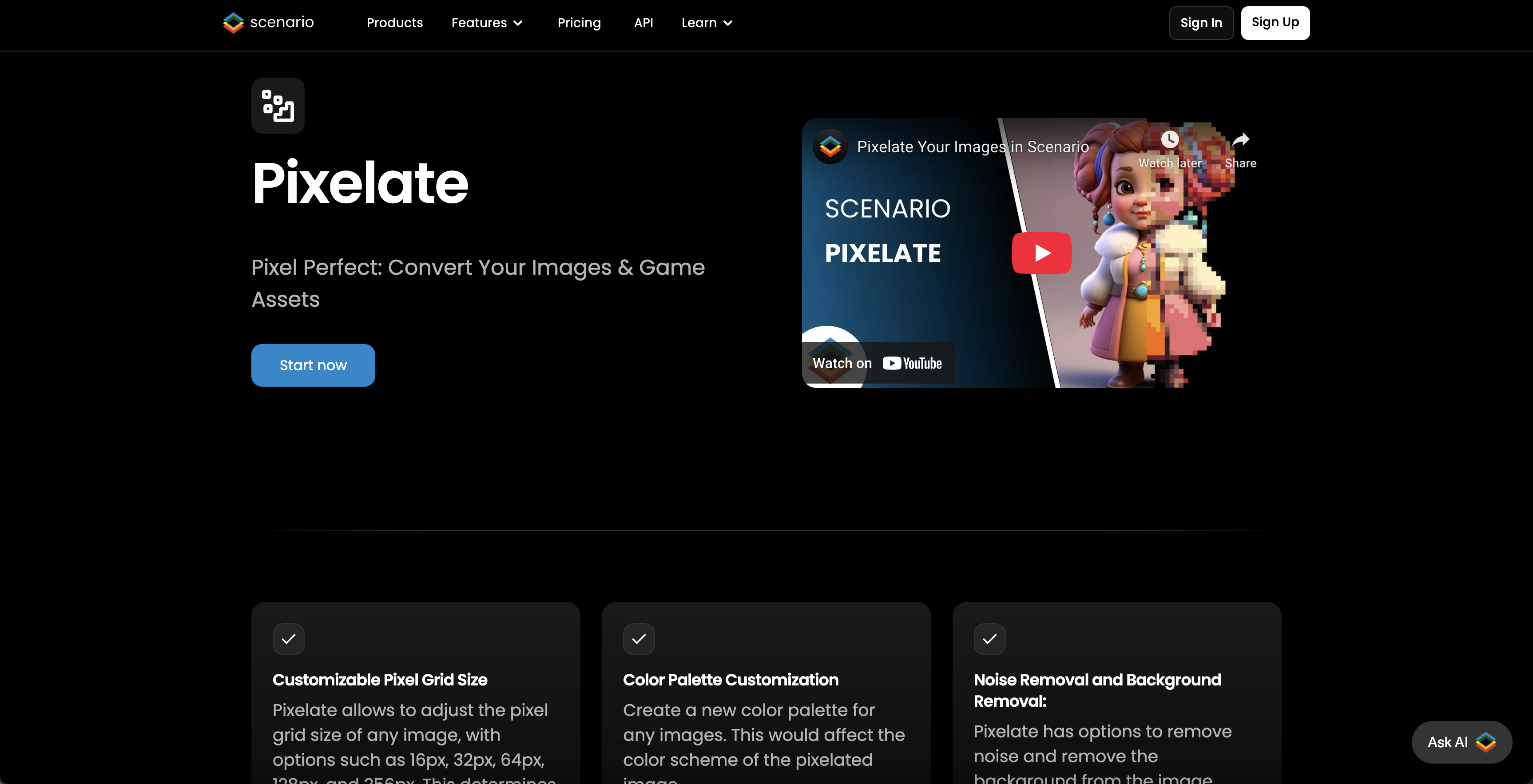
- Instantly generate game-ready pixel art assets by converting any uploaded image with automatic processing
- Control the exact retro aesthetic for your game by selecting a custom level of pixelation
- Preview your final asset before downloading to ensure it fits your game's visual style
- Create authentic pixel art without complex software by using a simple drag-and-drop upload interface
Pros & Cons
Pros
- Online image to pixel converter
- Quick and easy conversion
- Customizable pixelation level
- Specifically designed for game development
- Result available for download
- Removing background feature
- Drag and drop image upload
- Partnering with Scenario platform
- Maintained by a dedicated developer
Cons
- No batch processing
- No API access
- No customization of pixelation
- Single file type support
- No preview feature
- No color adjustment
- Non-adjustable pixelation parameters
- Cannot edit results in tool
- No failsafe for large images
- No embedding option
Reviews
Rate this tool
Loading reviews...
❓ Frequently Asked Questions
Pixelicious is an online tool designed specifically for the conversion of normal images into retro-style pixel art.
Pixelicious converts images into pixel art by allowing the user to upload an image of their choice, select a desired level of pixelation, and then automatically transforming the image into pixel art with a retro style.
Yes, Pixelicious allows users to select the level of pixelation they desire for their image.
You can upload an image to Pixelicious by clicking on 'Add file' or by dragging the image onto the specified area on the website.
Yes, the pixel art created using Pixelicious is suitable for use in game development.
Pixelicious is created by an individual named Hugo.
Scenario is a platform for game developers. Pixelicious is joining Scenario, indicating a partnership or incorporation into the platform.
No, before using Pixelicious, users must agree to the terms and conditions.
Once your image has been converted into pixel art, you can download it by clicking on the 'Download' link that appears with your result.
Pixelicious just pixelates the images and does not provide any other image editing features.
Yes, Pixelicious provides a preview of the converted pixel art before the user can download it.
The terms and conditions of Pixelicious can be found at the footer of their website under 'Terms & Conditions'.
The link to Scenario's website is https://www.scenario.gg/.
Pricing
Pricing model
Paid
Paid options from
$36
Billing frequency
One-time
Related Videos
Convert your images into pixel art for game development with Image-to-Pixel Art Converter
Primo Management•29 views•Aug 17, 2024








