
#Pixel art
3 tools curated for you

Instantly generate game-ready pixel art assets by converting any uploaded image with automatic processing Control the exact retro aesthetic for your game by selecting a custom level of pixelation Preview your final asset before downloading to ensure it fits your game's visual style Create authentic pixel art without complex software by using a simple drag-and-drop upload interface
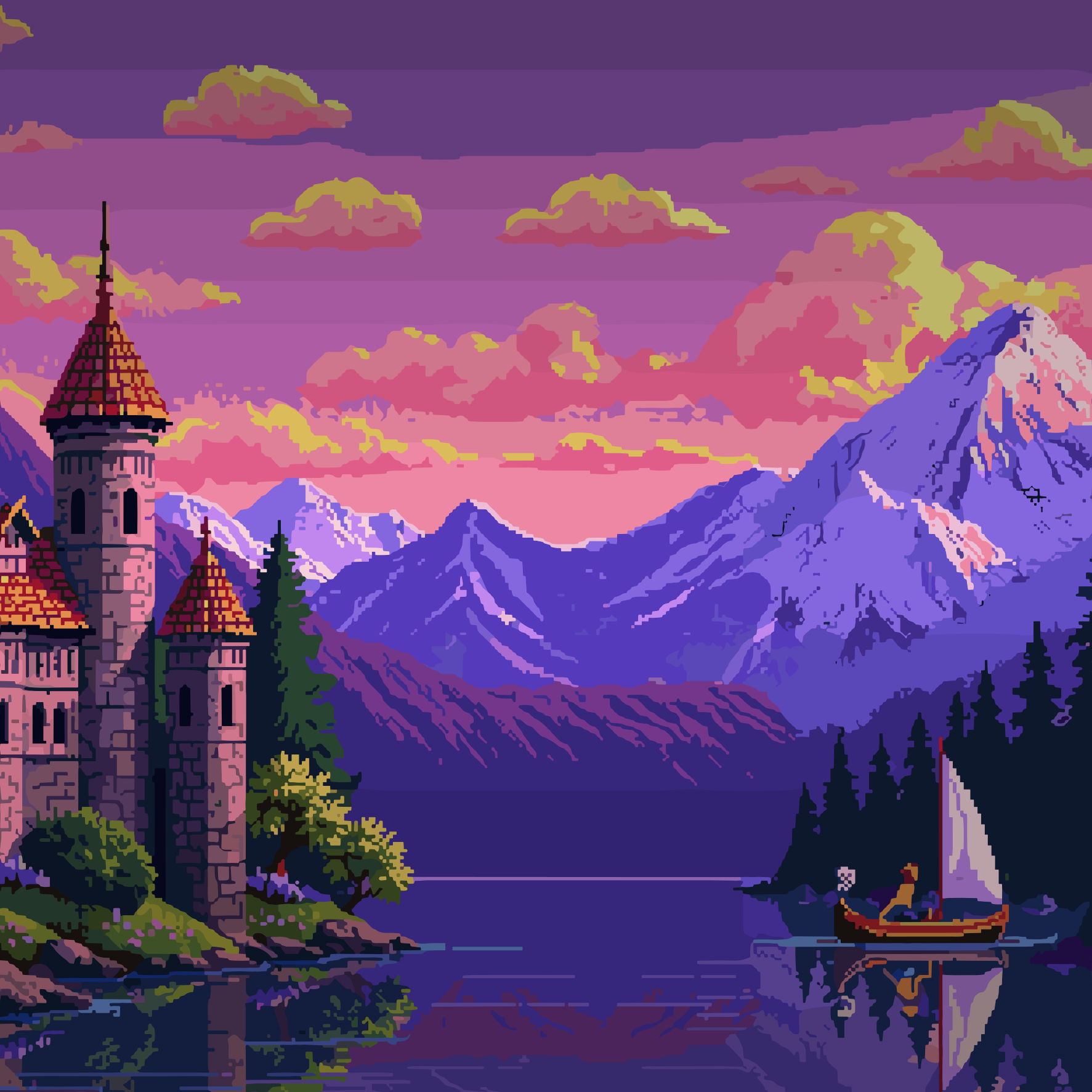
Generate complete character animations from a single text prompt or skeleton controls, eliminating manual frame-by-frame drawing Create consistent 4 or 8-directional sprite rotations for isometric and top-down games from a single concept art upload Transform text descriptions into detailed game maps, tilesets, and immersive pixel art scenes with cohesive art style Produce pixel-perfect UI components like buttons and health bars that automatically match your game's established visual aesthetic Make style-matching edits to existing sprites, such as changing clothes or adding accessories, using true inpainting that preserves the original art Accelerate asset creation within your existing workflow using the Aseprite plugin or standalone web application

Convert any clear image into downloadable pixel art using AI image-to-pixel-art generation that outputs a ready PNG. Preserve anime illustration detail when converting character art into anime pixel art with dedicated anime illustration support. Start creating immediately with 5 free credits on new accounts, where each generated image costs one credit and failed generations return the credit. Cut subjects from images for free using the browser-based background remover that outputs a transparent PNG up to 10MB without using credits or uploading your file. Clean up pixel art for free with browser tools that require no account and never consume credits. Convert photos and selfies into pixel art when the subject is clear, using the same one-upload, one-generate, one-download workflow.