

Overview
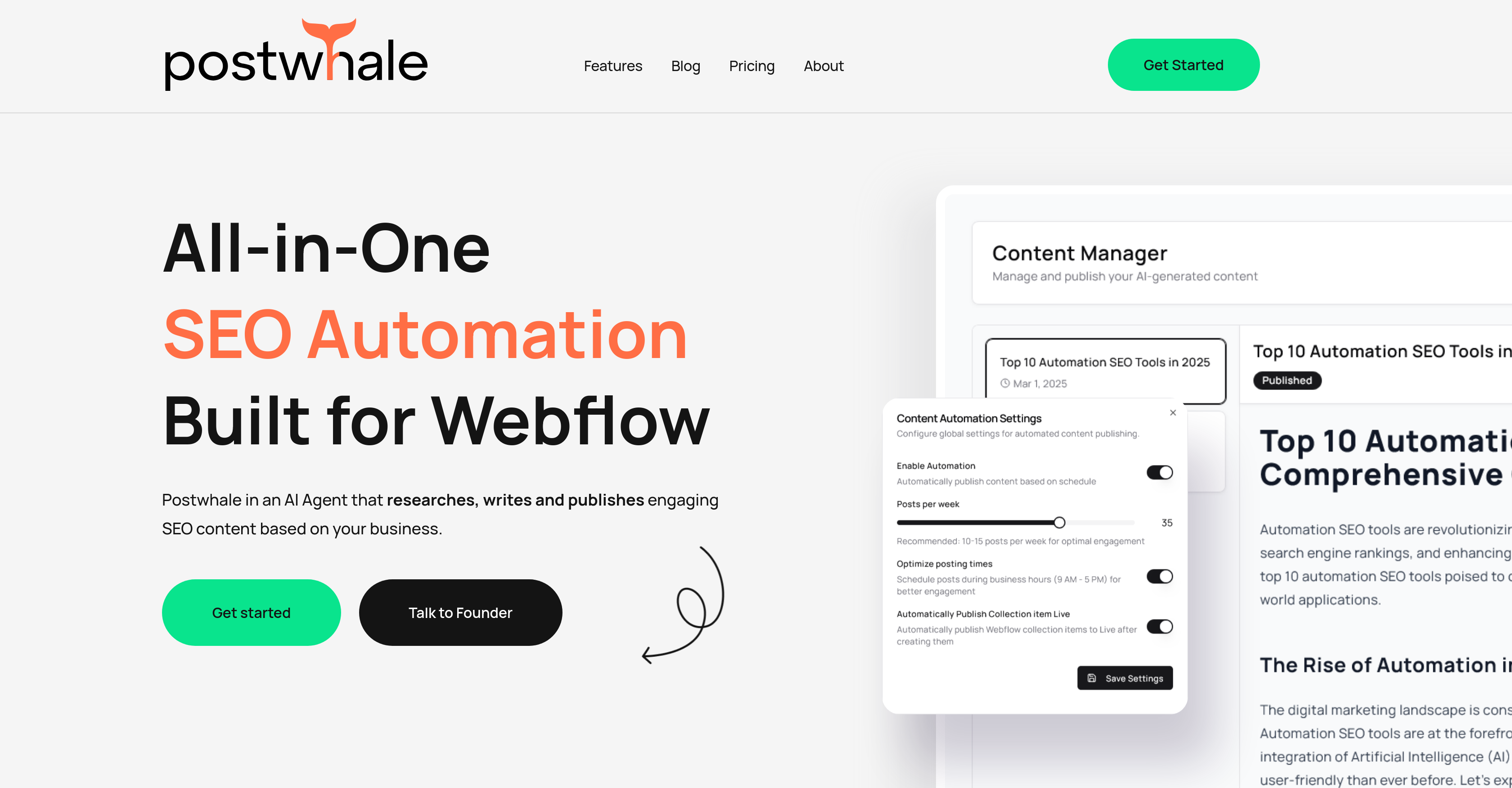
- Publish SEO-optimized content directly to Webflow CMS without manual uploads through automated AI content creation and publishing
- Increase both website traffic and conversion rates simultaneously with content tailored to drive engagement and results
- Get a custom SEO content strategy with optimal posting times based on your specific business context and goals
- Make data-driven content decisions with robust analytics that provide deep insights into content performance
- Create timely, relevant content that reflects current industry trends and your specific business data
- Set up once and run continuously with straightforward configuration that requires minimal ongoing maintenance
Pros & Cons
Pros
- Designed for Webflow
- Automated SEO content
- Conversion-focused
- Business data integration
- Industry trends incorporation
- Engaging, timely content
- Robust analytics
- Ease of Use
- One-time setup
- Content strategy planning
- Custom SEO Content
- Webflow API key connection
- Available chat/email support
- Content created Just-in-time
- Cost-effective SEO solution
- Turns traffic to leads
- Autonomous operation post-setup
- Secure data storage
- 24/7 support availability
- Native Webflow Integration
- Business context tailored content plan
- No coding required
- Control over spending
- Performance insight availability
- Free trial available
- Data-driven insights
- Automated content upload
Cons
- Exclusively built for Webflow
- No WordPress integration
- Limited user support hours
- Restricted CMS compatibility
- Requires Webflow API Key
- No code-free setup
- Reliance on business data
- Personal support potentially limited
- No free trial mentioned
- Dependent on industry trends
Reviews
Rate this tool
Loading reviews...
❓ Frequently Asked Questions
Postwhale integrates with Webflow through a native integration using the Webflow API Key. This allows Postwhale full access to manage content within the user's Webflow account.
Postwhale provides robust analytics features that grant users deep insights into the performance of their content strategies. These include data-driven insights that guide decision-making and strategy adjustments as required.
Postwhale uses AI to optimize content by diving deep into various topics and producing timely, engaging content tailored specifically for the business. It takes into account the business context, latest industry trends, and common sense approaches.
Postwhale follows a data-driven approach to draft content. It researches, writes, and publishes SEO content based on specific business data and industry trends. The content is carefully planned and tailored to encourage both traffic and conversion.
For business content tailoring, Postwhale uses business data and the latest industry trends to produce tailored, timely content. It takes into account unique business contexts and creates a specialised SEO content plan targeting specific business needs.
Postwhale offers readily available support to users through chat or email. The support team is available 24/7 to provide assistance and resolve any issues users might encounter.
The setup and use of Postwhale is designed to be straightforward and user-friendly. Users only need to set up the tool once and they can start witnessing results. With a simple process of connecting Webflow through API keys, users can start optimizing their content strategies easily.
Postwhale handles SEO automation for Webflow by utilizing AI to strategically plan, write, and publish SEO content directly to the content management system of Webflow. It uses industry trends and business data to create engaging SEO content, automate uploads, and enhance traffic and conversions.
Yes, Postwhale analyses industry trends as part of its operation. It employs these current trends along with relevant business data and logical approaches to present compelling and timely content that drives traffic and conversion.
Yes, Postwhale focuses on enhancing both traffic and conversion. Through deep-diving into various topics, Postwhale produces engaging content that draws in traffic and also focuses on converting that traffic effectively.
Yes, Postwhale has the capability to upload content automatically. This is part of its AI-driven SEO automation feature that writes and uploads SEO optimized content directly to your content management system.
Yes, Postwhale offers custom SEO content plans. Taking into account the business context, it creates a tailored SEO content strategy complete with suggested posting times.
Postwhale connects to Webflow using the Webflow API Key provided by the user. This API connection allows Postwhale to manage content within a user's Webflow account.
Poswhale can suggest suitable posting times as part of its content strategy planning. It creates a custom SEO content plan that includes recommended times for content posting.
Postwhale uses business data in its content strategy by creating 'Just-In-Time' content based on the business's data, the latest industry trends and a common sense approach. This way, it ensures the content produced is relevant, up-to-date, and engaging.
Yes, Postwhale offers robust user support. The support team is readily available via chat or email to help with any issues or questions users might have.
Yes, Postwhale assists in planning the content strategy. It takes into account the business context to create a custom SEO content plan complete with posting times, thus helping businesses strategize their content efficiently and effectively.
Postwhale ensures the content is engaging by using AI to analyze various topic areas, characterize user business data, understand the latest industry trends, and deliver timely captivating content tailored to the user's business requirements.
Yes, Postwhale improves the decision-making process with data-driven insights. The robust analytics features provide a comprehensive understanding of the content performance, offering users actionable data to guide their content strategies.
Postwhale ensures that its content is timely by utilizing AI to research, write, and publish based on the latest industry trends and specific business data. This results in up-to-date, engaging SEO content that drives both traffic and conversions.
Pricing
Pricing model
Freemium
Paid options from
$139/month
Billing frequency
Monthly


