

Overview
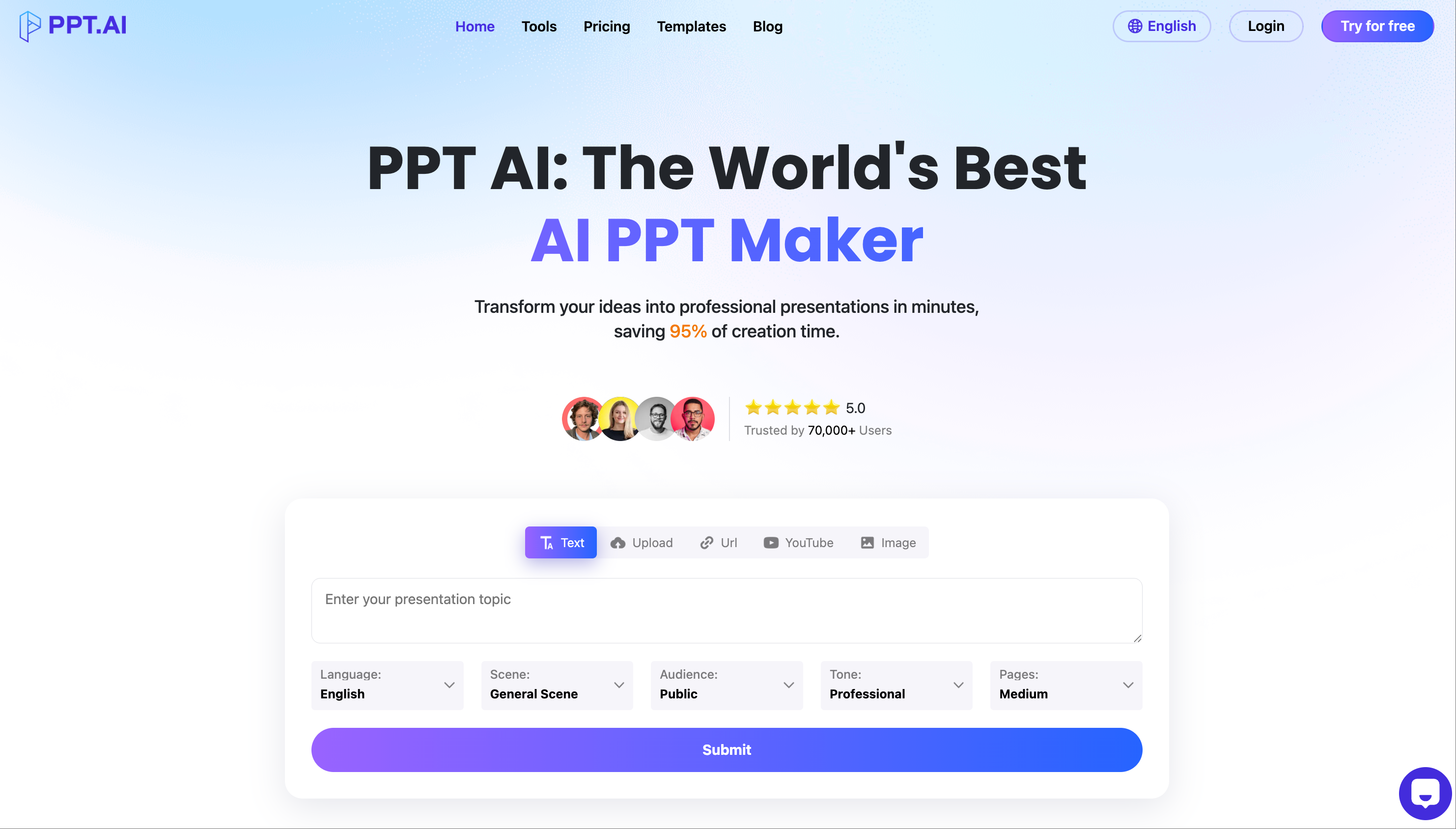
- Transform raw ideas into complete presentations in minutes using AI content generation from text, documents, URLs, or images
- Maintain brand consistency with 800+ premium templates and AI-powered design optimization for professional layouts
- Collaborate seamlessly with real-time cloud editing and version control for team presentations
- Export directly to editable PowerPoint files (PPTX) for immediate use in any presentation software
- Customize every detail using smart editing tools to refine AI-generated slides for unique needs
Pros & Cons
Pros
- Smart automation
- Upload any document
- Intelligent content analysis
- Structure optimization
- Smart generation feature
- Automated formatting
- 800 professionally designed templates
- Smart template matching
- Automated design optimization
- Smart visual placement
- Intelligent content arrangement
- Customization tools
- Real-time cloud collaboration
- Version control
- Time efficient
- Quality enhancement
- One-click style switching
- Collaborative features
- Intelligent Formatting
- Presentation Automation
- Structure Optimization
- Built for teams
- Premium template collection
- Saves 95% creation time
- Smart Assistant
- Automated visualization
- Presentation framework construction
- Cloud-based
- Three steps creation process
- Team collaboration
- Easy content input
- Intelligent design process
- Document processing
- Real-time Collaboration
- Solutions for common problems
- Customer success stories
- Loved by users
- 5-star reviews
- Professional Plan options
- Free PPT generations
- Professional quality guaranteed
- Cut creation time by 75%
- Transformed presentation quality
- Presentation in 3 simple steps
- Revolutionizing presentation creation
Cons
- Limited customization options
- Intelligent formatting unpredictable
- Dependent on quality input
- Template selection may be overwhelming
- Occasional design optimization errors
- Collaboration feature lacks advanced controls
- Version control may be confusing
- Limited document processing capabilities
- Potential cloud storage issues
Reviews
Rate this tool
Loading reviews...
❓ Frequently Asked Questions
PPT AI can generate a presentation in a matter of minutes.
You can upload any type of document to PPT AI.
PPT AI's smart generation feature uses AI-powered smart templates to generate presentations and automate the formatting process.
Yes, PPT AI does offer template customization options. It allows users to refine the AI-generated slides using their smart tools to meet unique presentation needs.
Yes, PPT AI helps optimize slide design. It offers automated design optimization, intelligently placing visual elements on the slide and arranging the content in a user-friendly format.
PPT AI facilitates team collaboration by providing features for real-time cloud collaboration that come complete with version control.
PPT AI ensures the quality of the final presentation using its AI-powered tools and features like smart templates, content analysis, structure optimization, and design optimization.
Yes, PPT AI is user-friendly and can be used by individuals who do not have design skills. It automatically optimizes layout and provides professional templates.
PPT AI's algorithm matches the templates to your content using intelligent content analysis and structure optimization.
The key features of PPT AI are Presentation Automation, AI Powering, Smart Templates, Content Analysis, Structure Optimization, Design Optimization, Cloud Collaboration, Version Control, Document Processing, Real-Time Collaboration, Professional Templates, Time Efficiency, Quality Improvement, and Customization Tools.
PPT AI automates the formatting using its smart generation feature, which leverages AI-powered smart templates.
Yes, PPT AI offers real-time cloud collaboration, allowing teams to work together seamlessly on the same presentation.
PPT AI's library includes over 800 professionally designed templates.
The average time saved by PPT AI users is 18.5 hours.
Yes, users can refine the AI-generated slides using PPT AI's smart tools.
PPT AI's smart tools enable users to customize and refine the AI-generated slides, allowing for a tailored presentation that meets unique needs.
Users are saying PPT AI has revolutionized their presentation workflow, saved them countless hours, and consistently delivered outstanding results.
PPT AI analyzes the uploaded content through its intelligent content analysis and structure optimization, processing any type of document to construct a complete presentation.
The given information does not specify the languages that PPT AI supports. IDK.
Yes, PPT AI provides version control for team collaborations, ensuring that all team members can work on the presentations together while maintaining consistency.
Pricing
Pricing model
Free Trial
Paid options from
$3.90/month
Billing frequency
Monthly
Refund policy
Users can request a full refund within 3 days of purchase if no credits have been used.


