

ProtoPie
Start prototyping from the screens you've already designed: import from Figma, Sketch, and Adobe XD brings existing UI design files straight into interactive prototyping without rebuilding layouts.
Listing not yet reviewed by our editors · How we check
Overview
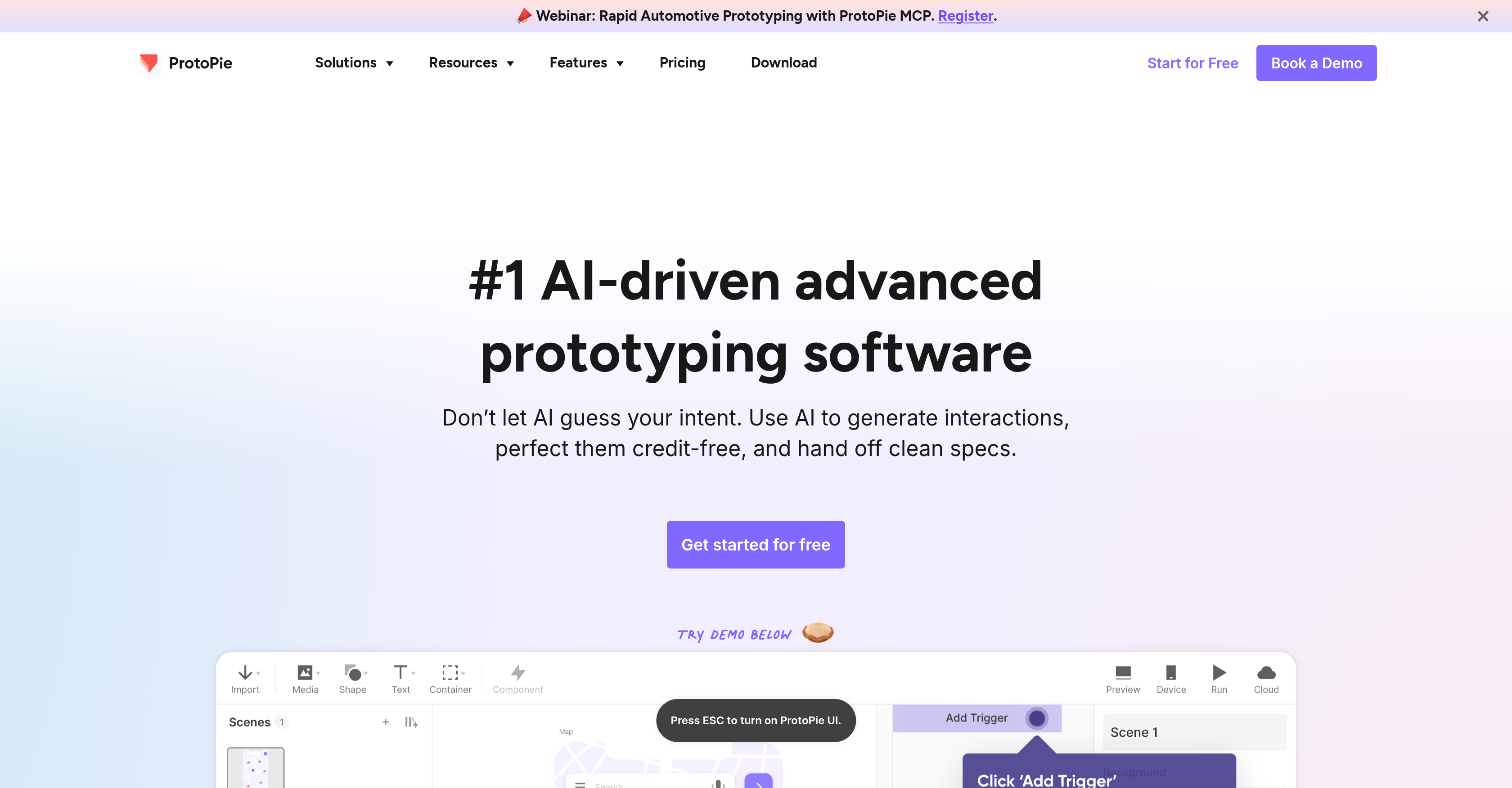
- Start prototyping from the screens you've already designed: import from Figma, Sketch, and Adobe XD brings existing UI design files straight into interactive prototyping without rebuilding layouts.
- Get usability feedback on prototypes that behave like the finished product: interaction logic, variables, and formulas power conditional flows such as live email validation, so testers hit real responses instead of static click-throughs.
- Present motion design exactly as intended: formula-driven object animation produces intricate, precisely controlled transitions and micro-interactions that stakeholders experience directly.
- Validate connected experiences before a line of code is written: multi-device prototyping links phones, tablets, and other screens so cross-device user flows run and test as one system.
- Prototype interactions that respond to the physical world: native device sensor integration turns tilt, movement, and other sensor input into triggers for realistic mobile and wearable prototypes.
- Design and test conversational interfaces alongside visual ones: voice interaction support adds spoken commands and responses to your prototype for voice UI and multimodal design.
- Prove out automotive, aviation, MedTech, and IoT concepts on real equipment: hardware and system integration connects prototypes to physical devices and external systems for embedded and in-vehicle interface testing.
- Settle interaction decisions faster and with fewer revision rounds: AI interaction generation proposes interactions and guides refinement, replacing trial-and-error with a clear path to the final behavior.
- Cut the gap between design intent and the shipped build: developer handoff transfers prototype specifications into the development phase accurately, reducing interpretation errors and rework.
- Keep every collaborator on one shared prototype, from solo freelancer to enterprise team to classroom: team collaboration features support individual designers, product teams, and educational institutions teaching interaction design.
Pros & Cons
From the listing; not yet checked by our editors.
Pros
- Hardware and system integration
- Multi-device prototyping
- Advanced interaction logic
- Facilitates developer handoff
- Imports designs from Figma, Sketch, Adobe XD
- Adaptable across various industries
- Native device sensors integration
- Supports voice interactions
- Enables dynamic interactions
- Incorporates email validation
- Offers intricate animation capabilities
- Suitable for enterprises
- Ideal for individual users
- Encourages team collaboration
- Educational usage applicable
- Promotes realistic automotive UX simulations
- Allows multi & cross-device interactions
- Enables flexible integrations & real data
- Number one choice for high-fidelity prototyping
- Offers Interaction recordings
- Facilitates creation of shareable links
- Offers an Affiliate Program
- Provides Prototyping School for learning
- Active and supportive community
- User testing feature
- ProtoPie MCP feature
- Allows control over interactions
- Promotes high security
- Remote friendly tool
- Constant product updates
- Helpful blog and tutorials
- Easily accessible support
- Comes with a free version
- Offers a Demos
- Enterprise use case
- Individual use case
- Team use case
- Educational use case
- Includes webinars and insights
- Customer success stories provided
- Documented product learning and support
- Comparison with other tools available
- Various pricing options
- Interactive prototype gallery
- Numerous resources for success
- Courses to learn ProtoPie
Cons
- Limited design import tools
- No offline usage
- No custom integration options
- Difficulty with complex animations
- No manual interaction configuration
- Limited device sensor integration
- Might overcomplicate simple prototypes
- Not suitable for basic prototyping
- No option for manual guesswork
Alternatives to ProtoPie
Tools that share the most tags with ProtoPie.
- Prototyper
Transform ideas into working prototypes in minutes instead of days using natural language descriptions or screenshot uploads
Paid · from $30
$30
Not yet checked
- Alloy
Turn product ideas into interactive demos instantly by capturing any page directly from your browser or connected codebase.
Freemium · from $20/month
$20/month
Not yet checked
- Mokker
Generate hundreds of professional product photos from just 3 images using AI training for unlimited visual content
Freemium · from $13/month
$13/month
Not yet checked
- Lovart
Generate complete artwork from simple text descriptions using natural language processing that understands your creative vision
Free trial · from $15/month
$15/month
Not yet checked
- Mockuplabs
Transform any image into professional product mockups instantly with AI-powered Mockup Generator that automatically adjusts designs to fit product templates
Freemium · from $5/month
$5/month
Not yet checked
- Pebblely
Instantly find perfect project images with AI-powered search through an expert-curated image library
Freemium · from $15/month
$15/month
Not yet checked
Reviews
Rate this tool
Loading reviews...
Frequently asked questions
What is ProtoPie?
ProtoPie is an advanced AI-driven prototyping platform that is designed to assist in the generation and perfection of interactions. It employs AI technology to guide the design process, eliminating guesswork when formulating interactions.
Does ProtoPie facilitate multi-device prototyping?
Yes, ProtoPie is designed to facilitate multi-device prototyping. It provides the ability for users to create and test prototypes on various devices.
Can I import designs from Figma and Sketch into ProtoPie?
Yes, ProtoPie has the capability to import designs from various tools including Figma and Sketch. This feature enhances its flexibility and ease of use.
In what industries can ProtoPie be used?
ProtoPie can be utilized across multiple industries, such as the automotive, aviation, finance, gaming, MedTech, and IoT sectors.
Does ProtoPie integrate with native device sensors?
Yes, ProtoPie does provide integration with native device sensors. This feature allows for a wide range of interactive possibilities when creating prototypes.
Can ProtoPie be used for voice interactions?
Yes, ProtoPie supports voice interactions, presenting additional interfaces and interaction modalities for users in their prototyping workflow.
What features does ProtoPie offer for dynamic interactions?
ProtoPie offers dynamic interaction features like email validation and intricate animation of objects. This is accomplished using logic, variables, and formulas.
Is ProtoPie suitable for use by educational institutions?
Yes, ProtoPie is suitable for use by educational institutions. It's designed with functionality appropriate for teaching and learning environments.