
Overview
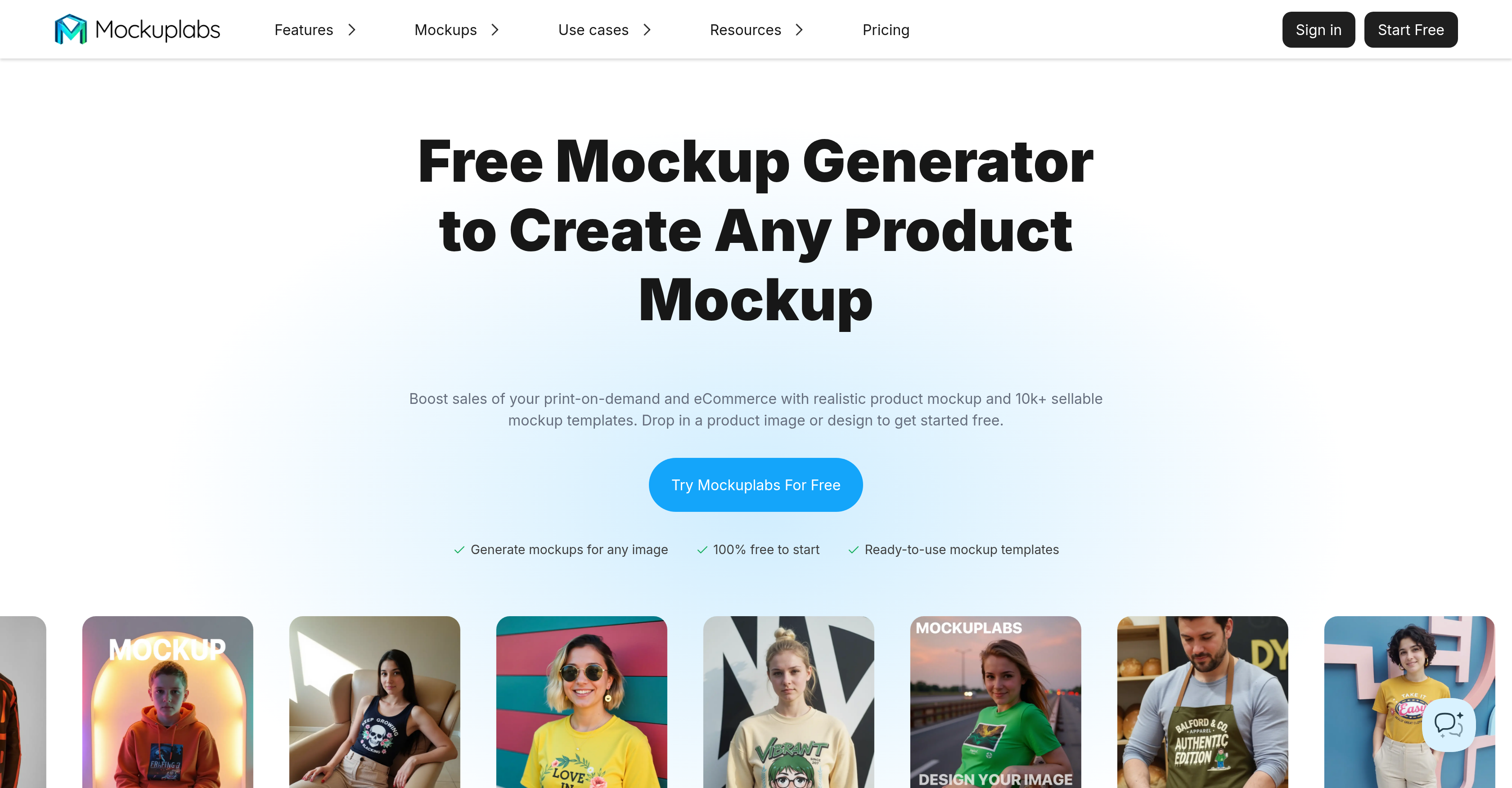
- Transform any image into professional product mockups instantly with AI-powered Mockup Generator that automatically adjusts designs to fit product templates
- Create unlimited product variations for e-commerce stores using AI Color Changer that modifies colors in any image area with real-time preview
- Generate seamless all-over-print patterns across apparel and accessories in one click without manual design work
- Add custom branding and text to mockups effortlessly using Text Design Editor with multiple creative font options
- Remove distracting backgrounds and unwanted objects automatically with AI-powered Background Remover and Object Eraser tools
- Access 20,000+ customizable templates covering apparel, tech gadgets, home decor and accessories for any product type
- Upscale low-resolution product images to high-quality visuals suitable for professional marketing and client presentations
Pros & Cons
Pros
- Massive catalog of templates
- Effortless customization
- Smart generation of mockups
- All-Over-Print feature
- Text Design Editor
- Background Remover
- Image Upscaler
- Apparel, tech gadgets, home decor, and accessories mockups
- Design enhancement features
- Useful for e-commerce sellers
- Useful for graphic designers
- Useful for marketers
- Multiple areas of application
- Realistic mockups
- Drag and drop designs
- Flexible color alteration
- Multiple color variants
- Seamless pattern over mockup
- Overlay text on images
- Variety of creative fonts
- Edit and enhance visuals
- Wide selection of product templates
- Streamlines design workflow
- Help center support
- 10k+ sellable mockup templates
- 100% free to start
- Precise image area selection
- Real-time color change preview
- Text overlay onto image
- Copyright-free templates
- Incorporated in mockup process
- Design and generate mockups
- Ease-of-use
- Generate high-converting creatives
- Automatically adjusts designs to fit
- Infinite canvas
- One-click background remover
- Image to video mockups
- Erase unwanted objects from image
- Preserves fabric texture
- Shopify integration
Cons
- No offline use
- No video tutorials
- Limited text fonts
- No 3D Mockups
- No integrations other than Shopify
- Credits-based usage
- No file-formats other than JPEG/PNG
- No feedback community
Reviews
Rate this tool
Loading reviews...
❓ Frequently Asked Questions
Mockuplabs is an AI-powered tool designed for generating and enhancing product mockups on demand. It includes a wide catalog of templates and offers easy customization and smart mockup generation. Key features include a Mockup Generator for creating mockups from any image, an AI Color Changer for adjusting color in any part of a product image, an All-Over-Print feature for applying a design imprint on any product, and a Text Design Editor for adding text onto images. Mockuplabs also provides design enhancement through an AI Pattern Generator, Background Remover, Image Upscaler, and AI Object Remover.
The Mockup Generator in Mockuplabs operates by creating realistic mockup images based on any given image. The user simply uploads their design, and the AI will adjust it to fit naturally on the product canvas. The resulting high-quality mockups can be used for eCommerce stores, print-on-demand platforms, or client presentations.
The AI Color Changer in Mockuplabs enables users to freely customize colors in any area of their product image. It allows them to preview changes in real-time and generate multiple color variants for instant download, thus offering immense flexibility and control over product aesthetics.
Mockuplabs offers a substantial catalogue of over 20,000 free, customizable, high-quality mockup templates. These cover multiple product types including apparels like t-shirts and hoodies, accessories like bags and hats, home decor items like cups and pillows, and packaging materials like boxes and wrapping papers. They also include various print designs for books, cards, and posters as well as tech designs for laptops and websites.
The All-Over-Print feature in Mockuplabs allows users to apply a design imprint to any product. The user can upload their design and the tool will create comprehensive All-Over-Print mockups in just one click. This is extremely useful for creating unique garments, accessories, and other customized products with edge-to-edge designs.
The Text Design Editor in Mockuplabs is a tool that allows users to overlay and incorporate text onto images. It comes with a variety of creative fonts and offers the flexibility to add text as part of the design or as an overlay for a more flexible usage. This feature is especially beneficial for branding or for adding descriptive or promotional text to the mockups.
Mockuplabs covers a wide array of design areas including apparel, tech gadgets, home decor, and accessories. This broad scope makes it a versatile tool for creating mockups for everything from clothing and hats to laptops and phone cases, cushions and cups to jewelry and more.
Mockuplabs optimizes design enhancement through several innovative features. The AI Pattern Generator brings design ideas to life, the Background Remover provides clean product photos, the Image Upscaler transforms product visuals into high resolution images, and the AI Object Remover enables the erasure of unwanted objects from product images. These features together result in cleaner, crisper, and considerably improved mockups.
The AI Pattern Generator feature in Mockuplabs is a creative tool that brings design ideas to life. The user simply describes their vision or uses a reference, and the AI generates the design for them. This feature greatly speeds up the design process and can trigger fresh ideas for users.
The Background Remover in Mockuplabs is a feature that assists in cleaning up product photos. With a single click, it removes the background from an image, thereby making the product visuals clear and distraction-free.
The Image Upscaler in Mockuplabs enhances the resolution and quality of an image. It transforms product visuals into crisp, high-resolution masterpieces, which is beneficial for ensuring the best possible impression of product images.
The AI Object Remover feature in Mockuplabs allows users to erase unwanted objects from product images. By leveraging AI, it facilitates the creation of cleaner and more realistic mockups, thereby improving the overall quality and aesthetics of the product image.
Mockuplabs is intended for use by a wide range of professionals. This includes e-commerce sellers, graphic designers, and marketers, among others. Essentially, it is beneficial for anyone who needs to quickly create professional-looking mockups for a product.
Mockuplabs assists e-commerce sellers by enabling them to easily generate realistic mockups of their products, thus aiding them in improving their product images' appeal. It provides a wide range of templates covering various product types and offers features like a AI Color Changer for creating multiple product variants, the All-Over-Print feature to custom-make products, and design enhancement tools that help in making the mockups look cleaner and crisper.
Yes, with Mockuplabs's AI Color Changer, users can freely modify the colors in any area of their product image. The feature allows for the preview of changes in real-time and generates multiple color variants for instant download.
Mockuplabs comes packed with numerous features that aid in the creation of professional mockups. The Mockup Generator, AI Color Changer, All-Over-Print feature, and Text Design Editor are all integral tools for customized mockup creation. The AI Pattern Generator, Background Remover, Image Upscaler, and AI Object Remover further contribute to refining and enhancing the resulting designs.
Yes, Mockuplabs provides a Text Design Editor that enables users to overlay text on images. It offers various creative fonts and allows the text to be added as a part of the design or as a overlay in a flexible manner.
Yes, Mockuplabs supports the creation of mockups for all kind of products. It houses a vast library of templates for a wide range of product categories, including apparel, accessories, home decor, packaging, print, and tech, among others.
Yes, Mockuplabs does offer templates for tech gadgets designs. The vast template library covers products such as laptops, websites, phone cases and more, helping users create realistic tech product mockups.
Mockuplabs offers a variety of enhancements for designs. These include precise image area selection for color change, the application of all-over-print styles, overlaying text on designs, automatic adjustments of designs for fitting product mockup, and various AI-enhanced features. The latter include Pattern Generation, Background Removal, Image Upscaling, and Object Removal.
Mockuplabs is an AI-powered tool designed to generate product-on-demand (POD) visuals or mockups. It allows users, specifically e-commerce sellers, graphic designers, and digital marketers, to bring their product ideas to life through smart generation of mockups, massive templates, and effortless customization.
Mockuplabs offers a range of features. These include a Mockup Generator that produces mockup images based on any given image, an AI Color Changer to alter colors in any area of a product image, the All-Over-Print feature used for applying a design imprint to any product, and a Text Design Editor for overlaying text onto images. The tool also provides enhancement tools like the AI Pattern Generator, Background Remover, Image Upscaler, and AI Object Remover, thus enabling cleaner and crisper mockups.
The Mockup Generator in Mockuplabs works by taking any uploaded image and transforming it into a realistic product mockup. Users simply drag and drop their design onto the product canvas, and the AI automatically adjusts it to fit naturally onto the chosen product template. It generates high-quality images suitable for e-commerce stores, print-on-demand platforms, or client presentations.
Mockuplabs allows users to generate mockups for a wide range of products. It offers templates for various areas such as apparel, tech gadgets, home decor and accessories. Specific items within these categories include apparel like t-shirts, hoodies, dresses, sportswear; accessories such as bags, hats, phone cases; home decor items like cups, candles, pillows; and tech devices such as laptops.
The AI Color Changer feature of Mockuplabs gives users the capability to alter colors in any area of their product image. It offers real-time preview, enabling users to generate multiple color variants of their product image for instant download. This feature aids in creating more personalised, creative and unique product visuals by providing absolute control over color customization.
The All-Over-Print (AOP) feature in Mockuplabs applies a user's design imprint to any product. Users can upload their design image and generate seamless AOP mockups in one click. This feature is particularly useful for creating distinctive and visually appealing patterns over any product mockup image.
The Text Design Editor feature of Mockuplabs allows users to overlay text onto their created mockups. It facilitates easy addition of words or messaging as part of the design or to overlay onto the image for flexible usage. The feature supports multiple creative fonts for a customized and styled text layout on the product visual.
Mockuplabs offers a massive series of pro templates for every design demand. Options span across products types including apparel, accessories, home decor, tech devices, and more. These templates cover diverse products like t-shirts, hoodies, bags, candles, laptops and others. Users can customize these templates to fit their specific design needs.
The AI Pattern Generator in Mockuplabs enhances users' designs by creating unique patterns based on their input. Users simply describe their vision or use a reference, and the built-in AI generates a pattern that brings their design ideas to life, making complex and artistic design patterns accessible and easily achievable.
The Background Remover in Mockuplabs assists users in creating clean product visuals. It removes the background from product photos, eliminating any distracting elements and ensuring a focus on the main product. It's a one-click tool that facilitates cleaner, high-quality mockups and professional-looking product photos.
Yes, Mockuplabs has a tool called Image Upscaler that helps to improve image quality. This feature enables users to upscale their images and transform product visuals into higher resolution and crisper versions. The upscaler enhances image details, producing a crisp, clear and quality visual ready for professional use.
The AI Object Remover in Mockuplabs works by subtracting unwanted objects from product images. This helps create cleaner, streamlined, and more realistic mockups. By using AI algorithms, the tool ensures that any unnecessary elements are removed without disturbing the integrity of the original image.
Yes, Mockuplabs can indeed be used for e-commerce and digital marketing purposes. It is particularly beneficial for e-commerce sellers, digital marketers, and graphic designers who need to quickly create professional-looking mockups for products that they intend to market and sell online.
To transform any image into professional mockups using Mockuplabs, first, you need to upload your specific image or design. Use the AI-powered Mockup Generator to adapt your uploaded image into a realistic product mockup. Utilize the various editing tools such as the AI Color Changer, All Over Print tool, and Text Design Editor to enhance the mockup's visual appeal. Once you're satisfied with the customization, you can download your professional-grade mockup.
Yes, Mockuplabs allows users to customize already existent templates. With its extensive library of product templates, you can select and customize one to meet your specific design needs. Features like the AI Color Changer and Text Design Editor further enable detailed modifications to these templates.
Yes, Mockuplabs offers a wide range of home decor and tech devices mockups. Home decor options include mockups for cups, candles, pillows, and coasters. As for tech devices, users can create mockups for laptops, phone cases, mouse pads, and more.
Mockuplabs is designed to be user-friendly even for non-professional designers. Users can generate editable mockups simply by uploading an image and using the drag-and-drop feature. The tool intuitively adjusts for elements like shadows and wrinkles, making it extremely accessible for users without expert design skills.
Yes, with Mockuplabs' AI Color Changer feature, you can freely change the colors of your product designs. This feature allows customized color alterations in any area of your product image. It also offers real-time preview of changes, facilitating the creation of multiple color variants of a product image.
Mockuplabs assists in product visualization by transforming any image or design into a ready-to-demonstrate mockup for various product categories. It uses AI to create realistic mockups, enabling users to better conceptualize and present their design ideas for products, be it apparel, home decor, tech gadgets or other accessories.
Mockuplabs is efficient for design workflow owing to its integration of AI and an extensive portfolio of design functionalities. It accelerates and streamlines the design process by providing intuitive tools for creating mockups, changing colors, adding text, and removing backgrounds. Moreover, it offers a diverse collection of templates for various products, all of which can be customized to fit unique design requirements, thereby reducing design time and effort.
Pricing
Pricing model
Freemium
Paid options from
$5/month
Billing frequency
Monthly
Refund policy
Users can receive a full refund if fewer than 20 credits are used during the subscription period.
Related Videos
How to Design Realistic Can Mockups with MockupLabs (Easy Tutorial!)
Mockuplabs•14 views•Jul 21, 2025


