
Overview
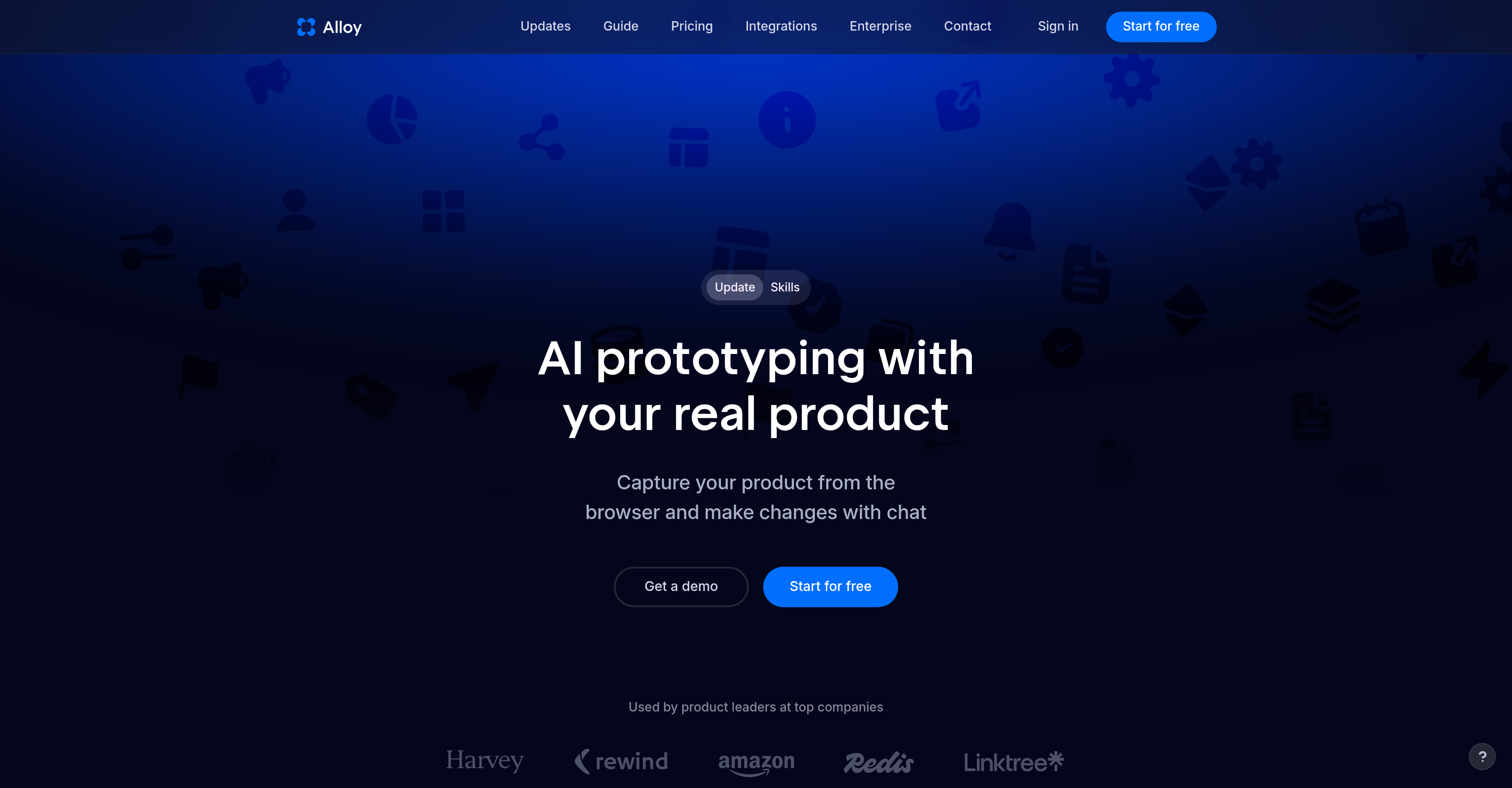
- Turn product ideas into interactive demos instantly by capturing any page directly from your browser or connected codebase.
- Experiment with new features using your existing components and pages, eliminating the need to rebuild from scratch.
- Share live Alloy sessions with your team or customers to collect real-time feedback and accelerate product delivery.
- Push production-ready code from your prototype without manual rewrite, thanks to the prompt-share-push workflow.
- Make real-time changes to your product during a session, enabling on-the-fly iteration without disrupting development.
- Reuse custom skills across sessions to automate repetitive prototyping tasks and maintain consistency in your workflows.
- Integrate ideas, insights, and customer requests from external tools directly into your product building process.
- Collaborate hands-free with conversational voice mode, describing changes while working in the background or with a teammate.
- Keep your prototype data secure with high engineering security standards and secure session context reading via Alloy MCP.
Pros & Cons
Pros
- Real product prototyping
- Interactive demos creation
- Facilitates idea generation
- Allows real-time changes
- Direct browser or codebase changes
- Promotes team collaboration
- Enables instant session sharing
- Use of existing codebase
- Improves product deployment
- Accelerates product delivery
- Integrates with other tools
- Maintains data security
- Creation of reusable skills
- Alloy MCP for session reading
- Voice mode for sessions
- Secure engineering standards
- Page capture using extension
- Feedback collection tools
- Codebase integration capabilities
- Record of all sessions
- Production-ready code push
- Enterprise-ready and built to scale
- Built on user's codebase
- Skip developer handoff
- Facilitates customer interaction
- 20+ tools integration
- Invite by email feature
- Preview live changes
- Public session sharing option
- Slack integration for prototyping
Cons
- Requires admin permissions
- Limited tool integration list
- No Figma import
- 15-minute setup time
- Extension or codebase required
- Limited to web apps
- Dependent on cloud sessions
- No standalone functionality
- Session handling not optimal
- No details about platform compatibility
Reviews
Rate this tool
Loading reviews...
❓ Frequently Asked Questions
Alloy is an AI-based tool designed for prototyping real products. It enables users to generate AI prototypes by capturing any page and building interactive demos for sharing within teams.
Alloy helps in prototyping real products by allowing users to capture any page and create interactive demos. It enables product leaders to use their existing codebase, components, and pages to explore and experiment with product ideas. It also allows real-time changes to your product directly and facilitates the process of idea development and application.
Alloy's page capture feature works by either using a browser extension or by connecting directly to the users' codebase. This enables users to instantly capture specific pages of their product for conducting prototyping and demoing.
Yes, Alloy can be integrated with your existing codebase. This feature allows your product to be captured and prototypes to be explored and experimented directly from the system. Also, it lets you make real-time changes to the product from the codebase.
Alloy offers various collaboration features. It allows Alloy sessions to be shared instantly with your team or customers. This acts as a platform for obtaining feedback and speeding up product delivery. In addition, it facilitates the prompting of new ideas, sharing them with your team or customers, and pushing production-ready code.
Alloy prioritizes data security by maintaining high engineering security standards to protect user data. Its features include the creation of reusable skills for an Alloy agent, and Alloy MCP for secure reading of Alloy session context.
The Alloy MCP feature refers to connecting Alloy to AI assistants through Model Context Protocol. This capability allows Alloy to securely read the session context, including chat history, files, and code context from sessions.
Yes, Alloy sessions can be shared instantly with your team or customers. This feature provides an efficient platform for obtaining feedback and expediting product delivery.
Alloy assists in the idea generation and product development processes by facilitating product leaders to use their existing codebase, components, and pages to experiment with product ideas. It also allows for the prompting of new ideas, sharing them with your team or customers, and pushing of production-ready code.
Alloy facilitates real-time changes to products via a unique feature that enables direct alterations to the product from a connected browser or codebase. This supports the process of idea development and product application.
Yes, Alloy can reuse skills for an Alloy agent. This feature allows for keeping reusable instructions in Alloy and accessing them when they are relevant.
Yes, Alloy offers a voice mode for audio communication during sessions. This conversational voice mode adds a microphone to the chat panel, allowing you to describe changes while working in the background or collaborating with a teammate.
Alloy can integrate with several other tools during the product building process. This allows the usage of ideas, insights, and customer requests in the product development process.
Alloy pushes production-ready codes through a prompt, share, and push mechanism. This means you prompt new ideas that blend perfectly with your product, share these ideas with your team or customers, and subsequently push production-ready code.
Alloy enhances communication in a product development team by providing real-time sharing of Alloy sessions with your team or customers. It also fosters the exchange of ideas, insights, and customer requests in the product building process.
Yes, Alloy can be used directly from a browser. It allows real-time changes to your product directly from the connected browser, facilitating idea development and application.
Yes, Alloy supports interactive demos for team sharing. Users can generate AI prototypes, capturing any page and building these interactive demos for sharing within their teams.
Alloy can be used for feedback collection during product development by enabling instant sharing of Alloy sessions with your team or customers. This provides an efficient platform for obtaining feedback and accelerating product delivery.
Yes, Alloy is capable of customer interaction during sessions. The platform allows the sessions to be shared instantly with your customers, facilitating a process for obtaining direct customer feedback.
The significance of the page capture feature in Alloy lies in its ability to enable users to instantly capture specific pages for prototyping and demoing. This feature can be used either through the extension or by connecting directly to the users' codebase, enhancing agility in the development process.
Pricing
Pricing model
Freemium
Paid options from
$20/month
Billing frequency
Monthly