

QuikSignal
Defend every conclusion you present: each claim in your competitive intelligence brief links to its supporting document, is cross-checked against independent reporting with an independent-source count, and comes with run details such as source calls, returned records and agent status.
Listing not yet reviewed by our editors · How we check
Overview
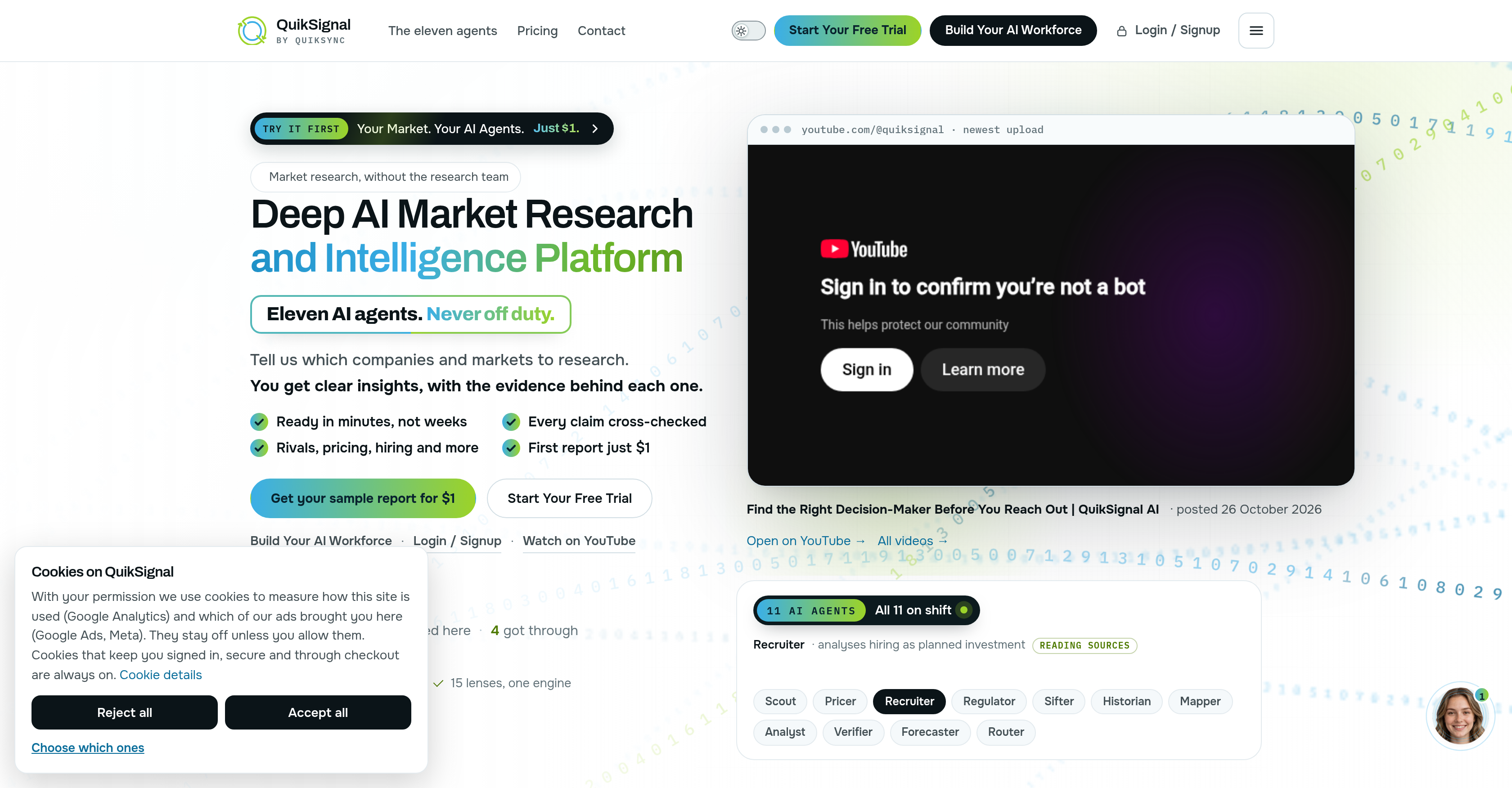
- Defend every conclusion you present: each claim in your competitive intelligence brief links to its supporting document, is cross-checked against independent reporting with an independent-source count, and comes with run details such as source calls, returned records and agent status.
- Know exactly where your research coverage ends: live, limited and blocked screens plus a dedicated Missing Data section name the missing credential or unavailable source instead of hiding the gap.
- Get answers to the exact business question you're asking: fifteen research lenses cover areas such as revenue, talent, pricing, policy, partnerships and forecasting. Plans run three, eight or all fifteen lenses at once, and you can swap lenses without cancelling a run in progress.
- Reach the right buyer at the right moment: prospect intelligence surfaces account changes, buying indicators and the current decision-maker with title and contact hint. Suggested next actions are editable before you share them.
- Catch competitor moves before they hit your pipeline: competitor digests track launches, positioning changes and price monitoring, refreshed anywhere from daily to every four hours depending on plan.
- Plan headcount and compensation with market evidence: workforce and compensation signals show how rivals and target accounts are hiring.
- See which technologies rivals adopt or drop: technology maps built from public code repositories and job specifications chart each company's stack, versions and recent shifts.
- Spot funding rounds, acquisitions and divestitures early: deal radar draws on filings, press releases, venture capital databases and M&A trackers, and rates each signal by how many independent sources confirm it.
- Stay ahead of compliance deadlines: regulatory calendars list upcoming rule changes, filing dates and compliance events for the industries you track, alongside risk registers built from agency notices and government gazettes.
- Cite market size figures with confidence: market research summaries cover size, growth, current movement and segments, with the originating agency dataset attached to each reported number.
- Maintain ongoing market awareness without staffing a research team: recurring briefs run on a daily, weekly or custom schedule and arrive in your inbox or workspace.
- Drop findings straight into decks, models and reports: export any finished brief to PDF, Excel or PowerPoint in one step.
Pros & Cons
From the listing; not yet checked by our editors.
Pros
- Eleven specialized agents per plan
- Fifteen selectable topic lenses
- Realtime claim provenance metadata
- Crosssource verification via Verifier
- Credentialaware screen status badges
- Export to PDF, Excel, Slides
- Recurring brief scheduling feature
- Detailed operational run logs
- Independent source count per claim
- Explicit gap identification tags
- Single engine powers all lenses
- Onthefly lens switching
- Evidence linked to original documents
- Market sizing with dataset attribution
- Decisionmaker IDs with source links
- Technology maps from job specs
- Rival pricing change detection
- Hiring trends with compensation signals
- Deal radar with transaction verification
- Regulatory calendar with filing alerts
- Risk register with source counts
- Buying indicators backed by evidence
- Suggested next actions per brief
- Continuous monitoring while you sleep
- Sample report for $1
- Unlimited concurrent agents per run
- Lensspecific credential requirement badges
- Transparent agent status per run
- Source call logs accessible
- Data lineage visualization for claims
- Realtime market move alerts
- Integrated forecast generation per lens
- Multiteam collaboration workspace
- API access to raw evidence
- Customizable lens question definitions
- Export raw dataset with provenance
- Automated daily intelligence digests
- No manual research team needed
- Crossindustry signal aggregation engine
- Historical trend tracking per metric
- Embedded video/audio evidence links
- Credential management for restricted sources
- Independent reporting crosscheck optional
- Scalable plans starter to enterprise
- Live/limited/blocked screen differentiation
- Visible agent roster per lens
- Operational transparency dashboard
- Source reliability scoring system
- Confidence scores with evidence backing
- Eight intelligence types researched daily
Cons
- Credential-dependent lenses often blocked
- Verification adds processing delay
- Limited to 15 predefined lenses
- No custom agent scripting
- Export formats lack live linking
- Niche market source gaps
- Pricing restricts concurrent lenses
- No native REST API
- Weak non-English source parsing
- High memory per run
Alternatives to QuikSignal
Tools that share the most tags with QuikSignal.
- TrendSwell.ai
Find dozens of profitable product trends in under 60 seconds using real-time AI analysis that scans current market data
Paid · from $299
$299
Not yet checked
- Parliant.AI
Uncover the real reasons behind customer churn with AI conversations that feel human, encouraging honest and detailed feedback through intelligent, real-time follow-up questions
Freemium · from $49/month
$49/month
Not yet checked
- RivalSense
Receive curated weekly briefings on competitor moves and market shifts without manual research through systematic monitoring of 80+ data sources
Paid · from $34/month
$34/month
Not yet checked
- Foxloop
Capture interview-level depth from every response with AI-powered conversations that replace restrictive multiple-choice questions
Freemium · from $24/month
$24/month
Not yet checked
- Superway
Spot emerging industry trends weeks before competitors with SuperSense's real-time scanning of millions of signals
Freemium · from $35/month
$35/month
Not yet checked
- HintGo
Uncover the specific reasons behind every customer score with AI-driven adaptive conversations that ask real-time follow-up questions to promoters, passives, and detractors.
Freemium · from $50/month
$50/month
Not yet checked
Reviews
Rate this tool
Loading reviews...
Frequently asked questions
What exactly are the 15 lenses QuikSignal offers and how do I choose which ones to run?
The fifteen lenses are: Revenue, Market, Talent, Investor & Deal Flow, Policy & Regulation, Compliance & Risk, Innovation & R&D, Media & Narrative, Partner & Channel, Customer Information, Footprint & Expansion, Industry Conditions, Supply & Pricing, Social & Community, and Forecasting. Each lens corresponds to a specific research question and a predefined set of agents. You pick lenses that match the insight you need (e.g., pricing signals → Supply & Pricing; hiring trends → Talent). The platform lets you select any subset up to the concurrent‑lens limit of your plan before launching a run.
How does QuikSignal’s Verifier agent cross‑check claims against independent sources?
The Verifier agent takes every claim produced by the scouting agents and searches for independent reports that confirm or contradict it. It pulls from separate source feeds, compares the statement wording and data points, and records an independent‑source count. If at least one independent source corroborates the claim, the claim is marked as verified; otherwise it is flagged as unverified and the originating source is still shown.
Can I see which sources QuikSignal used for a specific data point in a brief?
Yes. Every claim in a brief includes a hyperlink to the supporting document and a tooltip listing the exact source URLs, publication dates, and the agent that retrieved them. The provenance panel on the brief view displays the full source list for each data point.
What’s the difference between live, limited, and blocked screens in QuikSignal?
Live screens have full data coverage—agents were able to read the source and return a result. Limited screens indicate the screen could not be fully populated because the required credential (e.g., a paid database login) was missing. Blocked screens mean the source is completely inaccessible—either blocked by the provider or restricted by law—so no data could be retrieved.
How many lenses can I run at the same time on the Starter plan versus the Enterprise plan?
Starter plans allow any three lenses to run at once, Growth plans allow any eight, and Enterprise plans allow all fifteen lenses concurrently.
Is there an API so I can pull QuikSignal’s intelligence directly into my CRM?
IDK
How often does QuikSignal refresh its data for pricing and hiring signals?
Pricing signals are refreshed daily on the Starter tier, every six hours on Growth, and every four hours on Enterprise. Hiring signals follow the same schedule, with the same frequency per plan.
Can I export QuikSignal briefs to PowerPoint, Excel, and PDF in one click?
Yes. After a run finishes you can click an Export button and download the brief in PDF, Excel, or PowerPoint format in a single step.