

Remotion
Overview
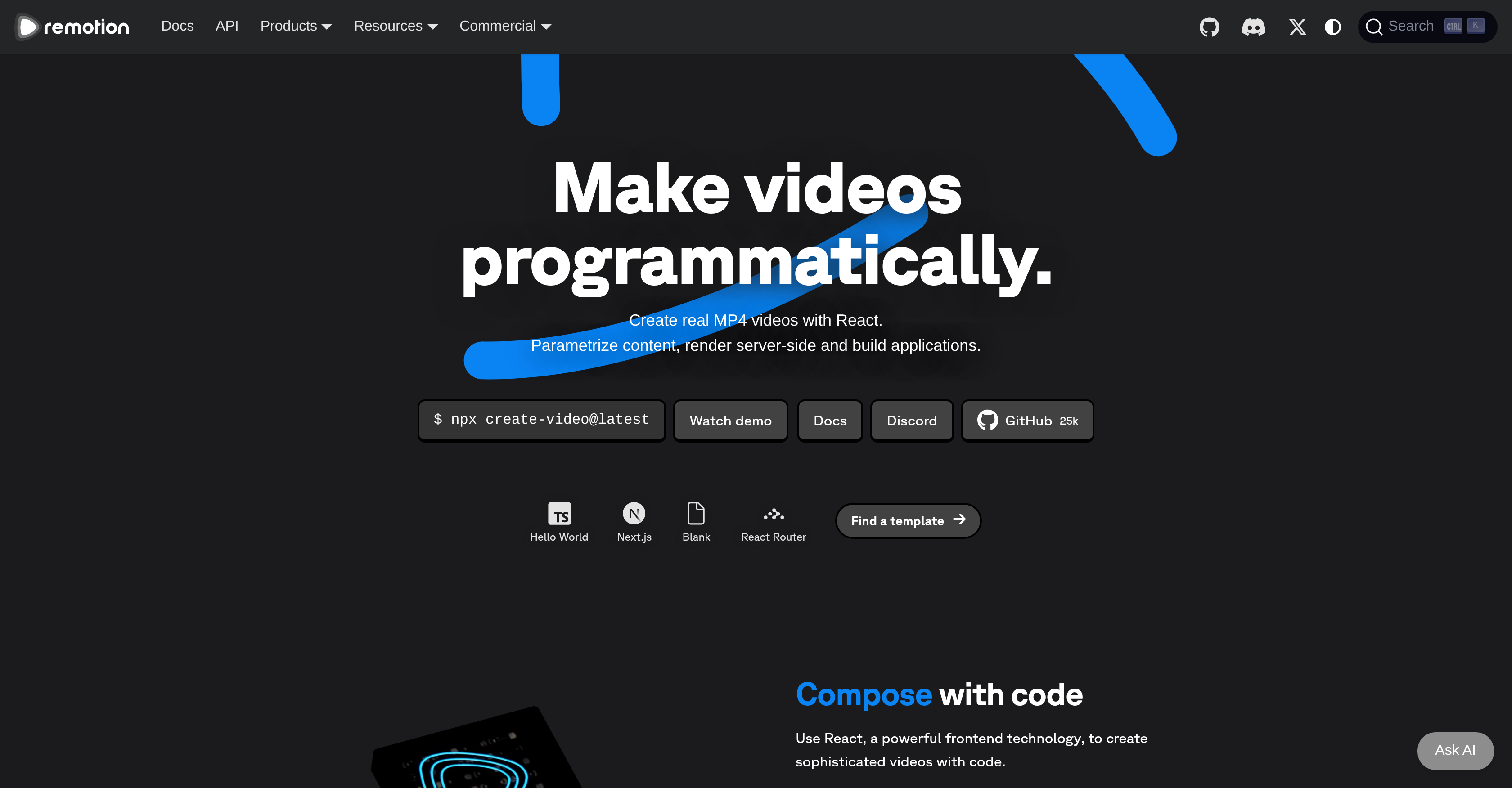
- Build dynamic, data-driven video applications by writing video logic in React, just like a web interface, using the same components and state management you already know.
- Scale video rendering effortlessly to handle any volume with serverless rendering via Remotion Lambda, eliminating infrastructure management.
- Create personalized video content at scale by parameterizing your React components, enabling unique outputs for different users or data points.
- Embed a complete video creation interface directly into your existing web application, turning any app into a custom video studio.
- Prototype and edit videos visually with the interactive Remotion Player and Editor GUI, providing immediate feedback without constant re-rendering.
- Maintain full control over your video pipeline and data with self-hosted cloud rendering options available in every license tier.
- Automate the creation of complex visual sequences, like music visualizations or timeline recaps, by programmatically controlling every frame and asset.
Pros & Cons
Pros
- Makes videos programmatically
- Uses React frontend technology
- Parametrizes content
- Performs server-side rendering
- Builds applications
- Interactive Remotion Player
- Interactive Remotion Editor
- Scalable Remotion Lambda
- Embeddable in apps
- Versatile use cases
- Supports individual users
- Supports team collaboration
- Range of license options
- Permits self-hosting
- Permits commercial usage
- Offers prioritized support
- Provides Mux credits
- Private communication channels
- Successful diverse use cases
- Starter tool for projects
- Timeline Recorder captures progress
- Use for music visualization
- Use for screencasts
- Use for year-in-review videos
- Interface-building capability
- Produces real MP4 videos
- Video editing with GUI
- Scalable video rendering
- Can create dynamic parameters
- Developers can work with Remotion
- Includes Remotion Studio
- Cloud rendering allowed
- Allows for parameterized videos
- Supports dark mode
- Video reorder feature
- Package comes with Editor Starter
- Community of 400k installs
- 700 pages of docs
- 35 templates & examples
- 25k GitHub stars
- 5000 Discord members
- 270 contributors in community
- Enterprise License option
- Company License option
- Free License option
- Custom billing for enterprises
- Successful use in music apps
Cons
- Requires knowledge of React
- Limited format support
- Potential scalability issues
- License based restrictions
- Limited pre-made templates
- May need cloud-based rendering
- Lack of intuitive GUI
- Potential compatibility issues
- Limited enterprise solutions
- Dependent on external server
Reviews
Rate this tool
Loading reviews...
❓ Frequently Asked Questions
Remotion is a tool that allows users to create videos programmatically using React, a powerful frontend technology. This unique offering allows creators to parametrize content, render videos server-side, and build applications. Remotion includes various components such as the Remotion Player, Remotion Editor and Remotion Lambda.
Remotion leverages React, a widely-adopted frontend technology, for video creation. Users write their code in React, which allows complex videos to be constructed using React's declarative composition. This means users can create complex video structures and effects just like they would build a web interface. Through React, users can parameterize their content, aiding in creating dynamic and customizable videos.
The Remotion Player is one of the interactive components offered within the Remotion tool, primarily used for the purpose of video creation and editing. It's a Graphical User Interface (GUI) that provides an intuitive and accessible workspace for users to create their desired videos.
The Remotion Editor is a GUI designed for editing videos interactively. It forms an essential part of Remotion where users can compile the parametrized contents into an individualized, customized video. It is designed to help make the video creation process more dynamic and smoothly embeds into the overall workflow of video production on Remotion.
The role of Remotion Lambda is to facilitate the scalable rendering of videos. It is capable of rendering videos in varying formats, giving users the freedom to choose their preferred format. It operates on a server-side rendering model, allowing videos to be rendered locally, on the server, or serverless.
The Starter and Timeline Recorder tools in Remotion are additional features that streamline the video production process. The Starter tool assists users in initiating their projects, essentially setting the stage for content creation. The Timeline Recorder, in contrast, allows users to capture the progress of their project over a specified period, effectively documenting the progression and developments.
Remotion seamlessly integrates into an existing app, making it a highly versatile tool in diverse project scenarios. It's designed to not only embed into an app but also build an interface around it. This feature significantly broads the usability and adaptability of Remotion in versatile applications and project demands.
Remotion is designed for a broad range of users, spanning from individual creators to team collaborations and even large enterprise clients. It offers a scope of licenses to suit these varying user profiles.
Yes, Remotion can be used for commercial purposes. Each type of Remotion license permits commercial usage, which makes it a practical solution for businesses and individual creators alike.
Yes, Remotion provides a self-hosting option. Each license tier, including both free and paid alternatives, allow for self-hosted cloud rendering.
Remotion can be employed for a host of creative pursuits including music visualization. With the ability to render videos programmatically and embed them into applications, users can create dynamic visual representations corresponding to musical elements, thereby bringing a unique visual layer to their sound.
Remotion is capable of creating screencasts thanks to its diverse tools and features. Its capabilities to create and edit videos programmatically using React lend well to the capturing, recording, and representation of screen-based content.
Remotion is an ideal solution for crafting year-in-review videos. With its full suite of tools and capabilities for programmatically creating and editing videos, users can easily collate, structure and render their highlight reel of the year.
Remotion offers licenses suitable for a range of scenarios. For individuals and companies of up to 3 people, there is a Free License, which allows for commercial usage and self-hosted cloud rendering. Companies of 4+ people can opt for the Company License, which includes extra benefits such as prioritized support and Mux credits. There is also an Enterprise License for advanced needs, which includes additional features such as private communication channels and monthly consulting sessions.
For larger teams or enterprise clients, Remotion offers additional features such as prioritized support, Mux credits, and the opportunity to set up private communication channels. The Enterprise License also includes offerings like monthly consulting sessions and prioritized feature requests.
Remotion has found success across a range of applications, from creating music visualizations and screencasts to generating year-in-review videos. Its rich feature set and innovative use of React for video creation makes it a versatile tool for different needs.
In the context of Remotion, Mux credits refer to a form of credit offered to businesses purchasing a Company license. These credits can be utilized for services provided by Mux, a leading platform for video developers.
Prioritized support is an additional benefit provided to Remotion's Company and Enterprise license holders. This means these users receive faster responses and priority assistance when they encounter issues or have queries related to using Remotion.
The interactive GUI in Remotion, which is prominent in the Remotion Player and Editor, enables a user-friendly process of video creation and editing. It provides a visual space where users can manipulate their content through a straightforward and intuitive interface, lending to an efficient and seamless content creation workflow.
Remotion supports team collaborations and is designed with tools and features conducive to cooperative projects. The varying licenses accommodate teams of different sizes. Plus, with additional features like prioritized support and private communication channels, larger teams or enterprise clients are well-supported.
Pricing
Pricing model
Freemium
Paid options from
$10/month
Billing frequency
Monthly