

Scape
Stop scanning your entire inbox every morning: smart email prioritization surfaces the messages that need attention and files the rest under priority labels you define and rename, while low-priority mail stays fully searchable.
Listing not yet reviewed by our editors · How we check
Overview
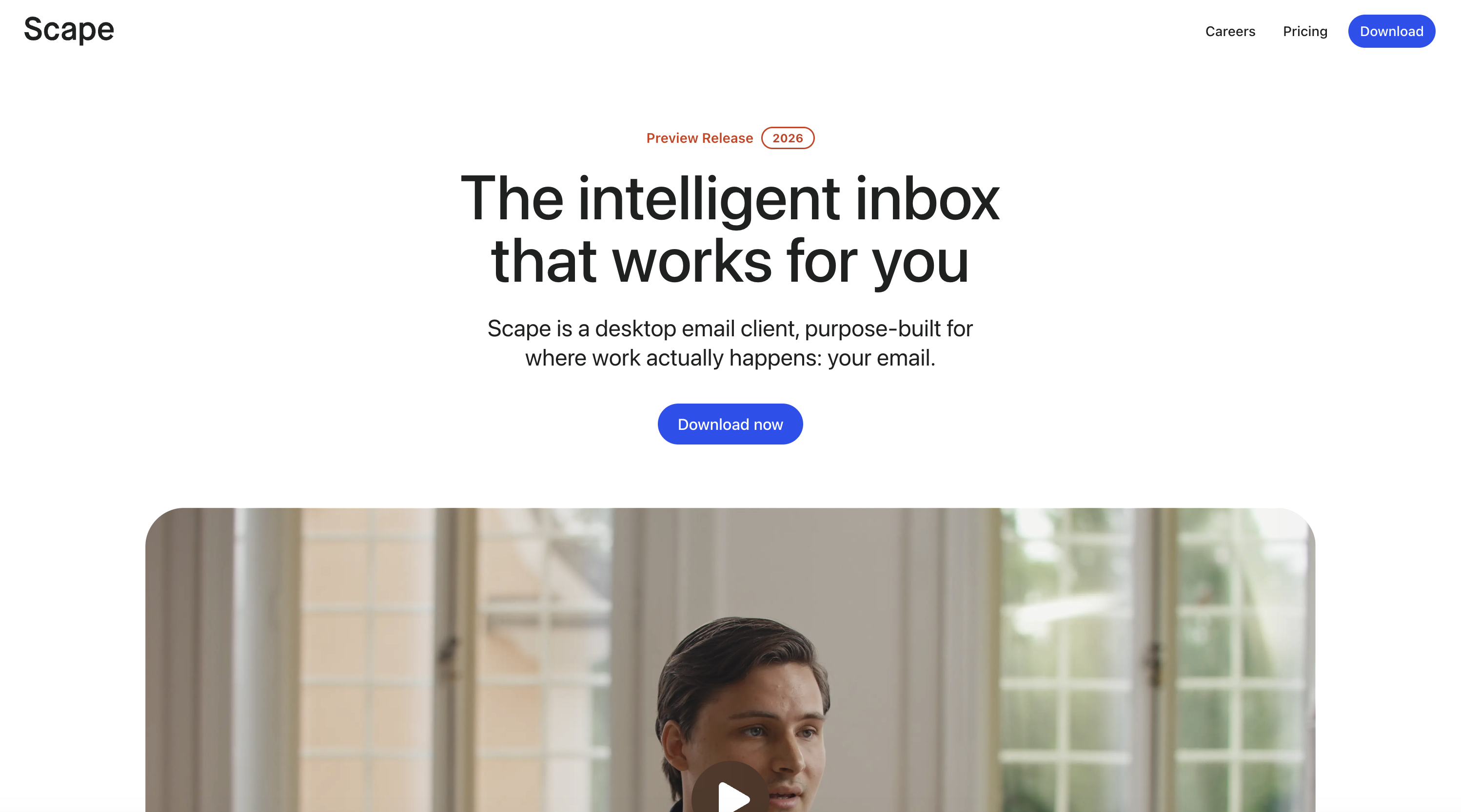
- Stop scanning your entire inbox every morning: smart email prioritization surfaces the messages that need attention and files the rest under priority labels you define and rename, while low-priority mail stays fully searchable.
- Send accurate replies without digging through old threads: context-aware email drafts pull from your email history, Google Calendar and Outlook Calendar events, meeting transcripts, and attachment content, and you review and edit every draft before it is sent.
- Keep every meeting commitment without a bot joining your calls: one-click meeting recording on your Mac captures Zoom, Google Meet, Microsoft Teams, FaceTime, voice calls, and in-person discussions, then feeds that context into follow-up emails.
- Work across language barriers with international clients and colleagues: meeting transcription in 99 languages detects each language in a conversation or email thread and generates replies in the matching language.
- Close the loop on every customer request from your inbox: built-in email CRM tracks customer conversations, service requests, and next steps inside the same desktop email client, with no separate CRM to maintain.
- Protect sensitive conversations and meet compliance requirements: on-device processing of email, calendar data, and transcripts, local-only recording storage, encrypted data transmission, and GDPR, SOC 2 Type II, and ISO 27001 compliance.
- Confirm the fit for your workflow before you commit: a downloadable trial and a product demo video let you test inbox prioritization, AI email drafting, and meeting capture on your own Mac.
Pros & Cons
From the listing; not yet checked by our editors.
Pros
- On-device local recordings
- No external meeting bots
- 99-language transcription support
- Mac-native desktop client
- Integrated email CRM
- Contextual reply drafts
- Calendar and attachment awareness
- Automatic priority labeling
- Reduced inbox scanning
- One-click meeting capture
- Real-time meeting detection
- Local data storage
- SOC 2 Type II compliance
- ISO 27001 certification
- GDPR-compliant processing
- Bug bounty program
- Multi-service video meeting integration
- Voice call integration
- In-person discussion capture
- Attachment-context aware drafting
- Thread analysis across emails
- Follow-up suggestion engine
- Meeting summary generation
- Transcript-based drafting
- Offline functionality
- Low CPU footprint
- Dynamic island UI integration
- Custom priority labels
- Unified email meeting workspace
- Local encryption of recordings
- End-to-end encryption support
- Transparent privacy documentation
- Legal docs published
- Team collaboration labeling
- Workflow automation for labeling
- Email threading visualization
- Contextual search across calendar
- macOS notification integration
- Fast local email indexing
- Automatic transcript syncing
- Multi-account support
- Native macOS keyboard shortcuts
- Drag-and-drop attachment handling
- Auto-save drafts locally
- No cloud recordings
- Secure keychain storage
- Configurable label rules
- Real-time drafting assistance
- Customizable UI themes
- Accessibility VoiceOver support
- High accuracy transcription engine
- Supports Zoom Teams GoogleMeet FaceTime
- One-click recording toggle
Cons
- MacOS only platform
- No web interface
- High local storage consumption
- CPU intensive transcription
- Limited thirdparty plugin API
- Offline mode missing features
- Requires full client updates
- No native Windows sync
- Limited custom email support
- Transcription accuracy drops on noise
Alternatives to Scape
Tools that share the most tags with Scape.
- Stamp
Respond to emails instantly with personalized replies that match your unique writing style using AI-generated responses
Not listed
Not listed
Not yet checked
- HeyHelp
Reclaim hours each week with automated email sorting and prioritization that highlights what matters most
Freemium · from $18/month
$18/month
Not yet checked
- Whimsey: The AI Shared Inbox for Your Business
Transform thousands of feedback responses into clear strategic priorities with AI-powered categorization and summarization
Free trial · from $39/month
$39/month
Not yet checked
- Varolio
Automatically identify and prioritize your hottest leads with AI that scores prospects based on email content for effective follow-up
Paid · from $19/month
$19/month
Not yet checked
- Duet Mail
Save 4+ hours weekly with AI-powered email management that eliminates manual response drafting
Free trial · from $9.99/month
$9.99/month
Not yet checked
- Notion Mail
Automatically filter out cold emails and prioritize important communications with AI that learns which emails matter most to you
Freemium · from $10/month
$10/month
Not yet checked
Reviews
Rate this tool
Loading reviews...
Frequently asked questions
How does Scape decide which emails are important and which get labeled as low priority?
Scape evaluates each message using contextual signals from email history, calendar events, meeting transcripts, and attachment content; messages scoring high on relevance and urgency are surfaced as important, while the rest are auto‑assigned to low‑priority labels aligned with the user’s predefined priorities.
Can I edit the AI‑generated reply drafts in Scape before sending them?
Yes. The AI‑generated drafts are presented to the user for review, and the user can edit any part of the draft before sending.
Does Scape sync with my Google Calendar or Outlook calendar for meeting context?
Yes. Scape syncs with calendar data, pulling information from both Google Calendar and Outlook Calendar to provide meeting context for email drafting.
What video meeting platforms does Scape integrate with for one‑click recording?
Scape offers one‑click recording for Zoom, Google Meet, Microsoft Teams, and FaceTime, as well as in‑person discussions captured via the local recorder.
Are Scape's meeting recordings stored locally only on my Mac?
All meeting recordings are stored locally on the Mac; no cloud storage is used for recordings.
How many languages does Scape’s transcription engine support?
The transcription engine supports 99 languages.
Can I use Scape’s email‑based CRM to track customer tickets and next steps?
Yes. Scape’s built‑in CRM lets users track customer conversations, service requests, and next‑step actions directly within the email client.
Does Scape pull information from attachments to improve draft suggestions?
Yes. Scape extracts relevant information from attachments and incorporates that data into draft suggestions and follow‑up recommendations.