

SeamUI
Pay provider rates with zero token markup: bring your own API keys from OpenAI, Google, Black Forest Labs, xAI, Replicate, and Kie.ai, and each provider bills you directly.
Listing not yet reviewed by our editors · How we check
Overview
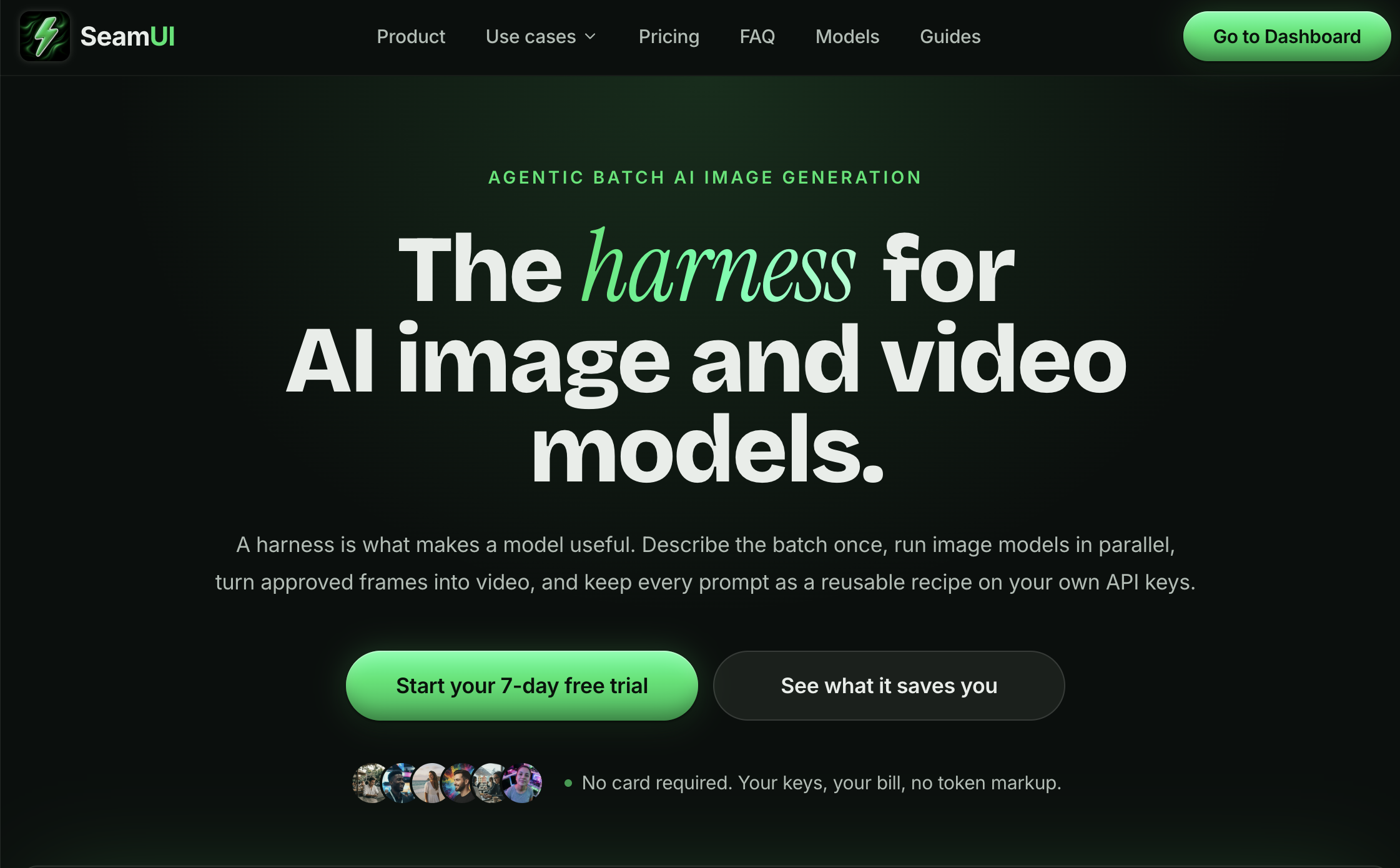
- Pay provider rates with zero token markup: bring your own API keys from OpenAI, Google, Black Forest Labs, xAI, Replicate, and Kie.ai, and each provider bills you directly.
- Get ten image variants in roughly the time of one: batch generation fires 1–10 variants of a single prompt in parallel on your keys.
- Pick the right AI model for every shot without switching apps: run 15 image generation models and 16 video generation models from one workspace.
- Recreate any winning result on demand: every output keeps its full recipe (prompt, model, parameters, reference images) as a reusable preset inside a searchable project instead of a lost chat thread.
- Move from still to motion in one pipeline: turn approved frames into clips with text-to-video and image-to-video, then preview, trim, merge, and extract frames.
- Return to any earlier version without paying to regenerate: every edit is saved as a revision you can roll back to.
- Bring clients and freelancers into the creative process with controlled access: team workspaces assign roles, such as viewer for clients and editor for collaborators.
- Keep provider credentials locked down: API keys are encrypted and scoped to each workspace.
- Close the tab without losing a render: server-side generation finishes your image and video jobs in the background.
- Produce large asset sets from a spreadsheet: CSV batch input on higher tiers turns rows of prompts into bulk generations.
- Drop the monthly subscription: a one-time lifetime license ($99 Indie, $199 Business, $249 Scale) covers the workspace, with model usage billed separately on your own keys.
Pros & Cons
From the listing; not yet checked by our editors.
Pros
- Runs 15 image, 16 video models
- Bring your own keys, no markup
- Batch up to 10 in parallel
- Searchable project library, not chat history
- Prompts saved as reusable recipes
- Per-model parameters, no hidden rewrites
- Edits kept as revisions
- Image and video in one workspace
- Team roles and scoped key access
- One-time price, no renewal
Cons
- Requires your own API keys
- Model costs billed separately
- Not for non-technical users (key setup)
- No model of its own (pure harness)
- Storage caps per tier
- Generated-media IP/likeness risk
- Prompt-log history limited by tier
- Crowded generation-workflow space
- Value depends on heavy generation volume
Alternatives to SeamUI
Tools that share the most tags with SeamUI.
- BulkGen
Scale visual content production from one prompt to thousands of unique images instantly using the 'Prompt × N' mode for concept variations.
Free trial · from $9.50/month
$9.50/month
Not yet checked
- Bulk Image Generator
Generate 100 professional AI images in just 15 seconds using Flux 1.1 batch processing technology
Paid · from $15/month
$15/month
Not yet checked
- BulkImagen
Generate fresh hero shots for every product overnight using a single bulk AI image generator run, powered by uploading a CSV file of prompts.
Freemium · from $5
$5
Not yet checked
- ImgBulk
Finish high-volume AI image generation and editing without repeating completed work, using batch processing that runs up to 200 tasks per batch once you set them up a single time.
Free trial · from $5/unit
$5/unit
Not yet checked
- BulkImg AI
Produce an entire catalog, ad set, or storyboard in one run: paste one prompt per line or upload a CSV with a prompt column, and every row renders through a single shared configuration, with up to 100 images per batch on higher plans.
Free trial · from $19.90/month
$19.90/month
Not yet checked
- EzRemove
Browser tool that removes the background from a photo and returns a transparent PNG.
Freemium
Not listed
Nov 24, 2026
Reviews
Rate this tool
Loading reviews...
Frequently asked questions
What is Seamui.com?
Seamui.com is a platform that uses AI technology to provide data analysis, business intelligence, predictive analytics, and big data solutions.
What type of AI technology does Seamui use?
Seamui uses AI technology to analyze complex datasets, generate insights, and make predictions.
What are the key features of Seamui?
Key features of Seamui include AI-powered insights, data analysis capabilities, business intelligence solutions, predictive analytics, and big data processing.
How does Seamui provide insights?
Seamui uses its AI technology to analyze complex datasets and generates insights that can be used for decision-making processes.
How can I apply Seamui's insights to my business?
You can apply Seamui's insights to your business by using them to improve decision-making processes, predict future trends, and identify opportunities for growth.
What makes Seamui unique in terms of data analysis?
Seamui's unique feature in terms of data analysis is its use of AI technology, which enables it to process large volumes of data and generate insightful reports.
Can Seamui assist in predictive analytics?
Yes, Seamui can assist in predictive analytics by using its AI technology to analyze past trends and predict future ones.
How does Seamui deal with big data?
Seamui deals with big data by using its AI technology to analyze and process large volumes of data efficiently.