

Shiken
Transform any document or link into interactive courses instantly using AI content creation
Listing not yet reviewed by our editors · How we check
Overview
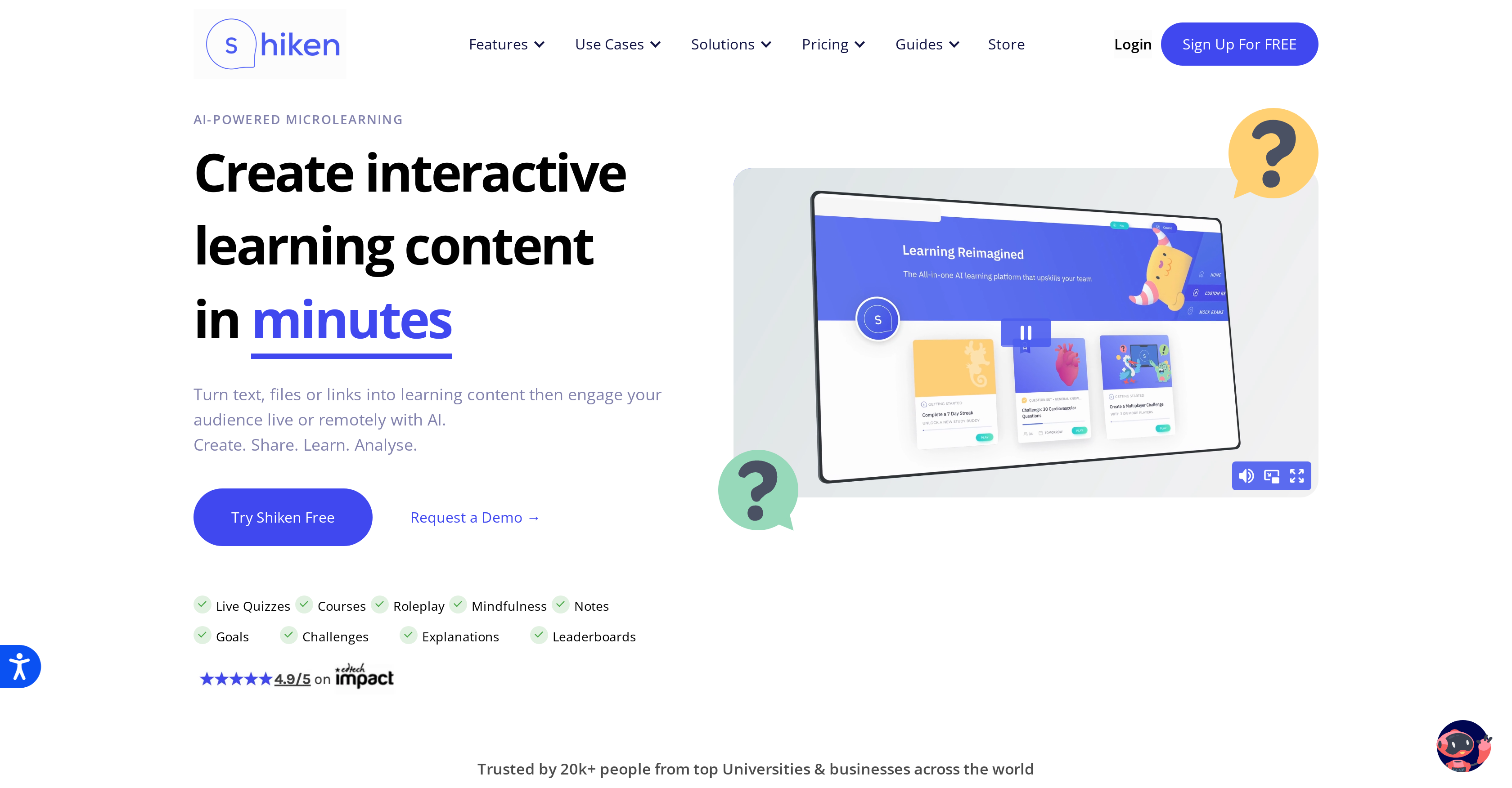
- Transform any document or link into interactive courses instantly using AI content creation
- Master knowledge faster with spaced repetition that adapts to your personal progress
- Build practical skills through AI-powered conversational role-plays with personalized coaching
- Reduce learning stress and improve focus with integrated mindfulness techniques and pomodoro breaks
- Create engaging live quizzes and multiplayer challenges to make learning social and competitive
- Access expert-verified question sets, exams, and flashcards across numerous topics in the learning marketplace
- Centralize all study materials with smart cloud notes that automatically bookmark difficult questions
- Track learning habits and goals with personalized progress monitoring and achievement systems
Pros & Cons
From the listing; not yet checked by our editors.
Pros
- Gamified learning platform
- Solo and multiplayer modes
- Cloud-based progress tracking
- Customizable learning sessions
- Integrated mindfulness techniques
- Specific goal-setting feature
- Smart note-taking tool
- Bookmark questions for review
- Learning marketplace: Shiken Store
- Expert-verified educational resources
- Customizable prompts
- Expert-crafted explanations
- Spaced repetition system
- Built-in Knowledge Assistant
- Services for creators, tutors, teachers
- Services for business learning departments
- Interactive learning material creation
- Live or remote audience engagement
- Scenario-based freeform role-play
- Quick learning content creation
- Text, files or links can be processed into learning content
- Sales enablement tools
- Onboarding tools for new hires
- Internal communication tools
- Compliance training tools
- Upskilling tools
- Customer education tools
- Real-time insights for performance
- Transferable data to other LMS
- Well-being features
- Game-based learning
- Avatar and leaderboard features
- Pomodoro breaks and daily quotes for motivation
- Live audience response tool
- Quizes, courses, and assignments interleaved
- Extracts text from documents for learning content
- Learning and mindfulness goals tracker
- Study buddies feature
- Reduced content creation time by 70%
- Active recall training
- Spaced repetition learning
- Tools to help build habits
- Real-time insights
- Higher assessment scores
- Multiplatform: works on any device
- Data security
- Microlearning learning management system (LMS)
- Ability to add learning content to a personalized library
Cons
- No offline usability
- Requires constant internet connection
- Potential information overload
- Requires roleplay participation
- Limited personal customizations
- May induce game-based distractions
- Limited free content
- Only in English
- No group chat functionality
- Not available on all devices
Alternatives to Shiken
Tools that share the most tags with Shiken.
- WordUp App
Learn vocabulary that matters most to your life and career with personalized examples from your favorite topics and industry terms
Freemium · from $20/month
$20/month
Not yet checked
- LingoLooper
Speak a new language without fear through judgment-free conversations with AI avatars that never ridicule mistakes
Freemium · from $8.99
$8.99
Not yet checked
- Clueso
Turn rough screen recordings into studio-quality product videos instantly with AI-powered video transformation
Free trial · from $120/month
$120/month
Not yet checked
- Guidde
Transform workflow recordings into professional video guides automatically with AI-generated step-by-step descriptions and voiceover
Freemium · from $16/month
$16/month
Not yet checked
- Talkit
Master authentic spoken expressions through AI-powered conversations in realistic 3D environments
Freemium · from $11.90/month
$11.90/month
Not yet checked
- SmallTalk2Me
Receive instant feedback on pronunciation and grammar errors through recorded speech analysis to correct mistakes immediately
Freemium · from $10/month
$10/month
Not yet checked
Related Videos

Shiken AI: Top 8 AI for Online Course Creation in 2025! 🚀
Minh Tam AI · Feb 5, 2025

How AI is Changing Language Study | Shiken AI Review
Minh Tam AI · Oct 5, 2025

Comprehensive Guide to Shiken AI – Your Companion in Learning
UKoi AI · Dec 31, 2024

Shiken AI Tutorial 🎯 A-to-Z Guide to Learning Faster with AI — In Just a Few Steps
Lux AI Tools · Sep 5, 2025

Shiken AI – The Smart Study Tool That Helps You Prepare for Exams Effectively
AI ADD ACTION · Mar 23, 2025
Reviews
Rate this tool
Loading reviews...
Frequently asked questions
What is Shiken?
Shiken is an all-in-one microlearning platform that utilizes artificial intelligence to provide engaging and effective education. It combines a range of features such as AI tutoring, quizzes, mindfulness techniques, and game design to enhance learning experiences. Shiken caters to a variety of users, including: individual learners, students, creators, tutors, teachers, entrepreneurs, and even enterprises or institutions through their learning and development departments. The platform offers the functionality to turn traditional educational content into interactive learning material, offers live audience engagement, remote learning, scenario-based learning through AI analysis, and tools for creating personalized learning content.
How does Shiken's AI tutoring function work?
Shiken's AI tutoring works through its AI-powered 'Knowledge Assistant'. The AI tool processes the uploaded documents, pasted text, or links to create personalized learning content. The AI-tutor provides live responses, customizable prompts, and expert-crafted explanations to help users improve their understanding and retention of information. The AI tutors also analyze user responses during freeform conversational role-plays and provide one-on-one coaching.
What is the Shiken Store?
The Shiken Store is a learning marketplace featured in the Shiken app. This store provides access to expert-verified question sets, exams, flashcards, and courses across a wide range of topics. These resources represent both free and premium content, available for Shiken users to enhance their learning experience.
How can I customize my learning sessions on Shiken?
On Shiken, users can customize their learning sessions by setting their own learning and mindfulness goals. Users can also decide whether they want to play games solo or with friends, live or at their own pace. During these sessions, users can unlock study buddies and level up their avatars. Another aspect of customization involves choosing content from the Shiken Store and adding it to users' libraries according to their development needs.
What is the purpose of the mindfulness techniques integrated in Shiken?
The purpose of the mindfulness techniques integrated in Shiken is to reduce stress and improve focus while learning. The platform understands that learning can be a stressful process, so it offers different supportive features like mindfulness goals and pomodoro breaks to restore concentration. Users are also motivated with daily quotes and micro-nudges. These aspects are designed to boost user wellbeing, enhance knowledge retention, and boost the overall effectiveness of the learning process.
Can I set personal learning and mindfulness goals on Shiken?
Yes, on Shiken, users can set personal learning and mindfulness goals. They can customize their learning sessions by setting these goals and tracking them over time. They can also choose a time for learning to build habits and set exam and test dates. The Shiken platform will track these goals for the users.
What kind of quizzes can I create or participate in on Shiken?
On Shiken, users can create or participate in live quizzes or engage in asynchronous challenges. The quizzes can be integrated within courses for enhanced learning. Users can also join multiplayer games for a more interactive learning experience. These quizzes and challenges enable active recall learning, promoting faster acquisition and retention of knowledge.
What are the functionalities of the note-taking tool on Shiken?
The note-taking tool on Shiken is specifically designed for learning purposes. It allows users to create smart notes which are stored in the cloud. Users can bookmark questions and add them to their notes to revisit them later. This provides users a centralized location for all notes and gathered information, enhancing the overall effectiveness of their study sessions.