
Overview
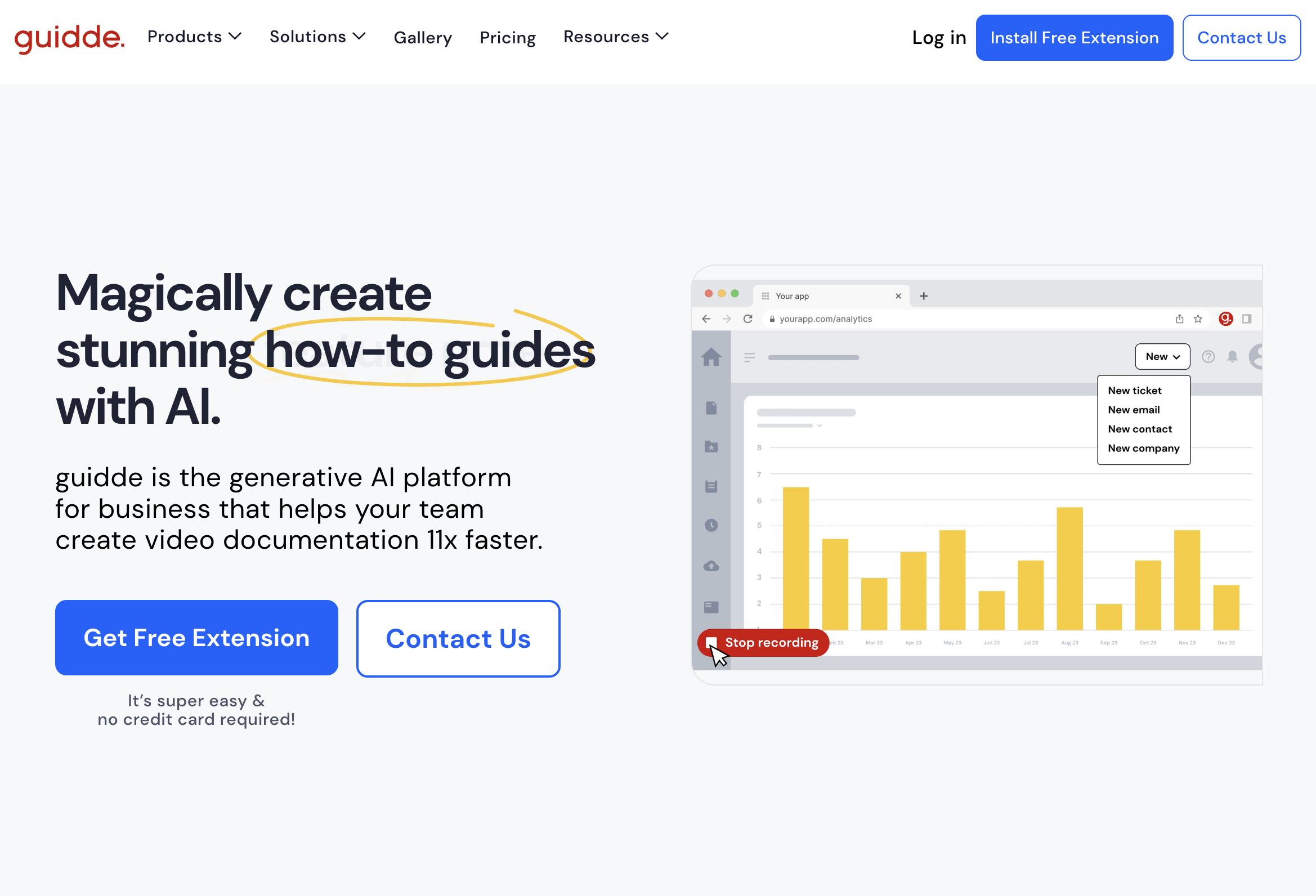
- Transform workflow recordings into professional video guides automatically with AI-generated step-by-step descriptions and voiceover
- Personalize video documentation with over 100 voice and language options using the built-in voice selection feature
- Create visually appealing training materials without design skills using the intuitive visual editor
- Share knowledge instantly across your organization through simple links or embed codes for immediate team access
- Scale customer support operations by creating detailed video guides for complex scenarios quickly and efficiently
- Build comprehensive tutorial libraries by capturing processes once and generating reusable video documentation
Pros & Cons
Pros
- Creates step-by-step videos
- Generates voiceover
- 100+ voices and languages
- Inbuilt editor
- Designs without any skills
- Browser extension
- Easy workflow capturing
- Supports sharing via links
- Embeds within organization
- Creates engaging knowledge articles
- Combination of video, images, text
- Ideal for customer support
- Ideal for creating tutorials
- Personalize video documentation
- Trustworthy tool
- Suitable for all sizes teams
- Easy branding options
- Quick documentation creation
- Reduces support tickets
- Ideal for onboarding
- High-quality outcomes
- Requires minimum effort
- Magic Capture feature
- Automated step-by-step descriptions
- Visual creation without design skills
- Smart sharing options
- Creates content at scale
- Delivers know-how rapidly
- Enables team-wide usage
- Embedded in existing platforms
- Collaborative knowledge creation
- Enables support operations scaling
Cons
- Only available as extension
- Limited to 100 voices
- Lack of offline functionality
- Unclear policy for integrations
- No explicit data backup
- Possibly limited language support
- Restrictions on video length
- Lack of direct exporting options
Reviews
Rate this tool
Loading reviews...
❓ Frequently Asked Questions
Guidde is an AI-powered platform that assists businesses in the creation of step-by-step video documentation and documents for various uses such as training, onboarding, customer support and more. It enables users to capture their workflow, and then the revolutionary AI tool autonomously generates a detailed description and voiceover of the process.
The key features of Guidde include the ability to capture workflow, AI-generated step-by-step descriptions of the process, AI-generated voiceover, personalization with 100+ different voices and languages, a user-friendly editor for creating stunning visuals, and easy sharing of content through links or embedding within an organization.
What sets Guidde apart is its advanced use of AI. Its AI-driven tool autonomously produces a detailed, step-by-step description of the user's captured workflow and also generates the voiceover. This unique feature allows businesses to scale their support operations without restricting quality and creates comprehensive guides for intricate scenarios rapidly and conveniently.
When users capture their workflow with Guidde, the AI tool of the platform generates a step-by-step description of the process, producing a concise and detailed guide of the users actions. The tool also creates an AI-generated voiceover, offering a narrated explanation to accompany the visual demonstration.
To use the Guidde browser extension, users need to start the capture process from the extension. They can then perform their work, and when they're done, they can stop the recording. The AI-driven platform of Guidde will then take over to produce a step-by-step video guide.
Yes, Guidde allows users to personalize their video voiceover. Users can select from over 100 different voices and languages to suit their preference or to better cater to their target audience. This allows for a more tailored and engaging video experience.
Guidde is suitable for users and teams of all sizes. Whether it's for customer support, customer success, presales, product teams or training agencies, any business looking to streamline their process of creating video documentations can benefit from Guidde.
Common use cases for Guidde include creating step-by-step guides for customer support, developing detailed instructions for product onboarding, producing appealing FAQ videos, establishing a library of tutorial videos, and crafting engaging training materials.
Yes, sharing the video guides created with Guidde with your team is as easy as sharing a link or embedding it in your organization's internal system, allowing for immediate and unrestricted access for all team members.
Guidde provides a profound solution to customer support dilemmas. It enables the creation of detailed, step-by-step video guide that helps businesses explain their product or resolve customer queries promptly and efficiently, thereby improving overall customer satisfaction.
With Guidde, businesses can create detailed and personalized onboarding guides that new employees can follow at their own pace. By providing a step-by-step explanation of internal tools or procedures, Guidde improves the efficiency and comprehensibility of the onboarding process.
Guidde can be used to create effective and engaging training materials. By capturing the training process, training agencies or HR departments can generate detailed step-by-step videos that offer a visual explanation paired with an AI-generated voiceover.
Yes, Guidde can be used to create detailed and visually engaging FAQ videos. Instead of providing written answers, businesses can use Guidde to provide video demonstrations and explanations, amplifying the understanding and engagement of customers.
Guidde offers versatile options for integration. Created videos can be easily shared via embed codes or links that can be integrated into email communications, into the organization's knowledge base or learning management system, or shared across various platforms depending on the business needs.
The video quality produced by Guidde is outstanding. Complemented by AI-generated voiceovers, it allows users to create professional, high-quality step-by-step guides and tutorials that are engaging and easy to follow.
Guidde is ideal for creating a tutorial video library due to its simple usability and AI system that generates comprehensive step-by-step video guides. With quick and effective solutions to challenges and personalized video responses, an entire library of tutorials can be established, and made available to clients with ease.
Guidde is committed to ensuring high levels of security for user information. The specifics of their security protocols and data protection measures are detailed on their website under the 'Security' section.
Customers have provided positive feedback about Guidde, describing it as an extremely simple tool that conveniently produces high-quality documentation with little effort. Users appreciate its capability to create step-by-step user guides quickly and efficiently, even for complicated scenarios.
Guidde has a built-in editor that allows users to design visually appealing visuals to accompany their video guides. It enables users to create attractive visuals without needing any professional design skills making it ideal for anyone to use.
Yes, Guidde offers a free extension that can be installed, allowing users to experience the platform's functionality and ease of use without requiring any credit card information during sign up.
Pricing
Pricing model
Freemium
Paid options from
$16/month
Billing frequency
Monthly