SlideScript
Overview
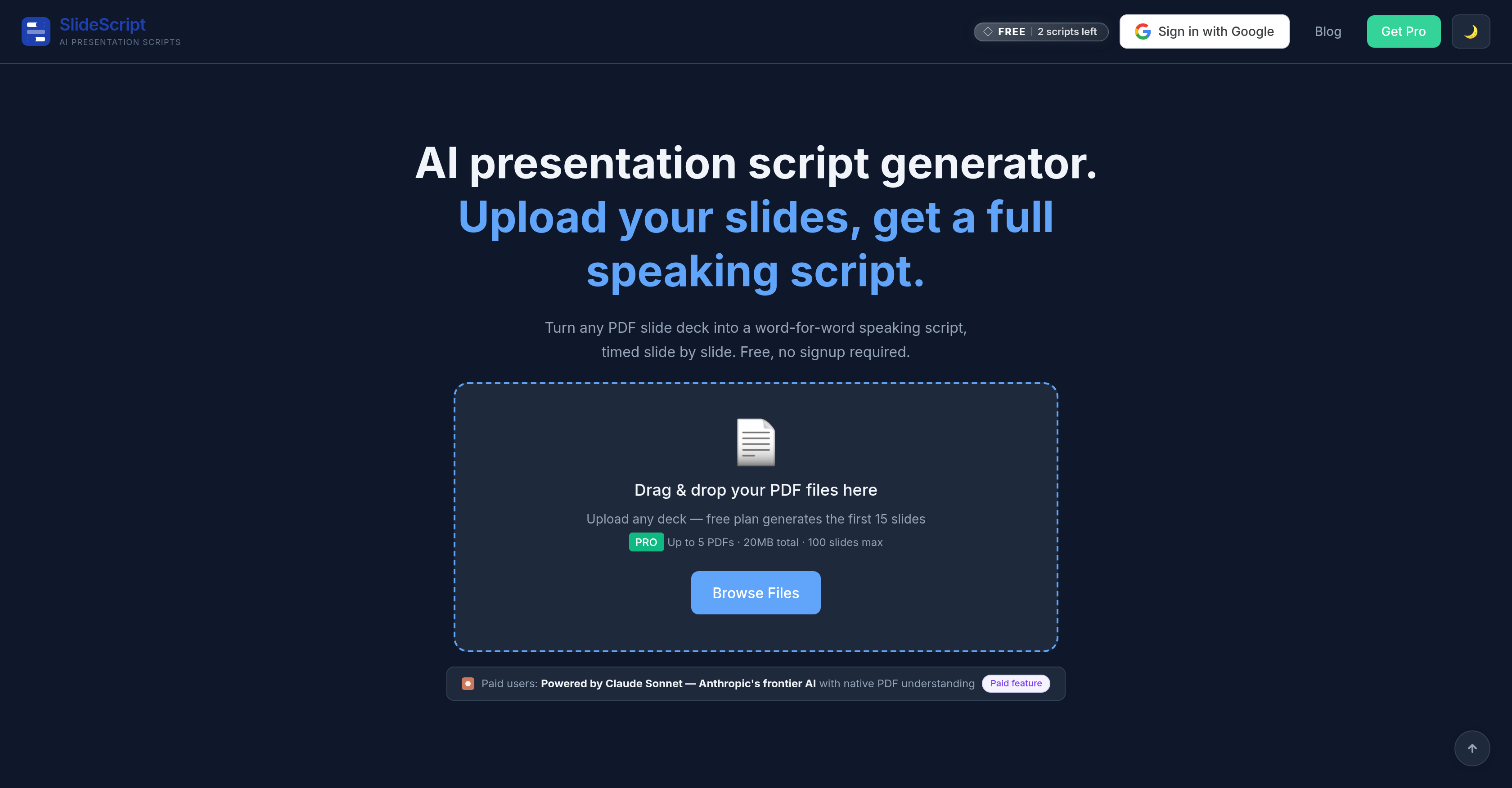
- Deliver perfectly timed presentations by converting any PDF slide deck into a comprehensive, slide-by-slide speaking script with precise time distribution based on your total duration.
- Refine your delivery and slide content with personalized AI coaching from Scout, which provides instant slide analysis and suggestions for tone, timing, and improvements.
- Maintain full creative control with a real-time editor featuring per-slide undo/redo history, manual text editing, and a slide lock to protect your edits from automated changes.
- Work confidently in your native language with script generation and coaching support across 34 languages, making it accessible for global business and academic use.
- Iterate on specific sections without starting over using the per-slide AI refine tool, which allows you to give plain English instructions to improve individual slides in isolation.
Pros & Cons
Pros
- Transforms presentations into detailed scripts
- Timed scripts for slides
- No signup requirement
- Accepts PDF slide decks
- Understands native PDF content
- Provides comprehensive script
- Designated time allocation per slide
- Natural transitions in script
- Offers instant slide analysis
- Provides coaching chats
- Suggests refinements for each slide
- Serves diverse user base
- Supports 34 languages
- Scripts exported as TXT, DOCX, PDF
- Individual slide undo/redo history
- Direct manual text editing
- Slides can be locked
- Scout evaluates each slide
- User-friendly interface
- Analysis of timing
- Feedback on tone, timing, delivery
- Students, professionals, speakers use
- Instant feedback on slide
- Slide by slide timing
- Content refinement advice
- Effective for pitch decks
- Compatible with business presentations
- Suitable for conference talks
- Useful for thesis reports
- Effective for class presentations
- Supports real-time editing
- Supports user-friendly export formats
- Provides independent rewrite options
- Facilitates scripted sales presentations
- Provides track changes option
- Specific time for each slide
- Slide-level lock-unlock feature
- Aid for customer proposals
- Coaches on delivery techniques
- Per slide precise timing
- Script in multiple languages
- Real-time, in-app content refinement
- In-built presentation coaching ability
- Slide-lock to prevent unintended modifications
- Coherent script generation
- Slide-specific refinement suggestions
Cons
- Limited free plan
- Only supports PDF slides
- No offline mode
- Unclear data privacy policy
- Limited 'undo' steps
- Export formats limited
- No collaboration feature
- No integration with presentation tools
- No mobile app
Reviews
Rate this tool
Loading reviews...
❓ Frequently Asked Questions
SlideScript is an artificial intelligence tool that transforms presentations into fully timed, word-for-word speaking scripts. It provides a detailed script for every slide, timed according to the desired duration of the presentation. The tool accepts PDF slide decks, operates without any signups, and offers its services in free and paid tiers.
SlideScript uses Claude Sonnet, Anthropic's frontier AI, for its core processing. After users upload slides, specify the overall speaking time, and select the language, SlideScript produces a comprehensive script where each slide carries its own time allotment and natural transitions.
The user-specified total speaking duration allows SlideScript to evenly distribute this time across all slides in the presentation. This ensures the generated script fits perfectly within the chosen duration without exceeding it.
Claude Sonnet by Anthropic, a cutting-edge AI, powers the core operations of SlideScript. It is tasked with understanding native PDF content of any length, creating comprehensive scripts based on user specified duration, and incorporating natural transitions for every slide.
SlideScript supports script generation in 34 languages. This includes English, Malay, Mandarin, Spanish, French, Arabic, Japanese, and many more languages.
Scout, the AI coaching feature in SlideScript, is intended for all users of the platform. Scout analyzes each slide within a presentation, offering advice on how to improve it. It provides instant slide analysis and coaching chats for queries about tone, timing, or delivery. Additionally, Scout recommends refinements for each slide.
The 'per-slide AI refine' tool in SlideScript allows users to improve individual slides without impacting the entire script. Users can give a plain English instruction to the tool, and it will refine the content based on the instruction, leaving the rest of the script unchanged.
For free tier users, SlideScript can process PDF files of up to 15 slides. For paid users, the tool allows for the processing of a higher number of slides with up to 5 PDFs and a total of 100 slides maximum.
Yes, SlideScript allows users to manually edit the script directly in the editor after it's generated. This allows for a more personalized and hands-on editing process wherever necessary.
The 'slide lock' feature in SlideScript is designed to safeguard the users' edits from AI refinements. When a slide is 'locked', it will not undergo any changes when the user employs AI refinements on the rest of the presentation.
SlideScript caters to a wide range of users. These include students preparing for theses or class presentations, startup founders creating pitch decks, corporate professionals getting ready for business presentations, and speakers setting up for conferences or sales presentations.
Every slide in SlideScript has an independent undo and redo history. If a user makes a change to a slide that they regret, they can easily revert these changes up to three times per slide, by using the undo or redo feature.
Scout, the AI coach in SlideScript, provides multiple types of advice for improving presentation slides. It offers instant slide analysis, coaching chats for tone, timing, or delivery questions, and suggests refinements for each slide.
In SlideScript, you can pick your language from a selection of 34 options, when specifying your preferences before generating the script. The chosen language will be used by the AI to produce the final comprehensive script.
You can export scripts from SlideScript in TXT, DOCX, or PDF formats. This flexibility allows the convenience of using the scripts in multiple environments or applications as needed.
Yes, SlideScript can help improve the tone and delivery of your presentation. Its integrated AI coaching feature, Scout, can provide guidance on tone and delivery, and suggest refinements for each slide of the presentation.
SlideScript's free tier allows users to generate two scripts per day with a limit of 15 slides per script. For more extensive usage, paid plans start from $0.99, these unlock more slides, save scripts, and provide full access to the Scout AI coaching feature.
SlideScript's core processing is powered by Claude Sonnet, a frontier AI developed by Anthropic. This AI technology allows SlideScript to read and understand native PDF content to create scripts timed to fit your presentation.
SlideScript accepts PDF uploads for input, which are then scanned and processed by Claude Sonnet, Anthropic's frontier AI. The time distribution across slides is calculated based on the predefined total speaking duration and language selected by the user. The end product is a comprehensive, fully timed, speaking script tailored to each slide in the uploaded PDF presentation.
Yes, SlideScript is highly suitable for the creation of pitch decks for your startup. You can upload your existing PDF slide show, specify the total speaking duration and language, and SlideScript will generate a word-for-word speaking script for your pitch, ensuring a confident and well-structured presentation.
Pricing
Pricing model
Freemium
Paid options from
$0.99
Billing frequency
One-time