
Smart Inbox AI
Overview
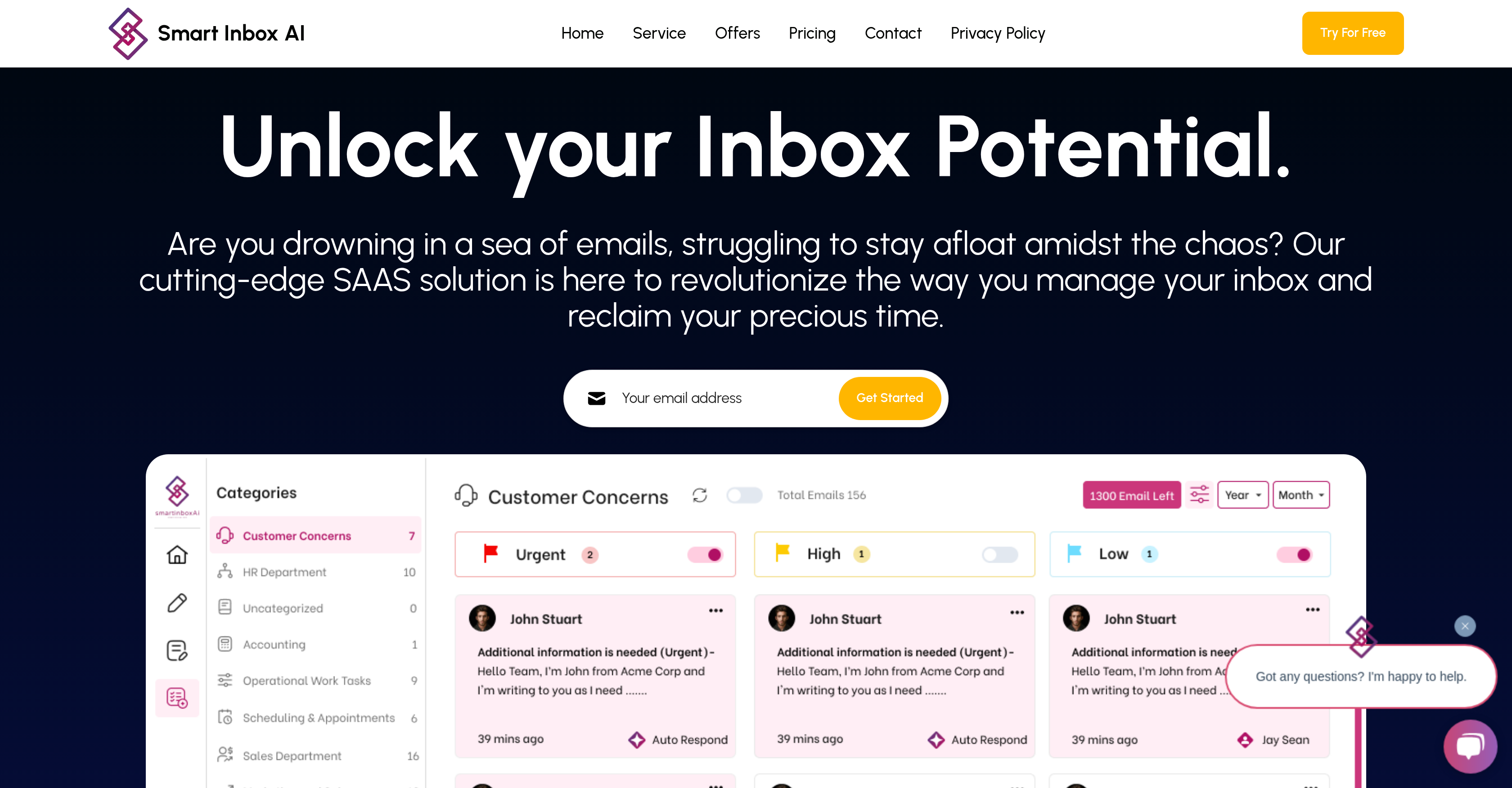
- Focus only on important emails with intelligent prioritization that learns your communication patterns
- Reduce time spent on repetitive replies with AI-generated responses that match your writing style
- Organize emails automatically into custom categories with unique instructions for different workflows
- Maintain your existing email setup while gaining AI benefits through broad Gmail, Outlook, and Yahoo compatibility
- Adapt your email management as the system learns from your habits and preferences over time
Pros & Cons
Pros
- Intelligently categorizes emails
- Prioritizes emails
- Reduces email overload
- Adapts to user habits
- Custom agent categories
- Workflow optimization
- Supports multiple email hosts
- Premium productivity features
- Automates repetitive tasks
- SaaS email management
- Reduced email overload
- Advanced categorization
- Automated prioritization
- Behavior-based adaptation
- Smarter search function
- Time efficiency
- Expanded email host support
- Streamlined email organization
- Automated email responses
- Customizable agent workflows
- Proactive reminders for follow-ups
- Increased productivity
- Improved time management
- Prompt, personalized communication
- Email integration
Cons
- Lacks integration with non-email platforms
- No team collaboration features
- Doesn't support all email hosts
- Limited privacy controls
- No offline capabilities
- Potential redundant categorization
- No multilingual support
- Premium features price
- Restricted manual email sorting
Reviews
Rate this tool
Loading reviews...
Pricing
Pricing model
Freemium
Paid options from
$10/month
Billing frequency
Monthly
Related Videos
Smartinbox.ai Email Management Made Easy
Smart Inbox AI•182 views•Apr 14, 2025