
Overview
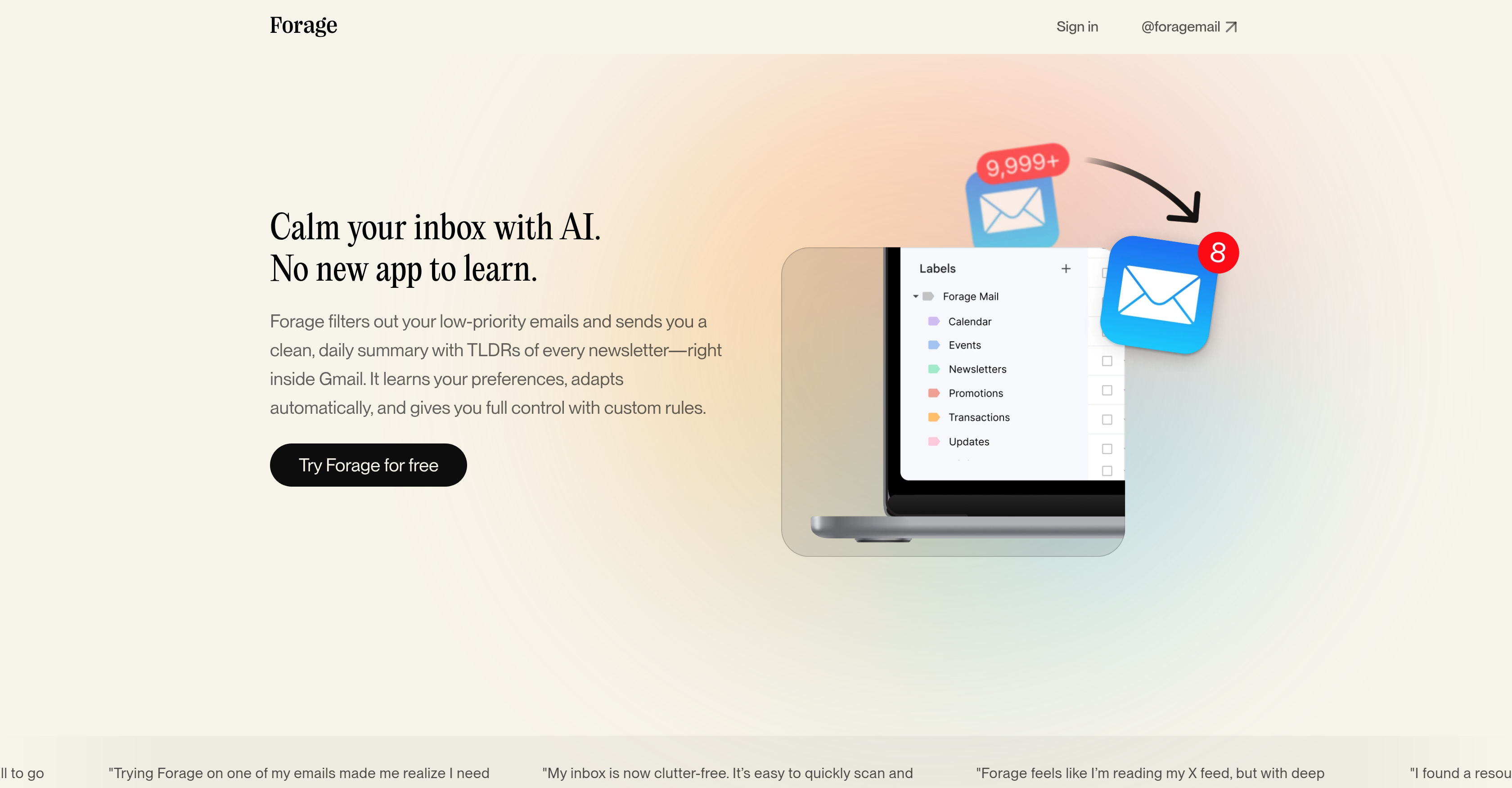
- Reclaim a distraction-free inbox by automatically filtering newsletters, promotions, and notifications to a separate folder
- Stay informed on everything you filtered with a single daily digest that includes TLDR summaries of every newsletter
- Eliminate unwanted senders permanently with one-click unsubscribe and mute options for persistent spammers
- Maintain complete control over email handling with custom rules that adapt to your specific preferences
- Protect your privacy with Google Verified security that ignores personal conversations and never sells your data
Pros & Cons
Pros
- Efficient email filtering
- Daily summary provision
- Works within existing email app
- Adaptive learning of preferences
- Custom email rules functionality
- Easy unsubscribe/mute options
- Enhanced email classification
- Inbox decluttering
- Google Verified for data security
- Consistent adaptiveness
- Admin emails & newsletter subscription management
- Streamlines inbox without new app
- Includes summarized versions of newsletters
- Full control over email management
- Respects privacy and guards conversations
- Security audited by third parties
- Unwanted sender protection
- Concise daily email summary
- Focused content filtering
- Maintains authors voice in summaries
- Backed by Y Combinator
Cons
- Not multi-platform
- Lack of offline functionality
- No option for instant updates
- Limited to inbox management
- Limited personalization
- No categorization beyond newsletters
- Lacks cross-email account support
- No translation feature
- Doesn't support all email providers
- Can't customize summaries
Reviews
Rate this tool
Loading reviews...
❓ Frequently Asked Questions
Forage Mail is an Artificial Intelligence assistant specifically designed for email management. It filters low-priority emails to streamline your inbox and primarily provides a concise, daily summary containing a brief overview of every newsletter you receive. This AI assistant does not require a new platform to function; it works within your existing email application. Its features include easy unsubscribe and mute options, email classification, inbox decluttering, and the assurance of data privacy and security. Forage Mail is verified by Google and constantly improves its filtering logic to maintain relevance.
Forage Mail can filter a wide range of emails. These include low-priority emails, newsletters, notifications, receipts, and promotional content. It intelligently classifies these emails, filtering them away from your main inbox, and provides a clean, daily summary for easy review. Additionally, Forage Mail categorizes your emails by type to make them easier to skim and evaluate.
Forage Mail personalizes your email experience by learning your preferences over time. It becomes smarter the longer you use it, and allows you to set custom rules for handling your emails. Thus, it adapts automatically to your style, providing you with full control and a more personalized email handling approach.
Forage Mail provides summaries for newsletters by creating a 'Too Long; Didn't Read' (TLDR) version of each one. In your daily summary, you'll find these TLDR versions, offering a snapshot of the key points in every newsletter, eliminating the need to read each one in full.
No, you don't need to download a new application to use Forage Mail. The assistant works seamlessly within your existing email application. It operates in the background to streamline your inbox while you continue checking your emails as usual.
Forage Mail declutters your inbox by automatically filtering incoming mail. It ensures that only important messages and your daily summary reach your inbox, filtering out newsletters, notifications, receipts, promotions, and other low-priority emails. The emails are grouped by type in your daily summary, making them easier to skim and manage.
Forage Mail helps protect you from unwanted senders by offering an easy-to-use unsubscribe feature. With just one click, you can unsubscribe from unwanted senders. If the sender doesn't respect your unsubscribe request, Forage Mail allows you to mute them for good, helping to clean out annoying senders from your inbox.
Yes, Forage Mail is a Google Verified application. It undergoes regular third-party security audits to ensure it is in compliance with privacy policies.
Forage Mail adapts to your preferences by learning your likes and dislikes over time. As a result, it intelligently makes decisions about new senders and automatically tweaks the filtering rules. The more you use Forage Mail, the smarter its decision-making becomes as it continuously learns from your behavior and actions.
Yes, you can set custom rules in Forage Mail. These rules allow you better control over how your emails are handled. You can adjust your preferences to customize the decision-making and email handling process based on your specific requirements.
In the daily summary that Forage Mail provides, there are several categories of information. This includes a clean report of every email the tool filtered out of your inbox. It also includes TLDR versions of each newsletter so you can understand the key points without having to read the full articles. The daily summary keeps you updated with all your regular content in a consolidated fashion.
Yes, Forage Mail includes summarized versions of administrative emails in your daily summary. This way, you can stay abreast of essential administrative communication while keeping your main inbox clear of clutter.
Forage Mail streamlines newsletter subscriptions by providing TLDR summaries of each one in your daily summary. Instead of these newsletters appearing individually in your inbox, you get their summaries grouped together once per day. The full articles are always accessible with a click whenever you wish to dig deeper into the information.
TLDR summaries, in the context of Forage Mail, refer to the process of creating brief, digestible overviews of each newsletter that hit your inbox. This stands for 'Too Long; Didn't Read' and is designed to give you the key points of your newsletters without requiring you to read the entire content. This feature comes as part of your daily summary from Forage Mail.
The unsubscribe and mute options provided by Forage Mail are designed to protect your inbox from unwanted senders. With a simple click, you can unsubscribe from any sender. If a sender doesn't respect your unsubscribe request, you have the option to mute them permanently to keep them out of your inbox.
Your data security with Forage Mail is ensured as the application is Google Verified and undergoes regular third-party security audits. The process followed complies with privacy policies and promises never to sell your email data to third-parties, or use it for any reason other than delivering features advertised on their website.
Forage Mail handles data privacy by using only necessary privacy-respecting operations. By default, it ignores personal conversations in your inbox, using name, subject line, and unsubscribe link detection to focus filtering efforts. If there are new features that affect conversations, they will be opt-in. This ensures your private threads always stay private. Furthermore, your email data is never sold to third-parties, nor used for any undisclosed reason.
Yes, you can try Forage Mail for free. The sign-up option is available on their website. This allows potential users to experience firsthand the inbox streamlining and email management benefits Forage Mail offers.
Forage Mail makes email checking efficient through several features. It automatically filters incoming mail while you continue with your regular workflow, removing the necessity to manually sift through low-priority emails, notifications, receipts, and promotions. Further, a daily summary which includes TLDRs of every newsletter, grouped by category, streamlines the scanning and decision-making process.
Forage Mail's classification feature helps organize your emails by sorting them into various types. This makes emails easier to skim and helps in quickly identifying their relevance. Highlighted emails in your inbox are segregated from the clutter of newsletters, notifications, receipts, promotions, and others, providing a streamlined, manageable inbox.
Pricing
Pricing model
Paid
Paid options from
$8.25/month
Billing frequency
Monthly
Related Videos
The Future of Email: How AI Can Clean Up Your Inbox
Ryan Doser•127 views•Jul 23, 2025