

Overview
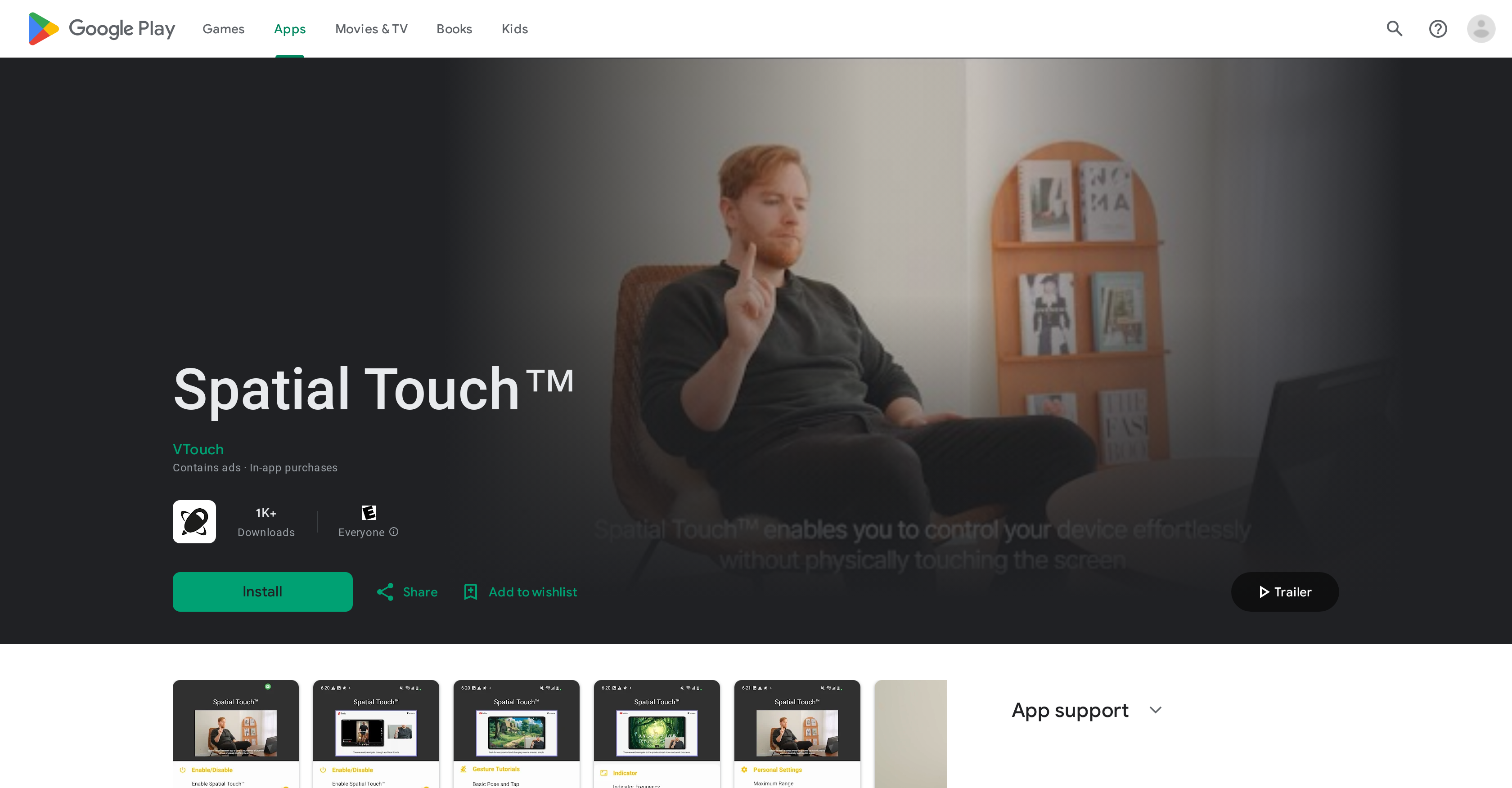
- Watch videos without touching your screen during meals or with wet hands using contactless air gesture control
- Skip, pause, and scroll through YouTube, Netflix, and TikTok remotely from up to 2 meters away with distance control
- Adjust volume precisely without reaching for your device through dedicated gesture commands
- Automatically activate gesture control when opening supported apps via background auto-start feature
- Maintain complete privacy with on-device processing that never stores or transmits camera images
- Experience reliable gesture recognition with customizable hand filters for stable performance
Pros & Cons
Pros
- Supports major media apps
- Remote control capability
- Hand gesture controls
- Minimized inaccurate gesture detection
- Auto activation
- Background auto-start feature
- Secure, doesn’t transmit data externally
- Expanding app compatibility
- Control without touch
- Works in various environments
- Adapts to user postures
- Advanced gesture recognition
- Improves user experience
- Air gesture for media control
- Volume adjustment with gestures
- Scrolling and navigation gestures
- Works at large distances
- Privacy insured
- Device camera utilized
- Added features for pro version
Cons
- Limited app compatibility
- Requires camera access
- Auto-start could be intrusive
- Possibility of inaccurate detections
- Needs certain permissions
- Contains ads
- Requires in-app purchases
- Doesn't work without camera
- Limited control distance
- Update frequency unknown
Reviews
Rate this tool
Loading reviews...
❓ Frequently Asked Questions
Spatial Touch is compatible with major media apps like YouTube, Netflix, Amazon Prime Video, Disney Plus, Instagram Reels and TikTok.
Spatial Touch's main function is to control digital devices using hand gestures. It enables remote control without physical contact with the screen. This is particularly useful when one does not want to touch their device such as when eating, or when hands are wet.
Spatial Touch needs access to your device's camera for user gesture recognition. It uses state of the art gesture recognition technology to interpret your hand gestures and convert them into commands.
Spatial Touch features a state of the art gesture recognition system, however, it does not specify whether it can recognize all hand gestures. It supports specific gestures such as tap, drag left/right, drag up/down, and two-finger gestures for various commands.
Spatial Touch can be used even when your hands are wet. The application is designed to provide convenience to the users, allowing them to control their devices without the need to physically touch the screen.
The 'background auto-start' feature enables Spatial Touch to get activated and run automatically whenever supported apps like YouTube or Netflix are launched.
Yes, one of the features of Spatial Touch is volume adjustment. You can control the volume of the media via air gestures without touching the screen.
The AI-driven gesture recognition in Spatial Touch works through the device's camera. It uses advanced algorithms to interpret hand gestures and convert them into specific commands. This minimizes inaccurate gesture detections enhancing the overall user experience.
No, Spatial Touch does not transmit or store images externally. Although the application uses the device camera for gesture recognition, it reassures that no images or videos are stored or transmitted outside the device.
Yes, you can use Spatial Touch to control YouTube as well as other media apps. The application automatically activates and runs in the background when you launch YouTube and other compatible apps.
Spatial Touch improves user experience by providing a hands-free mode of operation where one can control their device using hand gestures, without the need for physical contact with the screen.
Spatial Touch can control your device from a distance of up to 2 meters, so there is a limit to how far it can work.
Yes, Spatial Touch can minimize inaccurate gesture detections. It has state of the art gesture recognition technology with a variety of hand filters, allowing users to set stronger filters for more stable performance.
The phrase 'adaptive AI' isn't explicitly defined on their website in regards to Spatial Touch. However, it could imply that as more apps get added to its compatible list in the future, Spatial Touch could potentially get better at recognizing gestures and enhancing user experience.
Yes, Spatial Touch is designed to support major social media applications like Instagram Reels and TikTok, along with video streaming services.
Spatial Touch enhances hands-free operation by allowing users to control their digital devices using air gestures - without needing to touch the screen. It can control media playback, volume adjustment, scrolling, navigation, and more.
Yes, Spatial Touch is compatible with Netflix as well as other major media apps. The application automatically activates and runs in the background when you launch Netflix.
Spatial Touch ensures your privacy by not storing or transmitting any images or videos external to your device. While it uses the device's camera for gesture recognition, all processing is done in the device and the camera is only activated when supported apps are running.
Yes, you can control Instagram Reels using Spatial Touch. The application supports major social media applications and media apps including Instagram.
The future plan for improving Spatial Touch includes adding more apps to its compatible list. Its adaptive nature promises improvement over time, tailoring its services to provide the best user experience.
Pricing
Pricing model
Freemium
Paid options from
$2
Billing frequency
One-time
Related Videos
Spatial touch android app #shorts #playstore #android #tech
Techno field•12.4K views•Sep 24, 2024