
Speech Illustratorv2
Overview
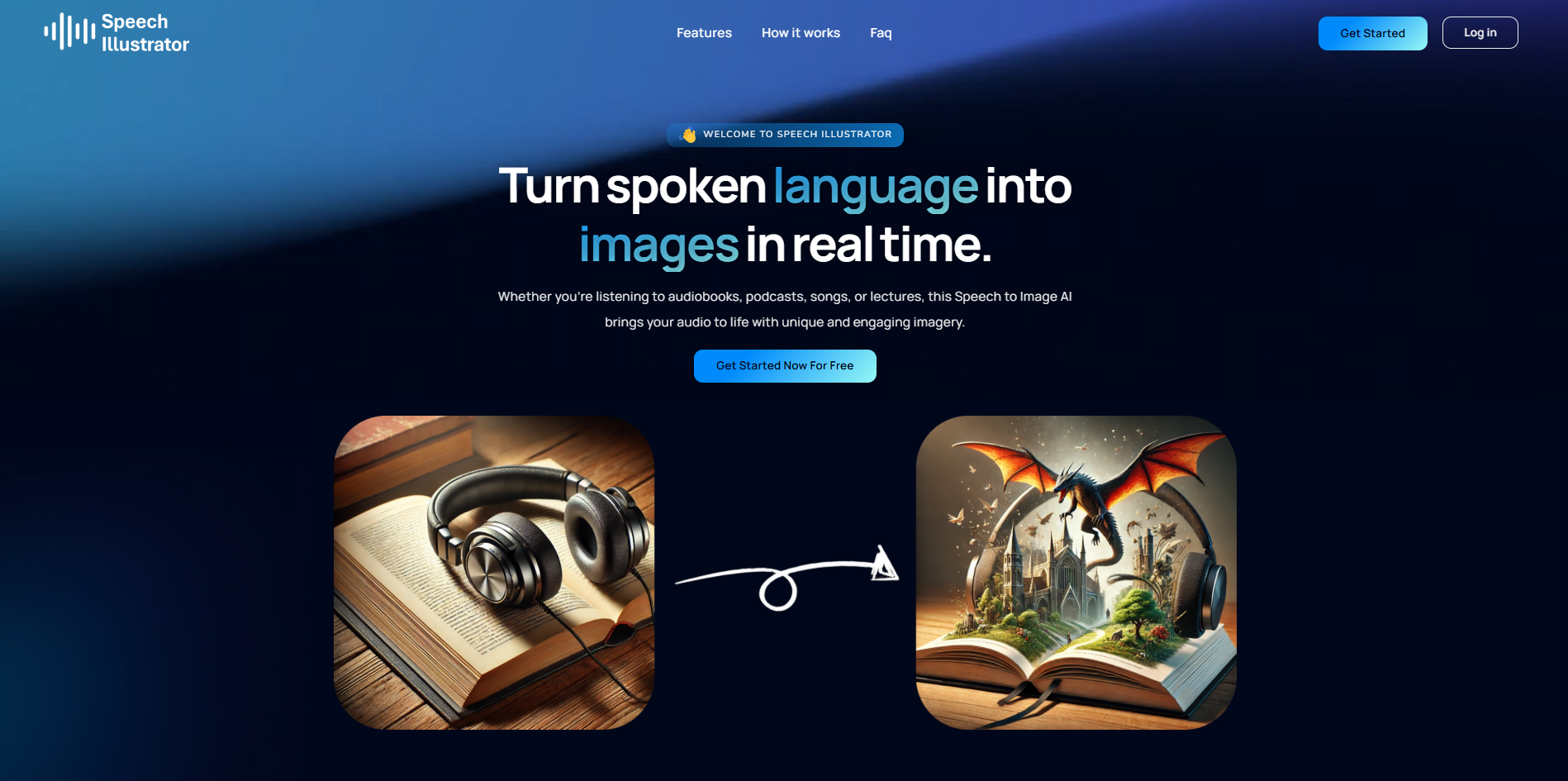
- Transform any spoken content into visual stories instantly with real-time processing that generates images as audio plays
- Customize how often images appear with adjustable generation intervals from 15 to 240 seconds to match your preferred pacing
- Maintain complete creative control by selecting specific art styles or let AI automatically adapt visuals to match audio content
- Access audio from any source through microphone input or system audio capture on Windows and Chrome OS for headphone compatibility
- Download every generated image for personal use with one-click saving directly to your device
- Experience optimal English language interpretation with advanced comprehension trained specifically for English speech patterns
- Expand your global reach with multilingual support for over 90 languages, making content accessible across diverse audiences
- Integrate seamlessly with popular platforms including Audible, Spotify, and Apple Podcasts without switching between applications
Pros & Cons
Pros
- Real-time language to image
- Audio-visual experience enhancement
- Compatible with multiple devices
- Connects to Audible, Spotify
- Interprets above 90 languages
- Adaptable art style
- Frequency of image settable
- System audio retrieval
- Microphone audio retrieval
- Images downloadable for users
- Engages in everyday conversation
- Supports English speech best
- Customizable art style
- Illustrates audiobooks, podcasts, lectures
- Works with songs
- Beneficial for education, entertainment
- Suitable for content visualization
- Option for slow image generation
- Facilitates headphone usage
- Full-screen mode functionality
Cons
- Internet connection impact
- Favors English speech
- System audio limitation
- FIxed art style adaptation
- No offline mode
- Limited image generation settings
- No multi-source audio input
- No automated download
- Best interpretation for English only
- No realtime speed control
Reviews
Rate this tool
Loading reviews...
❓ Frequently Asked Questions
Speech Illustrator works by listening to the spoken language and instantly generating fitting images based on that language. This process occurs in real time as the audio progresses. The AI can interpret over 90 languages, thus converting almost any spoken language into visual illustrations.
Yes, Speech Illustrator can be used with any audio platform. It is equipped to tap into various media platforms including, but not limited to, Audible, Spotify, and Apple Podcasts. Thus, essentially, any platform where you play your spoken language of choice can be used with Speech Illustrator.
Speech Illustrator supports and is able to comprehend over 90 languages. This allows the conversion of a wide spectrum of spoken languages into corresponding images.
Yes, while Speech Illustrator can interpret more than 90 languages, the best interpretational results come from English language speech. Thus, it has been optimized for better performance with English language content.
Yes, with Speech Illustrator, users have the option to set the frequency of image generation according to their preference. This includes options for image generation every 15, 30, 60, 120, or 240 seconds.
Indeed, Speech Illustrator is designed to adapt the art style based on the content of the audio. If a user does not set a specific art style, the AI will determine and adapt the style following the theme and context of the audio content.
Speech Illustrator can retrieve audio either directly from a microphone or from the system audio on certain devices. However, the system audio option is only available on Windows and Chrome OS platforms. For system audio usage, screen capture and system audio access is required, with the video stream not being used or stored.
Yes, the images created by Speech Illustrator can be downloaded for user's convenience. A download icon is provided to facilitate this process.
Yes, the quality of your internet connection may impact the performance of Speech Illustrator. Slow internet connection could interfere with the functioning, possibly leading to reduced quality or speed in image generation.
Speech Illustrator is compatible with all device types. Whether you're using a PC, smartphone, tablet, or another type of device, you'll be able to use Speech Illustrator.
Yes, users have the option to set a specific art style on Speech Illustrator. This is a completely optional step, and if left blank, the AI will adapt the style based on the content being illustrated.
The Real-time Processing feature of Speech Illustrator refers to its ability to convert spoken language into corresponding illustrations in real time. As the audio continues, images are generated instantly, creating a dynamic and engaging visual experience.
Yes, Speech Illustrator does support multilingual content. It has been trained to comprehend more than 90 languages, allowing for a global reach and versatility in content conversion.
Speech Illustrator can access audio either from a microphone or from the system audio on certain device types. The system audio feature is available on Windows and Chrome OS platforms.
To set up the audio source in Speech Illustrator, you need to choose whether audio will be retrieved from your microphone or system audio. After selecting your preferred option, you must allow access to the chosen audio source. The system audio option allows for headphone use and is only available on Windows and Chrome OS.
You can save the images created by Speech Illustrator by clicking on the download icon. This saves the generated image to your chosen device.
While Speech Illustrator can technically function under slow internet connection, a slow connection may interfere with the functioning of the program. It is recommended to maintain a stable and high-speed internet connection for optimal results.
To make the best use of the Content Visualization feature of Speech Illustrator, ensure you have a clear and high-quality audio source. The better the audio quality, the better Speech Illustrator can illustrate the content. Adjust the frequency of image generation according to your preference and choose an art style if desired.
Yes, Speech Illustrator works on both Windows and Chrome OS. Specifically, the ability to use system audio is only available on these two platforms.
Yes, Speech Illustrator has the ability to generate images from daily conversations. Along with illustrating audiobooks, podcasts, songs, and lectures, Speech Illustrator is designed to convert everyday conversations into visually engaging images.
Pricing
Pricing model
Free Trial
Paid options from
$5/month
Billing frequency
Monthly