

Speechify Voice AI
Get through your inbox, PDFs, documents, and webpages without staring at the screen: text to speech reads any email, PDF, webpage, or document aloud on your Windows desktop.
Listing not yet reviewed by our editors · How we check
Overview
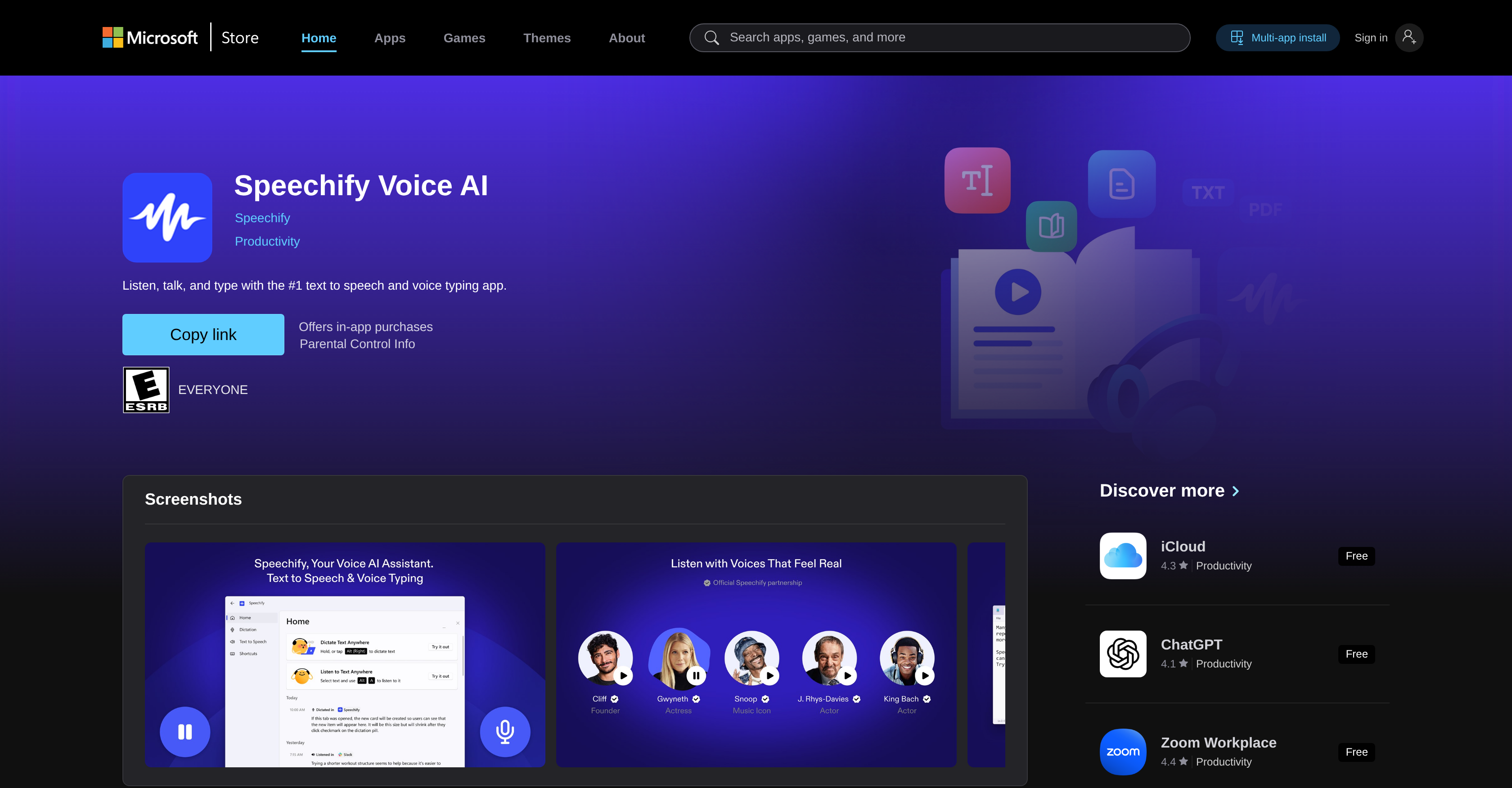
- Get through your inbox, PDFs, documents, and webpages without staring at the screen: text to speech reads any email, PDF, webpage, or document aloud on your Windows desktop.
- Keep one read-aloud and dictation workflow across every program you use: desktop-wide speech to text and text to speech run in any Windows application, not only in the browser.
- Produce long reports and documentation by talking instead of typing: voice typing transcribes your spoken words into written text wherever you are writing.
- Finish reading material in less time: adjustable playback speed raises the read-aloud pace to match fast readers.
- Listen to content in your own language or the one you're studying: the text to speech reader supports more than 60 languages.
- Stay focused through long listening sessions: natural-sounding voices reproduce human-like intonation and rhythm, avoiding a flat robotic delivery.
- Run voice tools on work material with confidence: SOC 2 compliance backs the handling of the emails and documents you read aloud and dictate.
- Start listening and dictating at no cost: a free download from the Microsoft Store installs the full reading and voice typing toolkit on Windows.
Pros & Cons
From the listing; not yet checked by our editors.
Pros
- Hands-free operation
- Reading across entire desktop
- Email, PDF, document reading
- Multilingual support
- Adjustable replay speed
- Voice-typing feature
- Functions in any application
- Human-like intonations
- Built for Windows
- High user usability
- Enhances productivity
- Facilitates quick comprehension
- Large user base
- Works in-browser and desktop
- Assistive technology
- Effective transcription
- Robust digital interface
- .NET Desktop Runtime support
- Speed reading feature
- Types as you speak
- Speech recognition technology
- Language support
- Supports speed adjustments
- Highly adaptable tool
- Natural user experience
Cons
- Only for Windows OS
- Requires .NET Desktop Runtime
- No offline functionality mentioned
- Potential language comprehension inaccuracies
- Possible overspeed of replay
- Dependent on voice clarity
- Limited voices for conversion
- No browser functionality specified
- No free version specified
Alternatives to Speechify Voice AI
Tools that share the most tags with Speechify Voice AI.
- Speechma
Generate professional voiceovers for social media and presentations instantly with 400+ premium AI voices featuring unique personalities and accents
Freemium · from $9/month
$9/month
Not yet checked
- Singify AI Vocal Remover
Create studio-quality karaoke tracks instantly by removing vocals from any song with advanced 8-stem separation
Freemium · from $8.99/month
$8.99/month
Not yet checked
- X-Minus
Transform any song into a karaoke track instantly with our dedicated vocal removal that separates vocals from music elements cleanly
Free
Not listed
Not yet checked
- Revoicer
Create human-sounding voiceovers that capture attention using emotional tones like friendly, cheerful, or excited for more engaging content
Paid · from $47
$47
Not yet checked
- WooTechy VoxDo
Generate realistic voiceovers instantly with AI text-to-speech conversion across 100+ languages and global accents
Free trial · from $15.95/month
$15.95/month
Not yet checked
- Speechactors
Produce studio-quality voiceovers instantly with an online AI voice generator that converts your text into natural, engaging speech
Freemium · from $23/month
$23/month
Not yet checked
Reviews
Rate this tool
Loading reviews...
Frequently asked questions
What is Speechify Voice AI?
Speechify Voice AI is a multi-function, hands-free tool powered by .NET Desktop Runtime designed to enhance productivity and assist in various tasks. It can read emails, PDFs, documents, and webpages aloud, and transcribes spoken words into written text. This tool is compatible with a broad range of languages and can function across any application within a Windows desktop environment.
How does Speechify Voice AI improve productivity?
Speechify Voice AI improves productivity by providing broad reading and voice typing facilities. It reads content types like emails, PDFs, webpages, and documents aloud, facilitating easier and speedier understanding. It also incorporates a voice-typing feature enabling spoken words to transform into written text which is especially useful when producing extensive texts.
What functions does this tool offer to assist in various tasks?
Speechify Voice AI offers reading and voice typing facilities across the entire desktop. It can read aloud emails, PDFs, webpages and documents and also type as you speak, transforming spoken words into written text. For fast readers, it has a feature to speed up the replay.
Can Speechify Voice AI read emails out loud?
Yes, Speechify Voice AI can read emails out loud.
In which languages can Speechify Voice AI read aloud?
Speechify Voice AI can read aloud in over 60 languages, accommodating a broad spectrum of users.
How does the voice-typing feature of Speechify Voice AI work?
The voice-typing feature of Speechify Voice AI works by transcribing spoken words into written text. This converts your voice into an effective typing tool, notably useful when producing extensive texts.
Is Speechify Voice AI compatible with all applications on a Windows desktop environment?
Yes, Speechify Voice AI is compatible with all applications in a Windows desktop environment.
What makes the text-to-speech technology of Speechify Voice AI unique?
The text-to-speech technology of Speechify Voice AI is unique in its ability to echo human-like intonations and rhythms. This makes interactions with the tool more natural and pleasant for the user.