

Superhuman Mail
Upgrade your team's email workflow without switching providers. Superhuman Mail runs on your existing Gmail or Outlook accounts, so there is no migration and no change to your email infrastructure.
Listing not yet reviewed by our editors · How we check
Overview
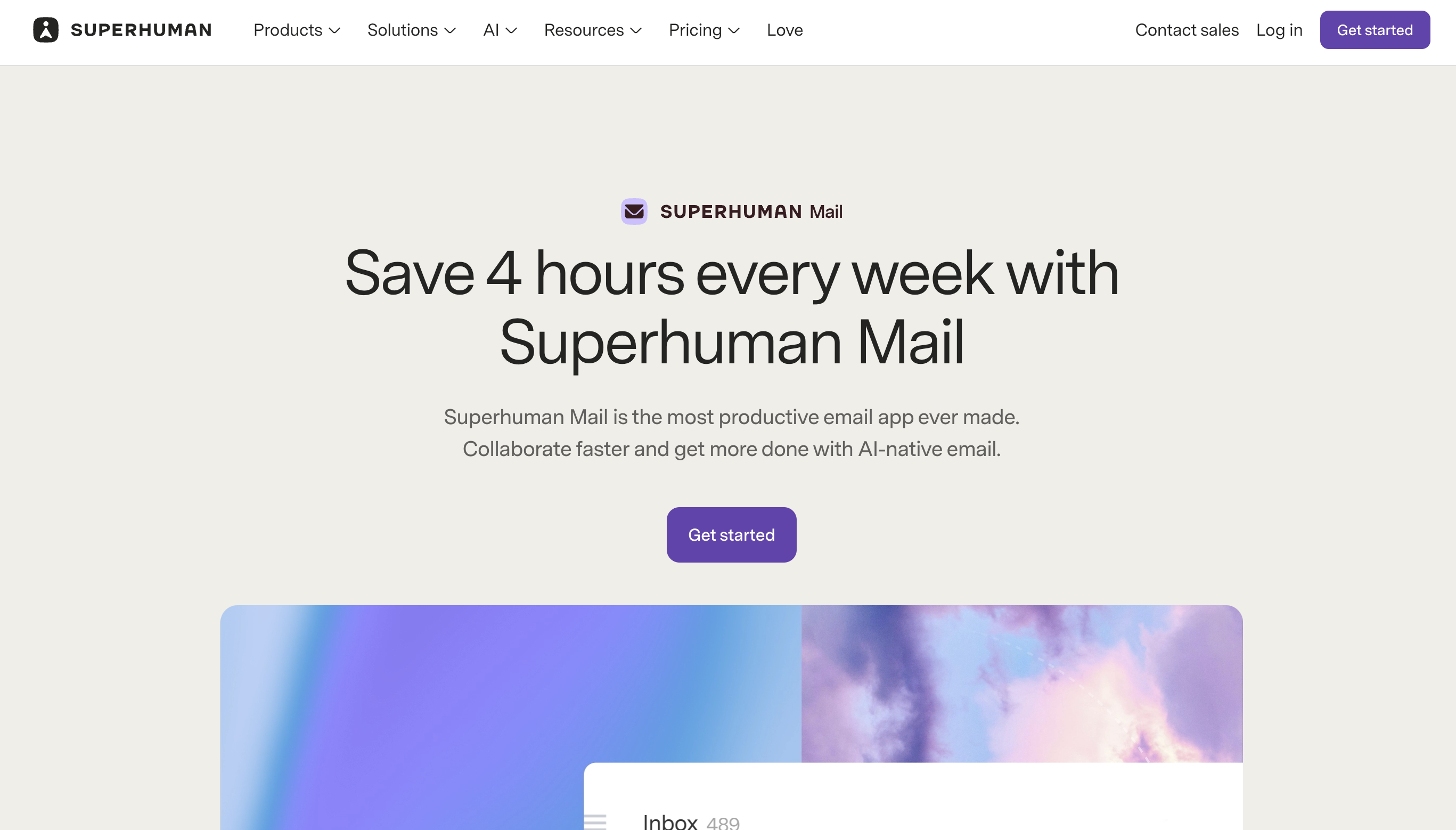
- Upgrade your team's email workflow without switching providers. Superhuman Mail runs on your existing Gmail or Outlook accounts, so there is no migration and no change to your email infrastructure.
- Reach VIPs and key colleagues first, even in a crowded inbox. Split Inbox automatically separates messages from selected teammates, VIPs, and services like Google Docs, Notion, and Asana.
- Clear your reply backlog in a fraction of the time. The AI email assistant organizes incoming mail, drafts complete responses, sends with your approval, and runs multistep email workflows.
- Drop the follow-up spreadsheet for good. Reminders attached to sent emails resurface when recipients have not replied by your deadline, and read statuses show when and on which device a message was opened.
- Resolve live customer, sales, and recruiting threads without forwarding chains, screenshots, or extra meetings. Share a live view of any email and collect comments, including from teammates who do not use Superhuman.
- Stop sending duplicate or contradictory replies to the same contact. Presence indicators show when a teammate is already composing a response.
- Keep every team message on-brand and current. Shared Snippets insert approved phrases, paragraphs, or full email templates, complete with attachments, CC recipients, and BCC destinations.
- Land messages at the right moment and return to threads only when they matter. Send Later schedules outgoing email, and snoozing clears messages until you are ready to act.
- Process high email volume without touching the mouse. Keyboard shortcuts and Instant Reply move you through triage and responses in seconds.
- Walk into every conversation knowing who you are writing to. Social context surfaces background on senders directly beside the message.
- Cut recurring inbox clutter at the source. Built-in unsubscribe controls remove unwanted mailing lists in one step.
- Send polished emails without proofreading every line. Autocorrect fixes typos, punctuation, capitalization, and transposed letters as you write.
Alternatives to Superhuman Mail
Tools that share the most tags with Superhuman Mail.
- Stamp
Respond to emails instantly with personalized replies that match your unique writing style using AI-generated responses
Not listed
Not listed
Not yet checked
- HeyHelp
Reclaim hours each week with automated email sorting and prioritization that highlights what matters most
Freemium · from $18/month
$18/month
Not yet checked
- Whimsey: The AI Shared Inbox for Your Business
Transform thousands of feedback responses into clear strategic priorities with AI-powered categorization and summarization
Free trial · from $39/month
$39/month
Not yet checked
- Varolio
Automatically identify and prioritize your hottest leads with AI that scores prospects based on email content for effective follow-up
Paid · from $19/month
$19/month
Not yet checked
- Duet Mail
Save 4+ hours weekly with AI-powered email management that eliminates manual response drafting
Free trial · from $9.99/month
$9.99/month
Not yet checked
- Notion Mail
Automatically filter out cold emails and prioritize important communications with AI that learns which emails matter most to you
Freemium · from $10/month
$10/month
Not yet checked
Reviews
Rate this tool
Loading reviews...