Overview
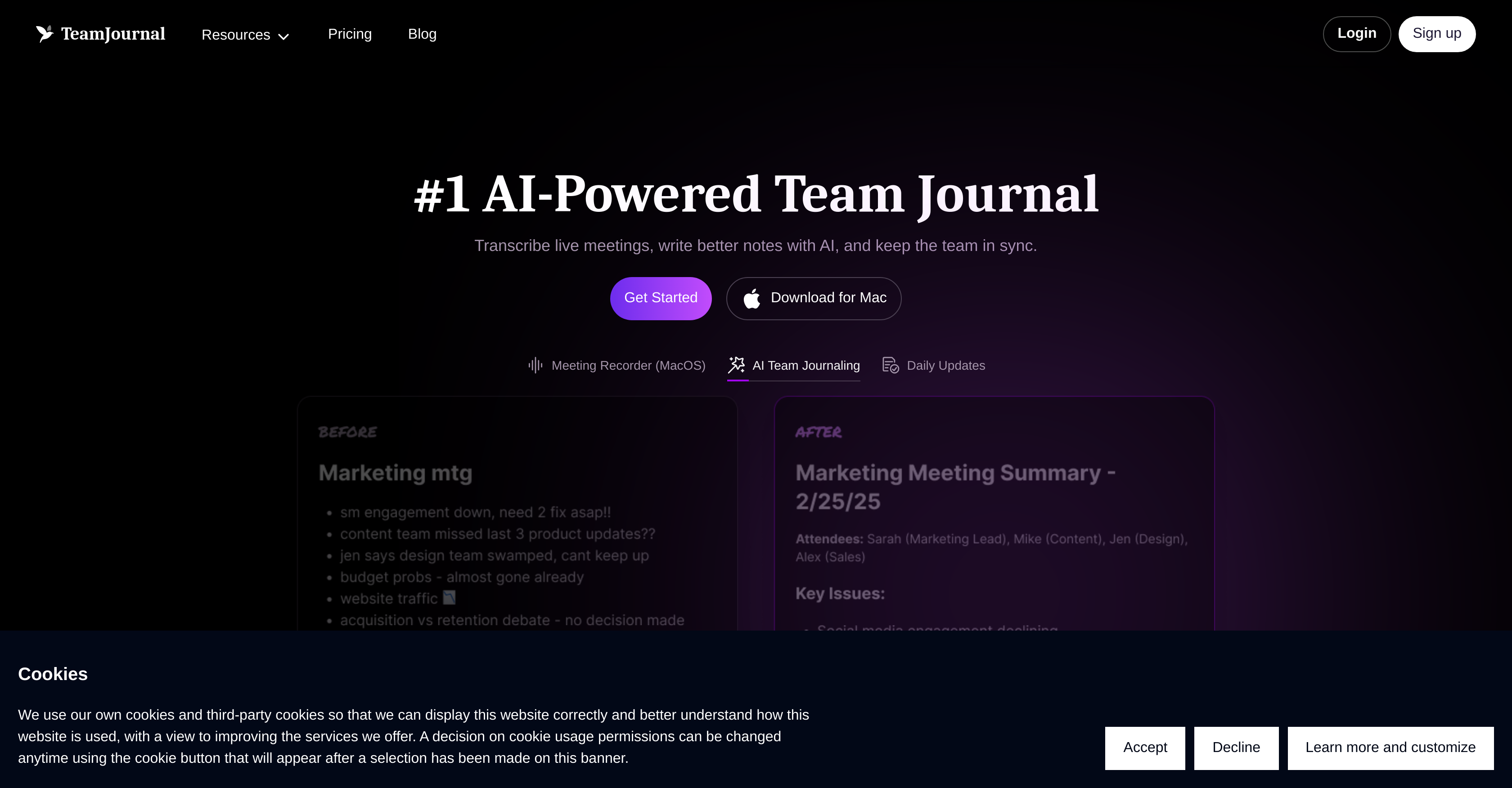
- Never lose meeting context again with automatic transcription that converts discussions into searchable text
- Turn discussions into immediate action with AI that suggests relevant tasks based on team updates
- Find critical information instantly using semantic search that understands meaning, not just keywords
- Maintain perfect team alignment through daily updates that keep everyone synchronized on priorities
- Create consistently effective meeting notes using customizable templates and AI-driven insights
- Work securely across platforms with encrypted data protection and Slack, Teams, and Jira integration
- Scale from small teams to enterprise with unlimited users and generous AI usage on premium plans
Pros & Cons
Pros
- Transcribes live meetings
- Daily updates feature
- Task management tool
- Suggestions based on user updates
- Structures team's knowledge
- Template usage for notes
- Auto transcription of meetings
- Integration with Slack, MS Teams, Jira
- High-level data security
- Summarization and insights capability
- MacOS app availability
- Mobile apps on Google Play, App Store
- Chat integration
- Actionable item generation
- Promotes remote collaboration
- Supports inline comments and reactions
- Offers note templates
- Flexible Pricing Plans
- Enhanced tasks management in Premium
- Unlimited meeting transcripts in premium
- MacOS meeting recorder
- Semantic search feature
- Unlimited users in Premium
- Team growth fostering
- App for intentional team growth
- Teams and Slack updates
- Customizable note templates
- Advanced summarization in premium
- High volume users support
- No per-user costs in premium
- New integrations based on feedback
- Encrypted data
- Regular security audits
- Enterprise plan option
- Dedicated support options
- Premium analytics
- Slack and Teams for daily updates
- Free plan includes multiple features
- Premium plan unlimited meeting transcripts
- Highly scalable pricing plans
- Supports growth of any team size
- Real-time transcription
Cons
- No Windows application
- No offline functionality
- Potential high usage limits
- Lacks custom integrations
- Language support not mentioned
- No on-premises version
- Unclear data retention policies
- Fair usage clause on transcripts
Reviews
Rate this tool
Loading reviews...
❓ Frequently Asked Questions
Team Journal is an artificial intelligence enabled platform designed to enhance team awareness and alignment. It provides a set of tools and features centered around boosting team productivity and collaboration, such as transcribing live meetings, crafting improved meeting notes with AI, keeping colleagues in sync, and much more.
Team Journal enhances team collaboration by offering features like daily updates for enhanced team communication, a task management tool that suggests tasks based on user updates, a channel structure to organize team knowledge efficiently. It also includes an AI assistant that performs tasks as directed by the users. This fosters efficient discussions and note-taking through template usage.
Yes, Team Journal has the ability to transcribe live meetings. It converts spoken words into searchable text, enabling users to locate important information efficiently.
The Notes Improvement feature in Team Journal leverages AI to enhance the quality of meeting notes. It provides AI-driven insights and suggests actionable items which contribute to more accurate, comprehensive, and valuable meeting notes for subsequent reference or action.
The task management feature in Team Journal uses artificial intelligence to suggest tasks based on updates from users. The tool also aids in the organization of a team's knowledge in designated channels, thereby facilitating efficient discussion and improved productivity.
The unique aspect of Team Journal's Smart Search is its AI-powered ability to quickly and efficiently find the right information. It uses semantic searching techniques to identify and retrieve the most relevant data, reducing the amount of time users spend finding the information they need.
Yes, Team Journal can integrate with Slack, Microsoft Teams, and Jira. This means users can conveniently bring Team Journal's functionality into the work environments they already utilize on a daily basis.
Team Journal provides high-level data security. All data is encrypted both in transit and at rest. Team Journal also adheres to industry-standard security practices and conducts regular security audits to ensure your team's data is protected.
Yes, Team Journal has a mobile application which is available on the Google Play Store and Apple App Store. There is also a MacOS app for use on Apple computers.
Team Journal offers several AI features that include advanced note-taking assistance, AI-driven insights and summaries, and task suggestions based on user updates. They also provide an AI-assistant to perform various tasks as directed by users and an AI-powered search function to quickly find information.
Yes, Team Journal provides note templates which users can start with and customize to their needs. The system assists users in enhancing their meeting notes through these templates, fostering efficient note-taking and ensuring that important points are not missed during meetings.
Team Journal aids team alignment by providing features like daily updates and AI-enhanced tasks management. These tools ensure that everyone in the team is updated and aligned on the tasks at hand while promoting a culture of mindfulness and intentional growth.
Team Journal's AI improves summarization by analyzing the team's notes and automatically extracting the most important points, producing a concise and meaningful summary. In terms of insight generation, it analyses data, identifies patterns, and provides actionable insights that could help in decision making and process optimization.
The Premium plan of Team Journal is capable of accommodating an unlimited number of users. This makes it a flexible solution for teams of any size, from startups to large enterprises.
AI-powered team journaling in Team Journal entails the use of AI to automate tasks such as meeting transcription, notes improvement, task suggestions, and team updates. The AI creates searchable text transcripts from meetings, improves meeting notes with actionable insights, and suggests tasks based on previous updates.
Yes, Team Journal does provide transcriptions of meetings. The platform automatically transcribes audio from meetings into text, making it a searchable resource that users can tap into when needed.
In Team Journal, the Tasks Suggestion feature uses AI to suggest tasks. This works by the AI analyzing user updates and, based on those, offering potential tasks. This feature assists users in keeping track of potential actions and responsibilities that have arisen during discussions.
The limitations on AI usage in Team Journal depend on the type of plan chosen. The free plan offers limited AI usage, while the Premium plan offers a generous amount of AI usage, including more advanced summarization, insights generation, and increased monthly usage limits for all AI-powered features.
Team Journal employs AI to assist in crafting and improving meeting notes. It hoists the quality of meeting notes through AI insights and by suggesting actionable items. This includes an automatic transcription service that transforms discussions into text, creating a searchable database for future reference.
Team Journal nurtures team growth and encourages remote collaboration by giving teams the tools needed to remain aligned and in sync. These include AI-enhanced tasks management, efficient note-taking using templates, intelligent search feature, insightful daily updates to all team members, and easier collaboration through integrations with popular tools like Slack, Microsoft Teams, and Jira.
Pricing
Pricing model
Freemium
Paid options from
$11.20/month
Billing frequency
Monthly